[Resolved] Disable certain taxonomies for translating
This thread is resolved. Here is a description of the problem and solution.
Problem: You want to disable certain taxonomies for translating. Solution: We recommend you navigate to WPML -> Settings -> Taxonomy translation. Here, you can adjust the configuration of the desired taxonomies and then save the changes.
Please note that this solution might be irrelevant if it's outdated or not applicable to your case. We highly recommend checking related known issues at https://wpml.org/known-issues/, verifying the version of the permanent fix, and confirming that you have installed the latest versions of themes and plugins. If the issue persists, please open a new support ticket at WPML support forum for further assistance.
This is the technical support forum for WPML - the multilingual WordPress plugin.
Everyone can read, but only WPML clients can post here. WPML team is replying on the forum 6 days per week, 22 hours per day.
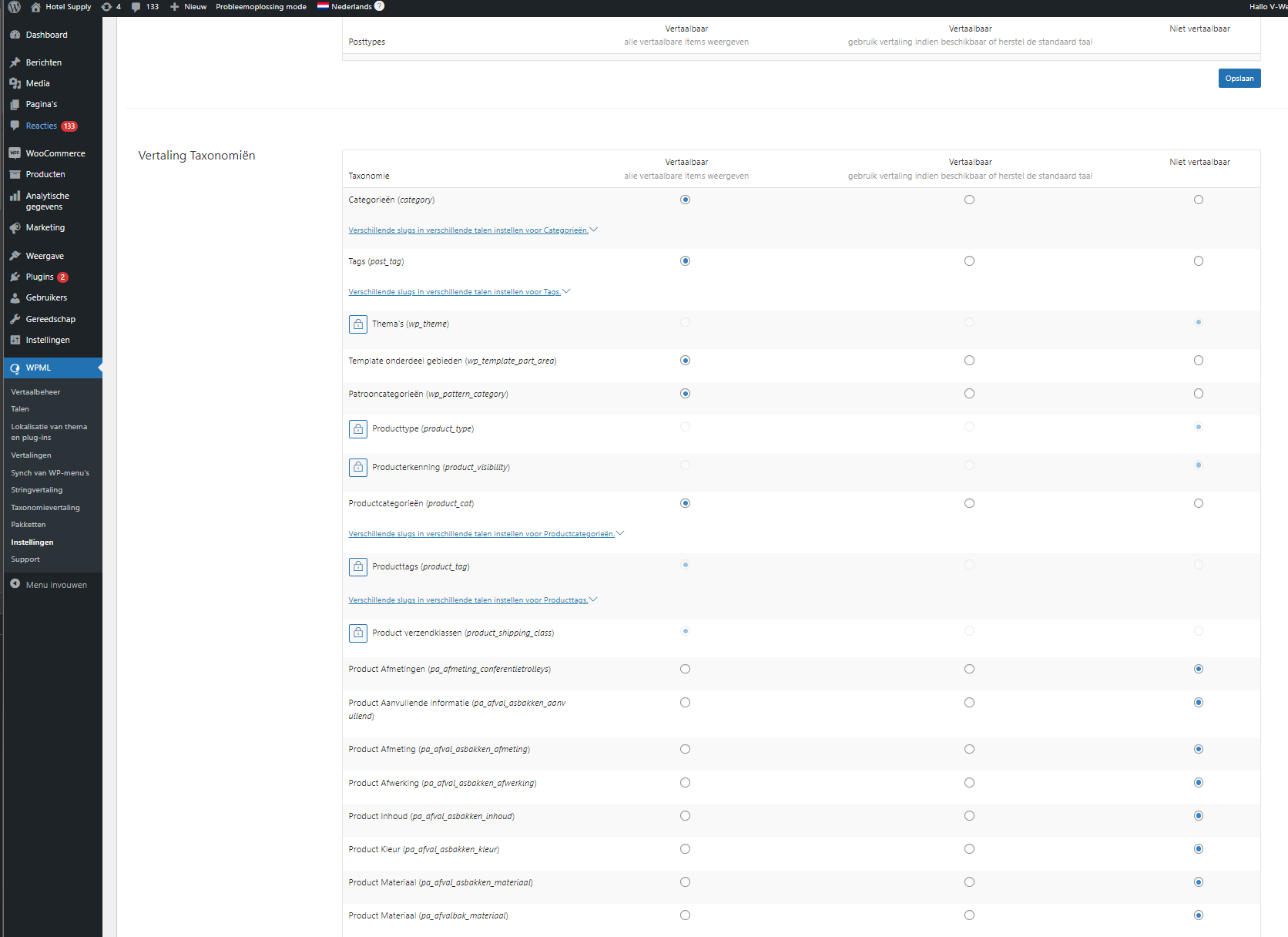
To decide which taxonomies can be translated and which won't, you must go to WPML -> Settings -> Taxonomy translation -> Adjust the configuration of the desired taxonomies -> Save the changes.
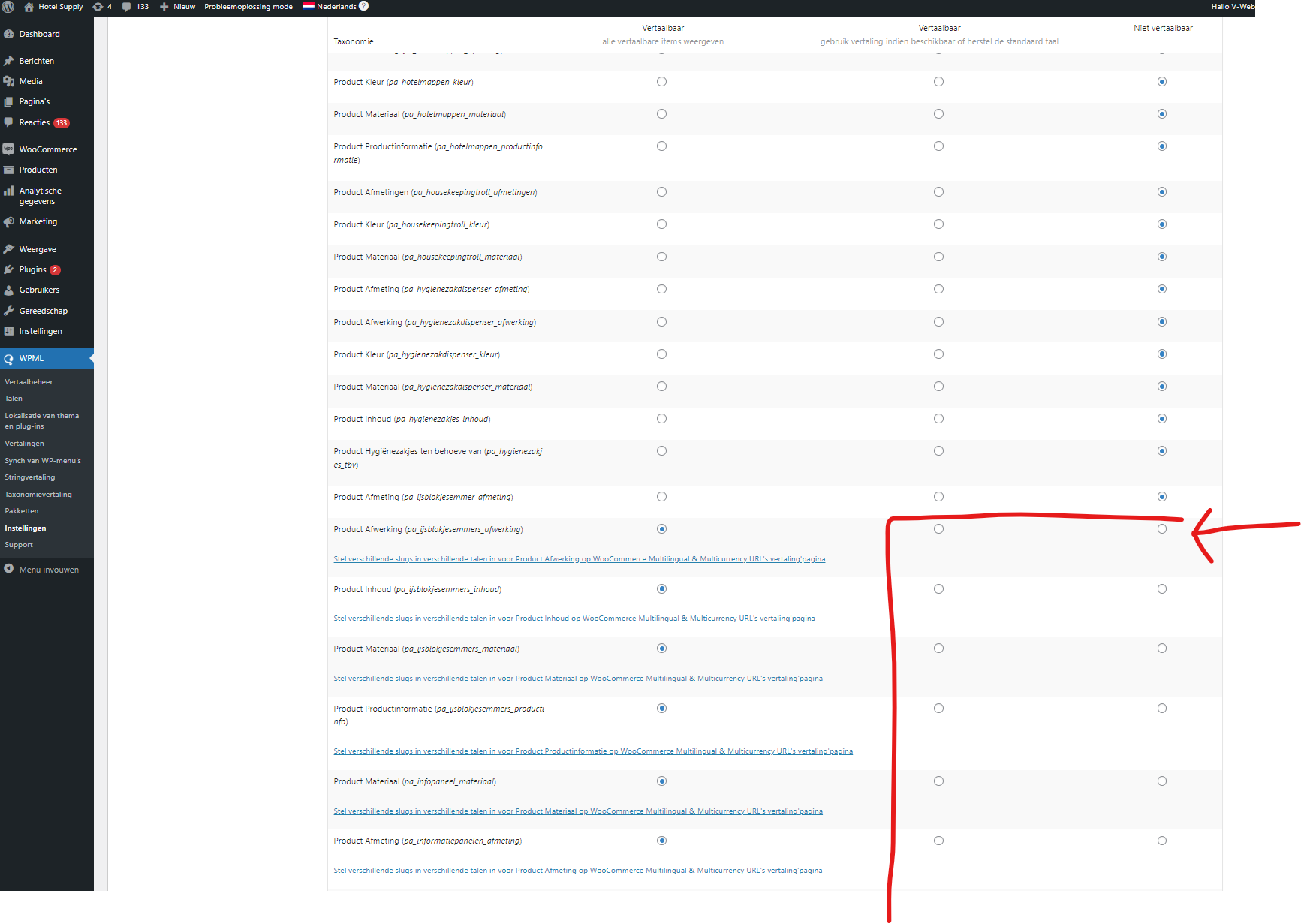
I changed the taxonomies to 'Niet vertaalbaar' which is non translateable. See the image attached (1)
Then all one by one (like 400 taxonomies) I toggled them to non translateable and when I saved them, it saved all the changes until here. See image attached (2)
All of them didn't toggle to non translateable except for 1 (see image attached 3)
I recommend you try again, however, it is not recommended to set all taxonomies to non-translatable, especially the Woocommerce taxonomies, because this can affect the behavior of the site and cause issues.
I tried it even 20 times. I have to set them all to non translatable because I am running tests. There are too many queries running and I want to see if this lowers the queries.