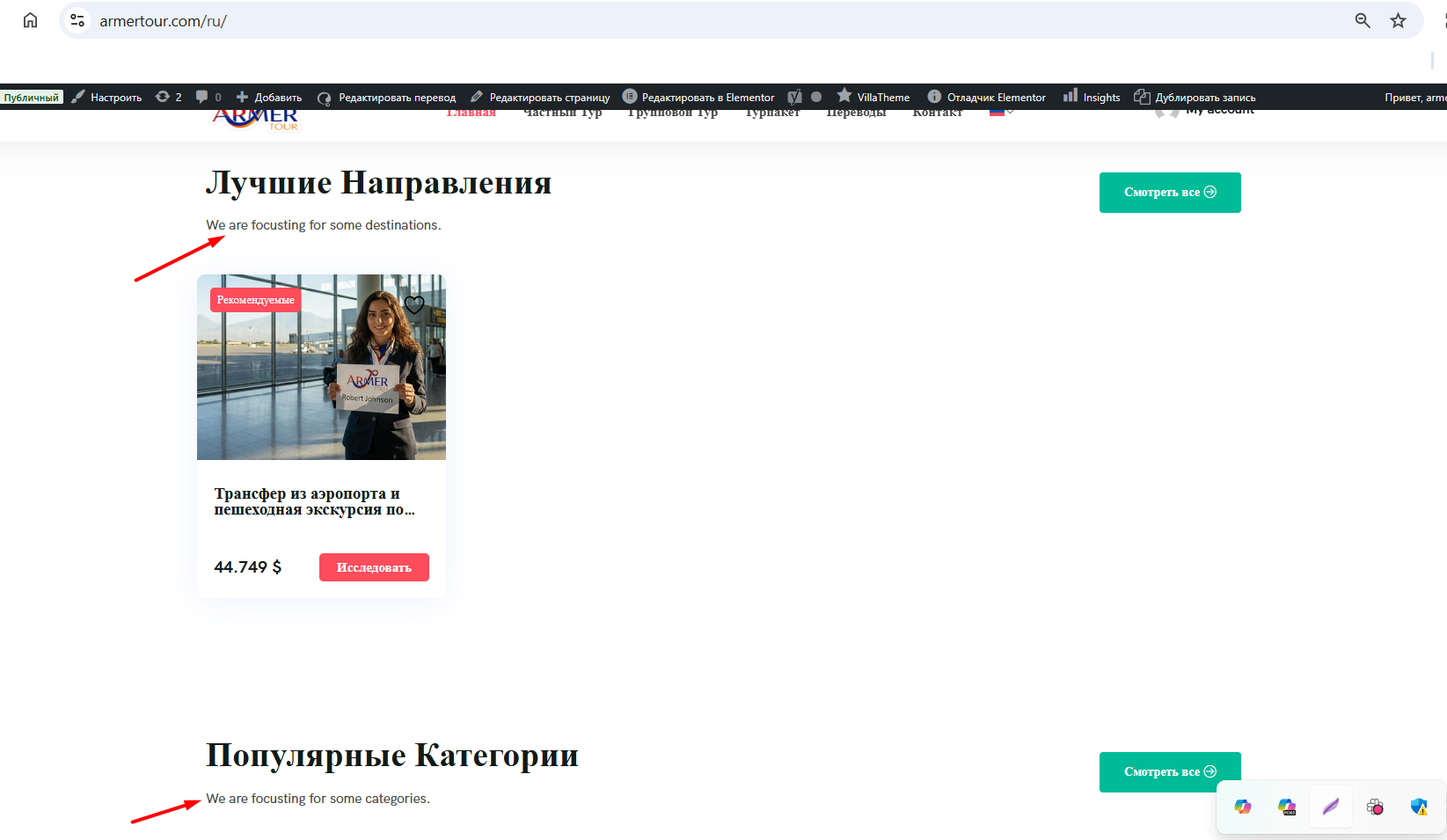
This thread is resolved. Here is a description of the problem and solution.
Problem:
You are using the Tripgo WordPress theme with WPML and are unable to translate certain texts and strings within the theme as they do not appear in the String Translation tool.
Solution:
We discovered that the theme includes custom Elementor elements that are not registered, which is why WPML does not recognize them for translation. To resolve this, you need to register these custom Elementor widgets for translation. Follow the steps below:
1. Refer to our documentation on registering custom Elementor widgets for translation: https://wpml.org/documentation/support/multilingual-tools/registering-custom-elementor-widgets-for-translation/
2. Add the following XML configuration in WPML > Settings > Custom XML configuration:
<wpml-config><elementor-widgets><widget name="tripgo_elementor_heading"><fields><field>sub_title</field><field>title</field></fields></widget></elementor-widgets></wpml-config>
3. Make a minor update to the original page, then edit the translation. The strings should now be available for translation and appear correctly on the front end.
If this solution does not resolve your issue or seems outdated, we recommend checking related known issues at https://wpml.org/known-issues/, verifying the version of the permanent fix, and confirming that you have installed the latest versions of themes and plugins. If problems persist, please open a new support ticket at WPML support forum.
This is the technical support forum for WPML - the multilingual WordPress plugin.
Everyone can read, but only WPML clients can post here. WPML team is replying on the forum 6 days per week, 22 hours per day.
This topic contains 20 replies, has 0 voices.
Last updated by 3 months, 1 week ago.
Assisted by: Otto.