[Resolved] It doesn't translate from old editor to new editor.
This thread is resolved. Here is a description of the problem and solution.
Problem: If you're experiencing issues with pages disappearing and resulting in a 404 error after saving translations in WPML, and translations not transferring from the old editor to the new editor, this might be due to insufficient server resources or incorrect ACF Field Groups settings. Solution: First, ensure that your server's PHP MEMORY LIMIT is at least 256M. You can request this change from your hosting provider. If increasing the memory limit does not resolve the issue, use the troubleshooting option at WPML > Support > Troubleshooting to potentially fix the problem. Additionally, for ACF Field Groups used on your pages, set them to "Same fields across languages" when using the Advanced Translation Editor. This setting should be adjusted in each field group under the top section while editing them in ACF. After setting this, make a small edit on the original page, save it, and then update the translations. For ACF Field Groups of the type "Options", set them to "Different fields across languages". More details on translating ACF Option Pages with WPML can be found here: Translating the ACF Options Page Custom Fields with WPML.
If these steps do not resolve your issue, or if the solution seems outdated or not applicable to your case, we highly recommend checking related known issues at https://wpml.org/known-issues/, verifying the version of the permanent fix, and confirming that you have installed the latest versions of themes and plugins. If the problem persists, please open a new support ticket.
This is the technical support forum for WPML - the multilingual WordPress plugin.
Everyone can read, but only WPML clients can post here. WPML team is replying on the forum 6 days per week, 22 hours per day.
Background of the issue:
I want to translate my pages with the new automatic translation feature in WPML, but it doesn't work. I click on save in a page, but then a few seconds later it disappears. If I visit the page itself, I get a 404 error. The issue can be seen on this page: hidden link.
Symptoms:
The translation doesn't transfer from the old editor to the new editor. After saving a page, it disappears, and visiting the page results in a 404 error.
Questions:
Why does the page disappear after saving?
Why do I get a 404 error when visiting the page?
Take note that it is expected that translations that were created inside the Classic Translation will not appear inside the Advanced Translation Editor.
This is expected, as both editors work in different way.
Further, even though you are using 256 MB of WP MEMORY LIMIT it looks like the PHP MEMORY LIMIT on the server is only set to 128 MB and this might not be enough to run WPML on the site.
Please consult your hosting support and ask them to change the PHP MEMORY LIMIT on your server to at least 256M.
Then try to translate again.
If this does not solve the issue, please let me know.
Hallo, I changed it to 256, but unfortunately this doesn't solve the issue.
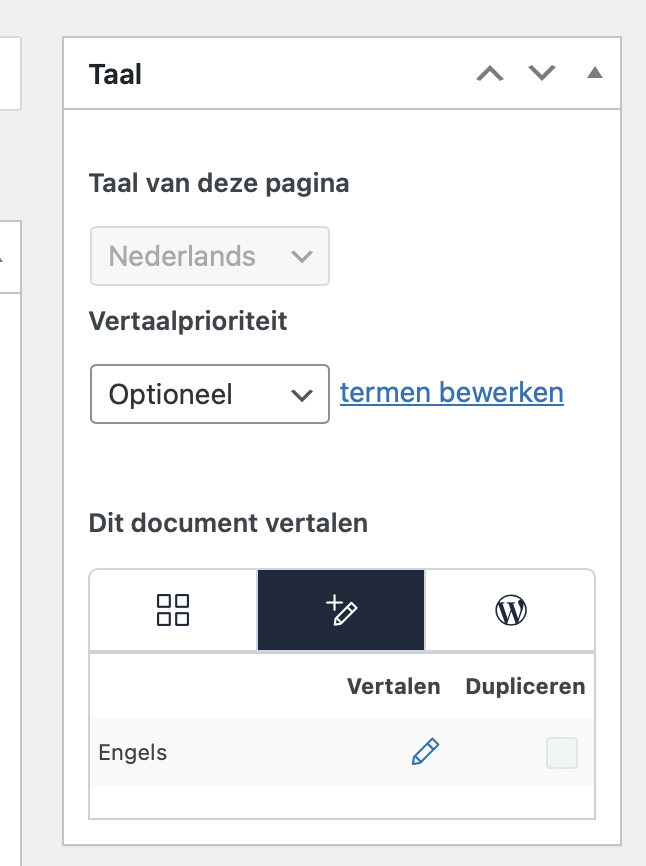
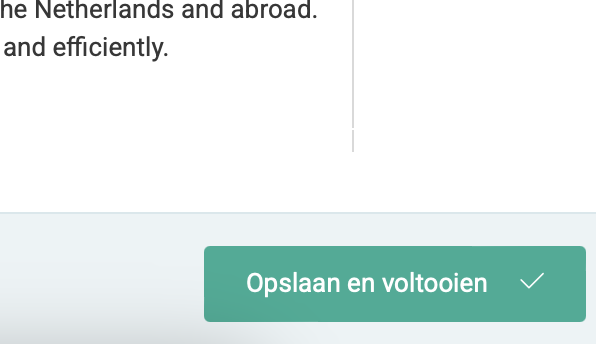
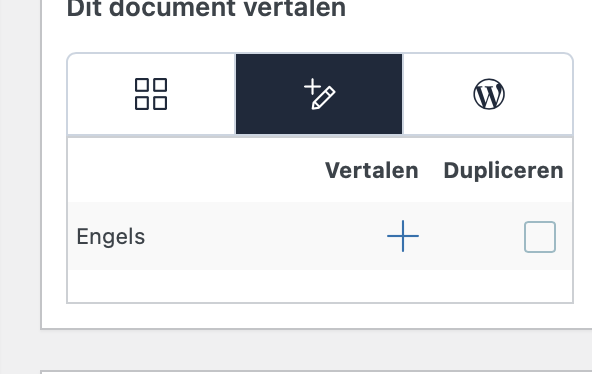
As you can see in my screenshots; 1. I click on the plus icon, 2. I complete the translation, 3. It should the pencil icon, 4. I refresh and the pencil icon is gone, and I have no translation.
I'd like to request temporary access (wp-admin and FTP) to the website to investigate the issue further.
You'll find the necessary fields below the comment section if you log in to leave the next reply. The information you provide will be private, meaning only you and I will be able to see and access it.
IMPORTANT
Please be sure to create a backup of the website and database before granting us access.
If you don't see the "wp-admin / FTP" fields, your login credentials for the post and website will be set to "PUBLIC." Do NOT publish the information unless you see the required wp-admin / FTP fields.
The private reply form looks like this:
hidden link
When replying again, click "I still need assistance".
Video:
hidden link
Please note that we are required to request this information individually on each ticket. We are not permitted to access any login information not specifically provided in the private reply form for this ticket.
Note that I also synced the menu and media items for you already.
There still appears to be an issue with the configuration of your ACF Field Groups, which is why, for example, banner images are not appearing on translated pages.
I suggest you set all ACF Field Groups that are used on your pages to "Same fields across languages" which is the recommended setting when translating the fields with the Advanced Translation Editor.
Hi Andreas, Thanks for your response. I used 'same fields across languages' and updated the pages. However, I still have the same issues. Is it possible that you take a look in my website if I set up everything correctly?
When it comes to ACF Field Groups of the type "Options", it is recommended to set them to "Different fields across languages", as you can only translate those fields on each options page, while switching the language inside the top admin bar.