This thread is resolved. Here is a description of the problem and solution.
Problem: The client is having issues with media translation on their website. They have translated a page using the advanced editor and uploaded images via media translation, but the images are not displaying in the translated version. Additionally, they are prompted to complete the Media Translation setup, but all media already have the pencil icon, indicating they are ready for translation.
Solution: 1. We identified that the flip box is rendered by the Impreza theme shortcode and the image ID is not registered for translation. 2. We provided a custom XML configuration code to register the 'front_bgimage' attribute for translation:
3. We instructed the client to add this code to the WPML > Settings > Custom XML Configuration tab. 4. After adding the code, the client should edit the page in the German language, click on Update, and then update the translation to display the images correctly in the frontend. 5. We also recommended that the client report this issue to the theme author and ask them to include the custom language configuration code in their theme.
If you're experiencing similar issues and this solution doesn't seem relevant, please open a new support ticket with us.
This is the technical support forum for WPML - the multilingual WordPress plugin.
Everyone can read, but only WPML clients can post here. WPML team is replying on the forum 6 days per week, 22 hours per day.
We are currently in the process of translating a website including media translation. However, this is not working.
We have the following problems and settings.
1. we have translated the Sustainability page with the advanced editor.
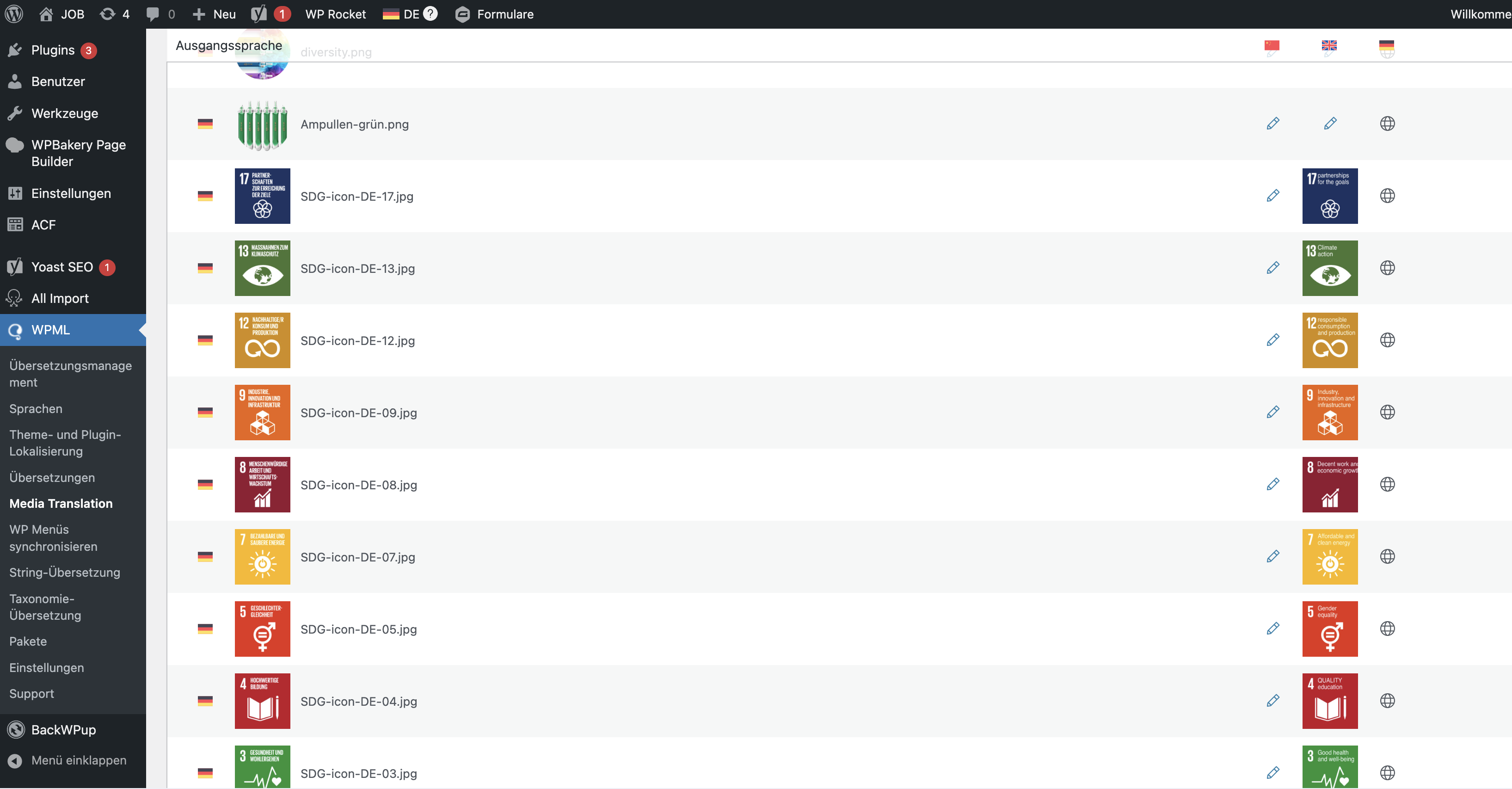
2. we have uploaded images via the media translation, which should be displayed translated in EN version (screenshot 2).
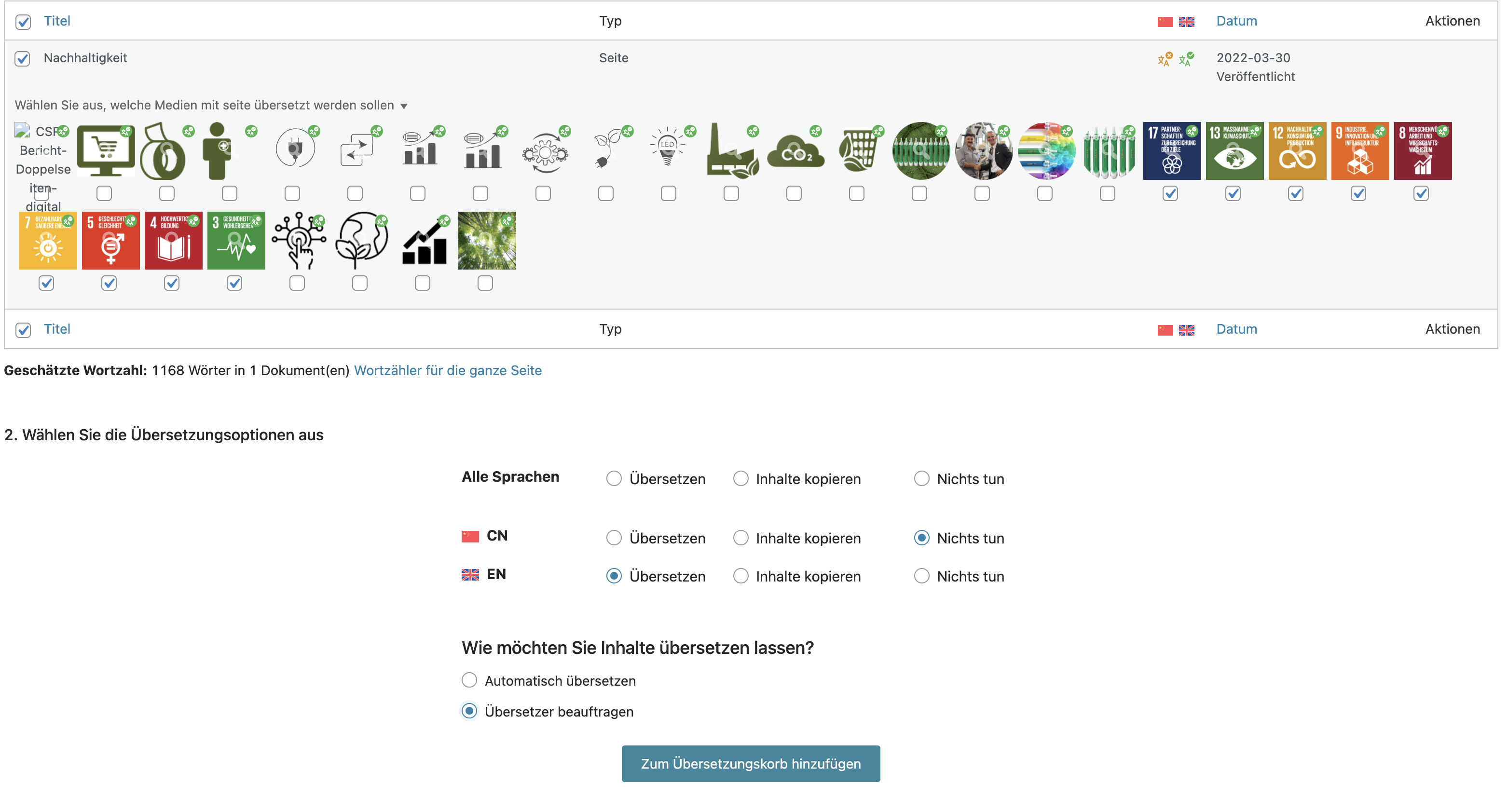
3. we have unfortunately selected the page "Sustainability" again via the Translation Manager in WPML and clicked on the corresponding images (Screenshot 3) and added them to the basket. The first free translator should take care of this.
4. We then receive a message that the submitted contribution contains median attachments for translation (Screenshot 4). We had already uploaded the translated media in step 2. They are still available when I click on the link.
5. we are still shown the message that we need to complete the Media Translation setup (Screeshot5). But when we click on the link, we don't know what to do because all media have the pencil icon.
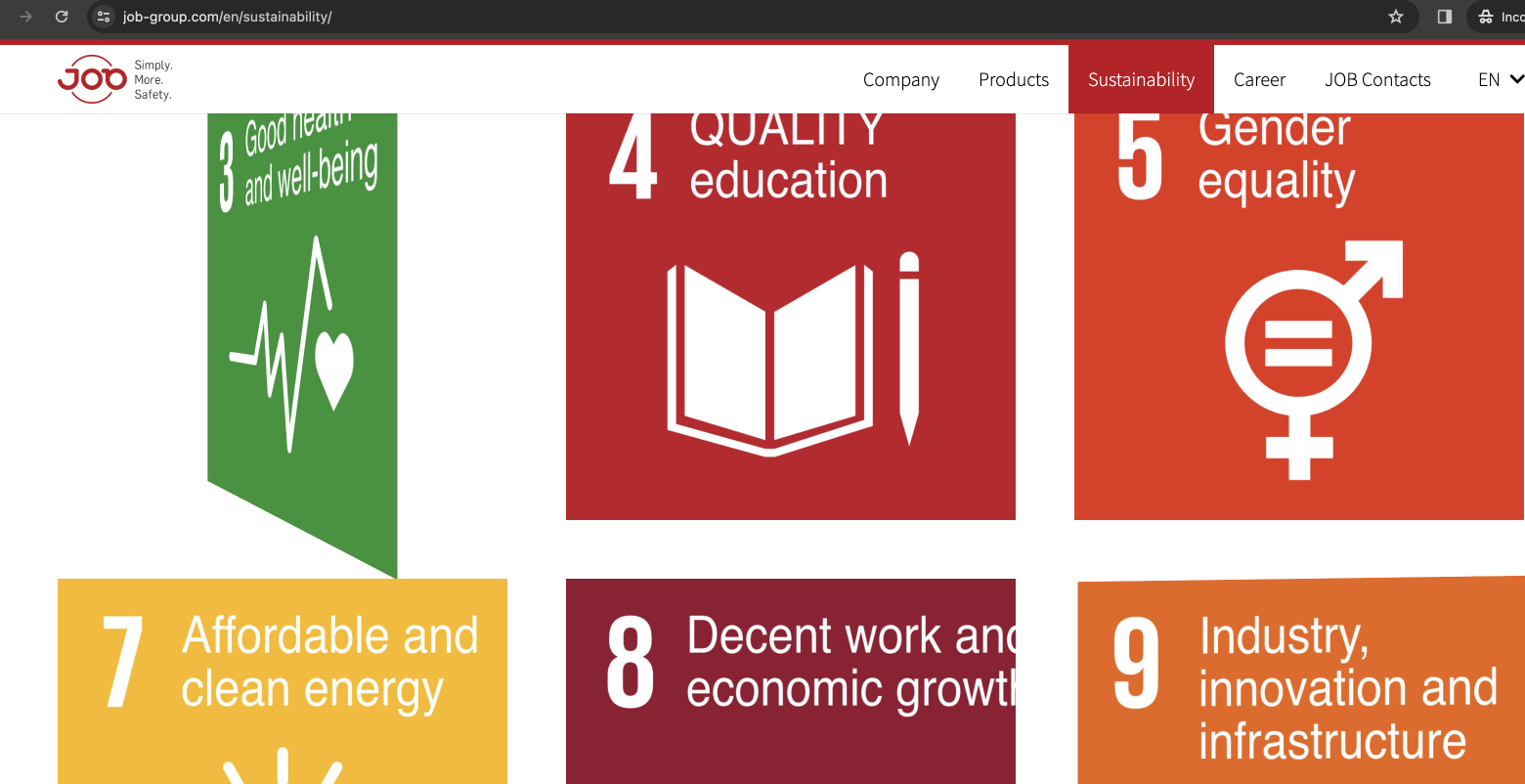
6. I can retranslate the page as often as I want, but the images are simply not displayed translated. The title is translated via the editor, but the media file is not displayed hidden link
Hi,
we have increased the memory limit, but the images are still not displayed. Also, all the translated images were displayed in the media translation. So I assume that they have been saved. The output is just not working.
Languages: English (English )Vietnamese (Vietnamese )
Timezone: Asia/Ho_Chi_Minh (GMT+07:00)
Hi Thorsten,
Thank you for contacting WPML support, I'd be happy to help you with this issue.
I would like to request temporary access (wp-admin and FTP) to your site to take a better look at the issue. It would be better to have a testing site where the issue is replicated. Your next reply is set to private to share the info.
❌ IMPORTANT: Please backup your database and website before proceeding ❌
You can use this plugin to create the backup: https://wordpress.org/plugins/duplicator/
✙ I would need your permission to de-activate and re-activate Plugins and the Theme to change configurations on the site if needed. This is also a reason the backup is critical.
Thank you very much, I would like to come back to the offer, but we are not allowed to do this until next week, as our client is currently presenting the website and we are therefore not allowed to cause a break. Is this possible in the coming week?
Unfortunately we can't provide a test version, so it will have to happen on the live site.
Languages: English (English )Vietnamese (Vietnamese )
Timezone: Asia/Ho_Chi_Minh (GMT+07:00)
Yes, sure. This ticket will be opened in two weeks. If you need more time to reply, feel free to open a new ticket, we are here to help you fix the issue.
Languages: English (English )Vietnamese (Vietnamese )
Timezone: Asia/Ho_Chi_Minh (GMT+07:00)
Hi,
I got the issue, the flip box is rendered by the theme Impreza shortcode:
[us_flipbox front_title="" front_bgimage="1117" back_title="" back_desc="Als Familienunternehmen planen und handeln wir mit unternehmerischer Weitsicht." back_textcolor="_alt_content_text" css="%7B%22default%22%3A%7B%22font-size%22%3A%221rem%22%2C%22line-height%22%3A%221.3rem%22%2C%22min-height%22%3A%22350px%22%7D%2C%22laptops%22%3A%7B%22min-height%22%3A%22350px%22%7D%2C%22tablets%22%3A%7B%22max-width%22%3A%22350px%22%2C%22min-height%22%3A%22350px%22%7D%2C%22mobiles%22%3A%7B%22max-width%22%3A%22350px%22%2C%22min-height%22%3A%22350px%22%7D%7D"]
you can see the image ID in the attribute "front_bgimage". Other attributes are registered for translation but this attribute. I follow the documentation below to create a custom XML configuration code to register this attribute for translation.
Then edit the page in the German language > Click on Update > Update the translation and the translation images are displayed as well in the frontend.
If it works on your end, please help us report this issue to the theme author and ask them to add the custom language configuration code to register the shortcode attribute for translation.
Thank you very much for your support. I have already written to the theme developers and passed on the "problem" in the hope that this will also be taken into account in the next update.
I didn't really understand anything from the instructions myself, but I can see that the images are now displayed correctly.
Can you tell me again the exact path where I can now find the code you have added?