This thread is resolved. Here is a description of the problem and solution.
Problem: The client was experiencing issues with WPML on a new installation where the site immediately started loading 'EN' URLs without having English translations ready. Additionally, the site recognized the original Portuguese content as English, causing functionality issues when attempting to hide the 'EN' language. Solution: We recommended the following steps to resolve the issue: 1. Make a full backup of the site. 2. Navigate to WPML -> Languages -> Add / Remove languages, uncheck 'English' and save. 3. Go to WPML -> Support -> Troubleshooting and perform the following actions in order: - Clear the cache in WPML - Fix element_type collation - Fix WPML tables collation - Set language information - Reset languages 4. Check the option 'I am about to reset all translation and language data.' and click on 'Reset and deactivate WPML'. 5. Reinstall WPML, setting Portuguese as the main language and English as the secondary language.
After these steps, the issues were no longer reproducible, and the site functioned correctly with the correct language assignments.
If this solution does not resolve your issue or seems outdated, we recommend checking related known issues at https://wpml.org/known-issues/, verifying the version of the permanent fix, and confirming that you have installed the latest versions of themes and plugins. If problems persist, please open a new support ticket at WPML support forum.
This is the technical support forum for WPML - the multilingual WordPress plugin.
Everyone can read, but only WPML clients can post here. WPML team is replying on the forum 6 days per week, 22 hours per day.
I'm translating now in the production environment. The Home page is working just fine (hidden link) but other pages like "LNBio" (hidden link) are exhibiting an error -- see the attached file please. Any clues?
I was almost finishing the translation when I clicked to sync menus between languages and suddenly the main menu is gone for both English and Portuguese.
I really cannot understand what's going on.
Besides, the translation for the main page keep getting lost.
Languages: English (English )Portuguese (Brazil) (Português )
Timezone: America/Sao_Paulo (GMT-03:00)
Hello Erik,
I checked it and it looks like the main menu has been reestablished. The sync feature shouldn't cause these issues to the main language.
I'd just like to check how you were able to correct it, I'm avoiding replicating the issue in the live site to debug it from there so I don't affect your users.
With regard to the home page, the issue happens to a specific part of it? Or the whole page gets reverted to the original language after some time?
Is it random or are there specific steps I can take to force the issue to happen?
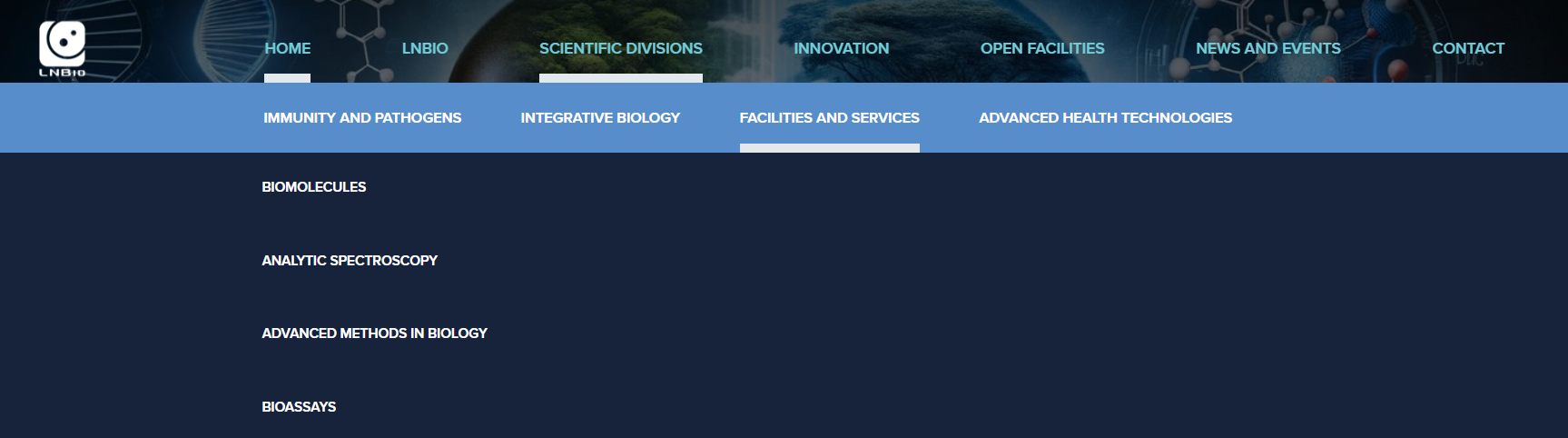
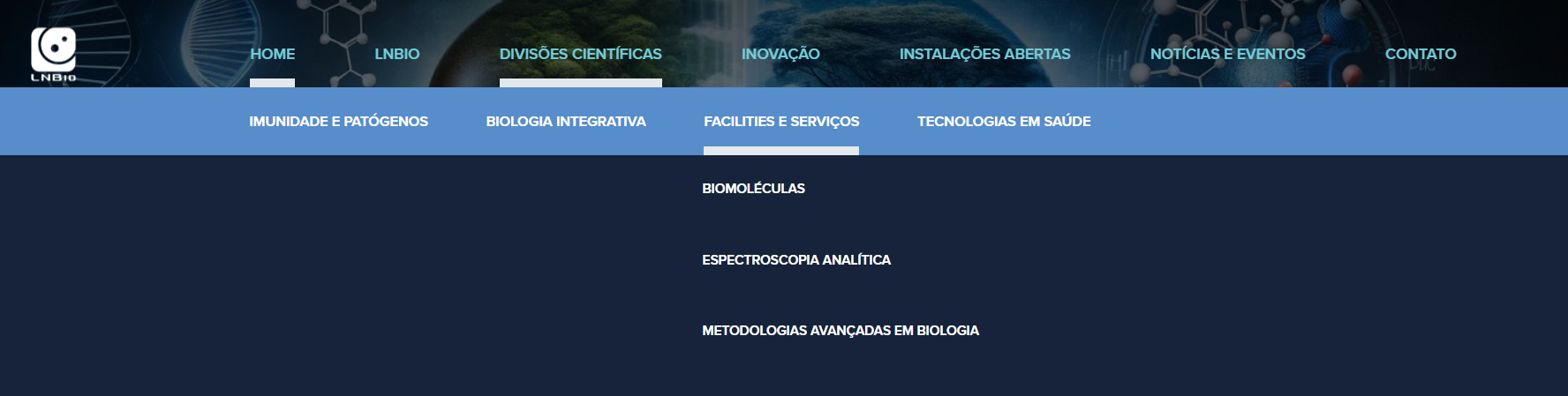
I'm unable to replicate both the issues: the page reverting to the original language, or the disappearing menu. But I'm now facing a different problem (as shown in the screenshots attached to this message).
It's subtle but annoying. Note that in Portuguese, the menus are correctly showing below the corresponding item (1), while in the English version (2, 3), they are all misaligned.
Languages: English (English )Portuguese (Brazil) (Português )
Timezone: America/Sao_Paulo (GMT-03:00)
Hello Erik,
I looked it but so far I couldn't find a solution.
Normally it gets resolved by going to WPML -> Settings -> Custom Field Translation and setting fields with css, style and layout in their name to 'Copy', so that styling can be passed over to the translated site.
Can you help me understand how did you create the header?
I looked for templates but I wasn't able to find it.
Did you use custom code, for example, if I wanted to change the alignment in the Portuguese version so that it is no longer centralized but placed to the right or to the left, how could I do it, what would be the steps? Just hypothetically, understanding how that's customized will allow me to figure out why it is not being applied to the secondary language.
Hi Mateus, I asked our dev to fix the menu problem in English. I think this ticket can be closed now, if I ever run into another problem I'll submit a new one.
Thank you for your assistance and patience!
Best
Erik