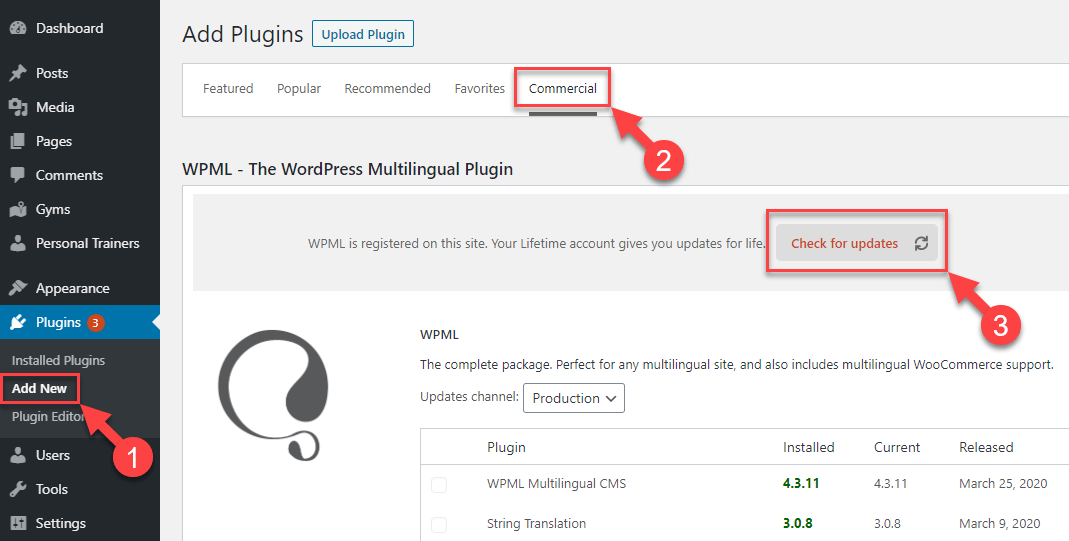
This thread is resolved. Here is a description of the problem and solution.
Problem: The client has assigned 50,000 credits for auto translation but only sees 460 credits, and the site is showing as inactive. Solution: If you're experiencing this issue, we recommend deleting the existing sitekey and creating a new one to register the site. Most of the time, creating a new sitekey from https://wpml.org/account/sites/ solves these types of issues.
If this solution does not resolve your issue or seems irrelevant due to being outdated or not applicable to your case, please open a new support ticket. We highly recommend checking related known issues at https://wpml.org/known-issues/, verifying the version of the permanent fix, and confirming that you have installed the latest versions of themes and plugins. For further assistance, you can also visit our support forum at WPML Support Forum.
This is the technical support forum for WPML - the multilingual WordPress plugin.
Everyone can read, but only WPML clients can post here. WPML team is replying on the forum 6 days per week, 22 hours per day.
I have already taken the following troubleshooting steps:
- Updated all plugins to the latest version
- Unregistered the site
- Re-registered the site using my existing site key
Thank you for contacting WPML support. I'd be happy to assist you on this issue.
Can you delete the existing sitekey and create a new sitekey to register the site and see if it helps, most of the time creating a new sitekey from here: https://wpml.org/account/sites/ solves this type of issues.
We've recently rolled out a new version of WPML plugins. Could you please update your plugins to the latest version? In the new version you can remove the alias from support->Troubleshooting page.
Our WPML updates are distributed gradually. If your websites haven't received this update yet, please be patient, and you should see it within a few days.
Please remember to create a backup before updating, as a precaution.
if the above doesn't help, To debug this issue further, I would need to check your site settings once, for this I would need temporary access (wp-admin and ftp) to your site.
So could you please provide me with those details, you will find the needed fields for this below the comment area when you log in to leave your next reply. hidden link