This thread is resolved. Here is a description of the problem and solution.
Problem:
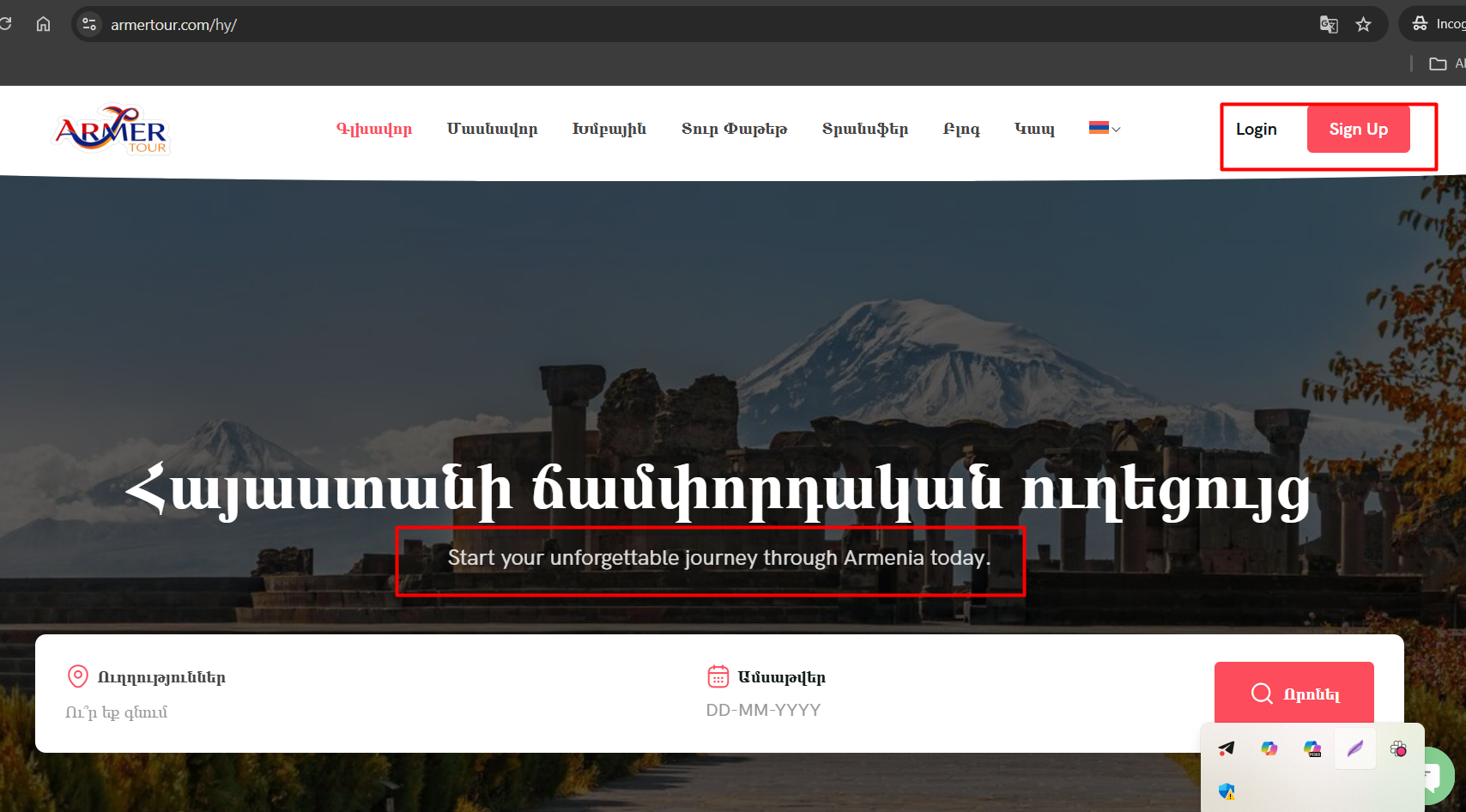
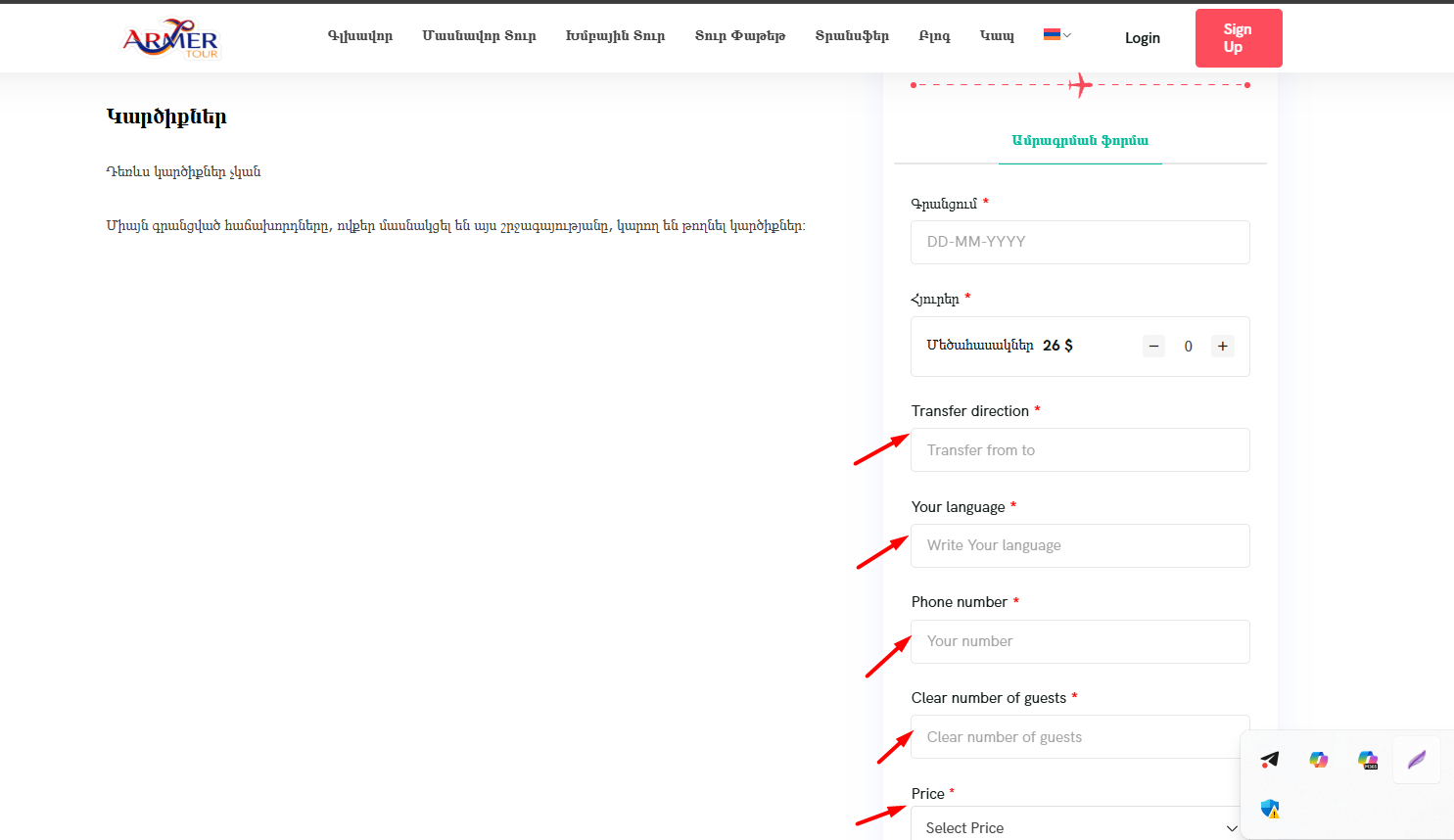
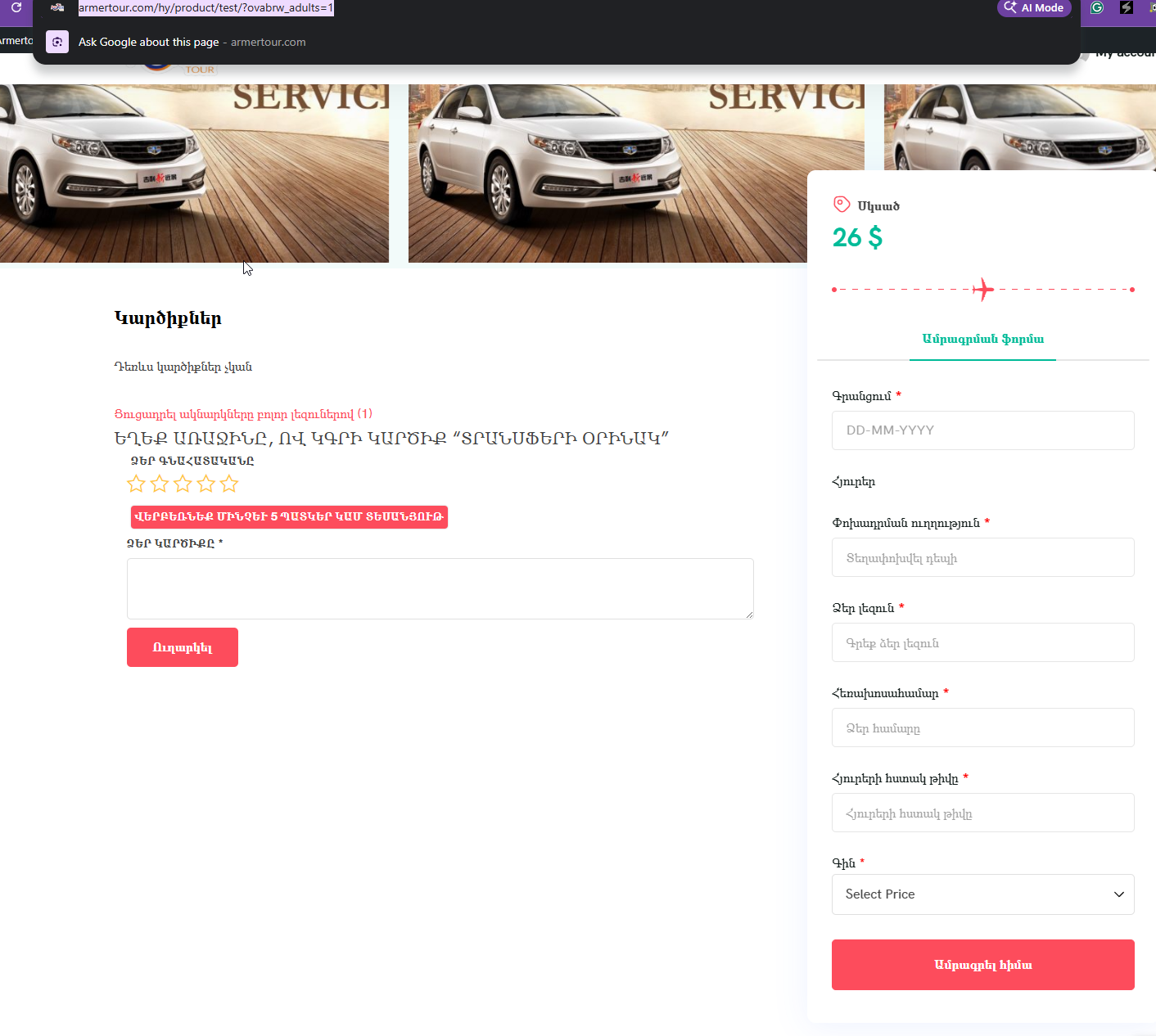
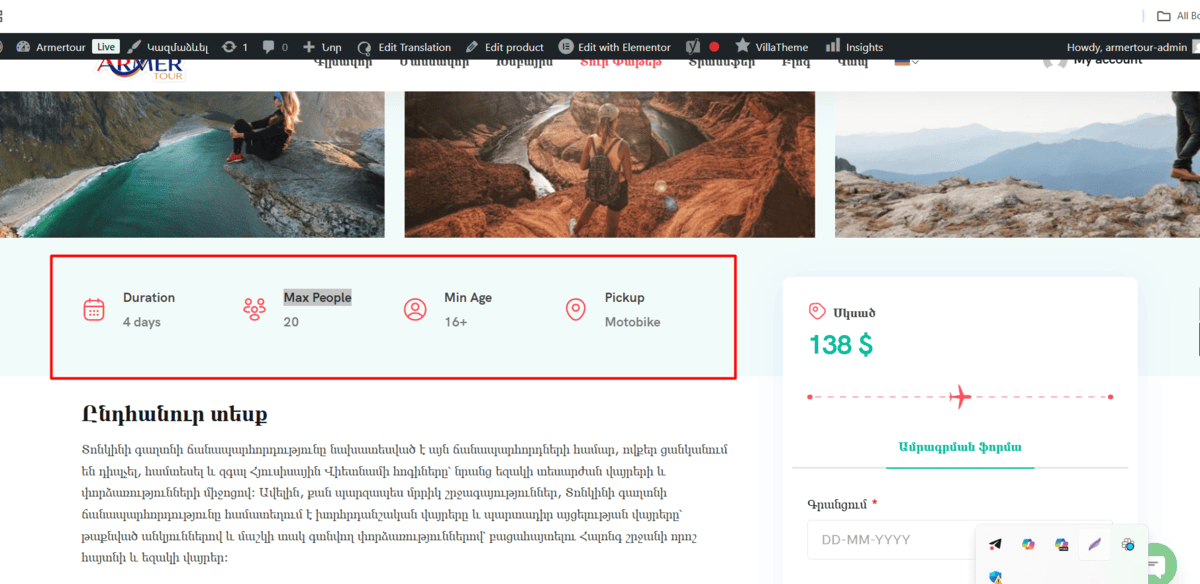
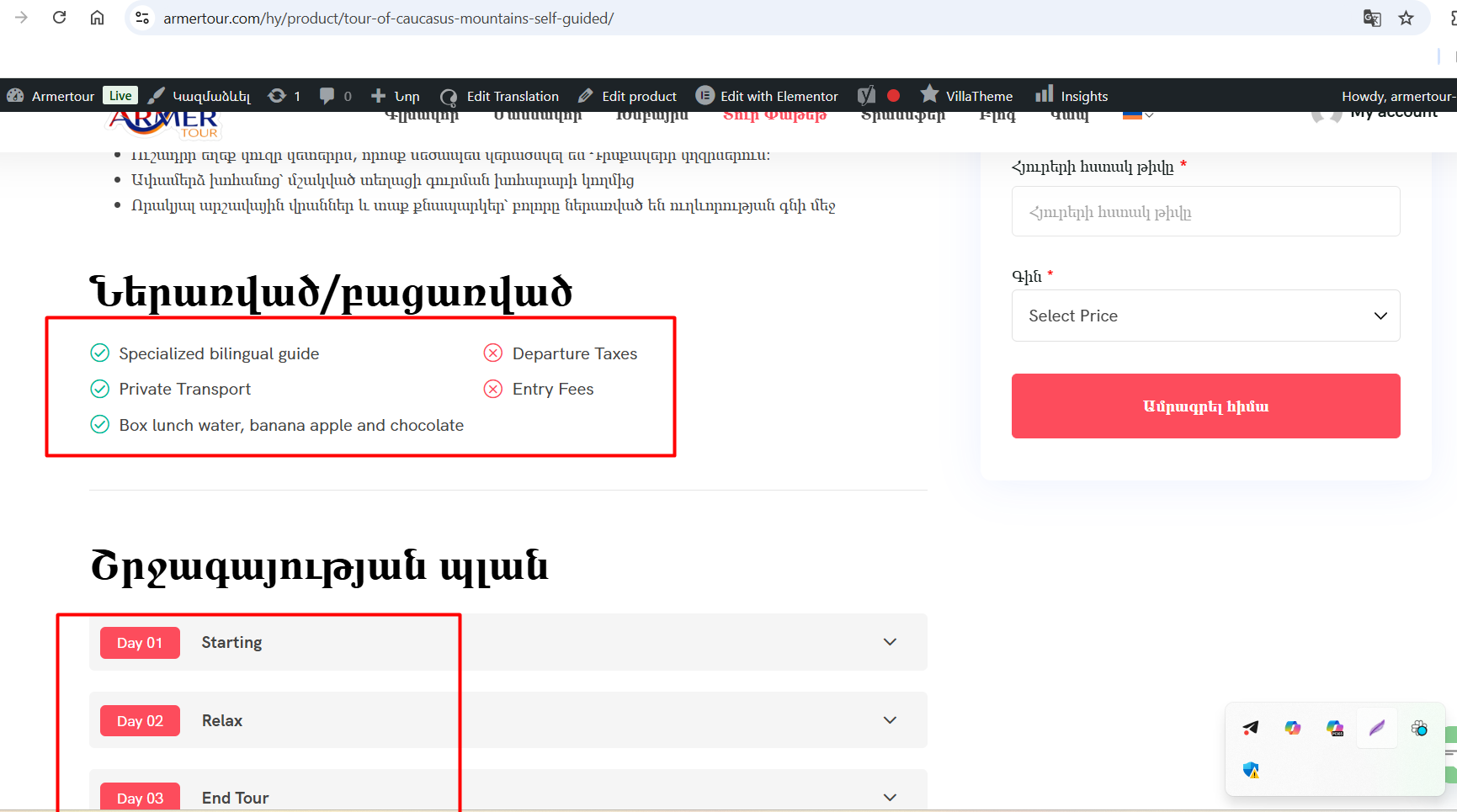
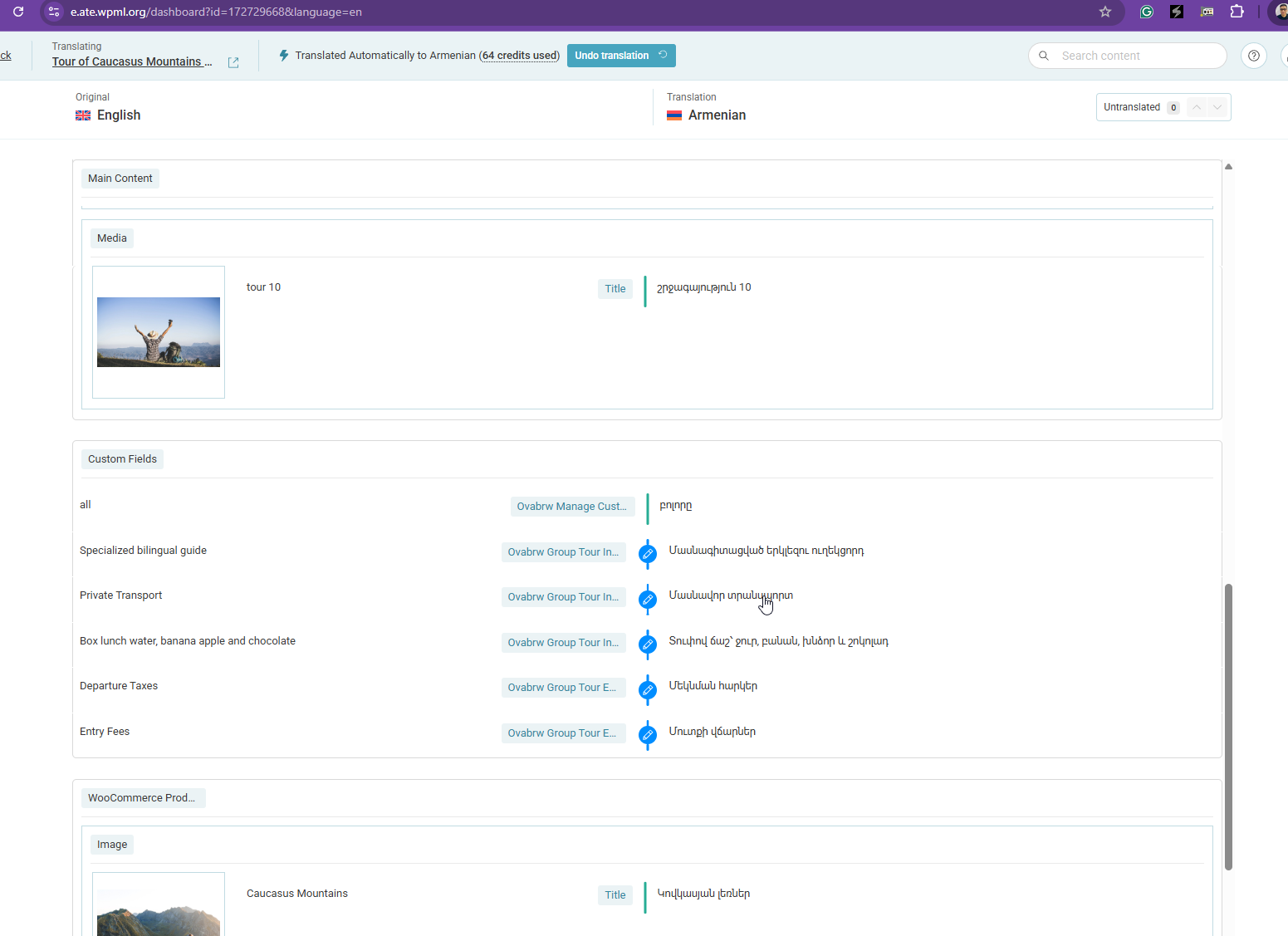
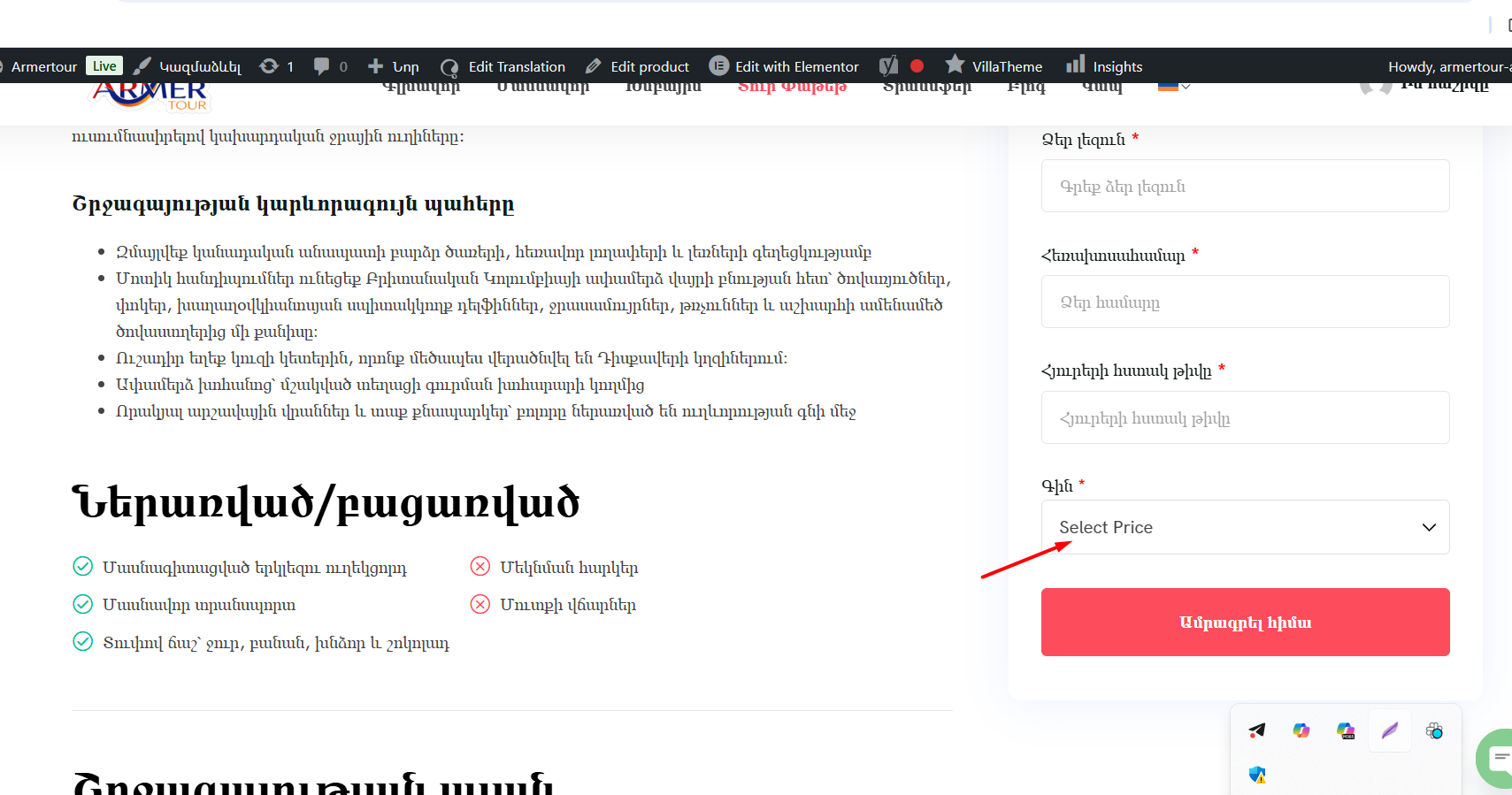
The client was unable to translate certain texts and strings on their website using WPML.
Solution:
We recommended several steps to make the strings translatable:
1. Enable auto-detection in WPML → String Translation and visit the front-end in a non-default language to help WPML detect and register the strings.
2. If strings are still missing, use WPML → String Translation → Utilities → Admin Texts Translation to find and select strings from theme or plugin options for translation.
3. If strings are not found in Admin Texts, scan the theme or plugin directly from WPML → Theme and plugin localization.
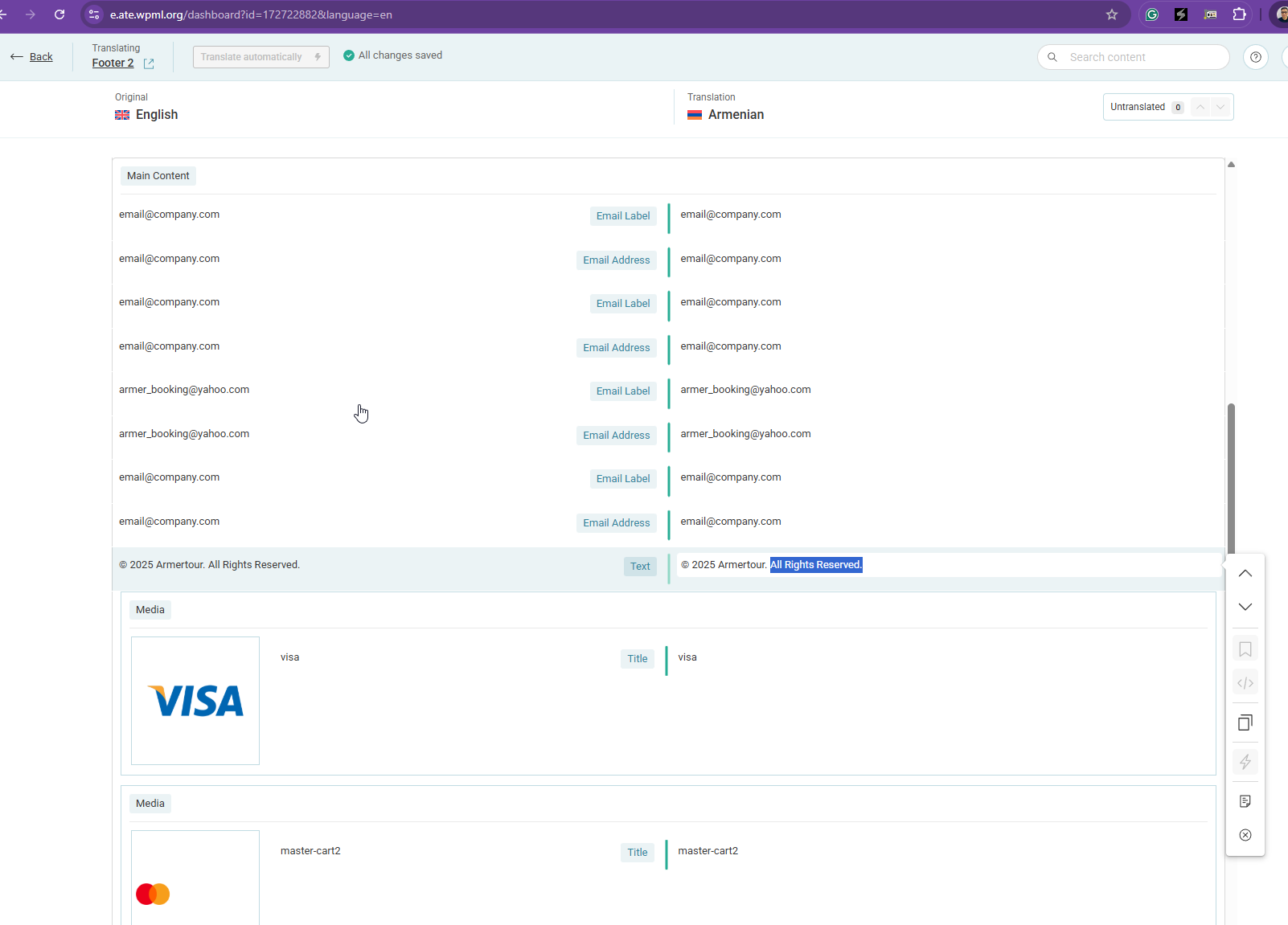
4. Check WPML → Translation Dashboard under Templates or Template Part sections for embedded strings in theme parts.
If these steps do not resolve the issue, it might be due to strings being hardcoded in theme/template files or using non-WPML-compatible functions. In such cases, a manual inspection of the texts and their page sources is necessary. We recommend not repeating previously confirmed ineffective steps and considering alternate methods like registering text via WPML hooks or direct gettext review.
If the solution provided here is outdated or not applicable to your case, we highly recommend checking related known issues at https://wpml.org/known-issues/, verifying the version of the permanent fix, and confirming that you have installed the latest versions of themes and plugins. If issues persist, please open a new support ticket at WPML support forum for further assistance.
This is the technical support forum for WPML - the multilingual WordPress plugin.
Everyone can read, but only WPML clients can post here. WPML team is replying on the forum 6 days per week, 22 hours per day.