[Resolved] transfer styles to translated pages, posts, events....
This thread is resolved. Here is a description of the problem and solution.
Problem: The client was unable to transfer styles to translated pages, posts, and events using WPML, resulting in different styles appearing on the translated versions compared to the original. Solution: We advised the client to ensure that styles saved in custom fields are correctly copied to secondary languages. This involves adjusting the WPML settings for custom fields translation. Here are the steps we recommended: 1. Follow the guide on translating custom fields (https://wpml.org/documentation/getting-started-guide/translating-custom-fields/). 2. Navigate to WPML -> Settings -> Custom fields translation. 3. Check the 'Show "Multilingual Content Setup" meta box on post edit screen' option and save the changes. 4. When editing a post/page in the original language, adjust the configuration for the custom fields at the bottom of the page. 5. Set selectable or checkable custom fields to 'Copy' and text input fields to 'Translate'. 6. Update the translated page to reflect these changes.
If this solution does not resolve your issue, or if it seems outdated or irrelevant to your specific case, we highly recommend checking related known issues (https://wpml.org/known-issues/), verifying the version of the permanent fix, and confirming that you have installed the latest versions of themes and plugins. If problems persist, please open a new support ticket for further assistance at WPML support forum.
This is the technical support forum for WPML - the multilingual WordPress plugin.
Everyone can read, but only WPML clients can post here. WPML team is replying on the forum 6 days per week, 22 hours per day.
Unfortunately no,
When I set everything to copy nothin fixes on the main frontpage, when I set all to translate again nothing changes.
My main question was can I with one click set that all styles are transfered as they are in the original, and not going page by page, and post by post. This plugin is so confusing, you made it to complex, shouldnt it be easy to use =(
So where and how I configure wpml to make clones in other languages?
Im already panicing =(
Srecko
Everything is working well, I missed the last step, which is to update the translated page. I have update the English translation of the frontpage and all the changes took effect 🙂
Carlos hi,
I can imagine you are bored with my ticket by now, I can asure you that was not my intention. But I need to ask over and over again because my website isnt working well. Yes frontpage is working well now, and Im grateful, but other pages experience same issue except contact page. They are simply not the same. ive tried with custom fields of every page but nothing happens.
Please this is important for me if I am to continue using wpml, is there a way to tell wpml plugin to transfer all as it is? We have deadlines and I didnt move a bit for 6 days, aside frontpage.
Try other pages and you will see the difference.
Thank you in advance,
Srecko
Hi Carlos,
Thank you for the kind words, really appreciate it. Basicly all the pages except contact page. hidden link hidden link hidden link hidden link hidden link
With some pages like its not the same page at all, not just style hidden link
Its picking different content?
I never experienced this with wpml.
Thank you for your hel!
Srecko
I have created this looong video: hidden link showing the steps I followed to update the translations and register the missing elements so the pages in English look the same as the one in Serbian.
I'm sorry for the duration of the video, but I hope it helps you understand how to proceed and saves you time in the future.
Please let me know if you need further assistance.
Carlos hi,
First of all I cant describe how much you helped, thank you so much. Ive seen the video quickly, and everything is still complex but I think Ill understand everything in time. Can you please leave the ticket till tomorow so i can have time to doublecheck everything.
Also, thank you for gift credits, I really appreciate it. And once again thank you for your time and patience, I know I probably bored you to death, but I really tried myself and didnt make it =(, so 🙏 so much.
Sincerely,
Srecko
I'm happy that the video was helpful, and I'm sorry for the length of the video, but I wanted to capture 'quickly' what are steps to follow and the logic on how to resolve the problems 🙂
No worries about the ticket closing because it will be opened until you confirm the issue is solved.
Carlos hi,
WPMLs cleanup bot forced me to write back, please be patient till tomorrow I go through all the pages and posts and doublecheck that all is fine.
Thank you in advance,
Srecko
Carlos hi,
Please accept my appologies for delayed answer, but I wanted to check everything with collegues and to translate all the exibitions so we can have a clearer picture.
Now we can say that everything is working fine, except main page, that you helped Us translate first. For some reason its not translating anything, except the dynamic part with exibitions. I didnt want to touch anything so I dont mess something up, is it maybe cache, or refreshing? If you remember the main page you fixed first, then we went through other pages?
Thank you and I appologise once more for the inconvinience.
Srecko
Carlos hi,
First of all thank you for continuous support, we really appreciate it!
Our Saga is nearly over =)). Few things keep displaying in Serbian.
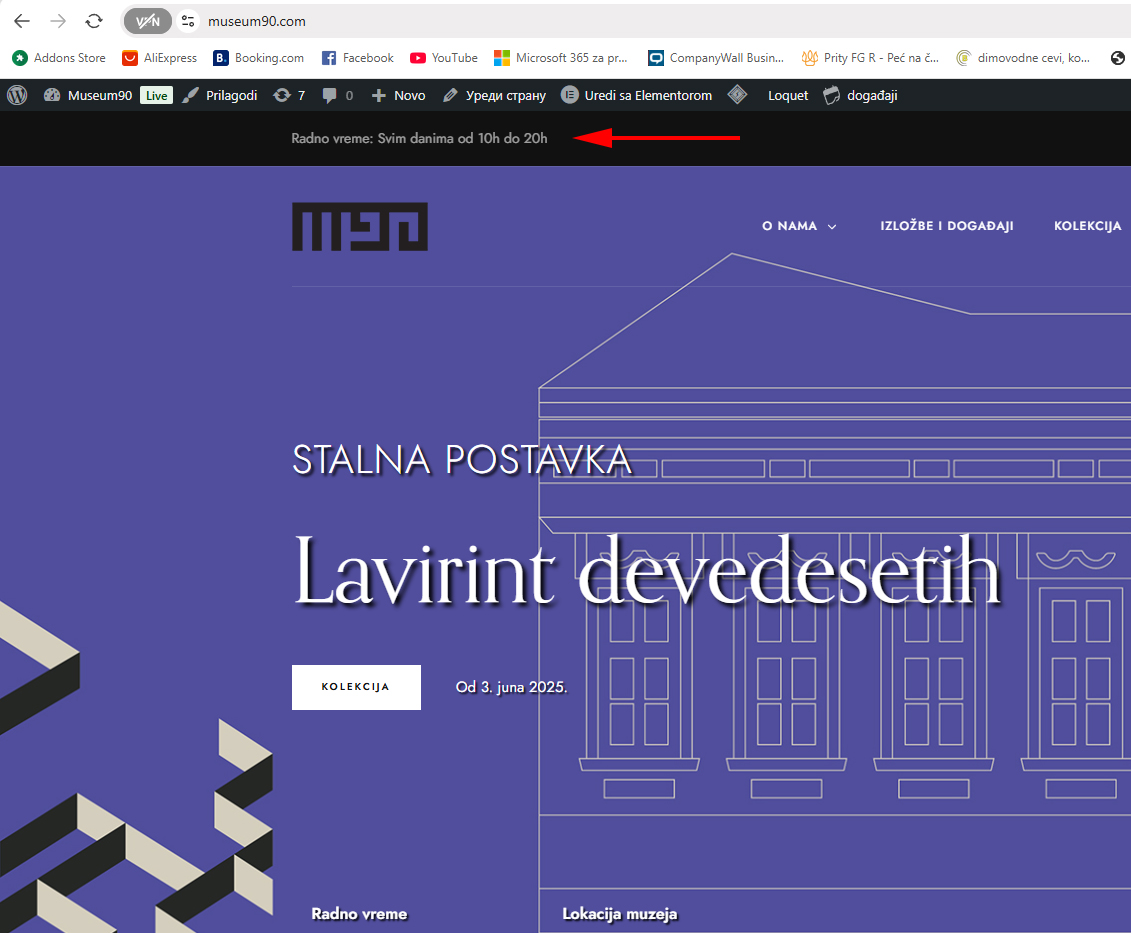
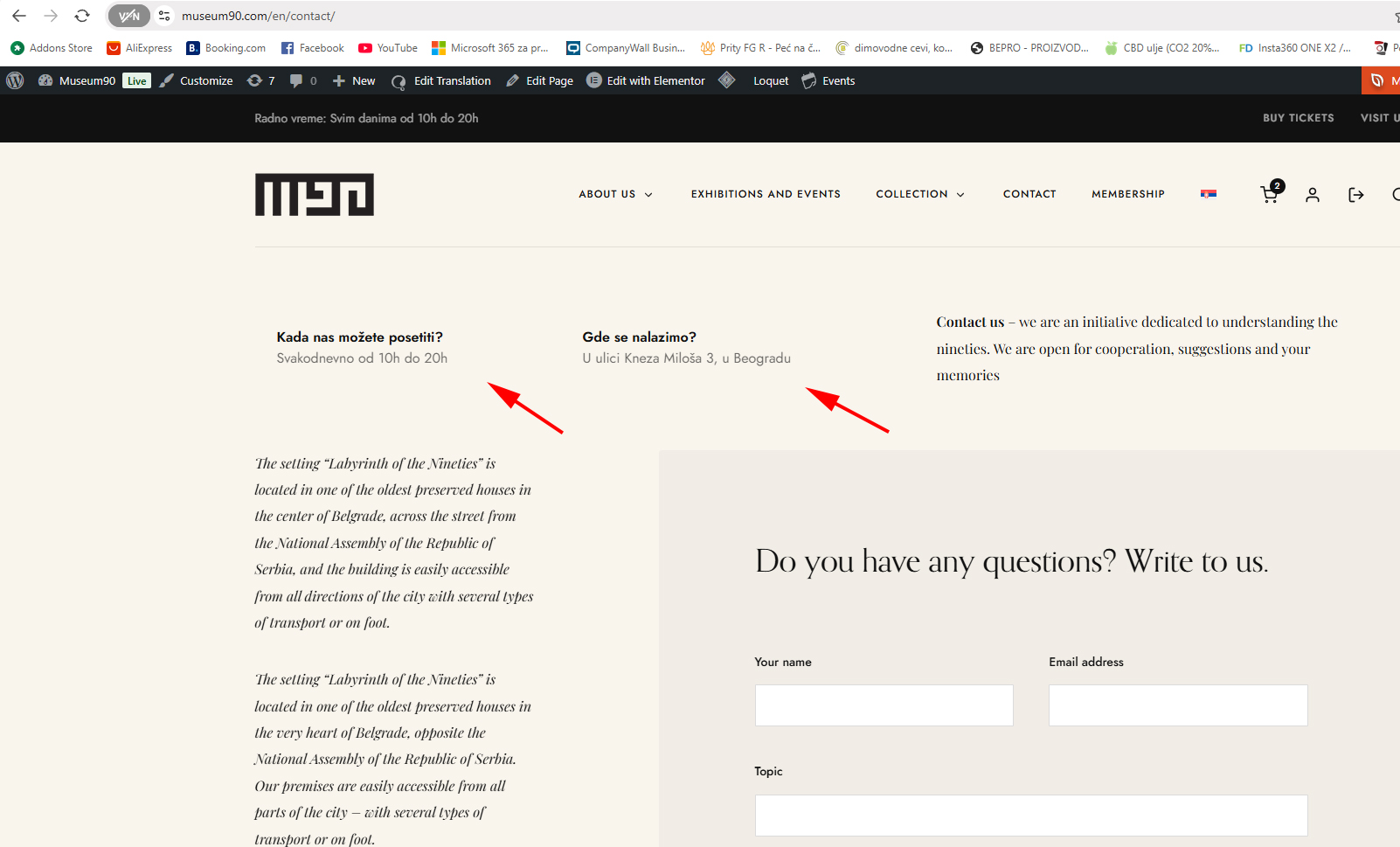
Top header left has a working hours, but its in Apperiance>Customize, and I dont know how to add translation there. Tried String translation but string is not found.
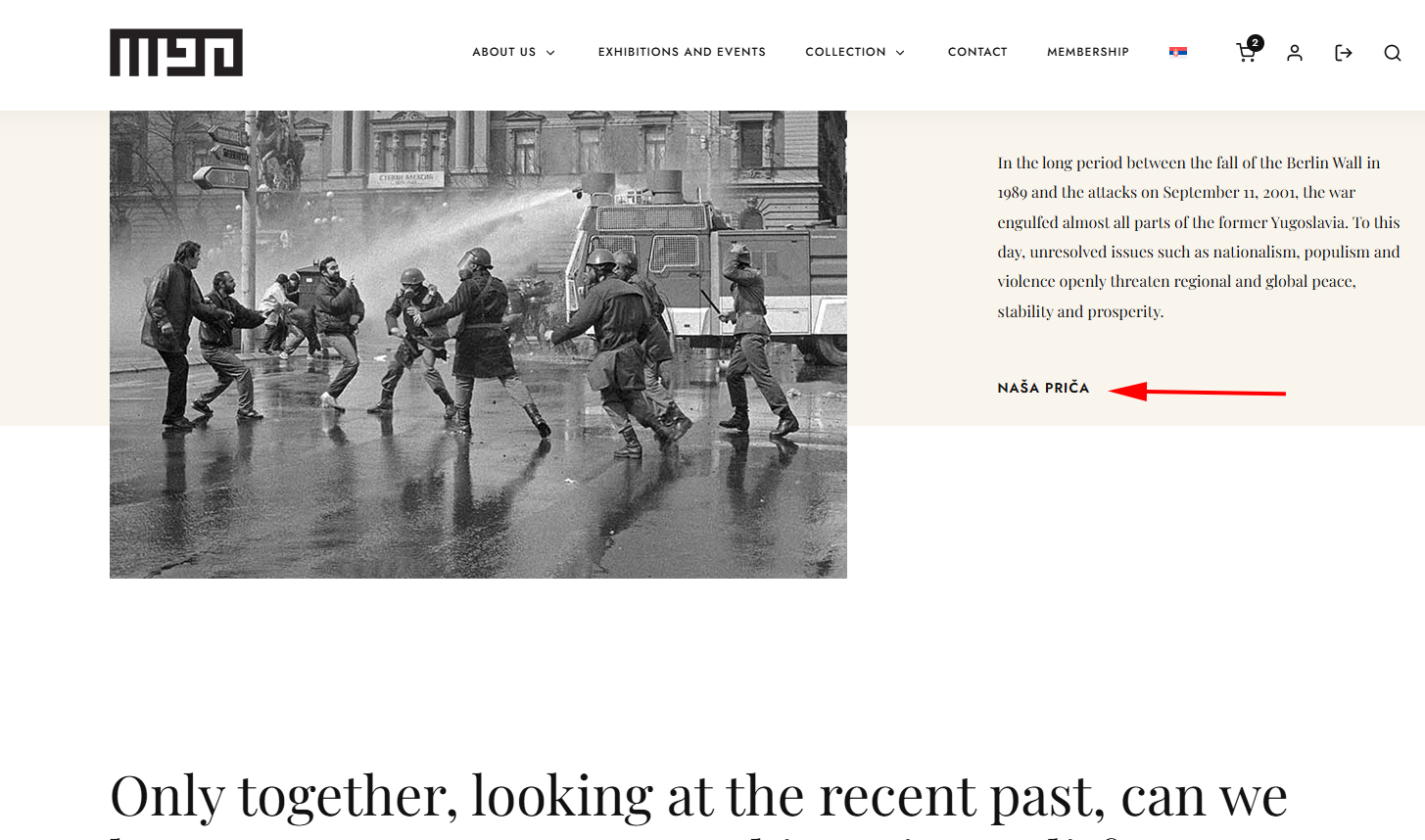
On the other pages some elements stayed in Serbian, although I remember you translated titles and our team...but on the other page. Figure its different ID, or?
Can you please help us fix the remaining strings so we can run out of your life =))).........................till the next website =)
Thank you in advance,
Srecko
Sorry tried to edit last addition to respond, but its impossible. Also Collection section in dashboard is not translatable, none of categories in collection section can be translated and when I click Britt flag same categories appear.
Thank you.