[Resolved] Translated templates are not showing in the frontend
This thread is resolved. Here is a description of the problem and solution.
Problem: After adding translation content, it is not displayed in the corresponding language, only in English. Solution: If you're experiencing this issue, we recommend you follow these steps: 1. Go to edit the product. 2. Click on 'Show system fields'. 3. Set the necessary fields to 'copy'. 4. Update the product.
If this solution does not resolve your issue, or if it seems outdated or irrelevant to your case, please visit our known issues page and check if there's a permanent fix available. Ensure you have the latest versions of themes and plugins installed. If the problem persists, we highly recommend opening a new support ticket through our support forum.
This is the technical support forum for WPML - the multilingual WordPress plugin.
Everyone can read, but only WPML clients can post here. WPML team is replying on the forum 6 days per week, 22 hours per day.
Welcome to the WPML support forum. I will do my best to assist you in resolving the issue.
I have created this ticket to make the follow-up easier. This looks like a compatibility issue and may require assistance from the theme author.
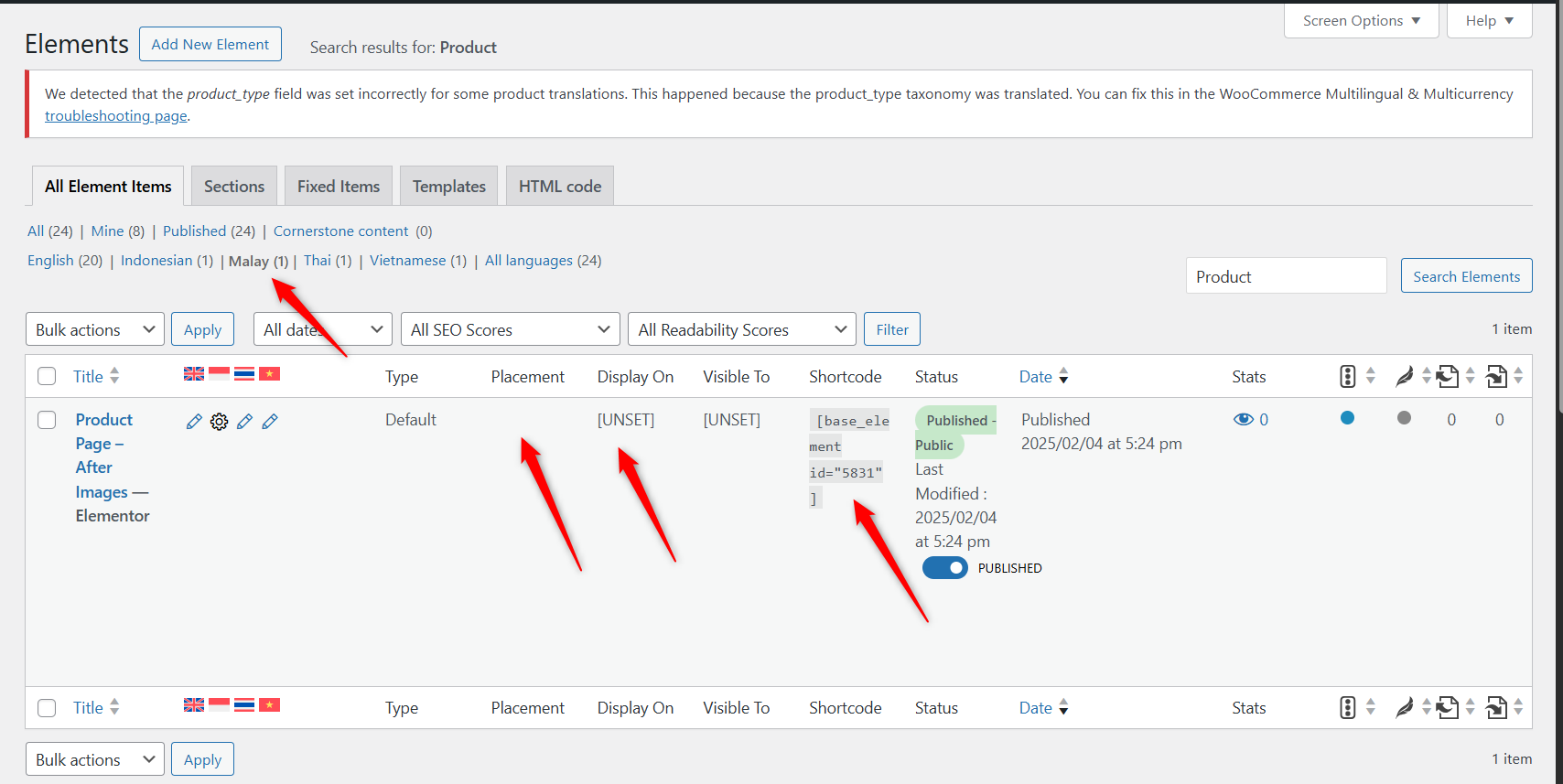
The templates are now translated into the secondary languages as expected. However, the display conditions (*Placement* and *Display On*) are not being applied to the translated templates.
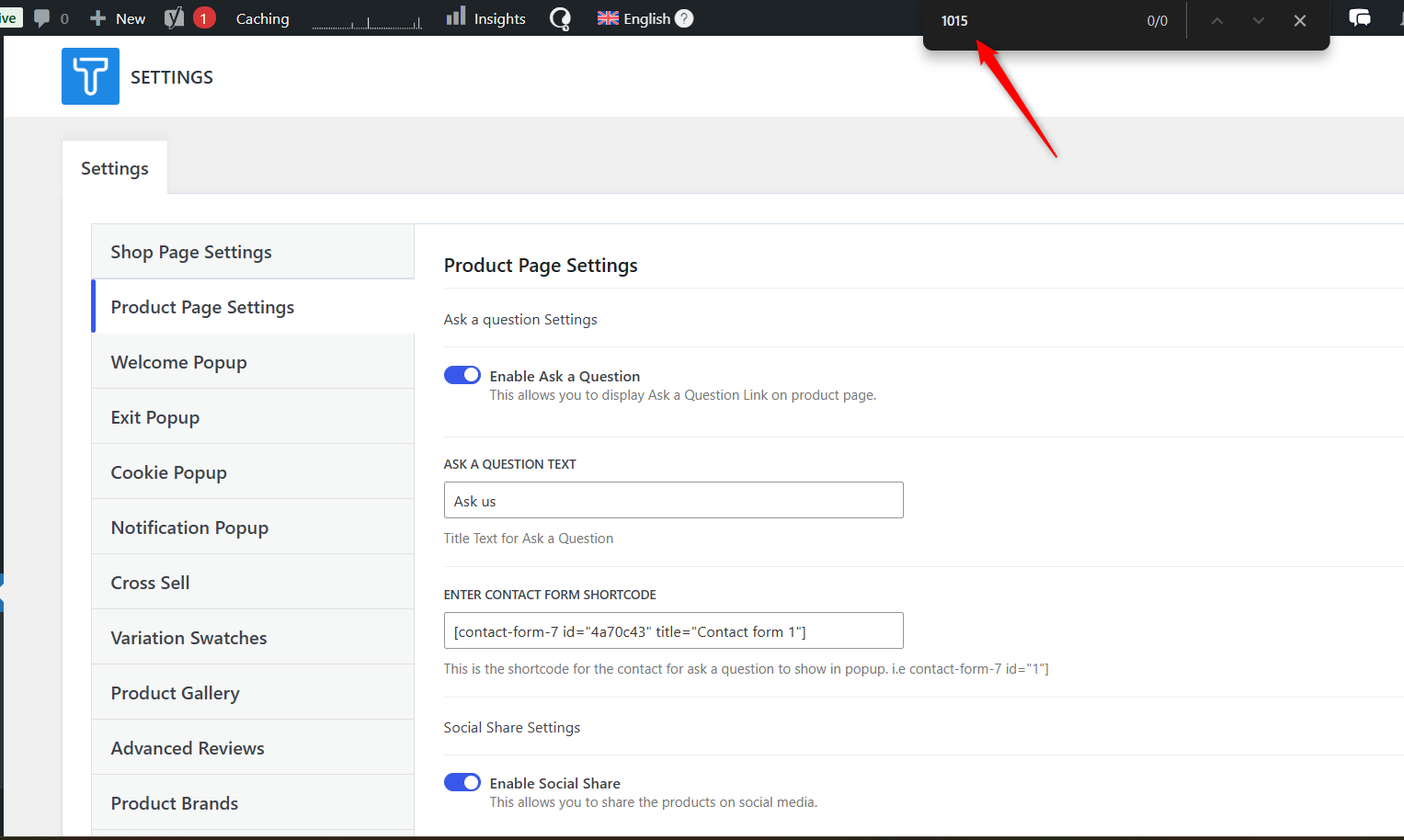
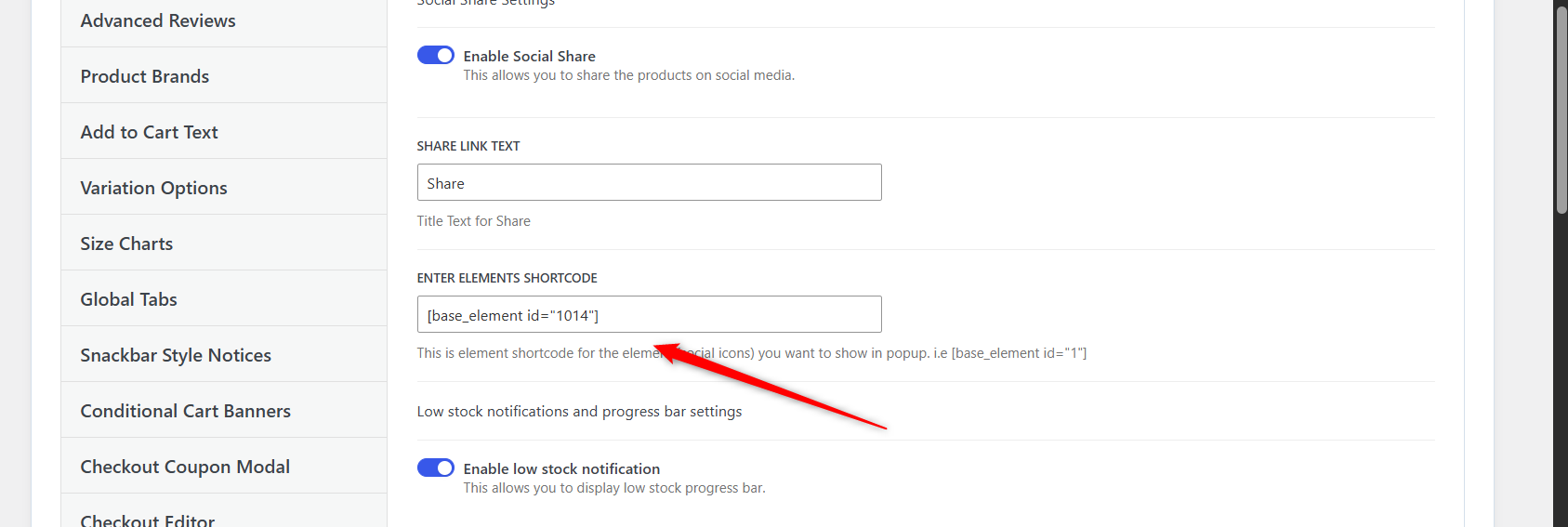
I reviewed the theme and template settings, but couldn’t locate the exact option. Also, most of the products appear to be created using the WordPress Editor. Please refer to the attached images for more details.
Could you please let us know how you are setting the display conditions for the templates? This will help us track the issue more effectively.
Thank you for the updates. I reviewed the site backend and database, focusing on the wp_options and wp_postmeta tables before getting back to you. However, I was unable to trace the exact source. Typically, settings of this kind are stored in these two tables.
Therefore, could you please check with the theme author on how they are handling the display conditions (Placement and Display On) for the templates?
This information will give us better insight and help us work toward a proper solution. Thank you for your kind understanding.
This is the author’s response to me:
If you want that element based on languages, then you need to customize the code. It does not have any direct option to select as per language.
Bigul is on vacation, so I’ll take care of this ticket.
If there aren’t any options to directly set the template conditions for all languages, you can use the manual editor and set the conditions accordingly. You can switch to another language from the top bar and adjust the conditions and save for each language.
To debug this issue further, I would need to check your site settings once, for this I would need temporary access (wp-admin and ftp) to your site.
So could you please provide me with those details, you will find the needed fields for this below the comment area when you log in to leave your next reply. hidden link
I followed the below steps:
- Went to Edit the product
- Click on Show system fields
- Set the following fields as copy [Screenshot attached]
- Updated the product.