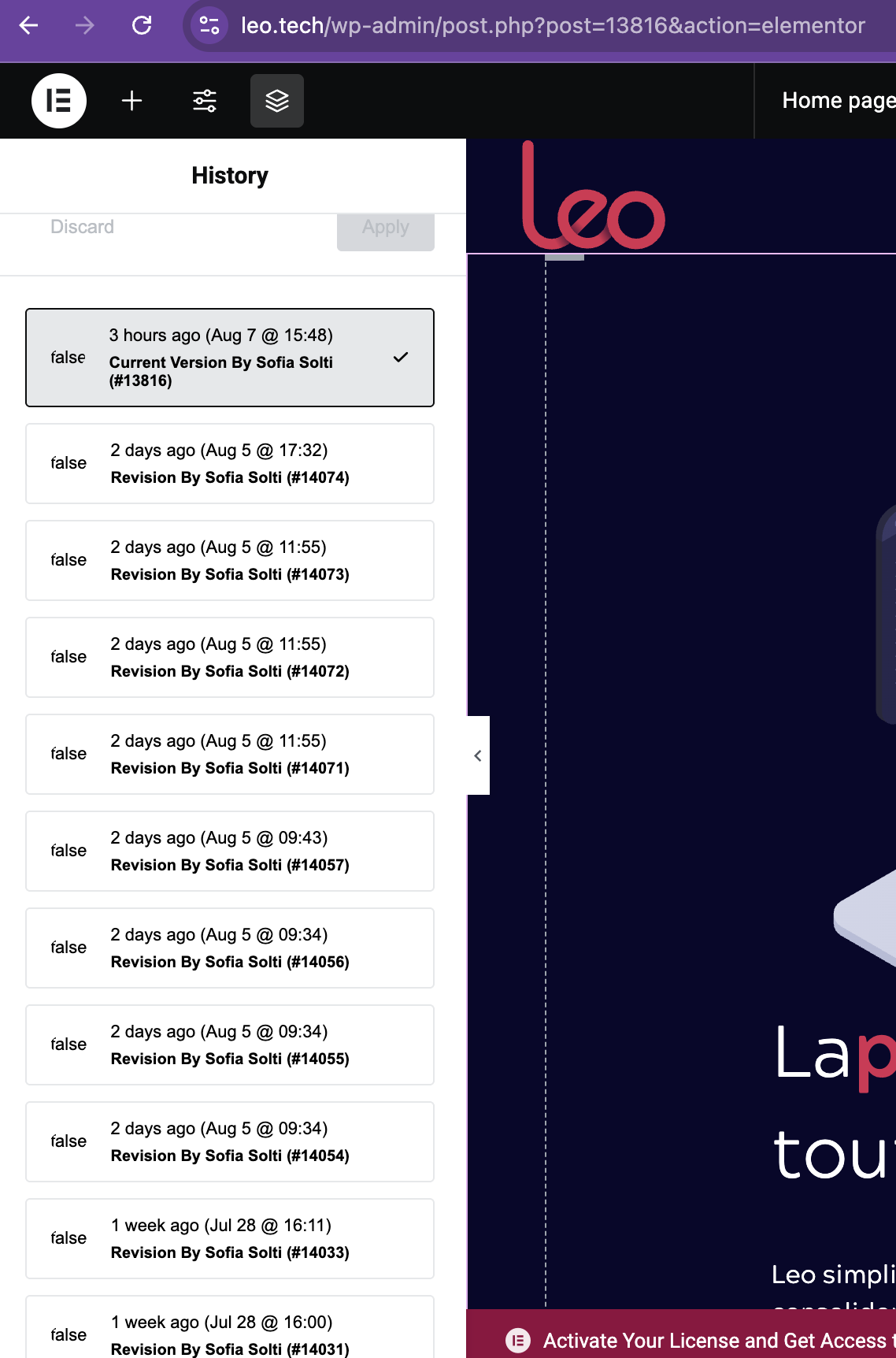
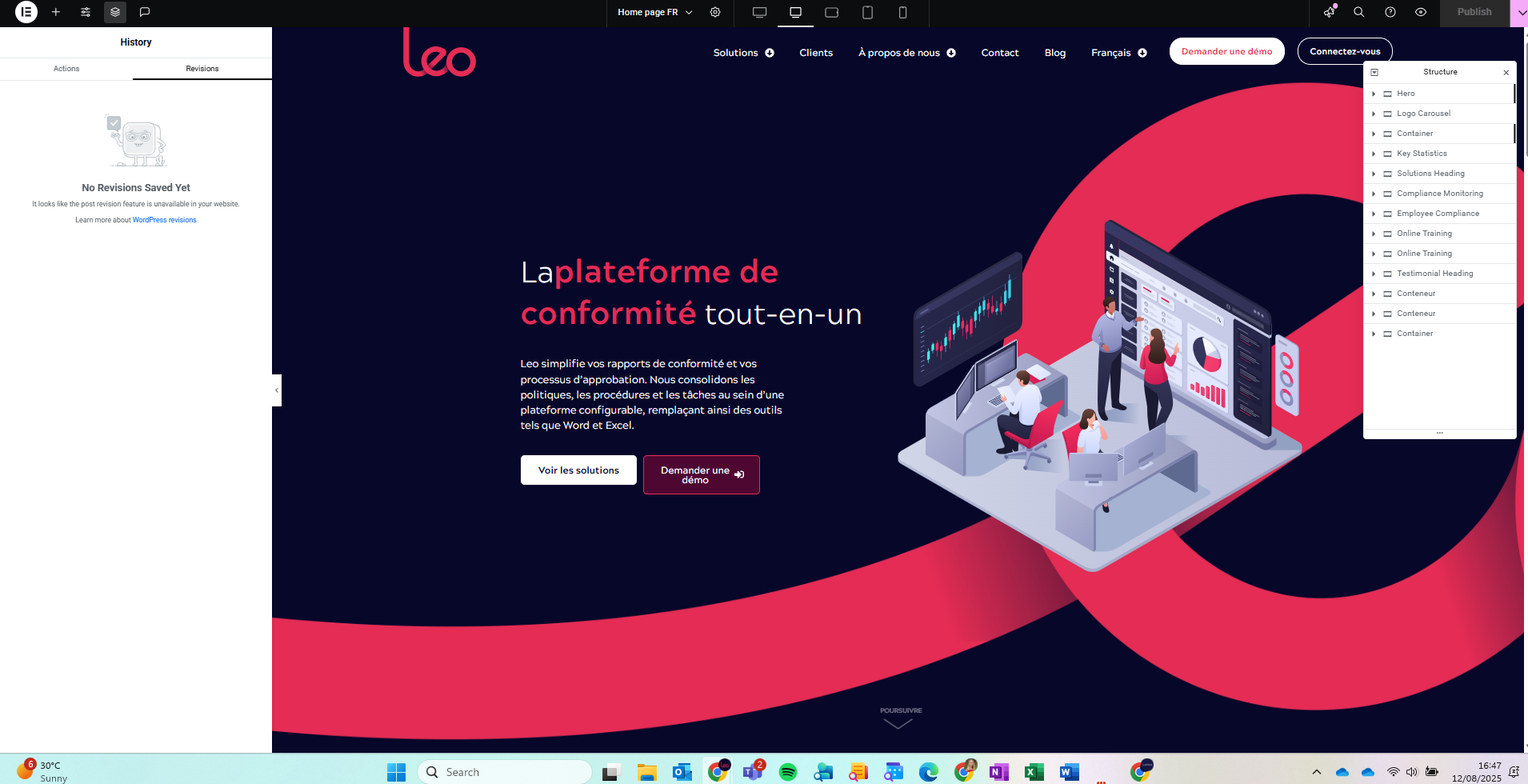
Sadly, we still have some issues with the website.
As I mentioned last week, it appears that any changes I make are reverting to their original state. Last Thursday, I made changes to the home page and the client's page in the FR environment, but it still doesn't take effect.
See the video here and how I had to go back to the revisions to make the necessary amendments.
As well, if you check the video it says that I last made changes on the 25th of July, and I was not even working that day.
Thanks for your reply. I can see the reason why this is happening. I regret any inconvenience caused, but to proceed with further troubleshooting, I kindly ask for a snapshot of the site. Alternatively, with your permission, I can create one myself. For this purpose, I typically recommend using the free plugin "Duplicator." If you're already familiar with Duplicator (https://wordpress.org/plugins/duplicator/), please skip the following steps and simply send me the archive file you downloaded.
To guide you further, please adhere to these instructions:
1. View the Duplicator instructions video: hidden link
3. If the archive file exceeds 400MB, please use Duplicator's file filters to exclude cache, wp-uploads directory, media, and archive files.
Once you have the archive file ready, kindly share the link with us. You can utilize platforms like Google Drive, Dropbox, or similar for file sharing, as the snapshot file might be large.
Please note that your next reply will be private, visible only to you and me. You can paste the file link there. Rest assured that once the issue is resolved, I will delete the local site.
Thanks for your patience. I still need more time to test this as I’m unable to replicate the issue on my local dev site. I made some changes to the FR homepage and waited a day and the changes did not revert. I’ll try a few more edits to confirm everything is working as expected and will get back to you as soon as possible.
Thanks for your patience. Everything is working fine on my local server. I suspect that multiple users are working on the site simultaneously, which may be causing your changes to be overwritten.
Could you please review your list of administrators and ask them to avoid opening the Elementor editor while you’re working? The editor may autosave at random intervals, which can unintentionally overwrite your changes.
Thanks for your reply. Based on the Elementor editor history, I can only see your edits made to the page content, as shown in the attached screenshot.
Let’s try one last method to see if it helps. Please restore the page using revisions and backup the site. Then, disable page revisions by adding the following custom PHP code to your server’s wp-config.php file:
define( 'WP_POST_REVISIONS', false );
Then, we'll recheck to see if the issue persists. If the issue comes back, I will escalate this further to our 2nd Tier Support for further investigation.
We have done what you asked for, but the website has been overwritten again, and now it shows as if there are no revisions at all (see image attached).
This issue has been ongoing for a long time. We need a solution. This can stay like this.
I understand you might need to escalate this, but please note that it is high priority, because we have been in contact since June.
Thanks for your reply. We’ll need to escalate this. Could you please undo the changes I mentioned regarding disabling the revision and restore the site to the state it was in before it was overwritten?
Let me know once it's done and I will forward this to our 2nd Tier Support.
Thank you for your message. I have reverted the changes I made to the code.
Both pages are now how they are supposed to be. I'm not sure how long it's going to last.