
This thread is resolved. Here is a description of the problem and solution.
Problem:
The client received unusual emails for translations.
Solution:
You can disable email notifications to avoid receiving unexpected messages. You can do this by:
1. Going to Users → Profile in your site dashboard.
2. Scrolling down to WPML Translator Settings.
3. Unchecking the option "Send me a notification email when there is something new to translate."
Alternatively, you can manage notifications from WPML → Settings → Translation Notification. For more details, please refer to our documentation on setting up translation notifications.
If this solution does not apply to your case, or if it seems outdated, we highly recommend checking related known issues, verifying the version of the permanent fix, and confirming that you have installed the latest versions of themes and plugins. Should you need further assistance, please open a new support ticket.
This is the technical support forum for WPML - the multilingual WordPress plugin.
Everyone can read, but only WPML clients can post here. WPML team is replying on the forum 6 days per week, 22 hours per day.
Tagged: Exception
This topic contains 18 replies, has 0 voices.
Last updated by dominikM-32 1 year ago.
Assisted by: Andrey.
| Author | Posts |
|---|---|
| March 19, 2025 at 8:45 am #16833604 | |
 dominikM-32 |
Background of the issue: Symptoms: Questions: |
| March 19, 2025 at 2:50 pm #16835881 | |
 Andrey WPML Supporter since 06/2013 Languages: English (English ) Russian (Русский ) Timezone: Europe/Kyiv (GMT+03:00) |
Thank you for contacting WPML support. I understand that you’re experiencing an unexpected depletion of your WPML translation credits and have concerns about how automatic translation updates work, especially when using multiple translation engines like DeepL and Google Translate. Let’s address your questions: 1. Does the system perform automatic translation updates? WPML can automatically translate your content, depending on your settings. To ensure that translations are updated automatically when the original content changes, please follow these steps: Verify Translation Mode: Alternatively, you can disable the "Translate Everything" mode and choose only specific content for automatic translation. For more details, refer to WPML’s documentation: https://wpml.org/documentation/automatic-translation/ 2. If I have two translators selected, DeepL and Google, does the system deduct 4 credits? No, WPML does not double-charge credits when multiple translation engines are selected. The system uses the primary translation engine you’ve set, and credits are deducted based on the number of words translated, not the number of engines selected. For additional information, you can find your Automatic Translation Usage Report by going to WPML > Translation Management > Tools > Payment and Settings > Automatic Translation Usage Reports (as illustrated in the screenshot below): https://wpml.org/documentation/automatic-translation/ |
| March 25, 2025 at 7:49 am #16854912 | |
|
dominikM-32 |
Hello! Thank you for your answer. I don't see the translation mode, so I can't set anything. Today I received an email that the translations have been updated. Is this related to the change, or is the system simply updating certain things on its own? Can these updates be disabled? Content: The following number of translations has been updated on the STOCKLOTS website this week: 19: Products and sites.... Orders waiting for translation: Thanks for help. |
| March 25, 2025 at 10:35 pm #16860065 | |
|
Andrey WPML Supporter since 06/2013 Languages: English (English ) Russian (Русский ) Timezone: Europe/Kyiv (GMT+03:00) |
Thank you for your feedback. Please update your WPML plugin and add-ons to the latest version, 4.7.2, to benefit from the latest bug fixes and improvements. This may not necessarily resolve your problem; however, we need to work on the newest code available to troubleshoot the issue best. You can check the latest released versions under "My Account -> Downloads" on this site. Instructions to update can be found here: http://wpml.org/faq/install-wpml/ If you do not see the updates, you might need to click the Check for updates button in the Plugins → Add New Plugin → Commercial tab. Then, please go to WPML → Translation Management and switch off the Translate Everything Automatically mode. Please remember to backup your database before you proceed. 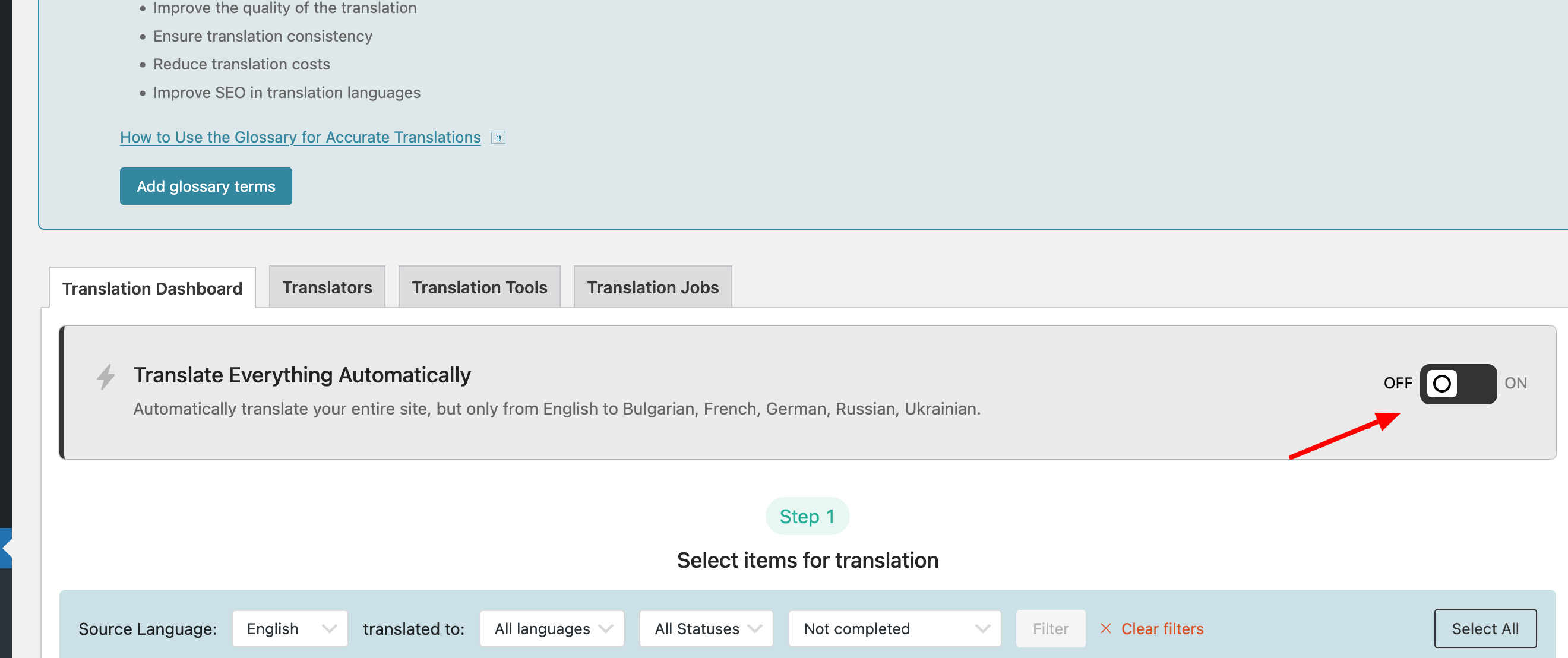 |
| March 26, 2025 at 7:16 am #16860694 | |
|
dominikM-32 |
Good morning Andrey, I had it turned off, really. |
| March 26, 2025 at 4:37 pm #16864376 | |
|
Andrey WPML Supporter since 06/2013 Languages: English (English ) Russian (Русский ) Timezone: Europe/Kyiv (GMT+03:00) |
Hello, Are you still receiving them? Could you please show me a screenshot of this email? |
| March 27, 2025 at 9:19 am #16867013 | |
|
dominikM-32 |
Hello. I didn't get the emails now. I can't find the previous one either - I can never find them, I don't know why. Maybe it's fixed now. |
| March 27, 2025 at 12:59 pm #16868577 | |
|
Andrey WPML Supporter since 06/2013 Languages: English (English ) Russian (Русский ) Timezone: Europe/Kyiv (GMT+03:00) |
Thank you for your feedback. Yes, it seems that something may have changed with the updates. If you receive any new emails you don't understand, please share them with us. If the support ticket closes automatically, you're always welcome to open a new support ticket. |
| March 27, 2025 at 1:08 pm #16868588 | |
|
dominikM-32 |
Thank You. Can I check what operation took out the credits. Maybe the decrease in the number of credits is another matter. I don't know, I would just like to have control over our spending. Thank You. |
| March 27, 2025 at 1:24 pm #16868710 | |
|
Andrey WPML Supporter since 06/2013 Languages: English (English ) Russian (Русский ) Timezone: Europe/Kyiv (GMT+03:00) |
It is possible to check credit usage. To check the credit usage, navigate to WPML → Translation Management → Tools → Automatic Translations Usage Report. Also, Automatic Translation Invoices: |
| March 27, 2025 at 1:46 pm #16868781 | |
|
dominikM-32 |
Yes, I saw that report, but there is no information in it whether it was an automatic translation triggered by me or some update. We do not have invoices for orders because we buy credits in advance. |
| March 27, 2025 at 2:23 pm #16868938 | |
|
Andrey WPML Supporter since 06/2013 Languages: English (English ) Russian (Русский ) Timezone: Europe/Kyiv (GMT+03:00) |
If you download the usage report, you will see a Translator_email column, which might give you a clue who the translator is.  |
| March 27, 2025 at 2:39 pm #16869023 | |
|
dominikM-32 |
OK, and is the documentation explaining emails? I just got an email. I ordered translation of 15 products. The email looks weird. I'm posting screenshots. I found also old mail. In this old mail there is a information, that WPML self update data. 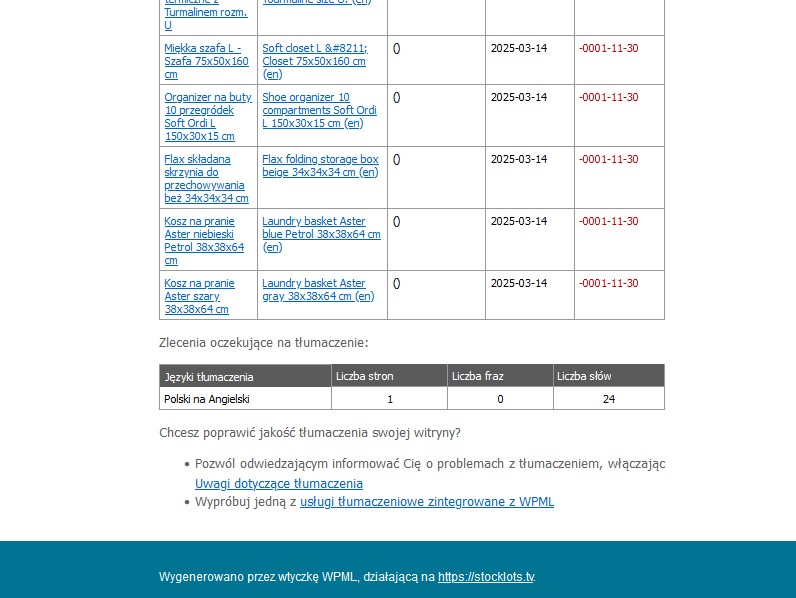 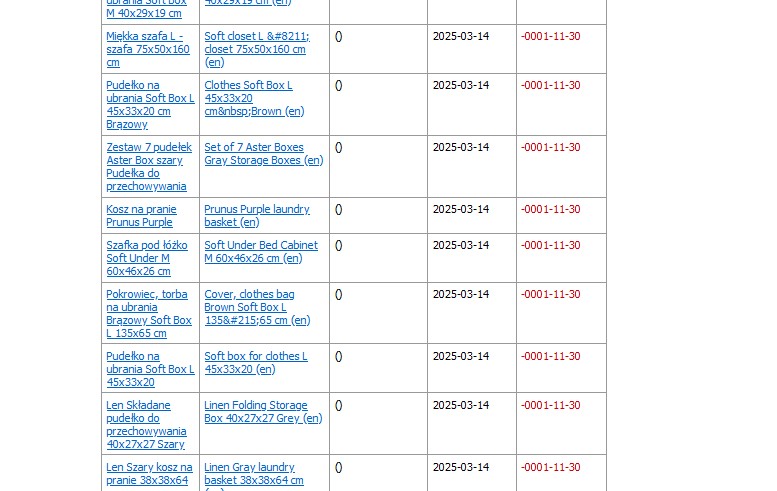 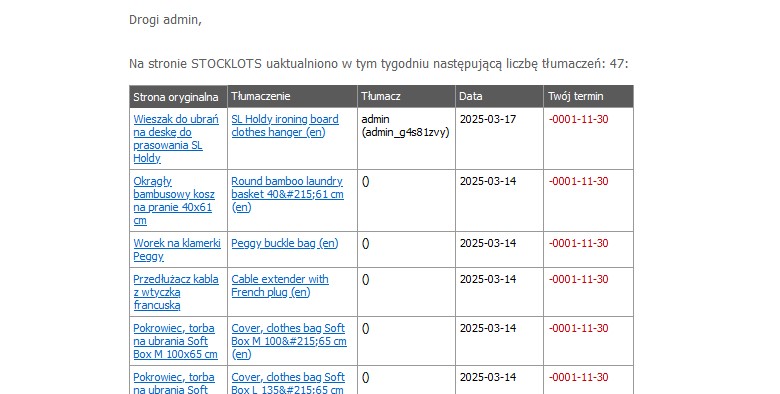 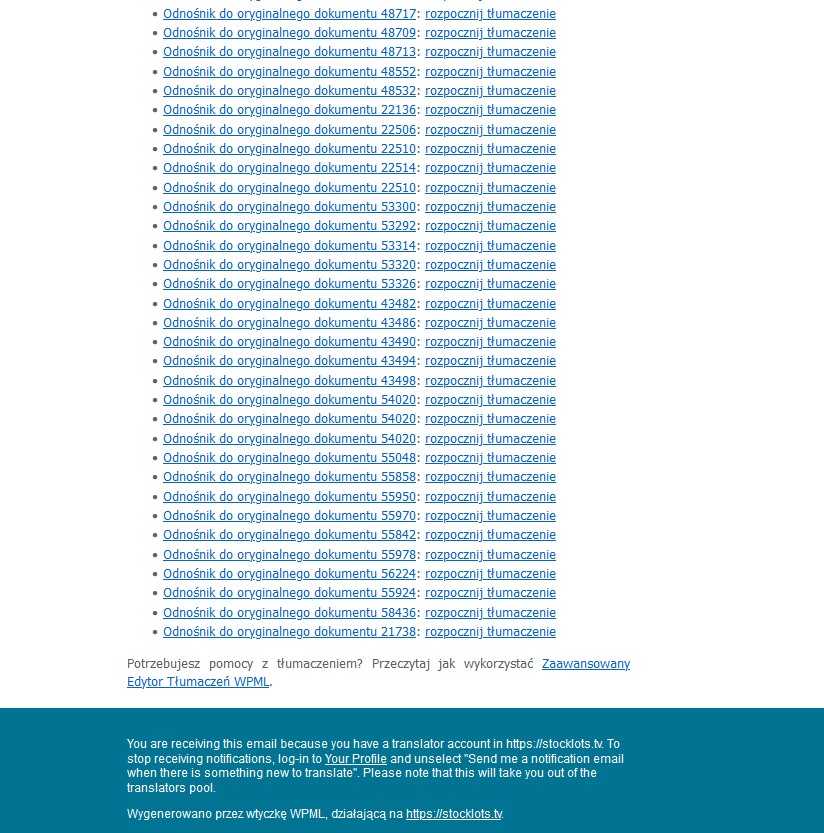 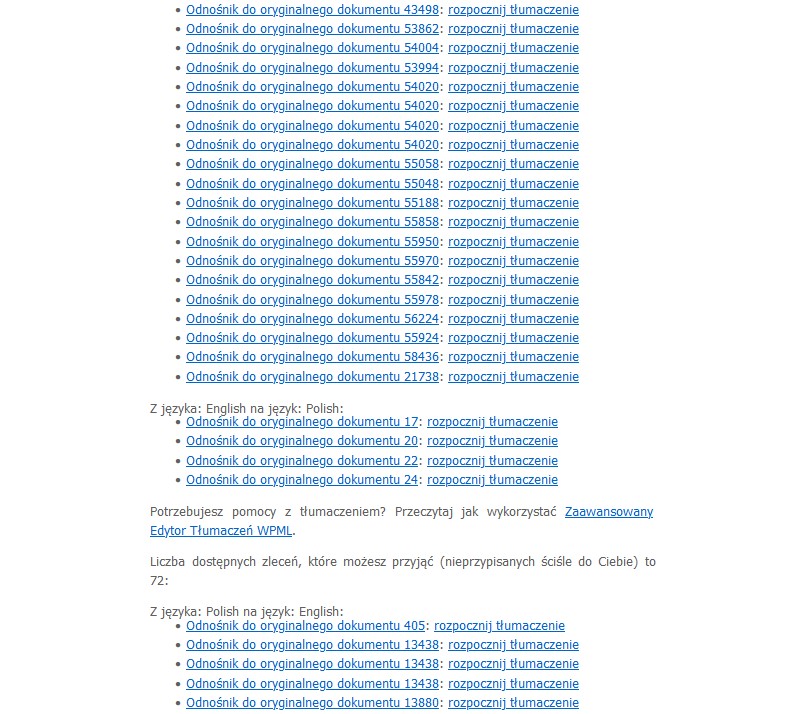 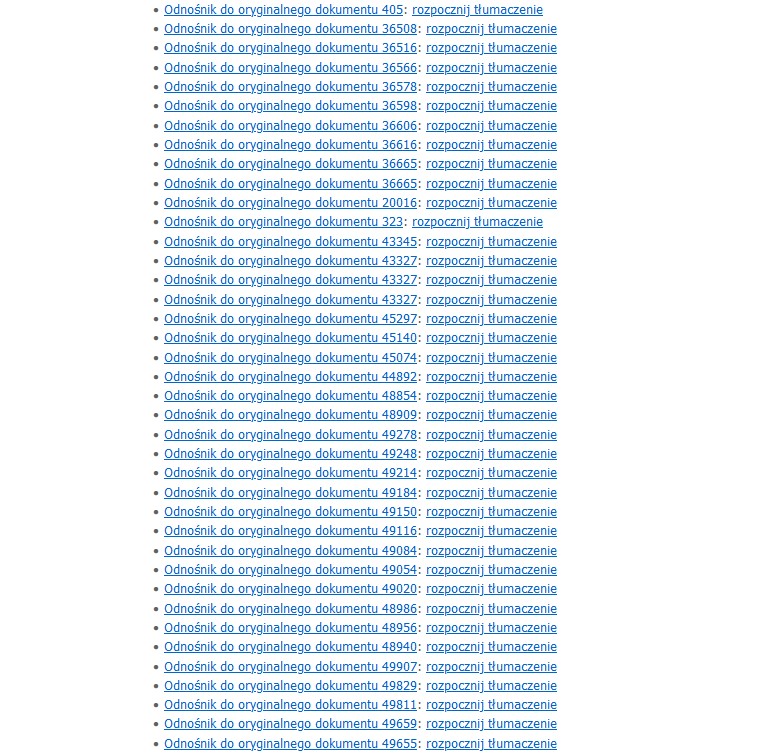 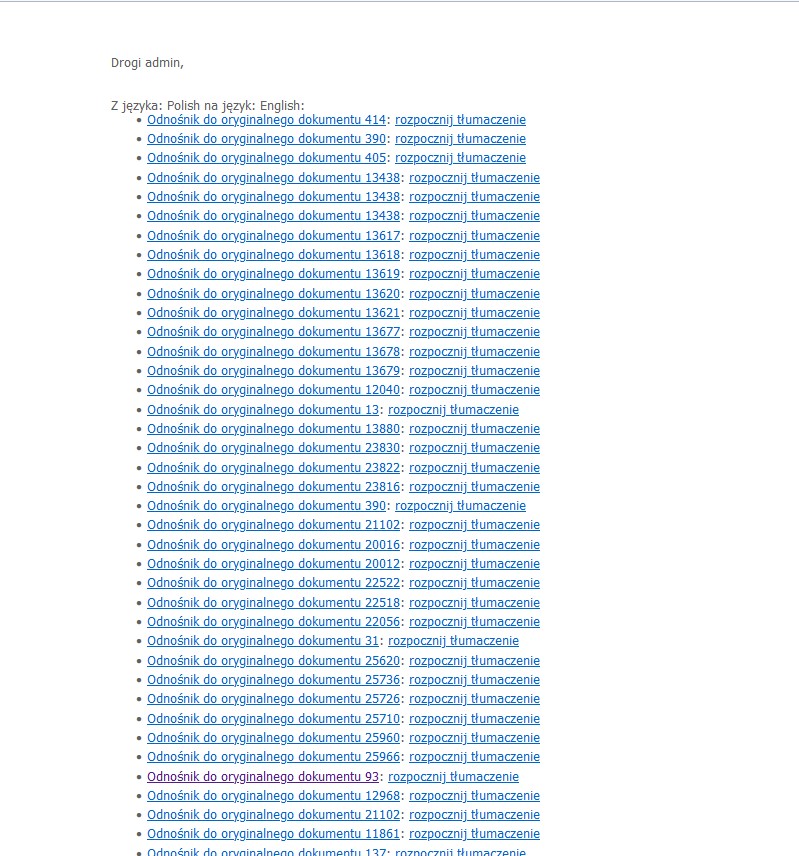 |
| March 27, 2025 at 2:50 pm #16869144 | |
|
Andrey WPML Supporter since 06/2013 Languages: English (English ) Russian (Русский ) Timezone: Europe/Kyiv (GMT+03:00) |
Which one of those do you have got now? You are set as a translator in WPML → Translation Management → Translators. If you (or someone) just sent 15 products for translation, you are expected to receive an email.  |
| March 27, 2025 at 2:54 pm #16869190 | |
|
Andrey WPML Supporter since 06/2013 Languages: English (English ) Russian (Русский ) Timezone: Europe/Kyiv (GMT+03:00) |
You can disable notifications from your site dashboard by following these steps: 1. Navigate to Users → Profile. Additionally, notifications can be turned off through WPML → Settings → Translation Notification. For more details, please refer to https://wpml.org/documentation/translating-your-contents/professional-translation-via-wpml/#setting-up-translation-notifications. |





