Skip to content Skip to sidebar

This thread is resolved. Here is a description of the problem and solution.

Problem:
The client is experiencing an issue where their staging website is not recognizing the assigned translation credits after deleting the localhost site and reassigning the credits.
Solution:
We recommend unregistering and then re-registering the staging site with a new sitekey. This process is necessary because the client migrated from a local site to a staging site and selected the "Copy" action. After re-registering, the client should recheck the issue.
Please follow these steps:
1. Unregister the staging site.
2. Register the staging site again with a new sitekey.
3. Recheck the translation credits issue.
For detailed instructions, refer to our documentation:

If this solution does not seem relevant to your situation, please open a new support ticket with us.

This is the technical support forum for WPML - the multilingual WordPress plugin.

Everyone can read, but only WPML clients can post here. WPML team is replying on the forum 6 days per week, 22 hours per day.

Tagged: 

This topic contains 2 replies, has 2 voices.

Last updated by Long Nguyen 1 year, 11 months ago.

Assisted by: Long Nguyen.

Author Posts
January 10, 2024 at 6:57 pm #15171068

zakG

The Tools page under Translation Management will not load on my localhost installation of WordPress. That is where I had transferred my credits to and was able to translate successfully. I now want to transfer them to the staging website, and there appears to be no other way to do so than from that page. The error when I try to load the tab reads, "There is a problem connecting to automatic translation. Please check your internet connection and try again in a few minutes. If you continue to see this message, please contact our support team."

Link: hidden link

Screen Shot 2024-01-09 at 8.13.52 PM.png
January 10, 2024 at 7:12 pm #15171175

zakG

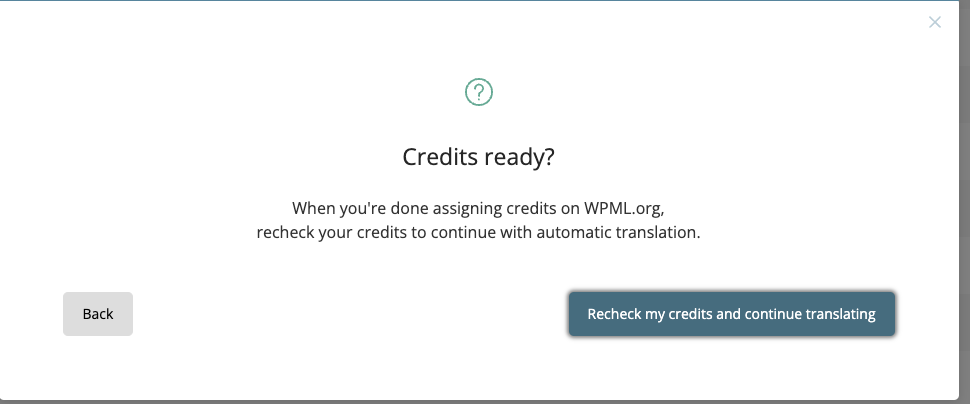
Following up: I deleted the localhost site from the Registered Sites page (https://wpml.org/account/sites/), and have reassigned the credits to the remaining staging website, but that website now won't translate because it still thinks it has no credits. When I click the link to "recheck" my credits, nothing happens.

Screen Shot 2024-01-10 at 2.12.01 PM.png
January 11, 2024 at 3:34 am #15172132

Long Nguyen
WPML Supporter since 02/2022

Languages: English (English ) Vietnamese (Vietnamese )

Timezone: Asia/Ho_Chi_Minh (GMT+07:00)

Hi Zak,

Thank you for contacting WPML support, I'd be happy to help you with this issue.

Checking on our server, I see you migrate the local site to the staging site and select the "Copy" action. That means you need to register the staging site with a new sitekey. Please try to un-register and re-register the staging site with a new sitekey and recheck this issue.

Refer documentation
https://wpml.org/documentation/translating-your-contents/advanced-translation-editor/using-advanced-translation-editor-when-you-move-or-use-a-copy-of-your-site/
https://wpml.org/faq/install-wpml/#unregister
https://wpml.org/faq/install-wpml/#register-development-sites

Look forward to your reply.
Thanks

January 12, 2024 at 3:33 pm #15179951

zakG

That worked, thank you!