Background of the issue:
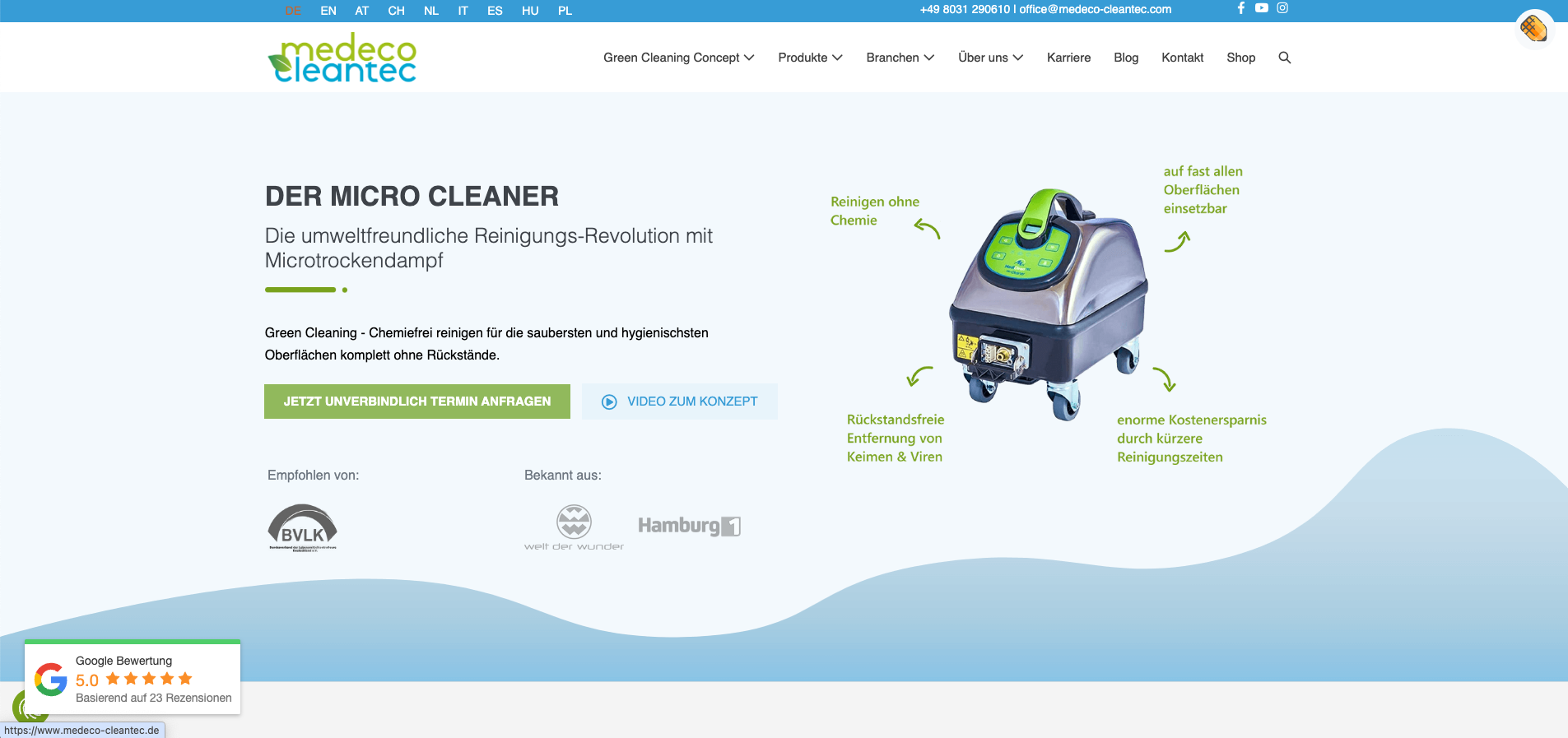
I am trying to integrate different images with text in different languages on my WordPress site, hidden link. The header image on the home page contains text, and I need to replace this image for each language using Beaver Builder so that the text matches the language of the page.
Symptoms:
When I attempt to replace the image in another language and save it in Beaver Builder, the German image automatically reappears, and the rest of the elements in the header also revert to German. This procedure has worked before, but now it does not.
Questions:
Why does the German image reappear when I try to replace it with another language's image in Beaver Builder?
What could be causing the header elements to revert to German after saving changes in Beaver Builder?
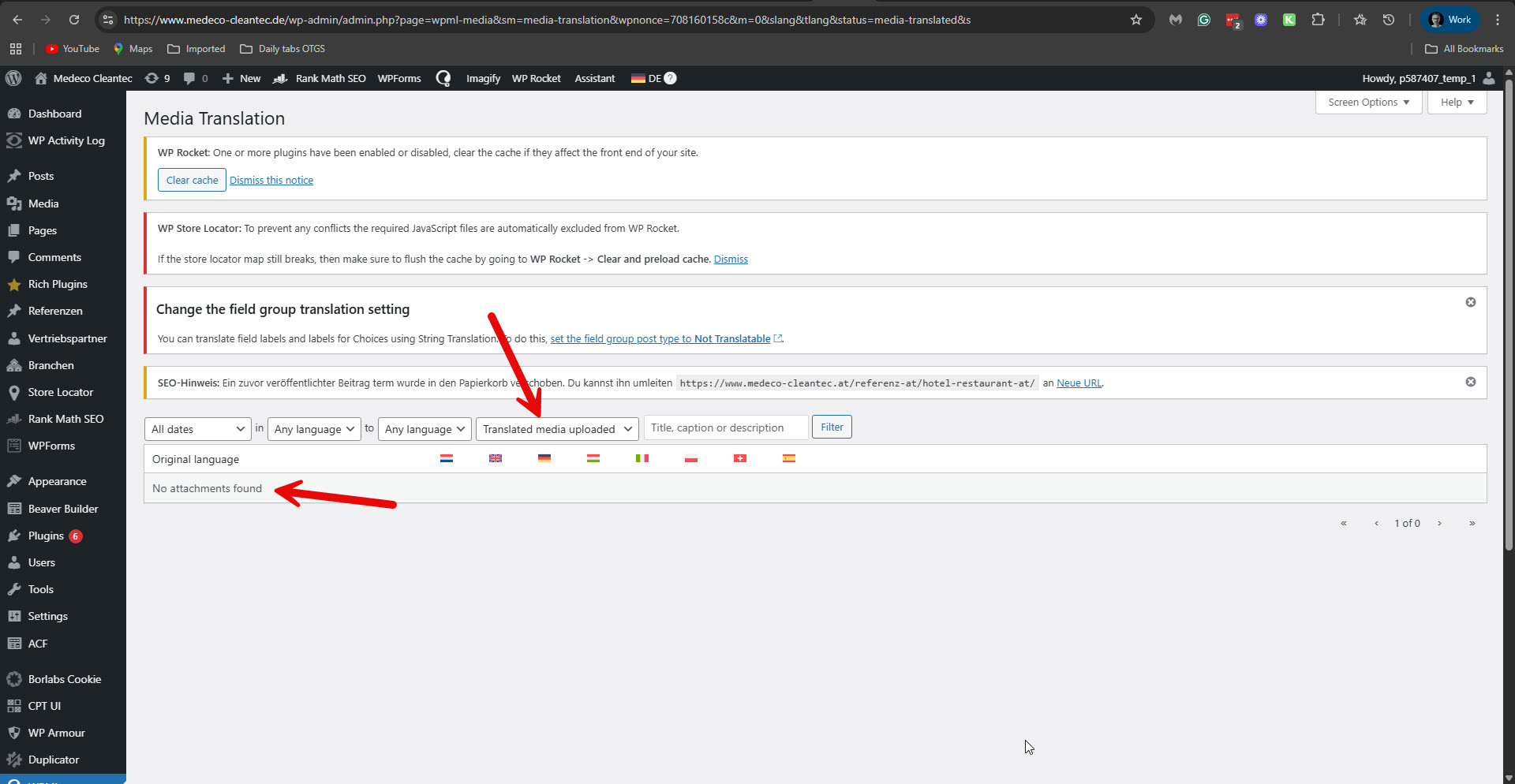
If you want to have a different image for the translated pages, you must replace the image in WPML -> Media translation. Please read about it here: https://wpml.org/documentation/getting-started-guide/media-translation/. But in WPML -> Media translation, I see you have not replaced any images. Please see the attached screenshot no-replaced-images.jpg.
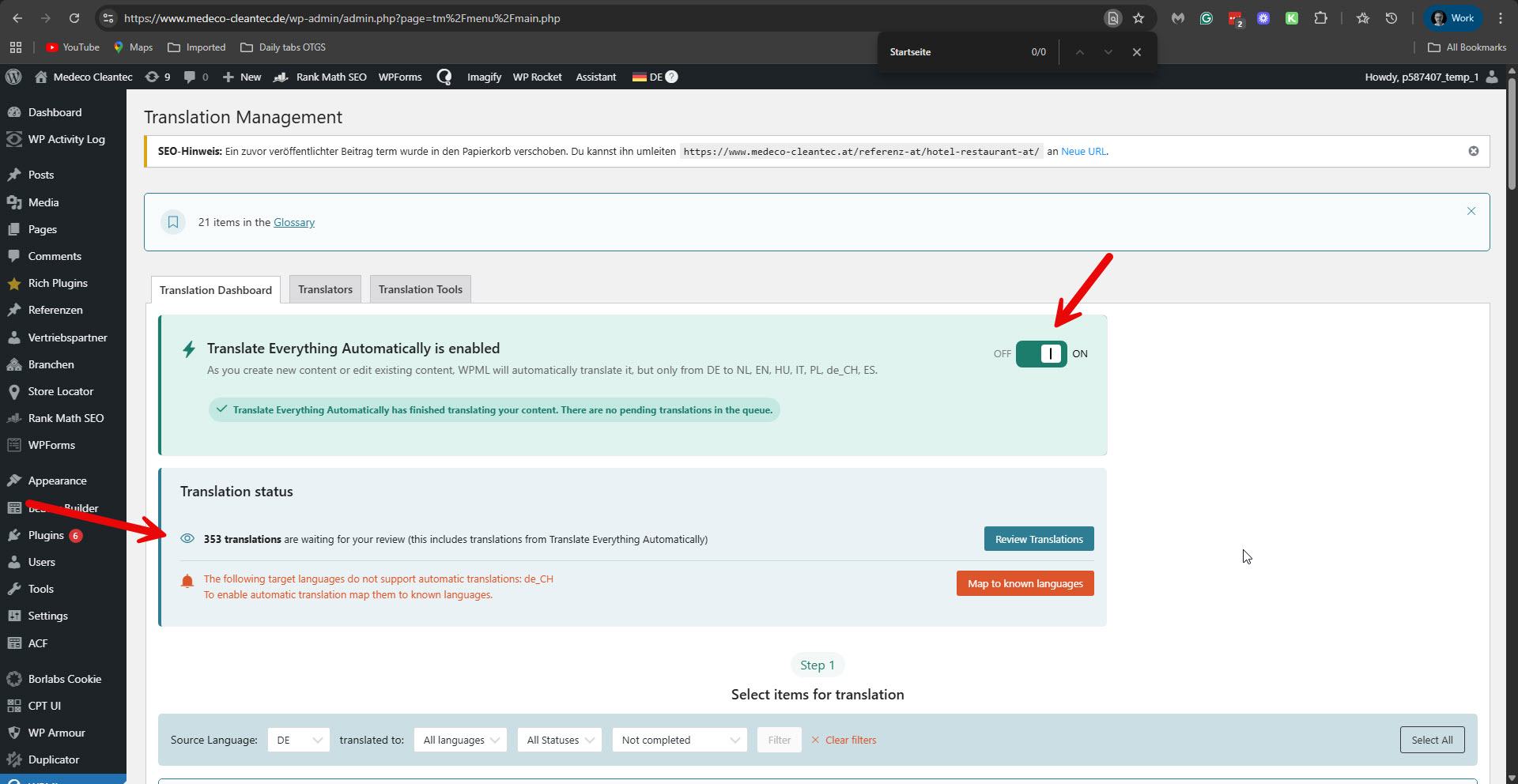
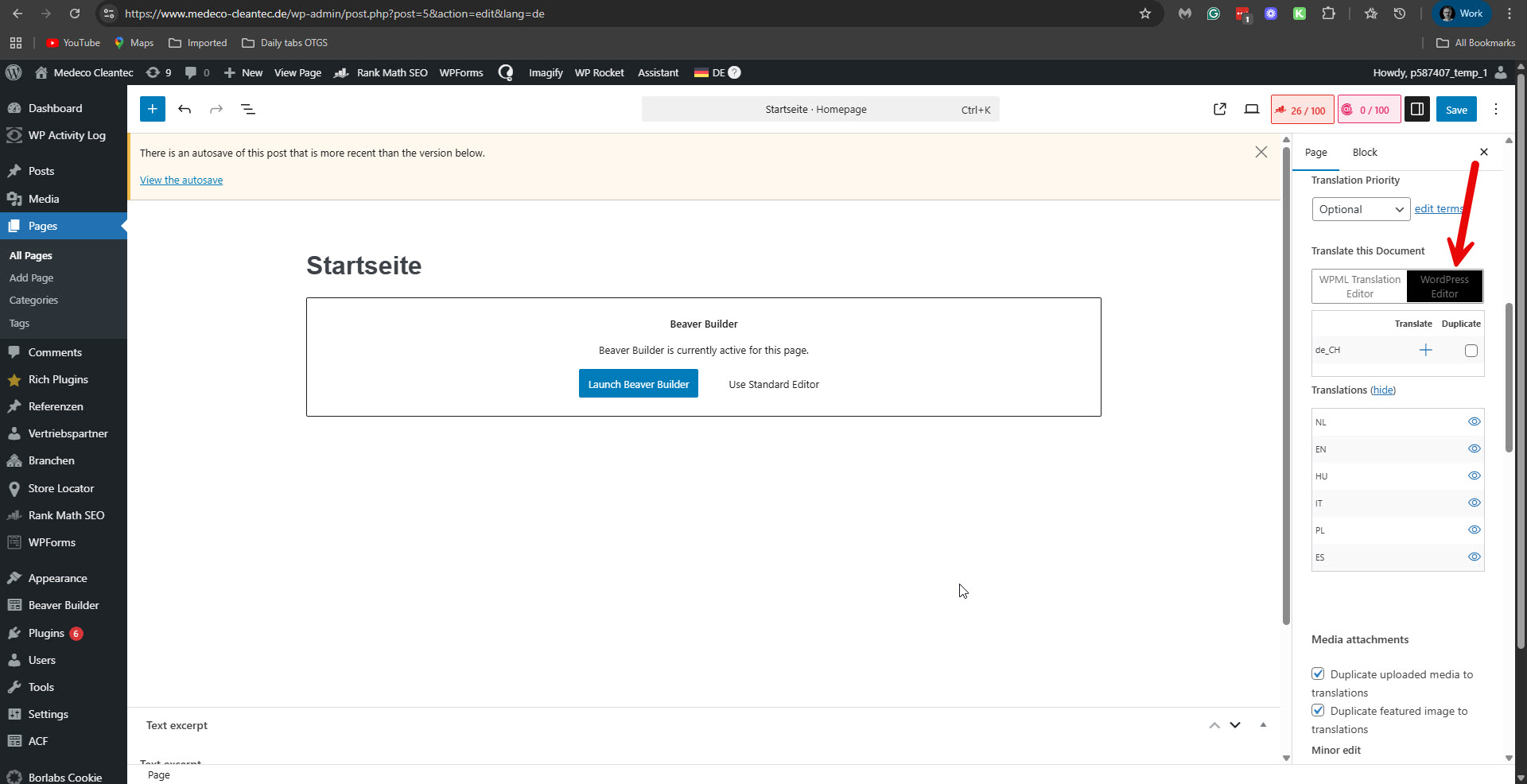
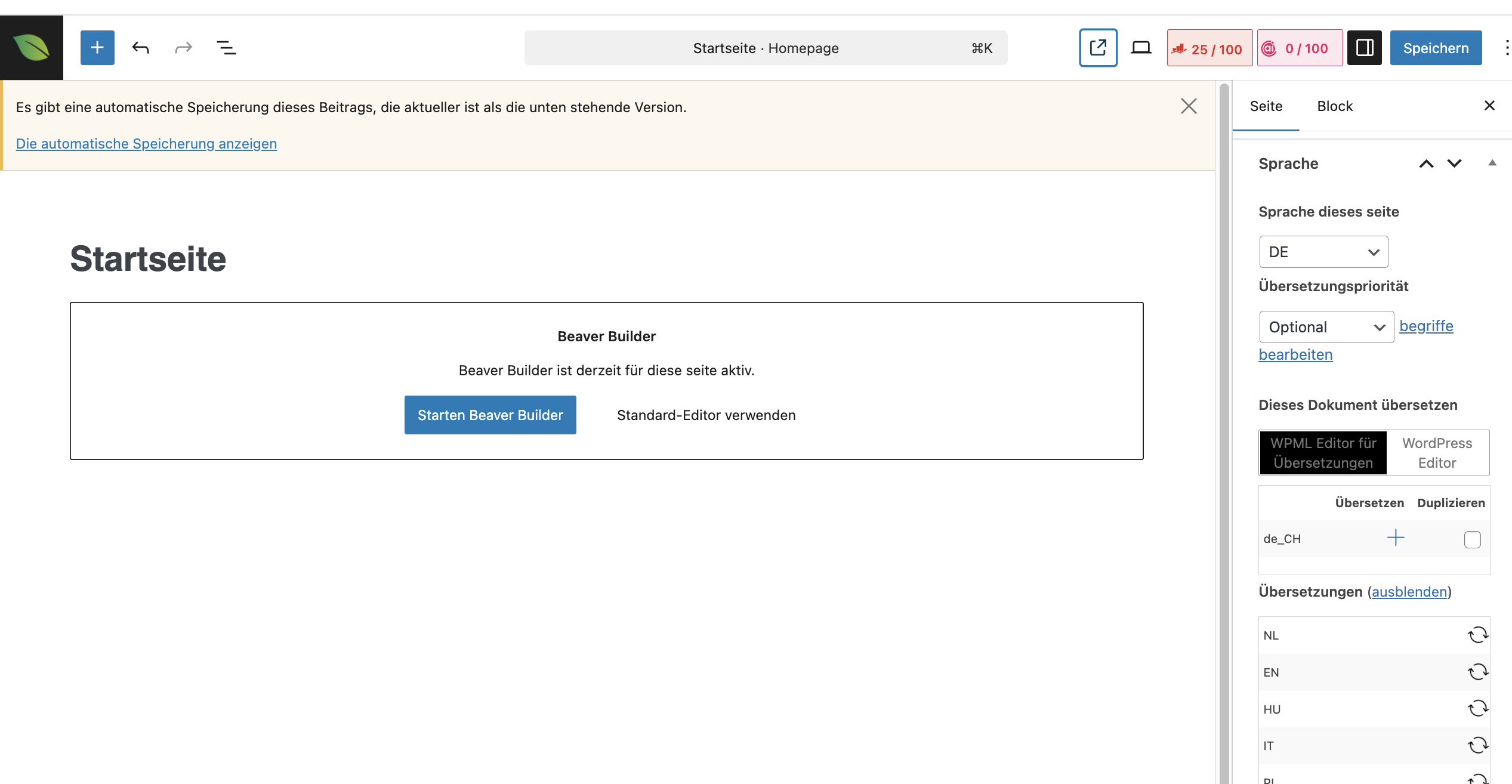
Further, I can see that Translate Everything is enabled on your site with the option to review the translations. Please see the attached screenshot, automatic-translation-review.jpg. But when I edit the homepage in German, the default language, I saw that you switched to the WordPress editor. Please see the attached screenshot, wp-editor-2.jpg. This workflow is ineffective and will not yield the desired results for images. You should switch to using WPML Translation Editor and replace the images in WPML -> Media translation. Alternatively, you can start from scratch and translate the page in what we call the manual translation method, explained in this guide: https://wpml.org/documentation/translating-your-contents/using-different-translation-editors-for-different-pages/.
Please let me know if you have any further questions.
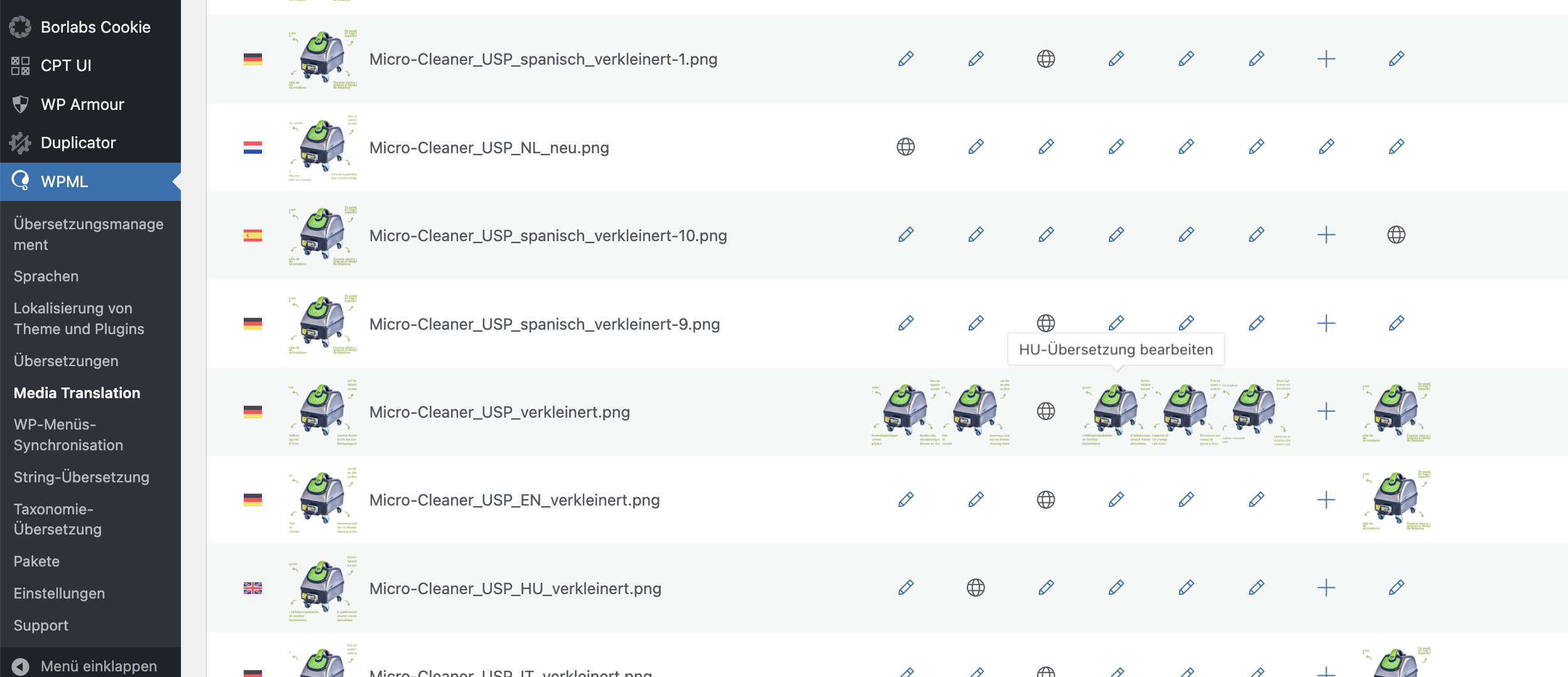
I have stored the images in Media Translation as you said and also as described here https://wpml.org/documentation/getting-started-guide/media-translation/ , see screenshot 1. But in the frontend, the German image is still displayed in every language. I have also set the page to ‘WPML Editor for Translation’ as you said.
Could this possibly be due to the settings in Beaver Builder? Or did I do something wrong in the WPML settings? Do you need new access to the WordPress site for this? Please take another look, thank you!
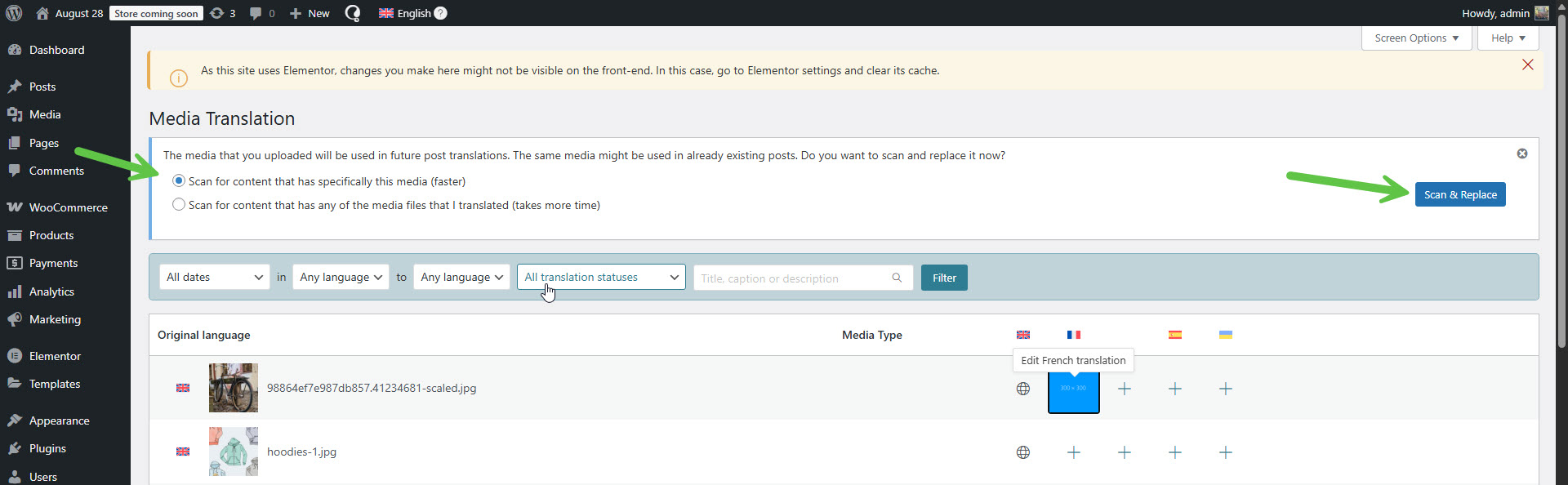
In WPML -> Media translation, have you scanned the content to replace the media?
Please see the attached screenshot media-replace.jpg.
Additionally, you may need to update the translations after making these changes.
Have you done it?
I'm asking because, watching the screenshot you shared, I'm in doubt. I can see circled arrow icons next to the other languages, where I expect to see the pencil icon.
Moreover, please ensure it is not a caching issue by clearing all the caching on your site. In Beaver Builder -> Tools, there should be a caching setting. It's worth trying to use the Clear Cache button there.
**** Important! Please make a full site backup (files and DB) before you proceed with those steps****
If you require additional assistance with this, please share the access details to your site with me again. I'm enabling a private message for the following reply. Privacy and Security Policy
We have strict policies regarding privacy and access to your information. Please see: https://wpml.org/purchase/support-policy/privacy-and-security-when-providing-debug-information-for-support/ **IMPORTANT**
- - Please backup the site files and database before providing us access. --
-- If you have a staging site where the problem can be reproduced, it is better to share access to the staging site.--
Regards,
Itamar.
The topic ‘[Closed] Integration of different images with text in different languages’ is closed to new replies.