Home›Support›English Support›[Resolved] Media Translation not working within the Unlimited Element Carousel Widget
[Resolved] Media Translation not working within the Unlimited Element Carousel Widget
This thread is resolved. Here is a description of the problem and solution.
Problem: The client is experiencing issues with media translation not working within the Unlimited Element Carousel Widget using the WPML plugin. They are seeking a way to manage media names for different languages and ensure that the media translates correctly across different language versions of the site.
Solution: 1. Install and Activate WPML Media Translation: Ensure that the WPML Media Translation add-on is installed and activated. 2. Enable Automatic Media Text Translation: Go to WPML → Settings, scroll to the Media Translation section, and turn on 'Automatically detect best options for translating image texts'. 3. Translate the Page with the Carousel: Use the WPML Translation Dashboard to send the page containing the carousel for translation. 4. Replace Media in WPML Media Translation: Assign different images for each language by using the WPML Media Translation tool. 5. Re-save Your Elementor Page: After updating media translations, re-save the original page in Elementor to refresh content and apply new translation settings.
If these steps do not resolve the issue, or if the solution seems outdated or not applicable to your specific case, we recommend opening a new support ticket. We also highly recommend checking related known issues at https://wpml.org/known-issues/, verifying the version of the permanent fix, and confirming that you have installed the latest versions of themes and plugins. For further assistance, please visit our support forum at WPML Support Forum.
This is the technical support forum for WPML - the multilingual WordPress plugin.
Everyone can read, but only WPML clients can post here. WPML team is replying on the forum 6 days per week, 22 hours per day.
Thanks for your reply. I need to check your setup.
Therefore, I will require temporary access (WP-Admin and FTP) to a test site where the problem has been replicated, if possible. This will enable me to provide better assistance and determine if any configurations need to be modified.
Please note that it is important to have a backup for security purposes and to prevent any potential data loss. You can use the UpdraftPlus plugin (https://wordpress.org/plugins/updraftplus/) to fulfill your backup requirements.
Your upcoming reply will be treated with confidentiality and will only be visible to you and me.
✙ To resolve the issue, I may need your consent to deactivate and reactivate plugins and the theme, as well as make configuration changes on the site if necessary. This emphasizes the significance of having a backup.
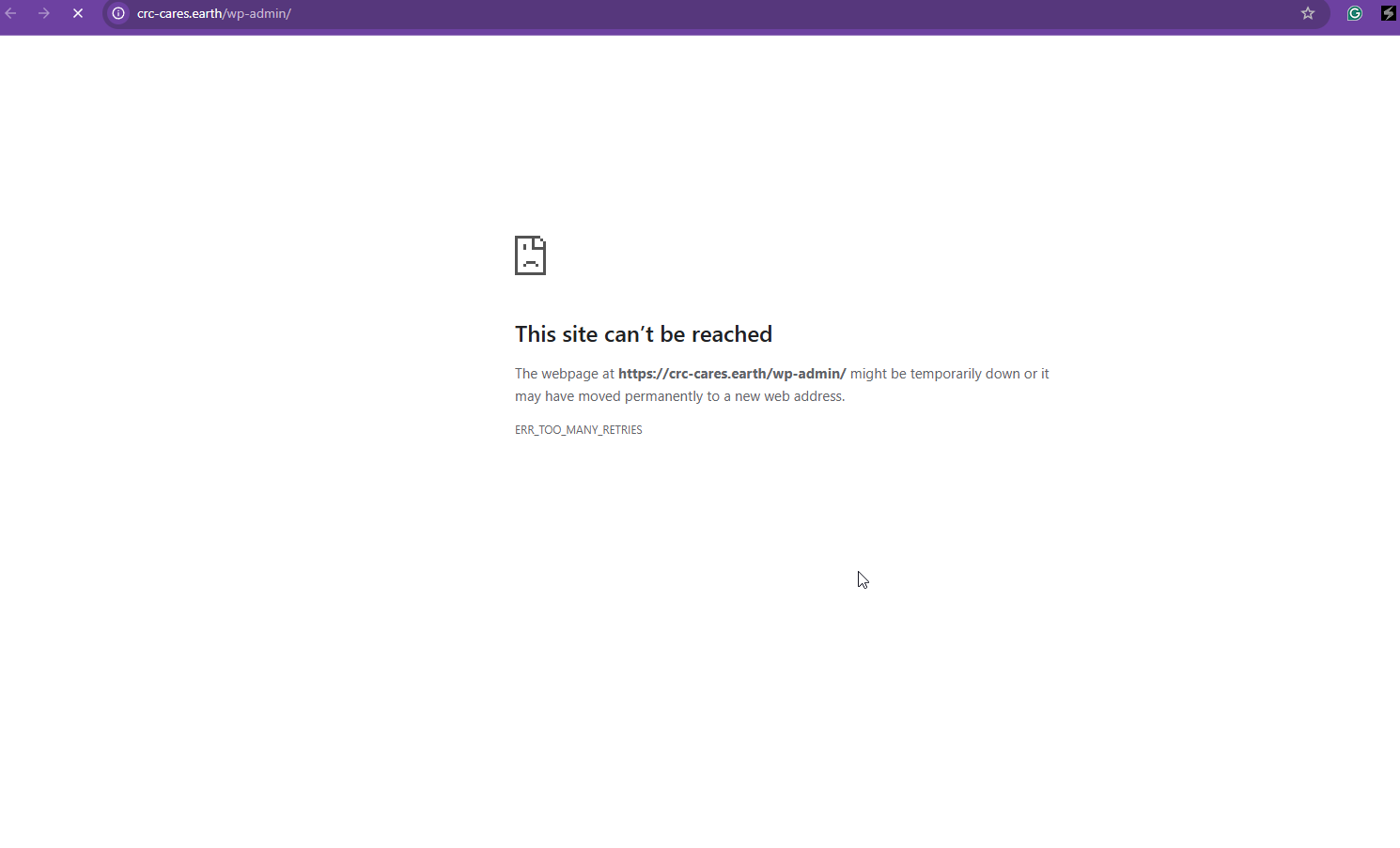
Thanks for your reply. Yes, I have your login information. However, your Website keeps going down, as shown in the attached screenshot. Could you please check and see if you've enough resources on your server?
Can you please send me email notifications so I can see whenever you post something?
Andreas has that feature set up, and it is easier for me to get back to him quickly to resolve my issue?
Point 2:
Andreas never has a problem connecting with the info I send him. Can you please see with him what is happening on your end.
I can't recreate something that requires plug-ins that are registered on my site only.
Please see with Andrea and get back to me quickly, please.
I am supporting to do a website duplication/migration tomorrow and I would like to have that WPML question fixed so we don't do this again for 2 websites
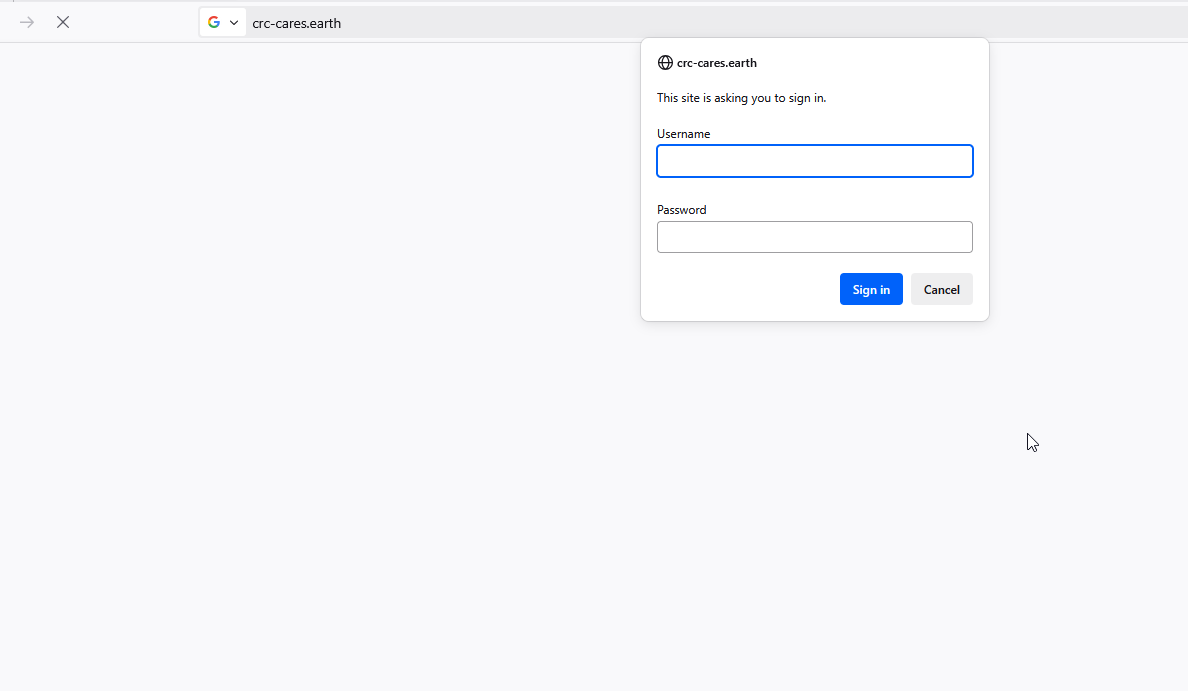
Thanks for your reply. I know what's going on. I need the "Authentication Login" as shown in the attached. Can you provide that information? You can get this from your hosting provider.
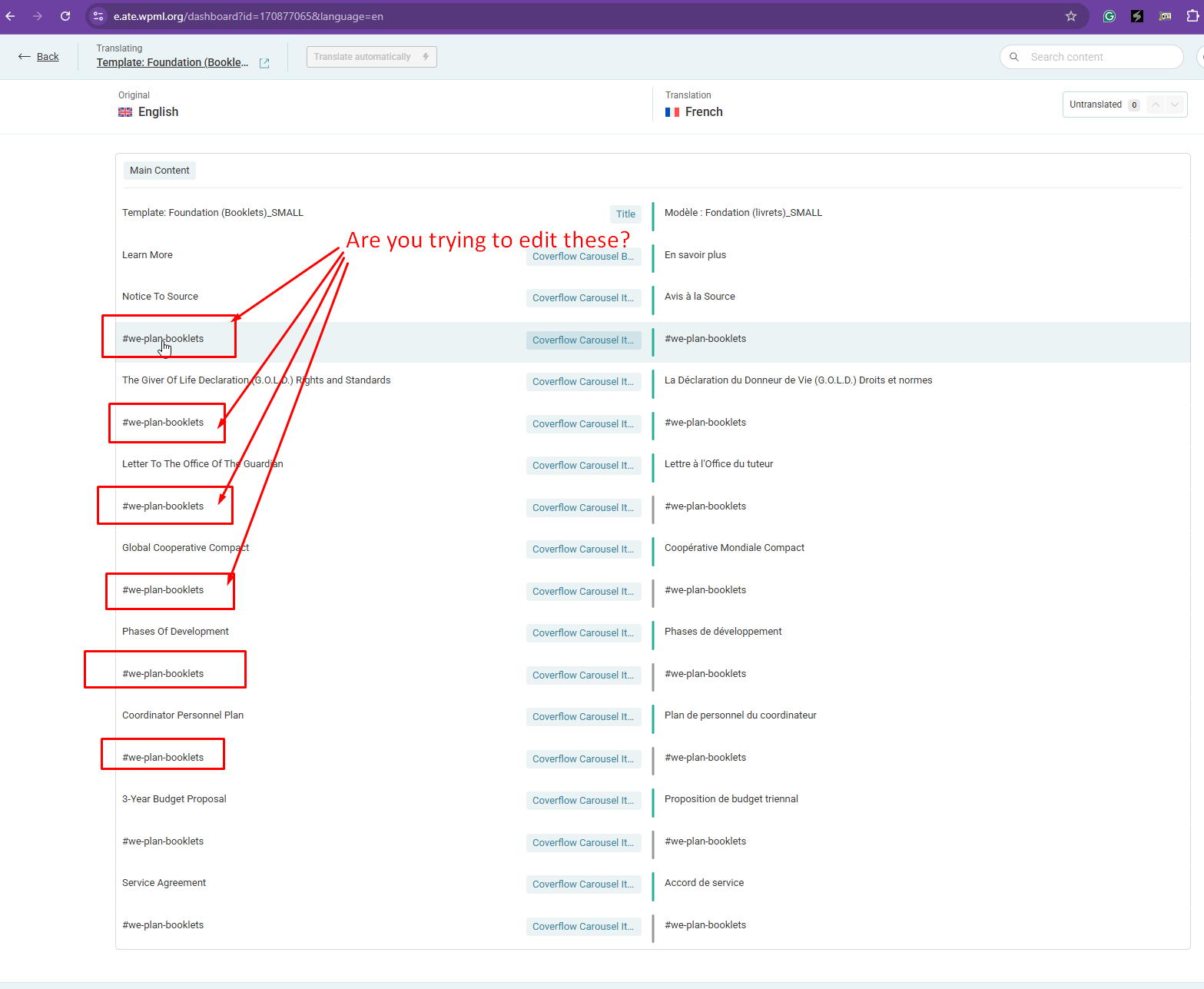
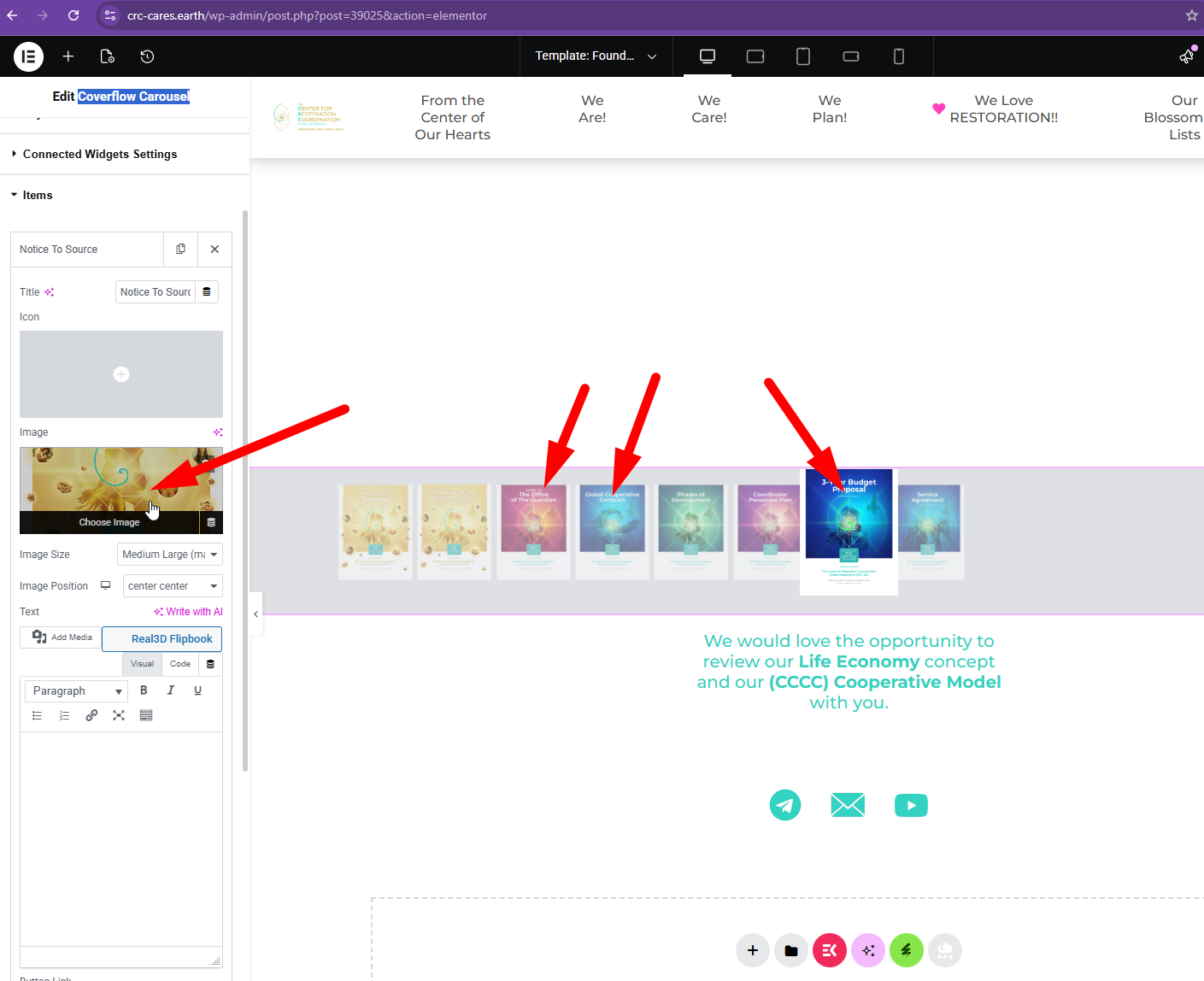
How can WPML add the name of the Media within this widget so it can find its Media Trail;ate version.
With the carousel, my media isn't being called out.
I tried inserting the Media Translate version (with FR at the end) and it still doesn't recognize it.
Can WPML find a solution for people in that situation?
The 4 carousel templates affected by this situation are below:
hidden link
hidden link
hidden link
hidden link
Can you find a by-pass OR add-on coding so we can find a solution for this 3rd party Elementor Widget? 🙂
I regret any inconvenience caused, but to proceed with troubleshooting, I kindly ask for a snapshot of the site. Alternatively, with your permission, I can create one myself. For this purpose, I typically recommend using the free plugin "Duplicator." If you're already familiar with Duplicator (https://wordpress.org/plugins/duplicator/), please skip the following steps and simply send me the archive file you downloaded.
To guide you further, please adhere to these instructions:
1. View the Duplicator instructions video: hidden link
3. If the archive file exceeds 400MB, please use Duplicator's file filters to exclude cache, wp-uploads directory, media, and archive files.
Once you have the archive file ready, kindly share the link with us. You can utilize platforms like Google Drive, Dropbox, or similar for file sharing, as the snapshot file might be large.
Please note that your next reply will be private, visible only to you and me. You can paste the file link there. Rest assured that once the issue is resolved, I will delete the local site.