This thread is resolved. Here is a description of the problem and solution.
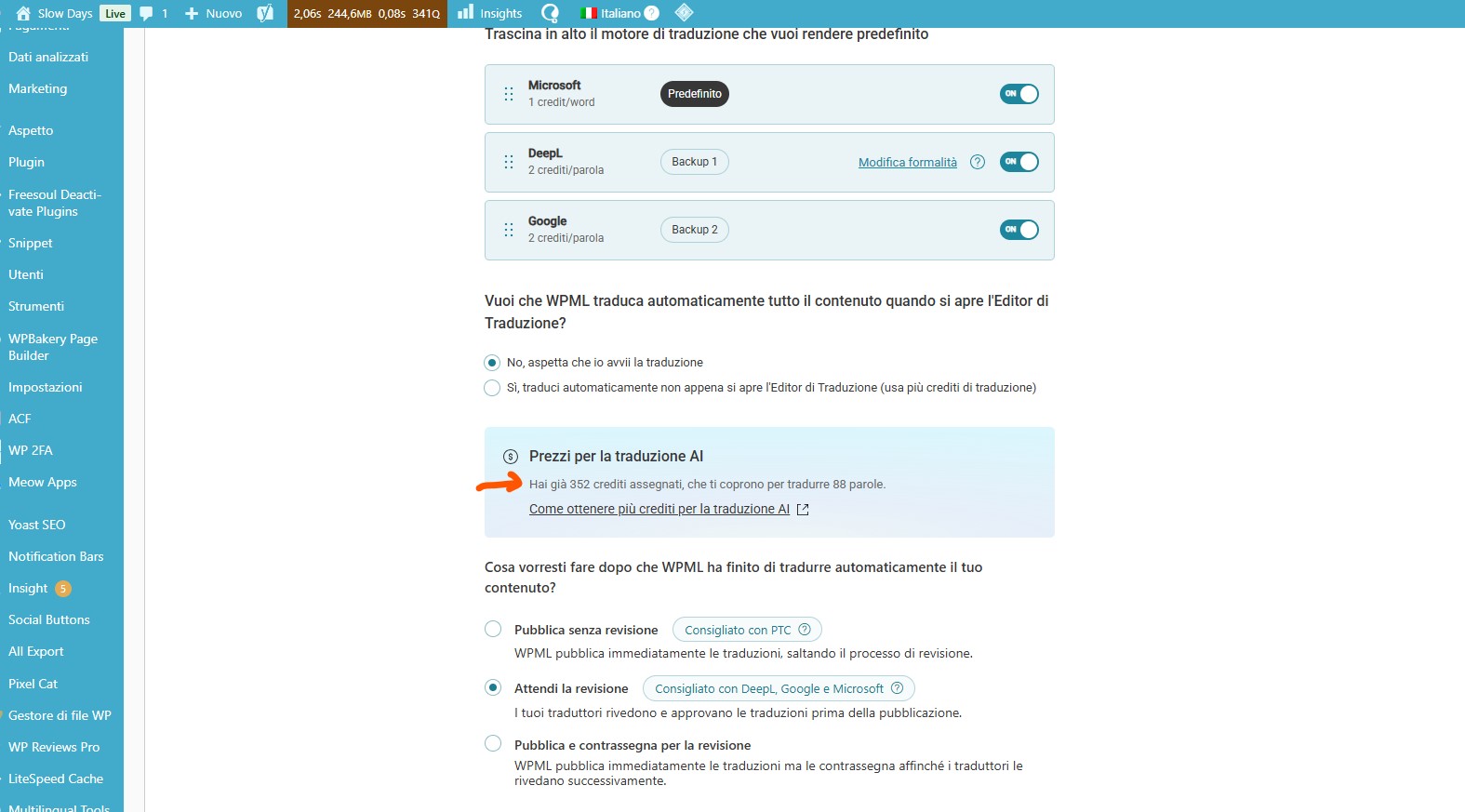
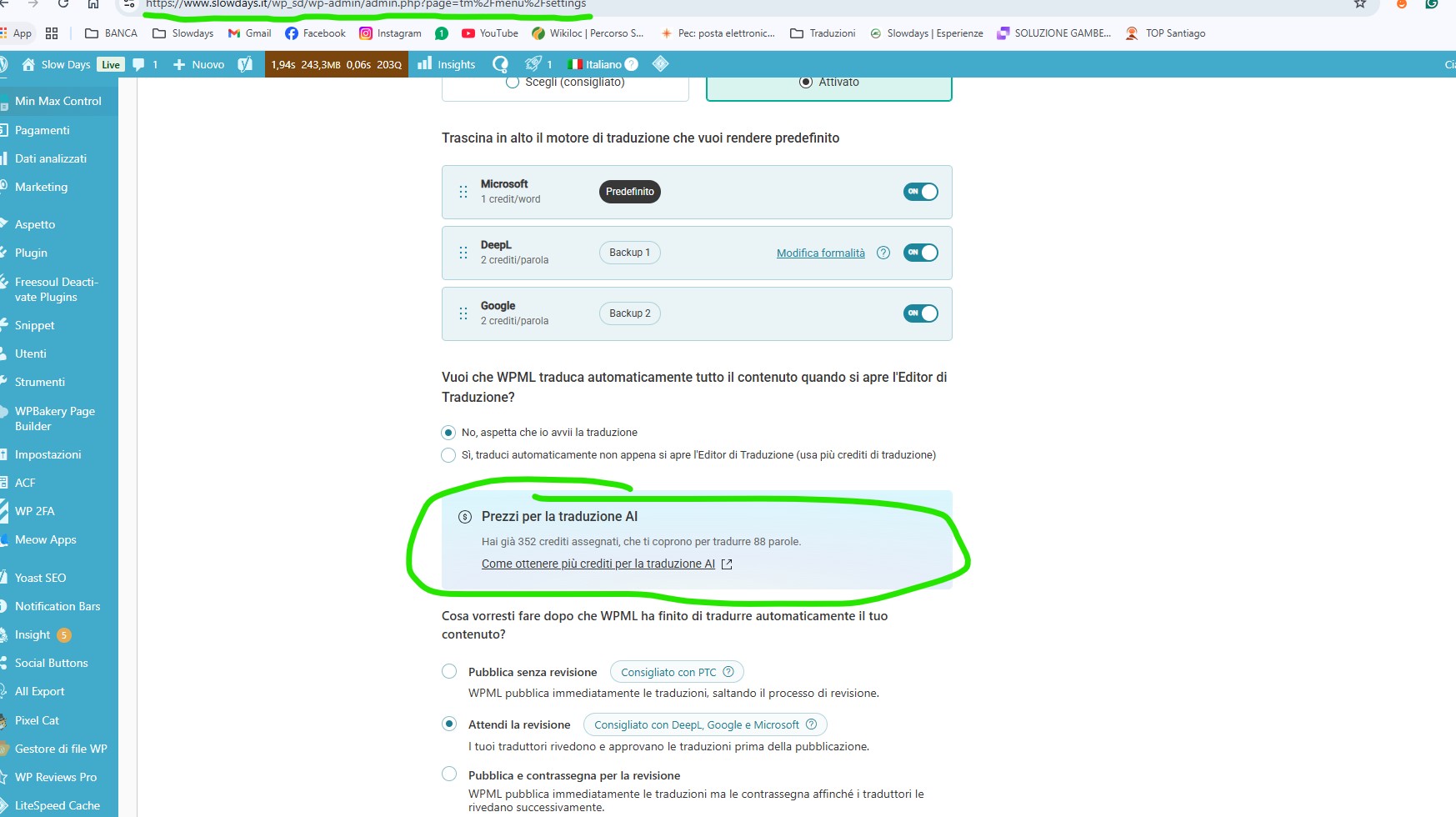
Problem: The client renewed their WPML license and received a total of 92,000 credits. Despite assigning these credits to their website through the WPML.org account, only 352 credits are visible and usable for translations in the WordPress backend under the WPML → Translation Dashboard → Translation Tools tab.
Solution: 1. Verify the centralized and per-site balance of credits in the WPML.org account and cross-check against the registered site’s URL. 2. Check for discrepancies in the credit log or misapplied assignments in the backend. 3. Confirm that the site registration matches between WPML.org and the site backend, ensuring there are no duplicate registrations or domain mismatches. 4. Do not repeat standard credit assignment instructions or dashboard checking steps as these have already been tried. 5. If the issue persists, escalate internally for backend investigation due to a possible synchronization or billing anomaly.
This solution might be irrelevant if it’s outdated or not applicable to your case. We highly recommend checking related known issues at https://wpml.org/known-issues/, verifying the version of the permanent fix, and confirming that you have installed the latest versions of themes and plugins. If the problem continues, please open a new support ticket at WPML support forum for further assistance.
This is the technical support forum for WPML - the multilingual WordPress plugin.
Everyone can read, but only WPML clients can post here. WPML team is replying on the forum 6 days per week, 22 hours per day.
I renewed my WPML license. I received 90,000 credits + 2,000 free credits. I installed and registered the purchase key. However, I don't see the credits as usable in translations.
Thanks for your patience. I’ve checked our system and can see that 156,000 credits were added to hidden link . Could you please confirm if this is the site you’re working on?
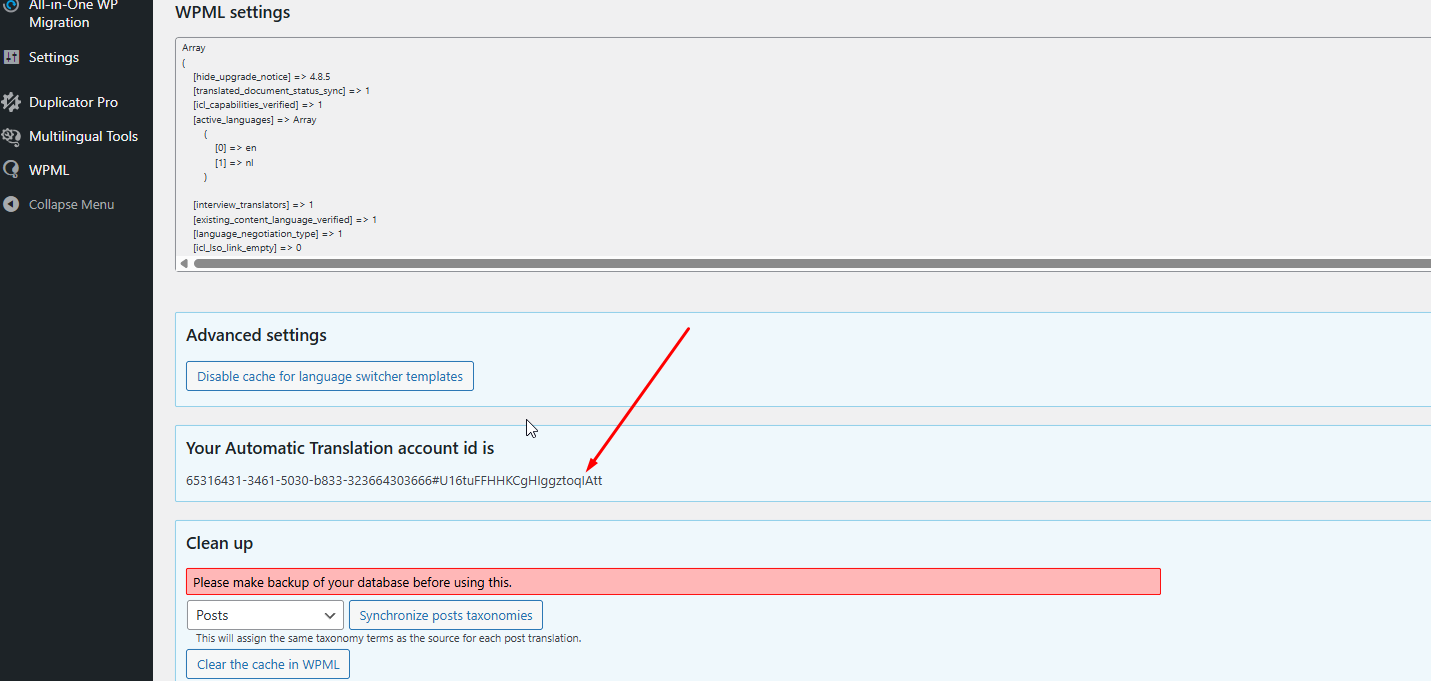
Thanks for your reply. I can see multiple registrations on our system here, and it's causing some issues over there. Could you please navigate to WPML > Support > Troubleshooting link > Copy and paste the "Your Automatic Translation account id is" number here so that I can check? It looks like the attached screenshot.
Thanks for your patience. Could you please back up your website and share access with me? I’d like to review the issue, and if needed, escalate it to our 2nd Tier Support for further investigation.
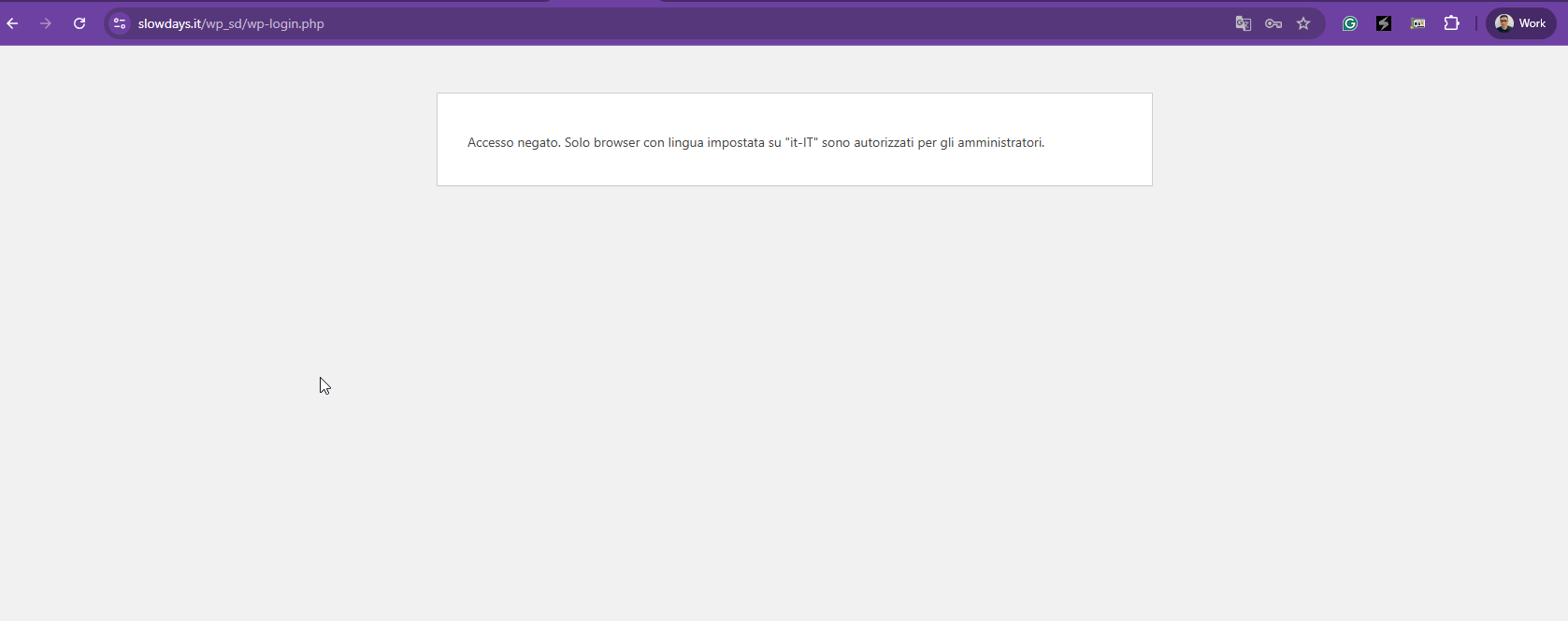
Thanks for your reply. I'm getting this login error "Accesso negato. Solo browser con lingua impostata su "it-IT" sono autorizzati per gli amministratori." as shown in the attached screenshot. Could you temporarily disable the security so that I can check?
The admin area is protected by a rule that allows administrators only when the browser language is set to Italian (it-IT).
Could you please temporarily switch your browser language to Italian (it-IT) and try again?
If it still blocks you, I’ll disable the rule from the server-side. But I'm not sure that I will be able to do 🙁