Skip to content Skip to sidebar

This is the technical support forum for WPML - the multilingual WordPress plugin.

Everyone can read, but only WPML clients can post here. WPML team is replying on the forum 6 days per week, 22 hours per day.

Sun Mon Tue Wed Thu Fri Sat
- 7:00 – 12:00 7:00 – 12:00 7:00 – 12:00 7:00 – 12:00 7:00 – 12:00 -
- 13:00 – 15:00 13:00 – 15:00 13:00 – 15:00 13:00 – 15:00 13:00 – 15:00 -

Supporter timezone: Europe/Madrid (GMT+01:00)

This topic contains 10 replies, has 0 voices.

Last updated by andreasC-8 9 hours, 43 minutes ago.

Assisted by: Carlos Rojas.

Author Posts
December 22, 2025 at 9:42 pm #17683482

andreasC-8

Hello,

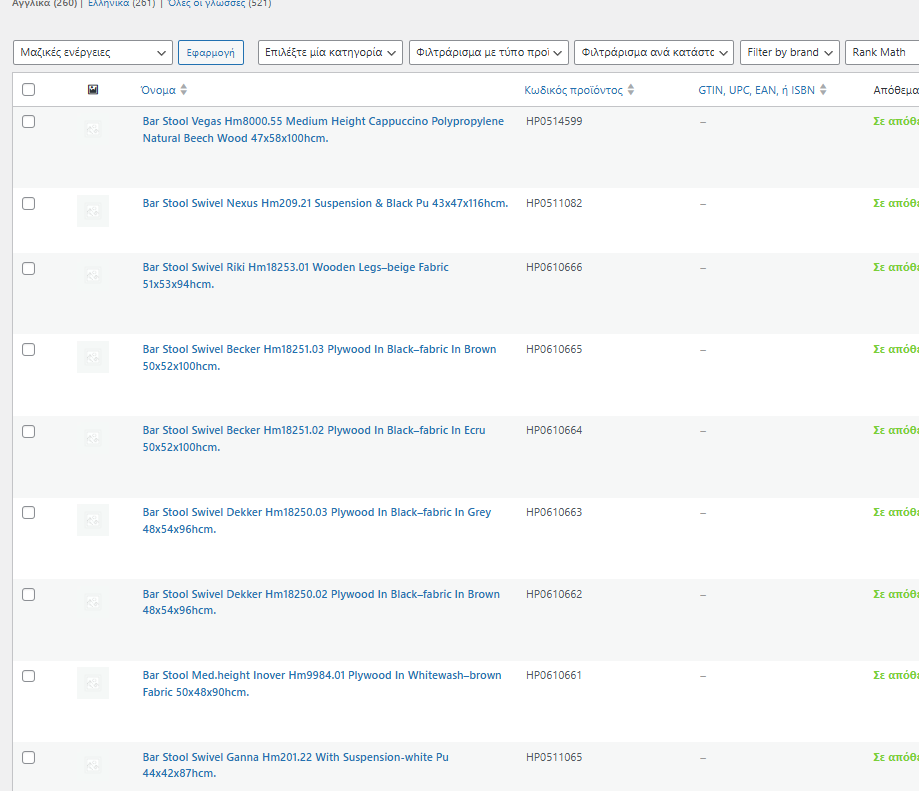
i have 2 languages GR and EN. My main language is Greek, the products are imported to the website. Now the images are working properly but the English thumbanils on backend, emails , search are not shown .

December 23, 2025 at 12:05 pm #17684515

Carlos Rojas
WPML Supporter since 03/2017

Languages: English (English ) Spanish (Español )

Timezone: Europe/Madrid (GMT+01:00)

Hello,
My name is Carlos, and I will continue working on this ticket

1.- I kindly ask you to create a full site backup and then follow the steps described in this video: hidden link

2.- Please increase the WP memory Limit. Minimum requirements are 128Mb: https://wpml.org/home/minimum-requirements/
You can add this to wp-config.php to increase WP memory:`

/* Memory Limit */
define('WP_MEMORY_LIMIT', '256M');

- Add it above the line /* That's all, stop editing! Happy blogging. */

You can double-check the WordPress memory limit in WPML -> Support

Can you tell me the results of the steps described above?

December 23, 2025 at 7:09 pm #17685498

andreasC-8

Thank you the issue is gone.

December 23, 2025 at 10:39 pm #17685749

andreasC-8

Hello,

just getting back on the ticket to let you know that if i enable that option which automatically should take care of the images , it doesnt work on my case. Now the question is should i do this manual thing for each new product i add ?

We have thousand of products imported through imports, we cannot keep doing this manually .
Can you suggest a solution please?

December 24, 2025 at 9:06 am #17686141

Carlos Rojas
WPML Supporter since 03/2017

Languages: English (English ) Spanish (Español )

Timezone: Europe/Madrid (GMT+01:00)

Hi there,

1.- Please share the URL of one of the products where the issue can be seen, and that we can use as a reference.

2.- Also, I kindly ask you to share the access credentials to the site in your next message, which I have set private. This will allow me to reproduce the issue and check the configuration.

Confirm you have created a full site backup that you can restore if necessary.

December 26, 2025 at 12:13 pm #17688486

Carlos Rojas
WPML Supporter since 03/2017

Languages: English (English ) Spanish (Español )

Timezone: Europe/Madrid (GMT+01:00)

Hi,
Thank you for sharing the credentials requested.

I'm regenerating the WooCommerce thumbnails. This will take a while. Please double-check if the issue disappears when the process finishes.

December 26, 2025 at 4:04 pm #17688689

andreasC-8

Evsn if the problem is now gone. Everytime k will import products from wp all import i will face the same issue.

December 27, 2025 at 10:11 am #17689305

andreasC-8

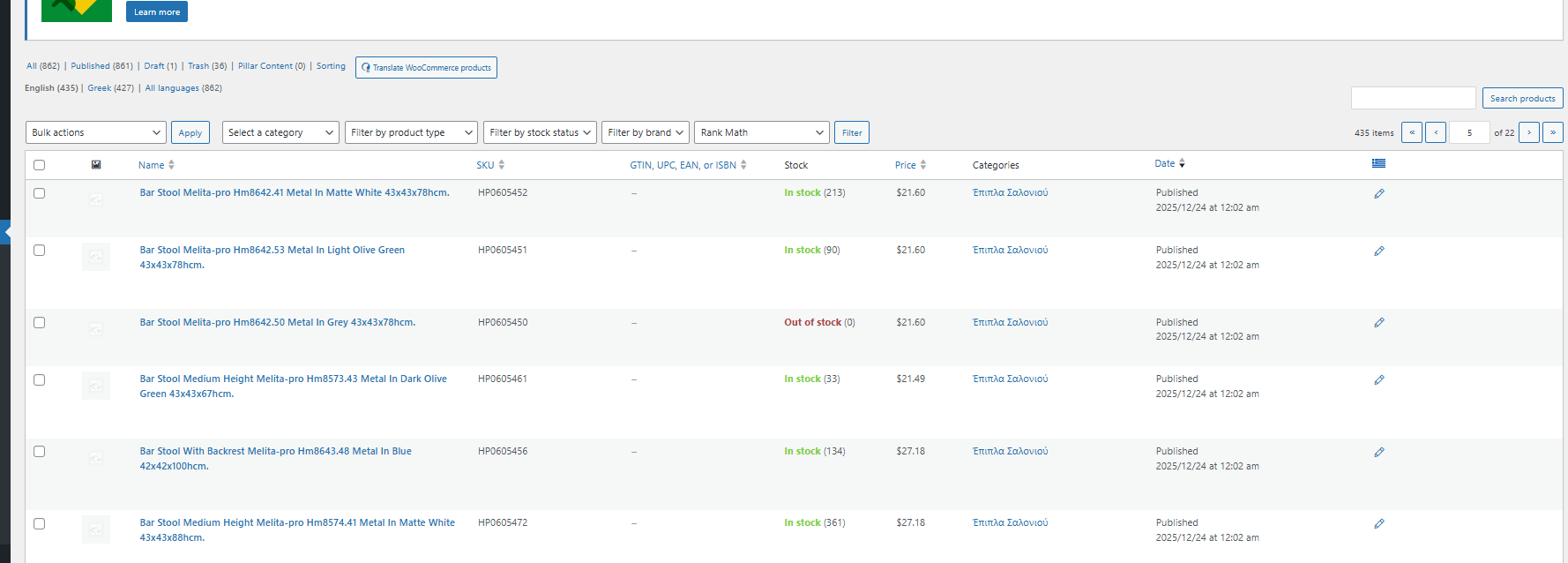
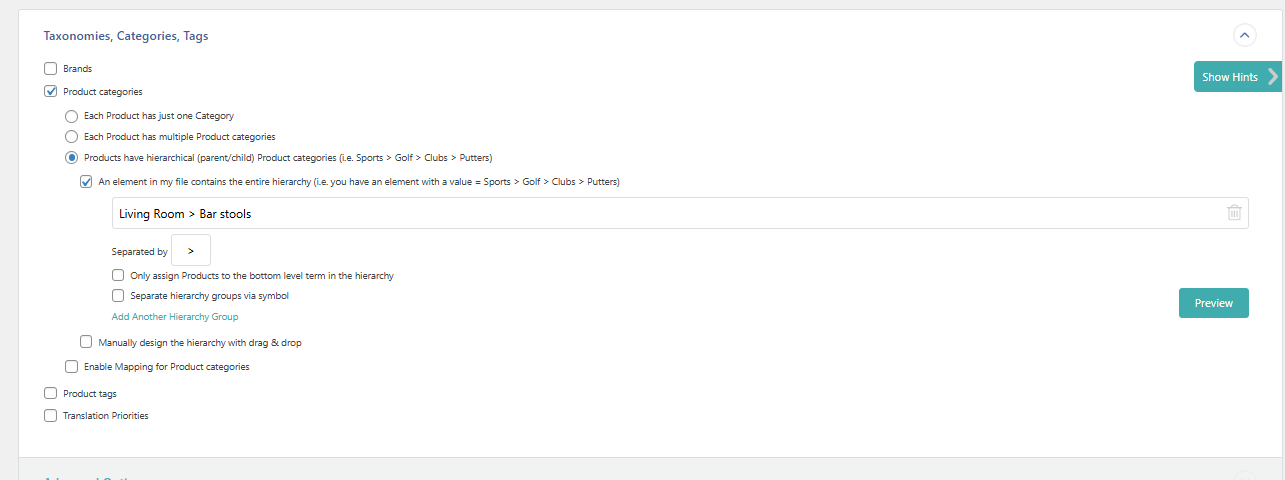
Also , one more thing i noticed and i dont know if its related is that my English product imports are not assign to the correct cateogry but only on the main Language which is Greek.

posting couple of screenshots .

Screenshot 2025-12-27 120654.png
Screenshot 2025-12-27 121001.png
Screenshot 2025-12-27 121016.png
December 29, 2025 at 9:37 am #17694412

Carlos Rojas
WPML Supporter since 03/2017

Languages: English (English ) Spanish (Español )

Timezone: Europe/Madrid (GMT+01:00)

Hi,

Could you share an import file in Greek and the corresponding one in English so I can check the structure and run an import process? Please make sure the import files only have one or two products, as this will be only a test import.

December 29, 2025 at 2:49 pm #17695236

andreasC-8

Hello,

you already have access to the backend . You can go to WPALLIMPORT -> Manage Imports.
You can do what ever you like, we have Greek imports and English .

Do your tests and let me know

December 30, 2025 at 10:40 am #17696489

Carlos Rojas
WPML Supporter since 03/2017

Languages: English (English ) Spanish (Español )

Timezone: Europe/Madrid (GMT+01:00)

Hi,

The import files in WPALLIMPORT contain a large number of products. I kindly request that you create a sample import file with one or two products in each language that we can use as a reference and share the download link in your next message.

December 31, 2025 at 7:40 pm #17698921

andreasC-8

Hello , you cannot recreate the problem with 1 or 2 products.

You can use the import with id 9(is in greek import) and 10 (in english). Which they have 27 products through CLI , with the following command.

wp all-import run 9,10 --force-run

This will finish in less than 2 minutes. Please let me share with you the CLI ip, user , and pass so you can run the imports through CLI.

Also i prefer to work on the specific imports which already have the BUG and the english translation doesnt work properly .