Home›Support›English Support›[Resolved] When I was translating the product, the translation process got stuck and kept showing as "in progr...
[Resolved] When I was translating the product, the translation process got stuck and kept showing as "in progr...
This thread is resolved. Here is a description of the problem and solution.
Problem: You are trying to translate a product using WPML, but the translation process is stuck and continuously shows as 'in progress'. Solution: We found that the issue was due to a specific shortcode:
For more details on how to register shortcodes, please check this guide. After registering the shortcode, please resend the products for translation and check if they translate correctly.
If this solution does not apply to your case, or if it seems outdated, we highly recommend checking related known issues at https://wpml.org/known-issues/, verifying the version of the permanent fix, and confirming that you have installed the latest versions of themes and plugins. If the issue persists, please open a new support ticket.
This is the technical support forum for WPML - the multilingual WordPress plugin.
Everyone can read, but only WPML clients can post here. WPML team is replying on the forum 6 days per week, 22 hours per day.
Background of the issue:
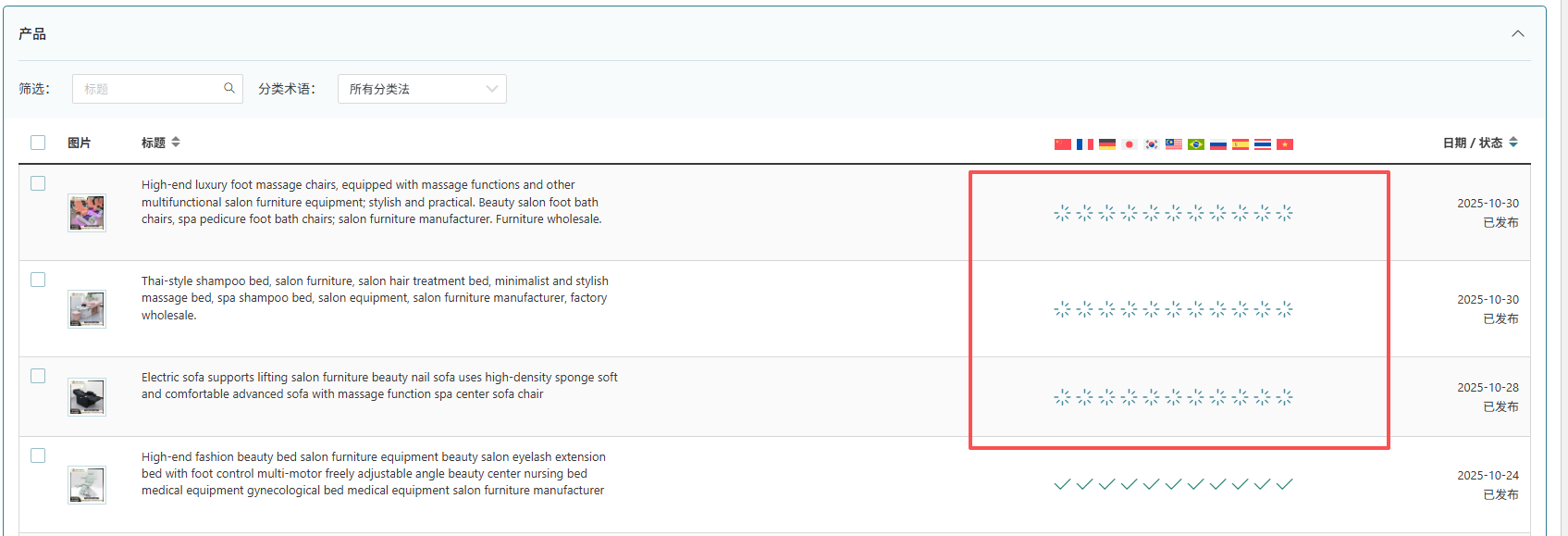
I am trying to translate a product on my website using WPML. I followed the instructions provided by the AI to complete the translation process.
Symptoms:
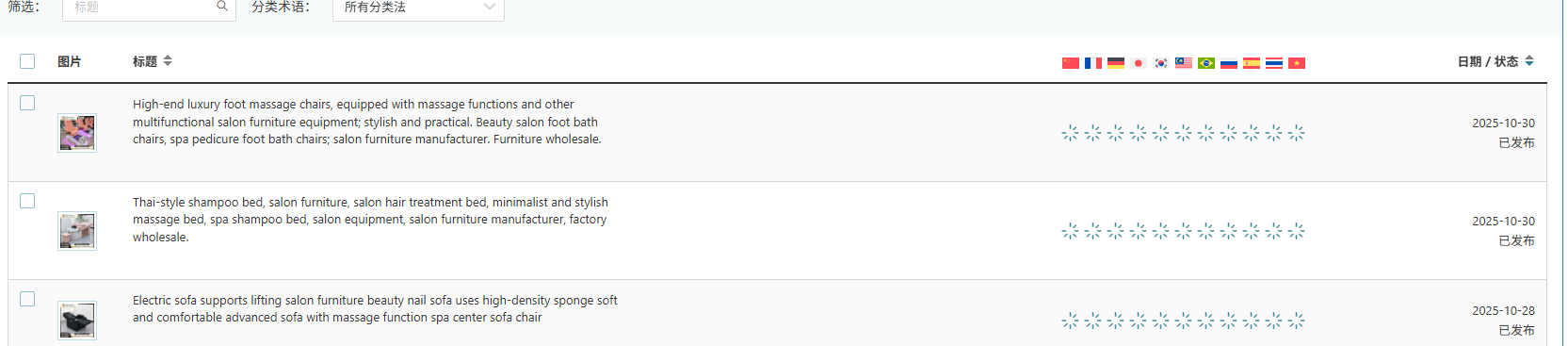
The translation process got stuck and kept showing as 'in progress.'
Questions:
How can I resolve the issue of the translation process being stuck in progress?
Thanks for contacting WPML forums support. I'll be glad to help you today.
First of all, sorry for the late reply; it was due to a higher workload.
I would need to look closely at your site, so I would need to request temporary access (WP-Admin and FTP) Preferably to a test site where the problem has been replicated.
Your answer will be private, meaning only you and I can access it.
❌ Please back up your database and website ❌
✙ I need your permission to deactivate and reactivate the plugins and themes, and change site configurations. This is also why the backup is critical.
✙ I also need your permission to take a local copy of your site to debug the issue without affecting your live site.
Thanks for the access details. I canceled the stuck jobs. Would you please send these three products for translation and let me know if they work as expected?
It's great to hear that the issue is fixed. 🙂 Please don't hesitate to open a new ticket if you face any other issues. We are always happy to help you.