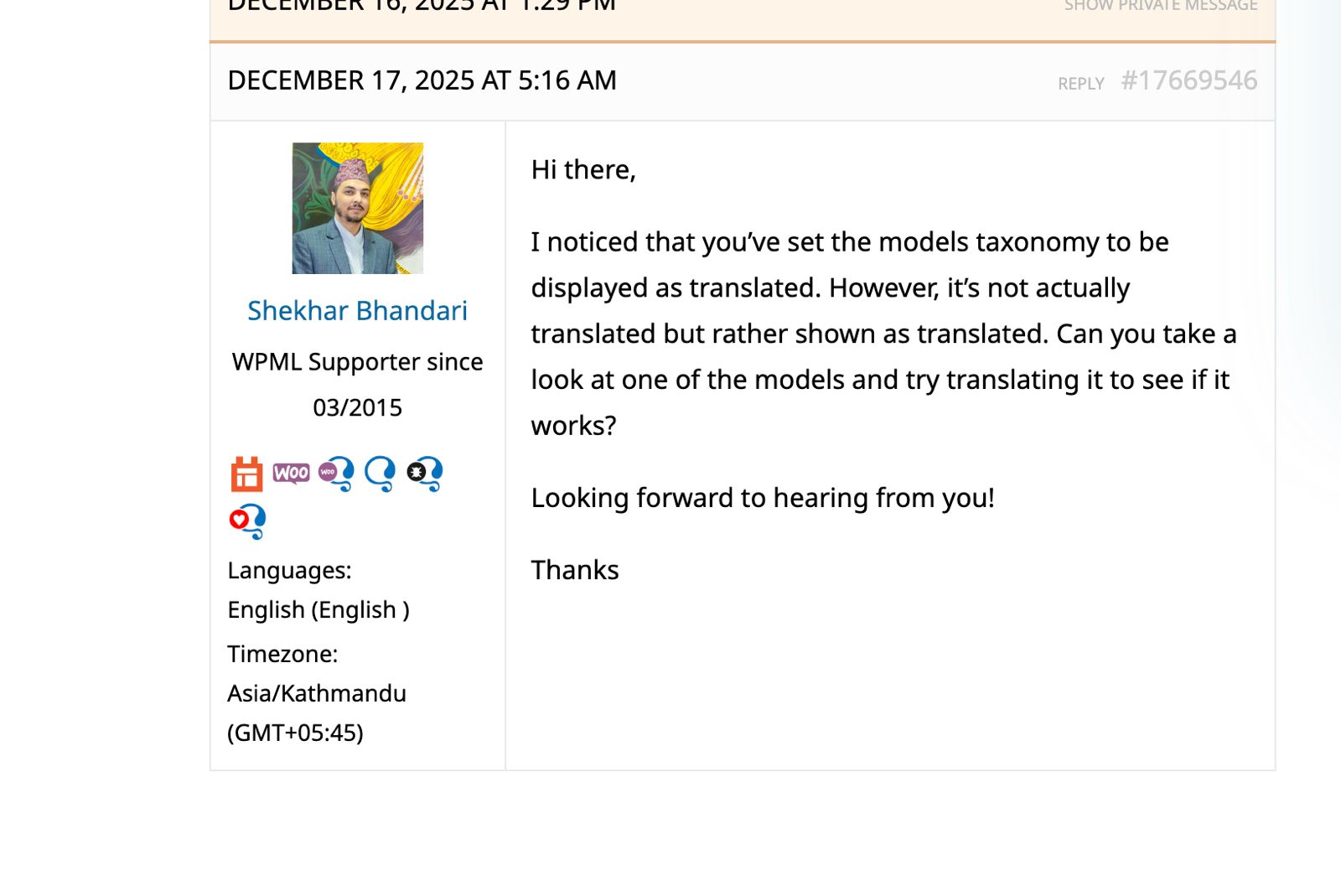
This is the ticket with my colleague Shekhar you are looking for: https://wpml.org/forums/topic/wpml-sitemaps-opens-as-404/. If the same advice does not help in this specific case, please let me have access to your site. I'm enabling a private message for the following reply. Also, if needed, please allow me to take a copy of your site. For this, I must install a plugin like Duplicator or All-in-One Migration. Please let me know if you agree. Privacy and Security Policy
We have strict policies regarding privacy and access to your information. Please see: https://wpml.org/purchase/support-policy/privacy-and-security-when-providing-debug-information-for-support/ **IMPORTANT**
- - Please back up the site files and database before providing us access. --
-- If you have a staging site where the problem can be reproduced, it is better to share access to the staging site.--
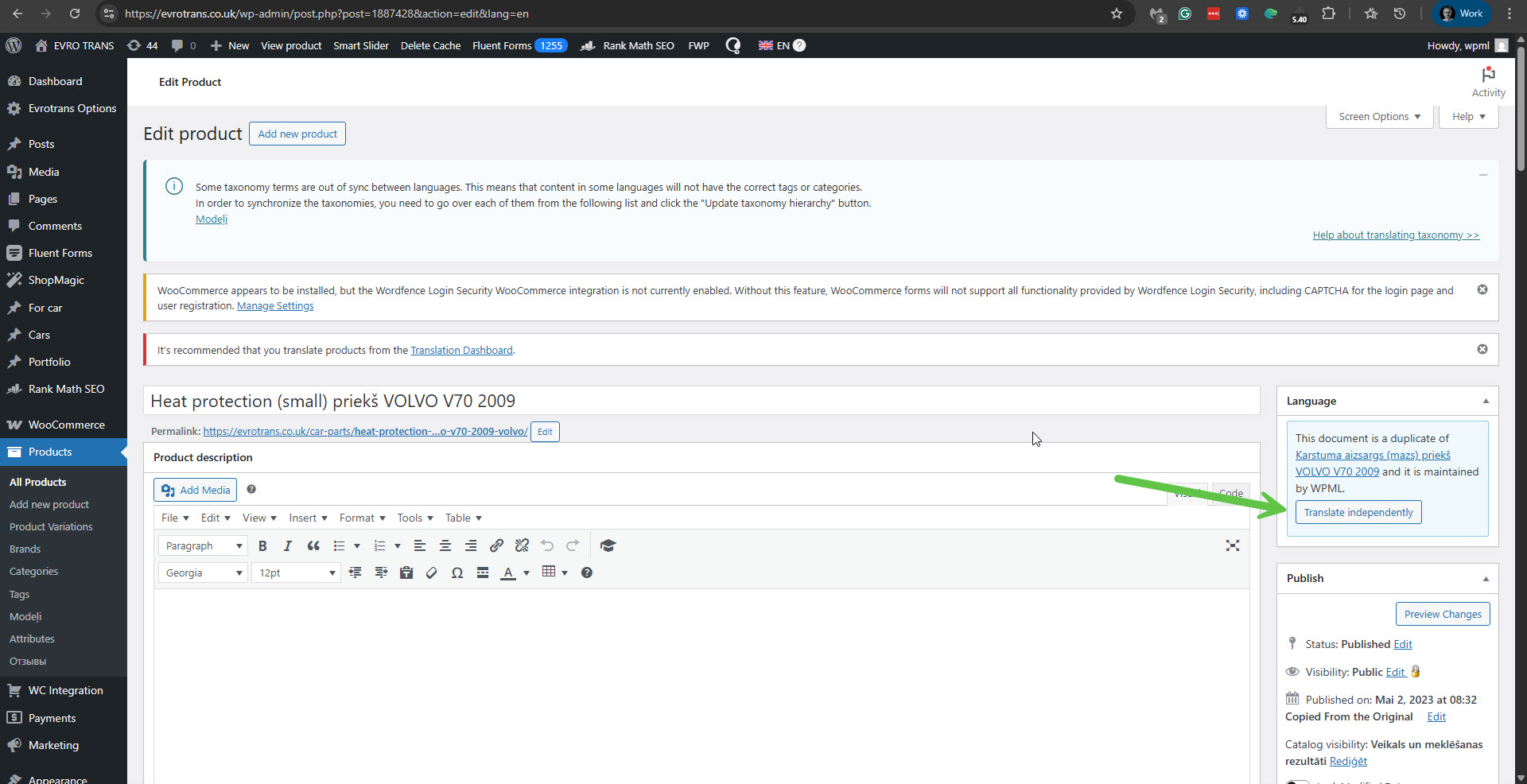
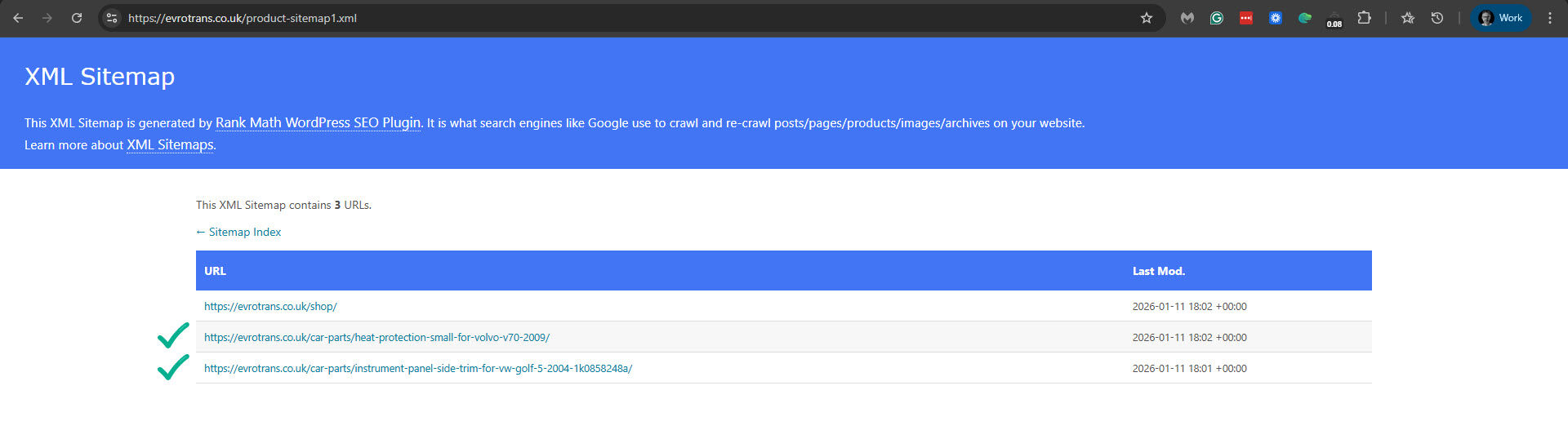
I have created duplicates for 3 products to English, but these products don't appear in sitemaps. All three products are in stock. One product is with status draft, other two are with status published.
When I click the 'Translate independently' button on each of those duplicated English products, they show in the sitemap: hidden link. Please also see the attached screenshots. I suggest that you consider this option as a solution to the problem.
Otherwise, we suspect a collision with the theme or another plugin might cause this problem. If possible, get your site into a minimum environment, switching to a default WordPress theme like TwentyTwenty-Four and activating only WPML, Strings Translation, WCML, WPML SEO, WooCommerce, and Rank Math.
First, check whether the problem persists when only the theme is switched to TwentyTwenty-Four (for example). If it persists, deactivate all plugins except WPML and its add-ons, Rank Math, and WooCommerce without any extensions. Then, please check if the problem persists. If it does not persist, start by activating the plugins individually and checking when the issue comes back, then report to me which plugin was the culprit.
**** Important! Please make a full site backup (files and DB) before you proceed with those steps****
*** If your site is live, you might want to try those procedures in a staging environment or a snapshot of your site on your local server or another server. ***
The site is extremely complex and putting that into another env would render all our tests useless as we will need to have at least another domain to run sitemap tests.
We are OK with running some tests on prod.
Do you have other ideas how to mass-add products to the sitemap?
1. Take a backup of your site in case something goes wrong.
2. Update WordPress to its latest version 6.9.
3. Update Rank Math and WooCommerce to their latest versions.
4. Deactivate and disable all the caching on your site.
5. Check if the problem persists.
**** Important! Please make a full site backup (files and DB) before you proceed with those steps****