[Resolved] WPML not compatible with Litespeed QUIC service
This thread is resolved. Here is a description of the problem and solution.
Problem: The client is experiencing an issue where attempting to validate the Litespeed extension with QUIC.cloud results in a 404 error page when WPML is activated. This problem persists even after resaving permalinks with WPML deactivated, indicating a potential redirect issue caused by WPML. Solution: We recommend the following steps to troubleshoot and potentially resolve the issue: 1. Deactivate WPML and connect to the Litespeed Cloud. If successful, reactivate WPML and check if the issue reoccurs. 2. If the problem persists, create a sandbox site with a fresh WordPress, WPML, and Litespeed installation to verify if the issue is specific to the client's current site setup. 3. Consult with the hosting providers to check for any server-side configurations, firewall rules, or security directives that might be causing the redirect issue. Additionally, reviewing server logs may provide further insights into the problem.
If these steps do not resolve the issue or if the solution seems outdated or irrelevant to your case, we highly recommend checking related known issues at https://wpml.org/known-issues/, verifying the version of the permanent fix, and confirming that you have installed the latest versions of themes and plugins. If the problem persists, please open a new support ticket at WPML support forum for further assistance.
This is the technical support forum for WPML - the multilingual WordPress plugin.
Everyone can read, but only WPML clients can post here. WPML team is replying on the forum 6 days per week, 22 hours per day.
I want to use Litespeed with their cloud extension, but during the validation, WPML redirects to a 404 page. I am trying to link my Litespeed extension with QUIC.cloud, but the request from the remote server gets redirected to an error page due to the WPML plugin.
I kindly ask you to share the access credentials to the site again, because the ones you shared in your previous message were automatically deleted for security reasons. This will allow me to double-check the configuration and reproduce the issue.
Please confirm you have created a full site backup that you can restore if necessary.
I tested the site in a minimal setup, only the Litespeed Cache plugin activated and a default WordPress theme, but the issue persists. I created a video for you showing the steps I followed and the results obtained: hidden link
As I mentioned in the video, I recommend contacting your hosting providers and the Litespeed Cache support service to take a deeper look at this issue and isolate its cause.
The root problem is that WPML is doing a redirect while it should not.
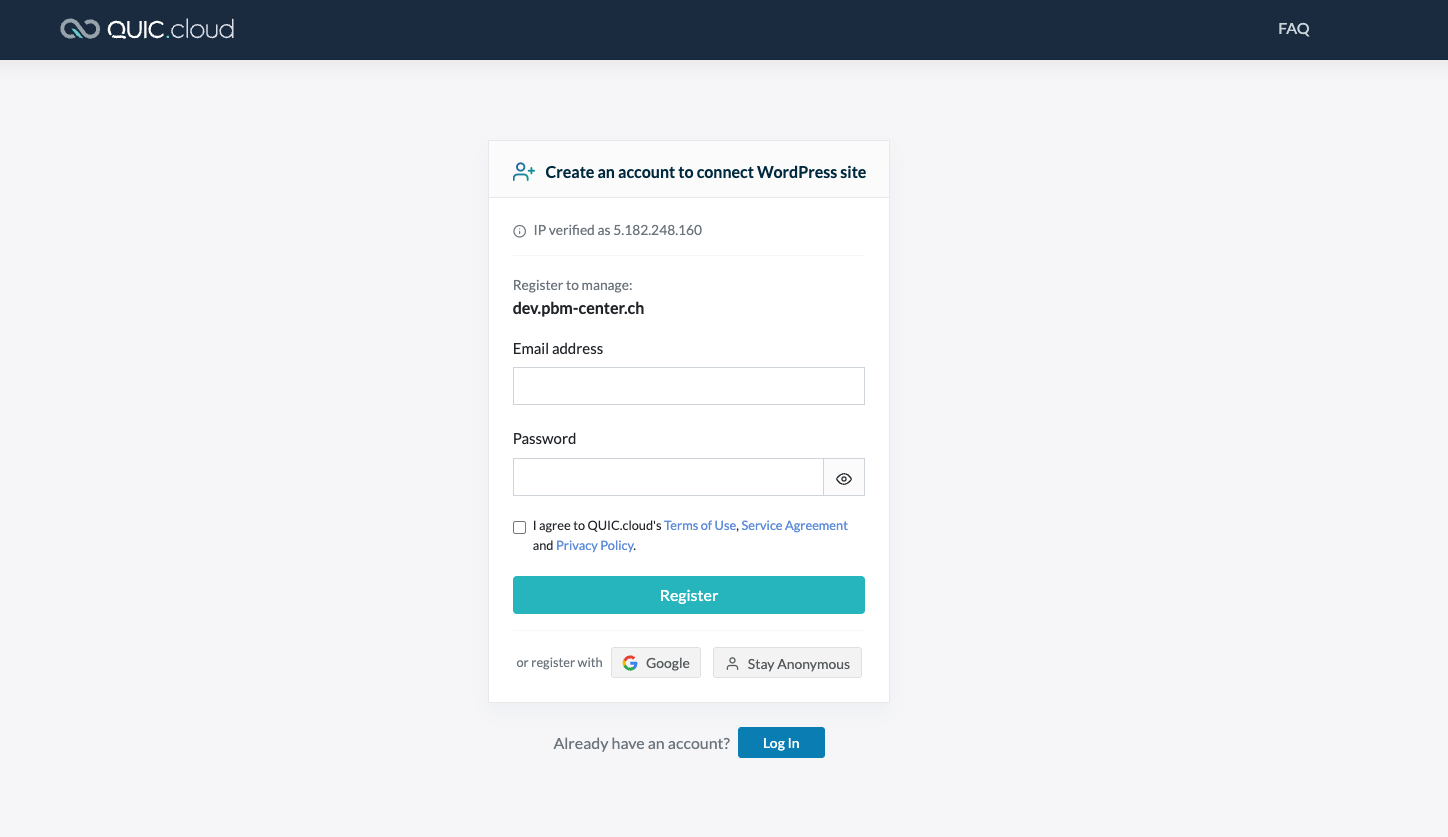
If you start again from the existing state of dev.pbm-center.ch, you can go to the litespeed plugin and click on activate. You will see the screen attached. Go back and activate WPML and you will see the error message if you try to do the same activation.
Hi Philippe,
Thank you very much for your message.
However, with the WPML plugins deactivated the URL throws a 404 error: hidden link and the URL hidden link is the same; it only uses different symbols for the slashes ( / = %2F)
Not sure, this is getting too technical for me. But what I tested is that without WPML (and the permalink resaved), it works, while when WPML is enabled, it does not work. I did it several times on the dev site and could replicate this.
So there is a link between WPML and the plugin not being able to connect.
Let's try the following, because if there is a compatibility issue, I will escalate this ticket to our compatibility team.
1.- I kindly ask you to connect to the Litespeed Cloud with the WPML plugins deactivated. If you succeed, then activate the WPML plugins and check the results.
2.- If the issue appears when you activate the WPML plugins after connecting to the cloud service, then I will create a sandbox site with a new WordPress + WPML + Litespeed installation, and if the issue persists there, then I will escalate directly.
If I deactivate WPML, activate Litespeed and reactivate WPML, it works, but it is impossible to activate the Litespeed cloud service when WPML is active.
Hi Philippe,
Thank you very much for your feedback.
I created a sandbox site with a fresh WordPress + WPML + LiteSpeed installation, and the cloud service works with WPML plugins enabled. You can double-check it using this link: hidden link
This means the issue is on your site, not a compatibility issue between LiteSpeed and WPML.
Can you ask your hosting providers to check on the server side if there is any configuration, firewall rule, or security directive that might be causing this issue? Also, ask them if there is any error in the server logs. This might provide info about this behavior.
Looking forward to your message.
Best regards,
Carlos