You mentioned you have a staging site. Please try the following on your staging site.
We suspect a collision with the theme or another plugin might cause this problem. If possible, get your site into a minimum environment, switching to a default WordPress theme like TwentyTwenty-Four and activating only WPML and WooCommerce.
First, check whether the problem persists when only the theme is switched to TwentyTwenty-Four (for example). If it persists, deactivate all plugins except WPML and its add-ons and WooCommerce without any extensions. Then, please check if the problem persists. If it does not persist, start by activating the plugins individually and checking when the issue comes back, then report to me which plugin was the culprit.
**** Important! Please make a full site backup (files and DB) before you proceed with those steps****
*** If your site is live, you might want to try those procedures in a staging environment or a snapshot of your site on your local server or another server. ***
Could you please grant me access to your staging site so I can continue investigating this issue?
Also, if needed, please allow me to take a copy of your site. For this, I must install a plugin like Duplicator or All-in-One Migration. Please let me know if you agree.
I'm enabling a private reply for the following message.
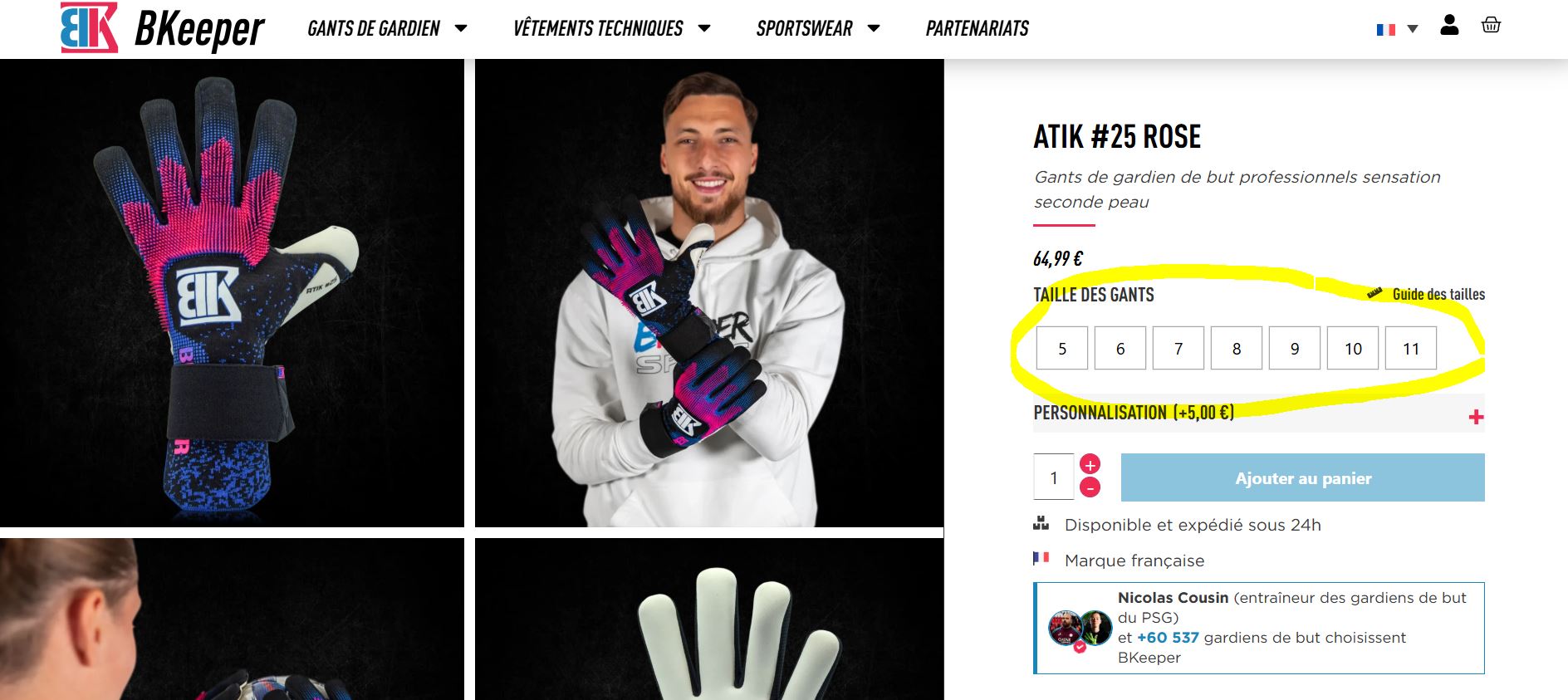
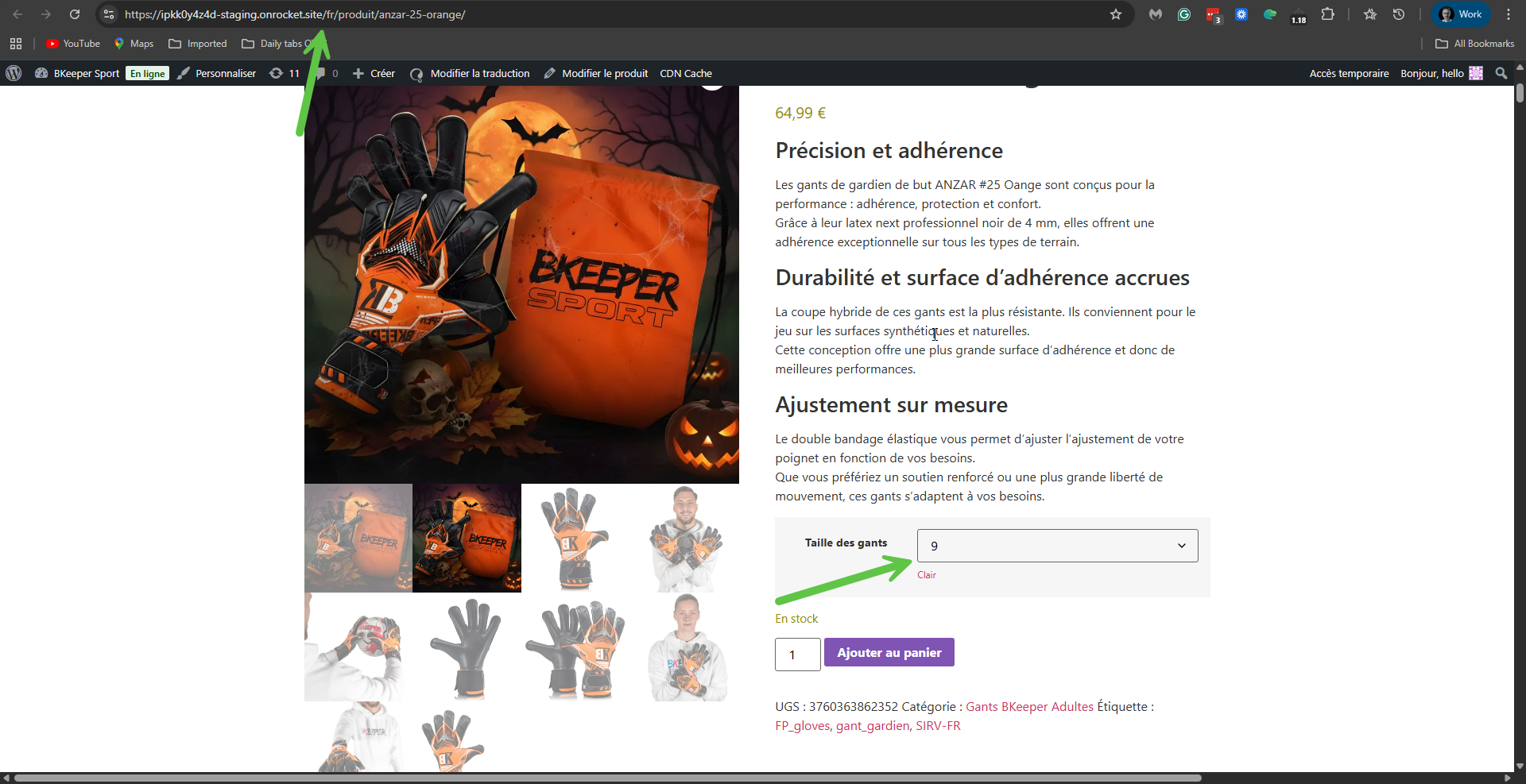
I suspect that the problem here is that the 'Taille des gants' terms (3,4,5,6,7,8, and so on) were created in French, the second language, and not in English, the default language. Please see the attached screenshot. I tested the same behaviour on my test site, and the problem occurs there as well. Fixing this problem would be creating those terms again in English and then updating the variations accordingly.
I'm currently discussing this issue with our second-tier supporters. I'm trying to find out with them whether it is a translation proceedure problem or something we need to fix on our side. When I have their answer, I'll update you here.
I appreciate your patience.
Itamar.
P.S. If possible, please keep your staging site in its current state.
1. Take a backup of your site in case something goes wrong.
2. Edit this file with a code editor, or use the plugin editor in Plugins -> Plugin File editor: /wp-content/plugins/woocommerce-multilingual/classes/Synchronization/Component/Attributes.php
5. Go to the editing screen of the original product and click the Updated button.
This will fix the problem with the default attribute on the translated product. I tried this fix on your staging site, and it worked. Please see the attached screenshot. Please also apply it to your production site. Please be aware that if you update WPML Multilingual & Multicurrency for WooCommerce and the fix is not yet included in the new version, you will need to repeat the above steps.
This issue has been escalated to our developers and will be fixed in future versions of WPML Multilingual & Multicurrency for WooCommerce. We will update you here once the version with the fix is released.
Hi, thanks this is exactly the piece of code I was looking because I coundn't find it back on former tickets.
I applied the change and it works.
The thing is that after I guess an update of WPML, this fix has been erased...
Moreover if I have to go on each product and manually save it... it takes a very long time