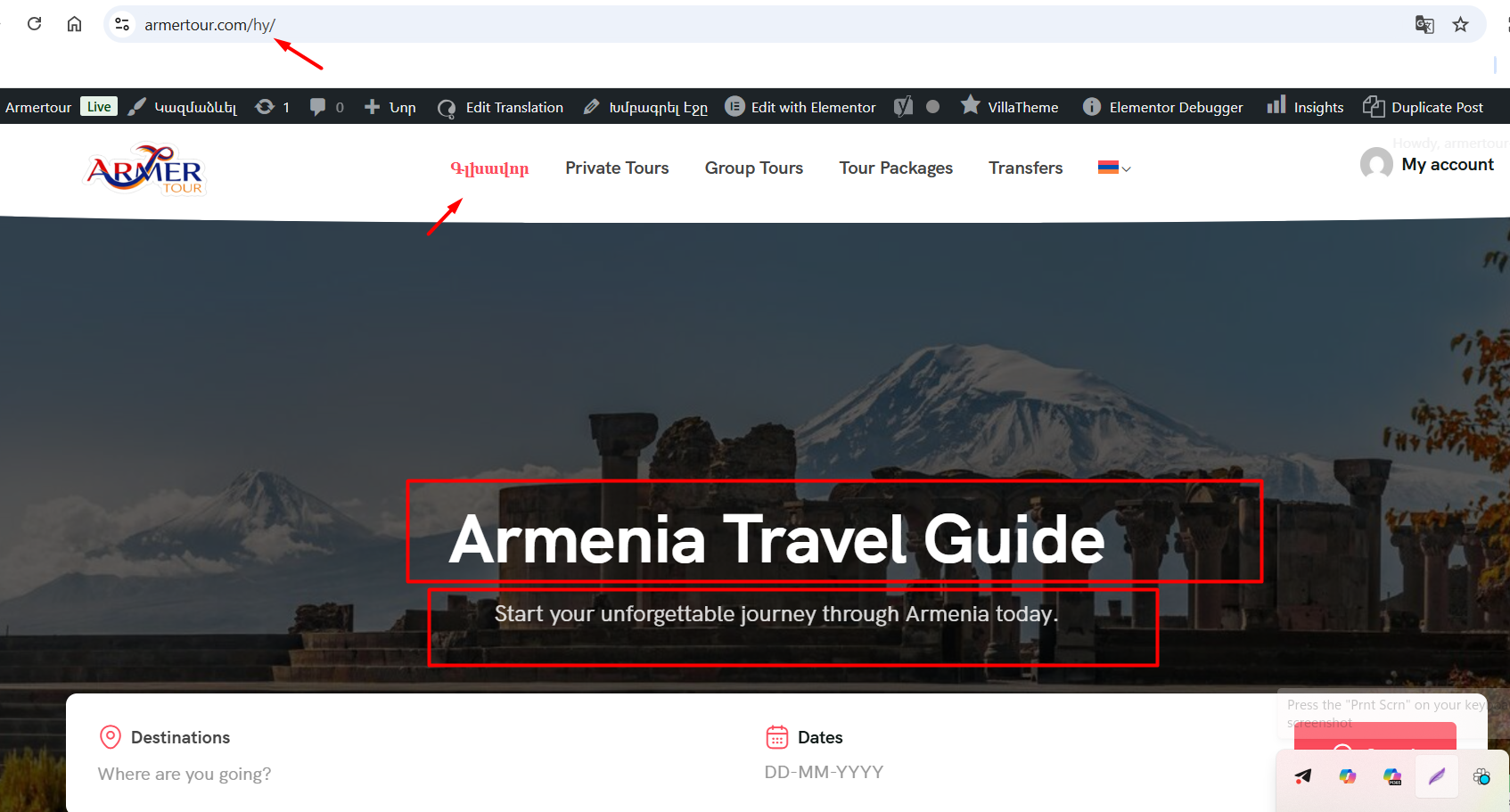
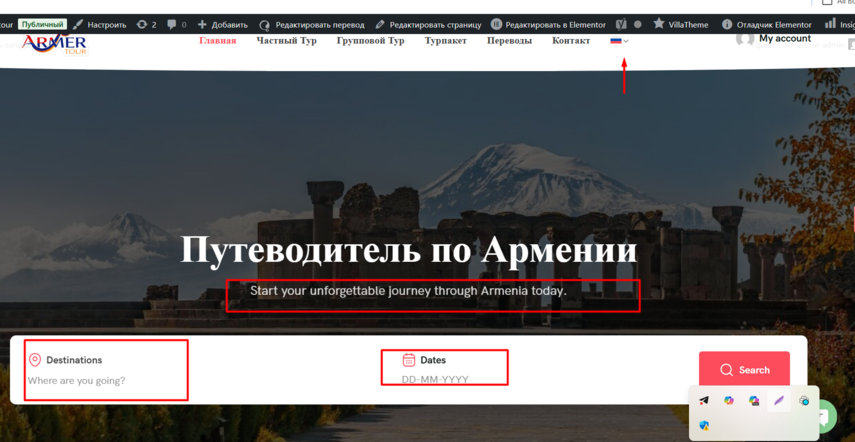
This thread is resolved. Here is a description of the problem and solution.
Problem: You are using the Tripgo WordPress theme with WPML and are unable to translate certain texts and strings within the theme as they do not appear in the String Translation tool.
Solution: We discovered that the theme includes custom Elementor elements that are not registered, which is why WPML does not recognize them for translation. To resolve this, you need to register these custom Elementor widgets for translation. Follow the steps below: 1. Refer to our documentation on registering custom Elementor widgets for translation: https://wpml.org/documentation/support/multilingual-tools/registering-custom-elementor-widgets-for-translation/ 2. Add the following XML configuration in WPML > Settings > Custom XML configuration:
3. Make a minor update to the original page, then edit the translation. The strings should now be available for translation and appear correctly on the front end.
If this solution does not resolve your issue or seems outdated, we recommend checking related known issues at https://wpml.org/known-issues/, verifying the version of the permanent fix, and confirming that you have installed the latest versions of themes and plugins. If problems persist, please open a new support ticket at WPML support forum.
This is the technical support forum for WPML - the multilingual WordPress plugin.
Everyone can read, but only WPML clients can post here. WPML team is replying on the forum 6 days per week, 22 hours per day.
Let me know if this points you in the right direction. And if not, please elaborate a bit on where those strings come from (theme options, a plugin, an Elementor element).
I am using the Tripgo WordPress theme together with WPML, and I am having issues translating some of the theme’s texts/strings. These words and phrases do not appear in String Translation, and I am not able to translate them through the usual WPML tools.
Could you please help me understand how to make the Tripgo theme fully translatable?
Please apologize for the delay. It was due to the difference in timezones I think. You can check my working hours here, so you have clear expectations about the reply time.
This theme is not in our compatibility list, however, it doesn't necessarily imply that it is not compatible, just that our team has not tested yet.
I'll do my best to make it work. But, we may need the author's cooperation at some point.
I would like to request temporary access (wp-admin and FTP) to your site to take a better look at the issue.
It would be better to a testing site where the issue is replicated.
The information you will enter is private, which means only you and I can see and have access to it.
Maybe I'll need to replicate your site locally. For this, I'll need to temporarily install a plugin called “Duplicator” or "All in One WP Migration" on your site.
This will allow me to create a copy of your site and your content.
Once the problem is resolved, I will delete the local site.
**IMPORTANT**
- Please make a backup of site files and database before providing us access.
- If you do not see the wp-admin/FTP fields, this means your post & website login details will be made PUBLIC. DO NOT post your website details unless you see the required wp-admin/FTP fields.
Then I made a tiny update in the original page and after that I edited the translation and the strings were available there to translate. And the translations appeared in the front end correctly.
I made all this in my local copy of your site.
Please give it a try on your end and let me know if it helps.
Just to confirm — I need to add this XML code into WPML > Settings > Custom XML Configuration, and after that it should work the same way on my site, correct?
Then you can keep the translated pages. Just update the original, so the translations "needs update" and then edit the translations using WPML Advanced Translation Editor. Avoid using the WP editor for translations.