Background of the issue:
I am trying to save Thai and Traditional Chinese translations of the page hidden link using the classic translation editor. Our site was recently released from the staging site, and it is registered in the WPML account without any problem. The staging site, hidden link, does not have this issue.
Symptoms:
After clicking 'Save & Close', the saving icon rotates indefinitely, and the editor does not close. A message appears: 'WPML has detected a change in your site’s URL. To continue translating your site, go to your WordPress Dashboard and tell WPML if your site has been moved or copied.' Additionally, when using the WordPress editor, 'Updating failed.' is displayed.
This is similar to the previous support page https://wpml.org/forums/topic/i-cannot-not-save-certaing-post-translations-there-is-infiniste-saving-loader/, but in our database "sticky_posts" exists in wp_option table.
Questions:
Why can't I save translations using the classic translation editor?
What does the message about a change in the site's URL mean?
Why does the 'Updating failed.' message appear when using the WordPress editor?
I will need to closely examine your website to check on the save issue. Therefore, I will require temporary access (WP-Admin and FTP) to a test site where the problem has been replicated, if possible. This will enable me to provide better assistance and determine if any configurations need to be modified.
Please note that it is important to have a backup for security purposes and to prevent any potential data loss. You can use the UpdraftPlus plugin (https://wordpress.org/plugins/updraftplus/) to fulfill your backup requirements.
Your upcoming reply will be treated with confidentiality and will only be visible to you and me.
✙ To resolve the issue, I may need your consent to deactivate and reactivate plugins and the theme, as well as make configuration changes on the site if necessary. This emphasizes the significance of having a backup.
For the "Updating failed.' message appear when using the WordPress editor", could you please try deactivating the WPML plugin to see if you're still getting this error message?
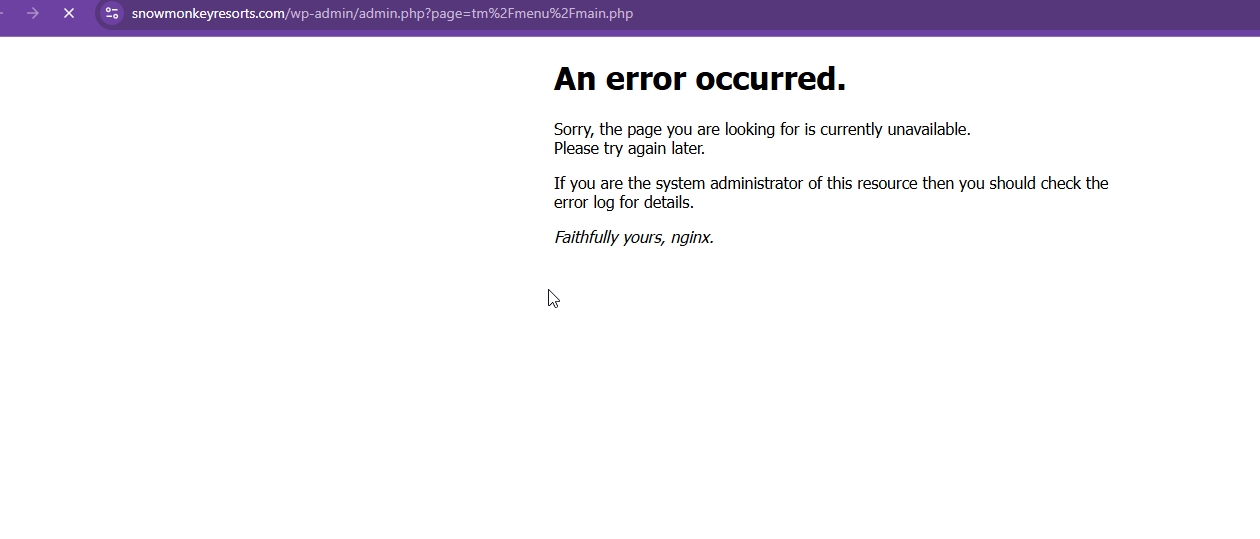
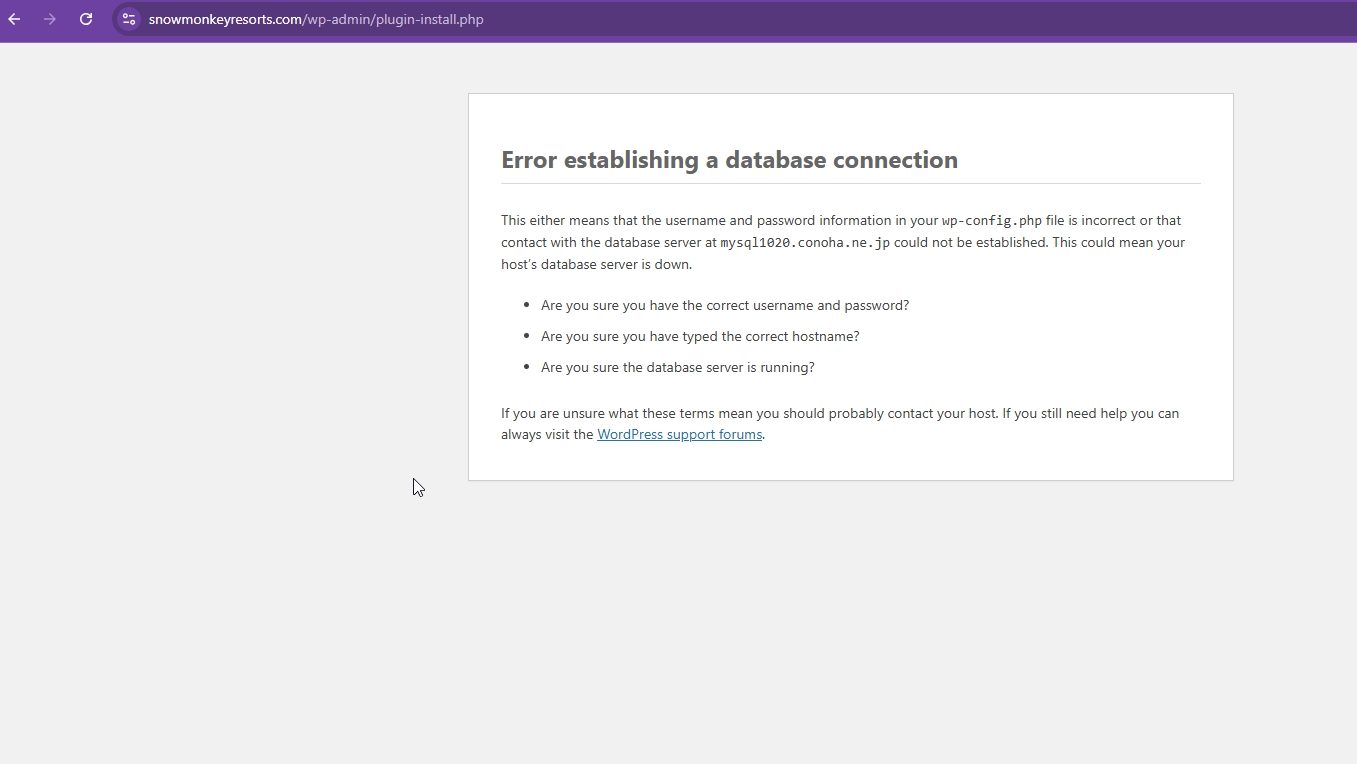
Your production site is very unstable and I'm getting many errors. Please contact your hosting provider and ask them to check on the server resources. Once this is resolved, I will continue to check your Website.
Could you generate a new sitekey for this staging domain here? https://wpml.org/account/sites/ . Then, replace the sitekey by clicking on the "Unregister WPML from this site" here hidden link
let me know once you've done that and I will recheck.
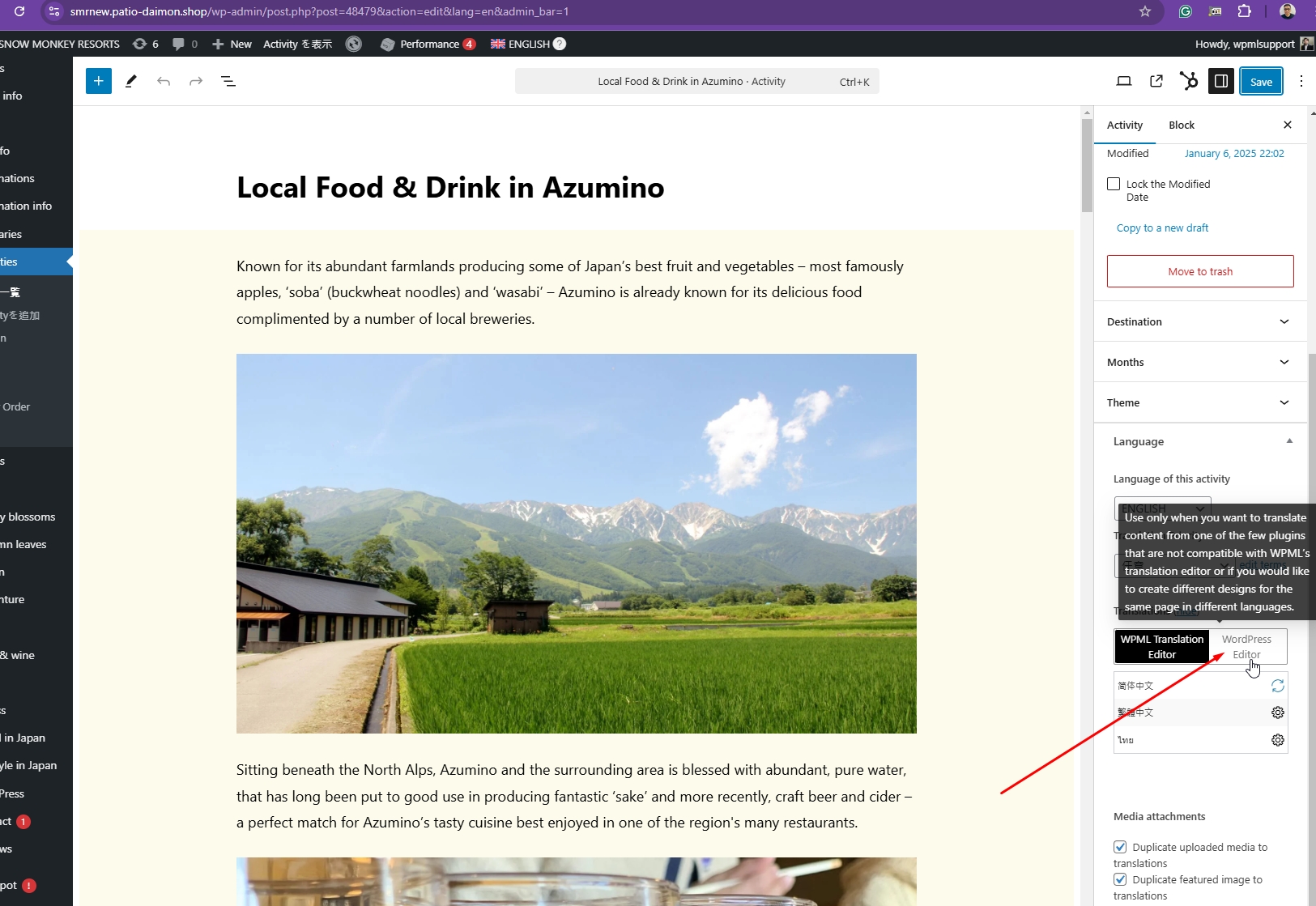
Thanks for your reply. You are not supposed to edit the translated page directly. You need to use the Advanced Translation Editor to edit the translations. If you want to edit your translated pages directly, switch to "WordPress Editor" for manual translation as shown in the attached screenshot.
I know "switch to "WordPress Editor" for manual translation" well. The error message "Updating failed." and the screen shot I attached is shown after I switched to "WordPress Editor" and edited Thai language content and save (update) it.
Normally my client and I are using the Classic Translation Editor (not migrate to the Advanced Translation Editor yet), but sometimes we have to use the WordPress Editor.
I suppose you removed the WPML banner message on the actual site hidden link. Did you replace the WPML plugin files on the actual site, too?
No, I did not replace any files. I just did what I recorded for you. Can I have your permission to deactivate plugins on this Website? hidden link . I need to investigate this further to see what's causing the Updating Failed issue.
I regret any inconvenience caused, but to proceed with troubleshooting, I kindly ask for a snapshot of the site. Alternatively, with your permission, I can create one myself. For this purpose, I typically recommend using the free plugin "Duplicator." If you're already familiar with Duplicator (https://wordpress.org/plugins/duplicator/), please skip the following steps and simply send me the archive file you downloaded.
To guide you further, please adhere to these instructions:
1. View the Duplicator instructions video: hidden link
3. If the archive file exceeds 400MB, please use Duplicator's file filters to exclude cache, wp-uploads directory, media, and archive files.
Once you have the archive file ready, kindly share the link with us. You can utilize platforms like Google Drive, Dropbox, or similar for file sharing, as the snapshot file might be large.
Please note that your next reply will be private, visible only to you and me. You can paste the file link there. Rest assured that once the issue is resolved, I will delete the local site.
The topic ‘[Closed] I cannot save translations of some posts with some languages by translation editor and WordPress edi…’ is closed to new replies.