This thread is resolved. Here is a description of the problem and solution.
Problem:
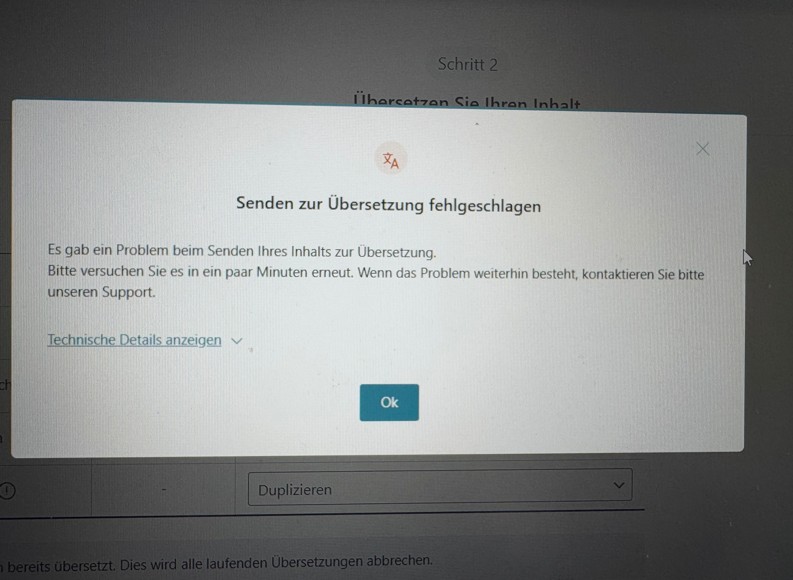
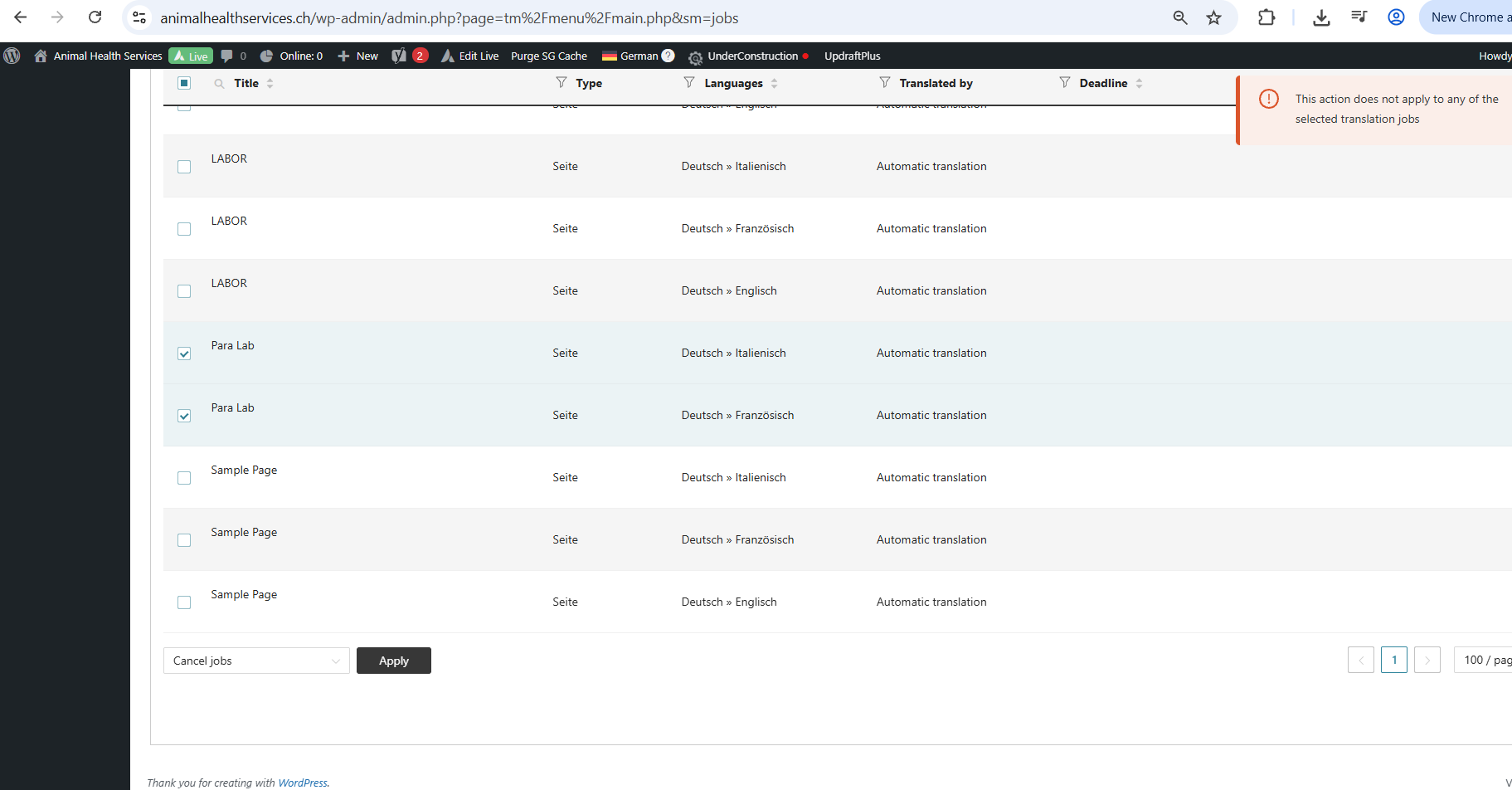
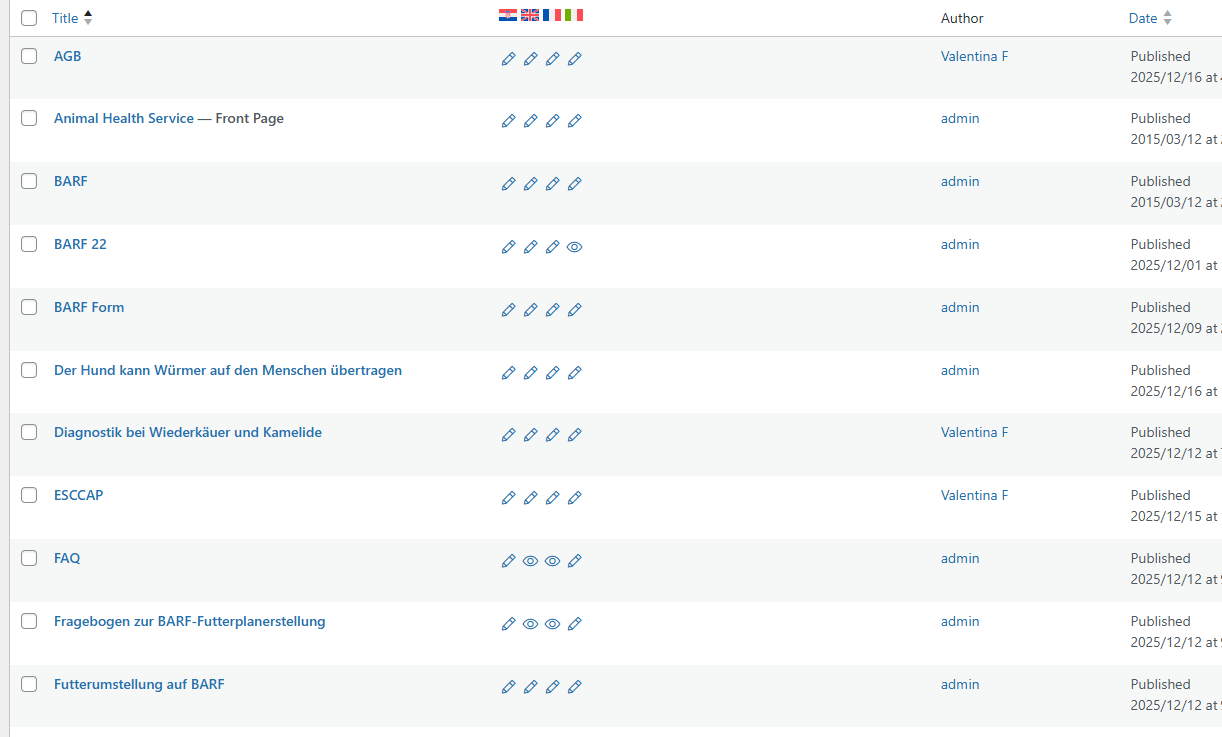
The client was experiencing issues with cloning all content to other languages using WPML. They needed to duplicate content across multiple languages and encountered errors and inconsistencies, such as different menu items appearing in different languages and some pages not duplicating correctly.
Solution:
1. We guided the client through using WPML's 'Duplicate content' feature via the Translation Dashboard. Here are the steps:
- Go to WPML → Translation Dashboard in your WordPress admin.
- Select the posts, pages, or custom post types you wish to duplicate.
- Choose the secondary languages for duplication.
- Click the Duplicate button.
2. If issues persist, such as content not duplicating correctly or errors appearing, we recommend checking for incorrect entries in the database. Our 2nd-tier specialists can assist by installing a database manager plugin to address these issues.
3. For further detailed guidance on duplicating content and translating menus, refer to these documents:
- Duplicating content guide
- Translating menus guide
If this solution does not resolve your issue, or if it seems outdated or irrelevant to your specific case, please open a new support ticket. We highly recommend checking related known issues at https://wpml.org/known-issues/, verifying the version of the permanent fix, and confirming that you have installed the latest versions of themes and plugins. For further assistance, you can also visit our support forum at WPML support forum.
This is the technical support forum for WPML - the multilingual WordPress plugin.
Everyone can read, but only WPML clients can post here. WPML team is replying on the forum 6 days per week, 22 hours per day.
This topic contains 27 replies, has 0 voices.
Last updated by 3 months ago.
Assisted by: Carlos Rojas.