Home›Support›English Support›[Resolved] The Home page has reverted from English to its original language
[Resolved] The Home page has reverted from English to its original language
This thread is resolved. Here is a description of the problem and solution.
Problem: You are developing a site and trying to translate the Home page to English using WPML. Despite following the provided instructions, the Home page reverts from English back to its original language. Solution: We have recently released WPML version 4.7.6, which addresses this specific issue. We recommend taking a full backup of your site before proceeding. After ensuring your site is backed up, please update WPML to the latest version. Once the update is complete, verify if the Home page remains in English as expected.
If this solution does not resolve your issue or seems outdated, we highly recommend checking related known issues at https://wpml.org/known-issues/, verifying the version of the permanent fix, and confirming that you have installed the latest versions of themes and plugins. Should the problem persist, please do not hesitate to open a new support ticket with us for further assistance.
This is the technical support forum for WPML - the multilingual WordPress plugin.
Everyone can read, but only WPML clients can post here. WPML team is replying on the forum 6 days per week, 22 hours per day.
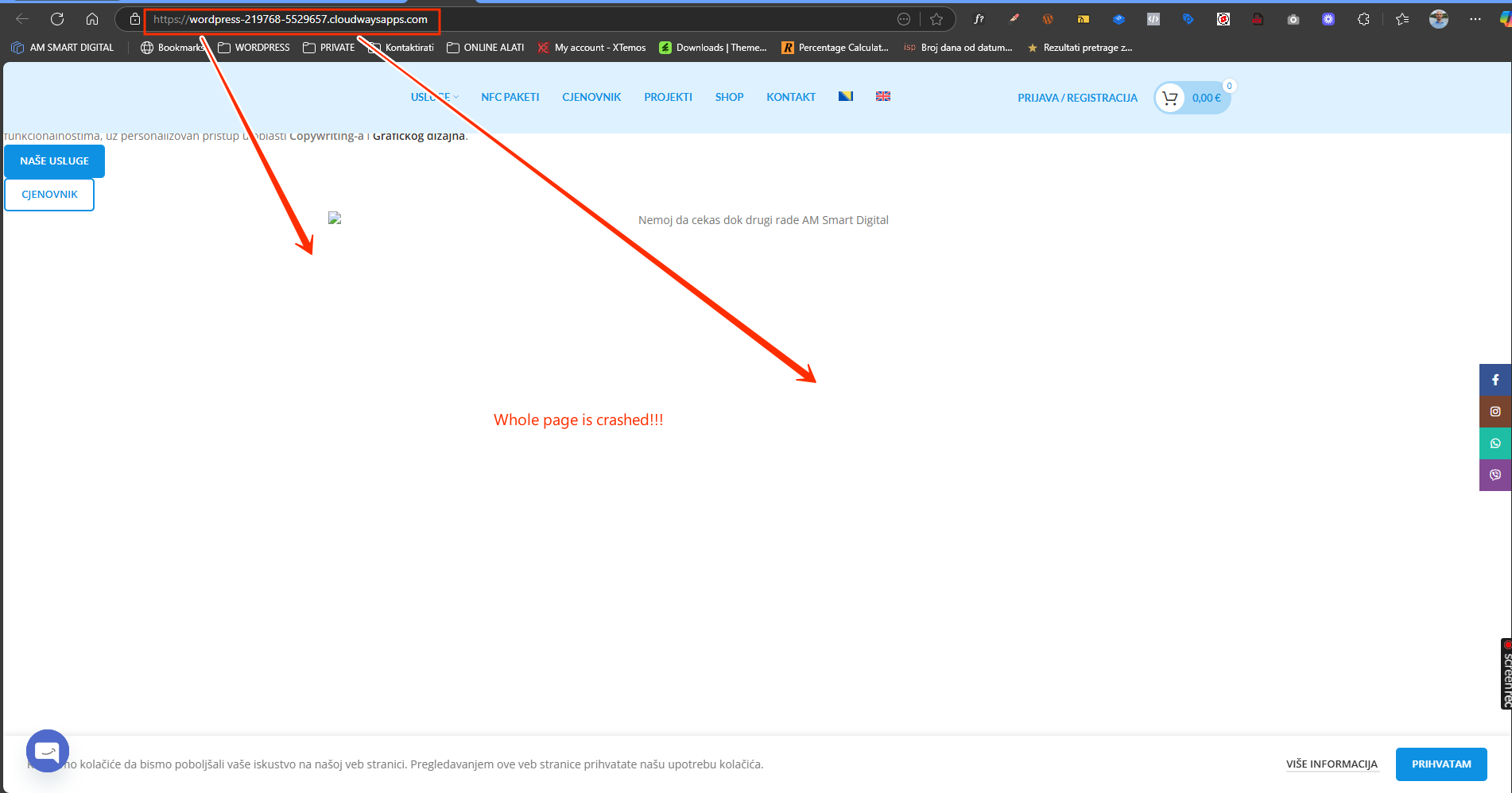
To further debug this issue without affecting your live site, I have set up a fresh WP site on a test server(cloudways). Please migrate your site to our test server and let me know once the migration process completes.
I shared the migration details in my previous private reply.
Thanks for migrating the site to the test server. I’ve tested it by making changes to the Home page using Elementor and publishing them, so far, everything seems to work correctly on my end. I’m still actively working on the staging site and trying different scenarios to reproduce the issue.
In the meantime, if possible, could you please send a short screencast video showing the exact steps you take when the problem occurs? You may use Loom or any similar tool, here’s the link if needed: hidden link
That would really help us replicate and debug this further. Thanks for your cooperation
Try a page that we haven't corrected so far, choose one of the pages in English, for example Price list, About us. Open the page through elementor and make some changes and save those changes and then try to open that page in English.
This recording shows that after the changes to the English version of the page, the page remained the same and that he did not return to the Bosnian version. I don't know what is happening on my domain and with the pages on the same, this makes absolutely no sense to me and it really irritates me
Here at the link you will find below this text, you will see how the WPML plugin, after making changes in the English version itself, returns the same page from English to a page with Bosnian text! Five times I made changes on the English versions of other pages in the same way and nothing happened, and suddenly it happened that on one page the entire text returned to the Bosnian version
To confirm this, could you please:
1. Take a backup of your site for safety reasons.
2. Temporarily deactivate the “String Translation” plugin.
3. Then try replicating the issue again and check if the issue still occurs.
- If the issue no longer appears after deactivating the plugin, then it’s most likely due to the same bug our development team is already working on resolving.
- If it still persists, we’ll need to escalate this to our 2nd tier support. For that, we’d need your permission to take a full copy of the site using the All-in-One Migration or Duplicator plugin, as the test site isn’t performing reliably on our end.
Looking forward to your confirmation, we’re committed to getting this sorted for you as soon as possible.
How can I replicate the issue again? On which page should I do this?
Did you restore the English version of the page?
You have to help me, I can't do this alone because the problem is serious and requires a more serious approach.
I need you to record a video instruction for me, like I recorded for you, how to return the English version of the page when the original Bosnian version appears.
Also, where should I replicate the issue, on my site or on a copy of the site on your server?
Can you help me restore the English version of this page hidden link
I didn't make it!
The problem is definitely caused by the Strang translation plugin, because I turned it off, I made corrections on all the English pages and everything is in place!
You can try to replicate the issue on any existing English page on your live site, just make sure to take a full backup before making changes, as a precaution.
I just checked the page: hidden link and it looks like you've already managed to restore it, it's now showing the correct English content on my end.
As requested, here’s a quick video showing how to restore a page from revisions when the translated content gets replaced: hidden link
Please try reproducing the issue on your site. I’ve made several changes on the staging server, but haven’t been able to replicate the problem there so far.
Let me know how it goes, I’m here to support you every step of the way.