I can confirm that on my side, the issue still persists on the staging environment.
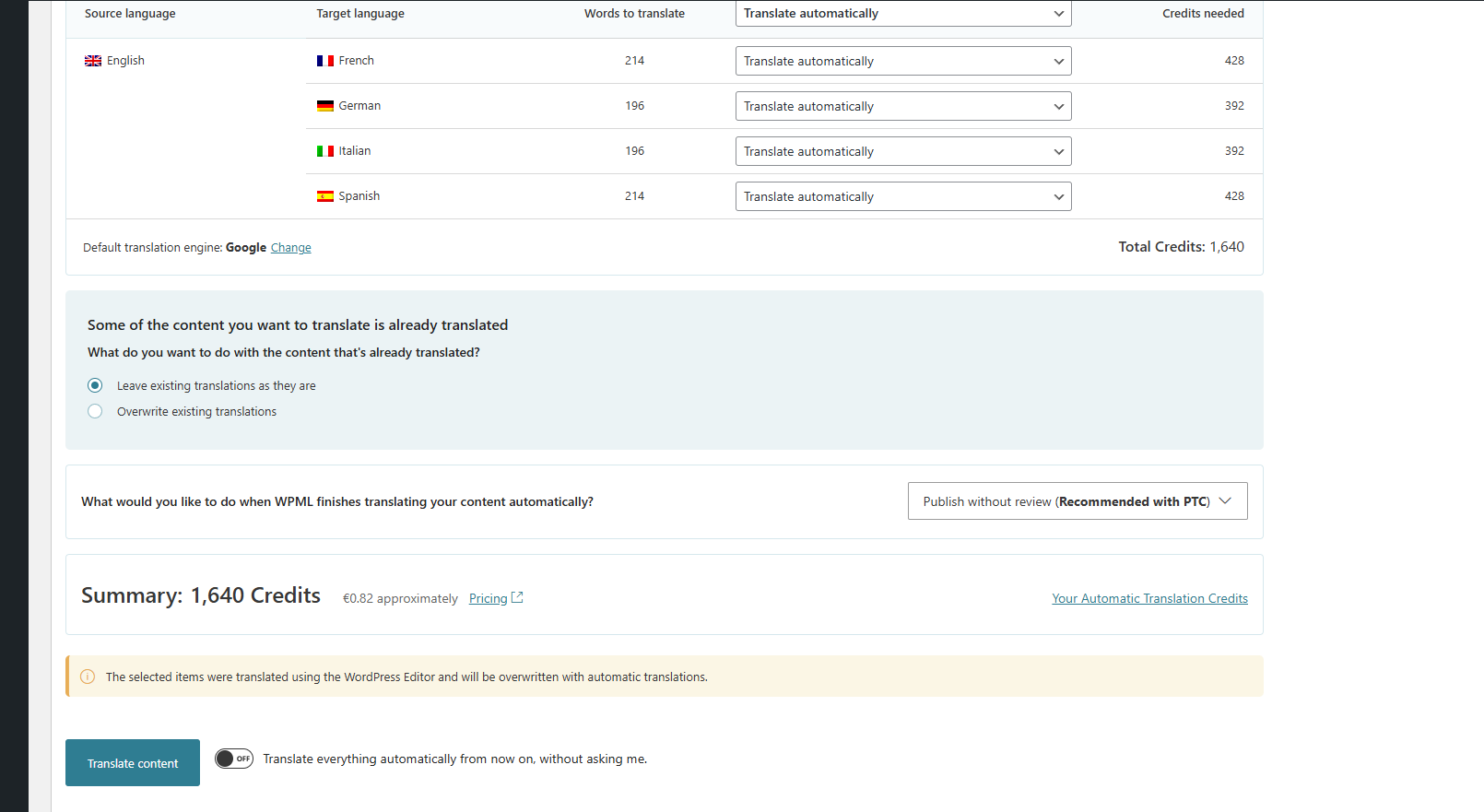
When I follow the same steps in WPML → Translation Management and select products for automatic translation, the system does not calculate the word count properly and the button remains greyed out.
This happens even in a private browser session.
Since it works in your session but not in mine, it seems the behavior may depend on user configuration or permissions.
Could you please confirm which user role and translator settings you are using when testing?
I could see the issue today again, and it appears not to occur only for products.
I can see the issue even when testing only with WPML when trying to send any post to automatic translation.
I have deleted and then installed WPML again, as I was unable to see all the translation engines. This solved the issue about the translation engines, but the issue on the dashboard persisted.
If this does not solve the issue, I suspect that the issue is related to Clouflare. Could you please ask Cloudflare Support if they see any issues in the server error log or regarding the server's firewall?
I can confirm that WPML is correctly registered on my site (see attached screenshot).
Regarding Cloudflare, I contacted my hosting provider (Rocket.net), and they temporarily whitelisted my IP to bypass Cloudflare protection for testing purposes.
Unfortunately, the issue still persists:
- the word count is not calculated
- the automatic translation button remains greyed out
So it seems that Cloudflare is not the cause of the issue.
Following your suggestion, I contacted my hosting provider (Rocket.net), who indicated that this type of issue is often related to AJAX or REST API failures within WordPress.
I then ran tests using the browser network console and found that some WPML-related requests are returning a 500 error, including:
The issue does not occur on a local copy of your site.
I would like to invite you to:
- Create a local copy on your site
- Complete the migration dialog while connecting the site with your current site so that they share translation credits
- Register the site with a new site key
Test again.
If you are unaware of how to create a local copy, I can offer to create a server instance on Cloudways, where we could migrate your site for testing.
Note that since the issue does not occur on my local install, it is very unlikely that it would occur on Cloudays. This confirms that this issue is caused by your server.
We can try first to migrate to Cloudays, if you insist, but it would be more likely better to have your hosting support take another look at this problem.