Skip to content Skip to sidebar

This thread is resolved. Here is a description of the problem and solution.

Problem:
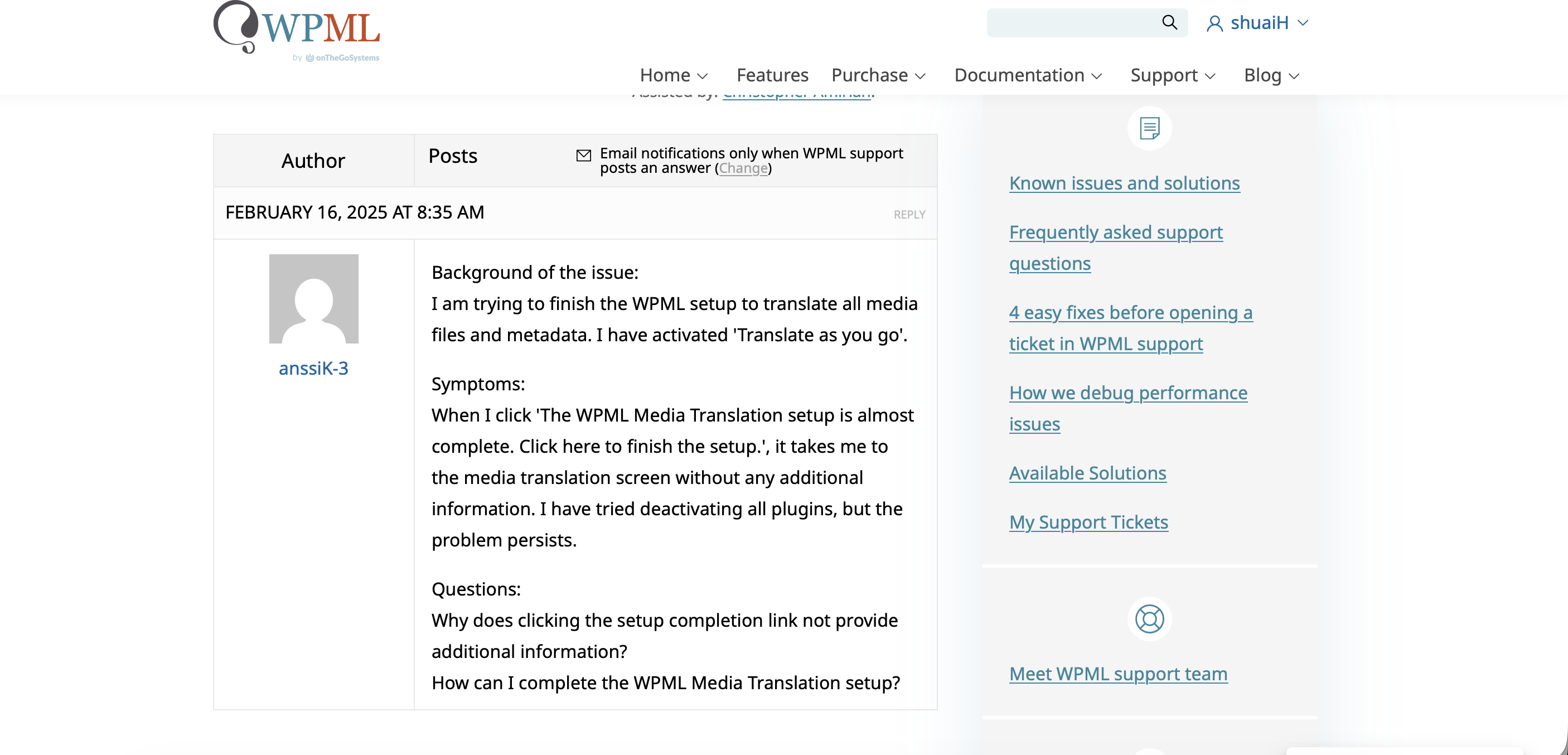
The client is working on a site under development and trying to complete the media translation setup using WPML. They received a message indicating that the media translation setup isn't finished. When clicking the provided button, it redirects to the media translation screen without additional information.
Solution:
1. If the WPML Media Translation add-on appears active under Plugins -> All Plugins, then the setup is actually complete despite the message.
2. To remove the persistent message, the client should:
- Take a backup of the database.
- Navigate to WPML -> Support -> Troubleshooting.
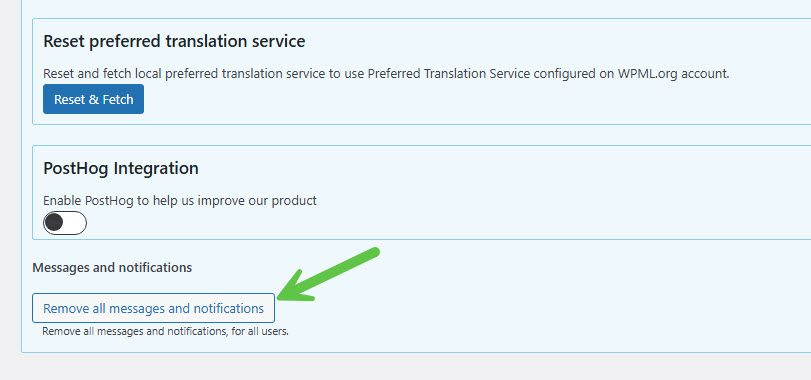
- Click on the 'Remove all messages and notifications' option.

It is important to back up the database before performing these steps. If the issue persists or if the solution provided here is outdated or not applicable, we recommend checking related known issues at https://wpml.org/known-issues/, verifying the version of the permanent fix, and confirming that the latest versions of themes and plugins are installed. For further assistance, please open a new support ticket or visit our support forum at WPML Support Forum.

This is the technical support forum for WPML - the multilingual WordPress plugin.

Everyone can read, but only WPML clients can post here. WPML team is replying on the forum 6 days per week, 22 hours per day.

Tagged: 

This topic contains 1 replies, has 0 voices.

Last updated by Itamar 7 months, 1 week ago.

Assisted by: Itamar.

Author Posts
October 5, 2025 at 3:02 pm #17457280

shuaiH

Background of the issue:
I am working on a site under development and trying to complete the media translation setup using WPML.

Symptoms:
I received a message saying the media translation setup isn't finished. When I click the button provided, it redirects me to the media translation screen without any additional information.

Questions:
What steps should I follow to complete the media translation setup?

October 5, 2025 at 3:32 pm #17457463

Itamar
WPML Supporter since 02/2016

Languages: Hebrew (עברית )

Timezone: Asia/Jerusalem (GMT+03:00)

Hi,

This ticket has been inactive for some time. I didn't get a reply from you. I've converted this chat into a support ticket because you may still require our assistance. If you do, please reply to this ticket, and I'll continue to help you.

In the chat, I also wrote the following, which you might have missed.

You can also try the following.

1. Take a backup of the DB of your site.

2. Go to WPML -> Support -> Troubleshooting (link)

3. Click on the 'Remove all messages and notifications' option.

Please see the attached screenshot.

*** Please make a backup of your database before using this.***

However, if you need further help with this, please share the access details to your site with me. I'm enabling a private message for the following reply.

Privacy and Security Policy
We have strict policies regarding privacy and access to your information. Please see:
https://wpml.org/purchase/support-policy/privacy-and-security-when-providing-debug-information-for-support/
**IMPORTANT**
- - Please back up the site files and database before providing us access. --
-- If you have a staging site where the problem can be reproduced, it is better to share access to the staging site.--

Regards,
Itamar.

2025-10-05_18-26-03.jpg