This thread is resolved. Here is a description of the problem and solution.
Problem:
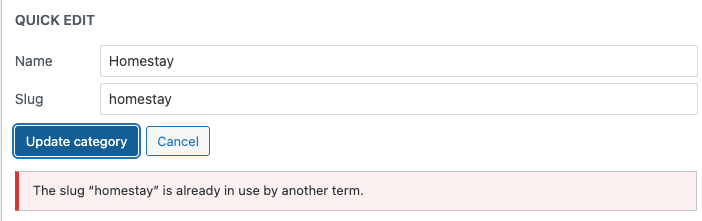
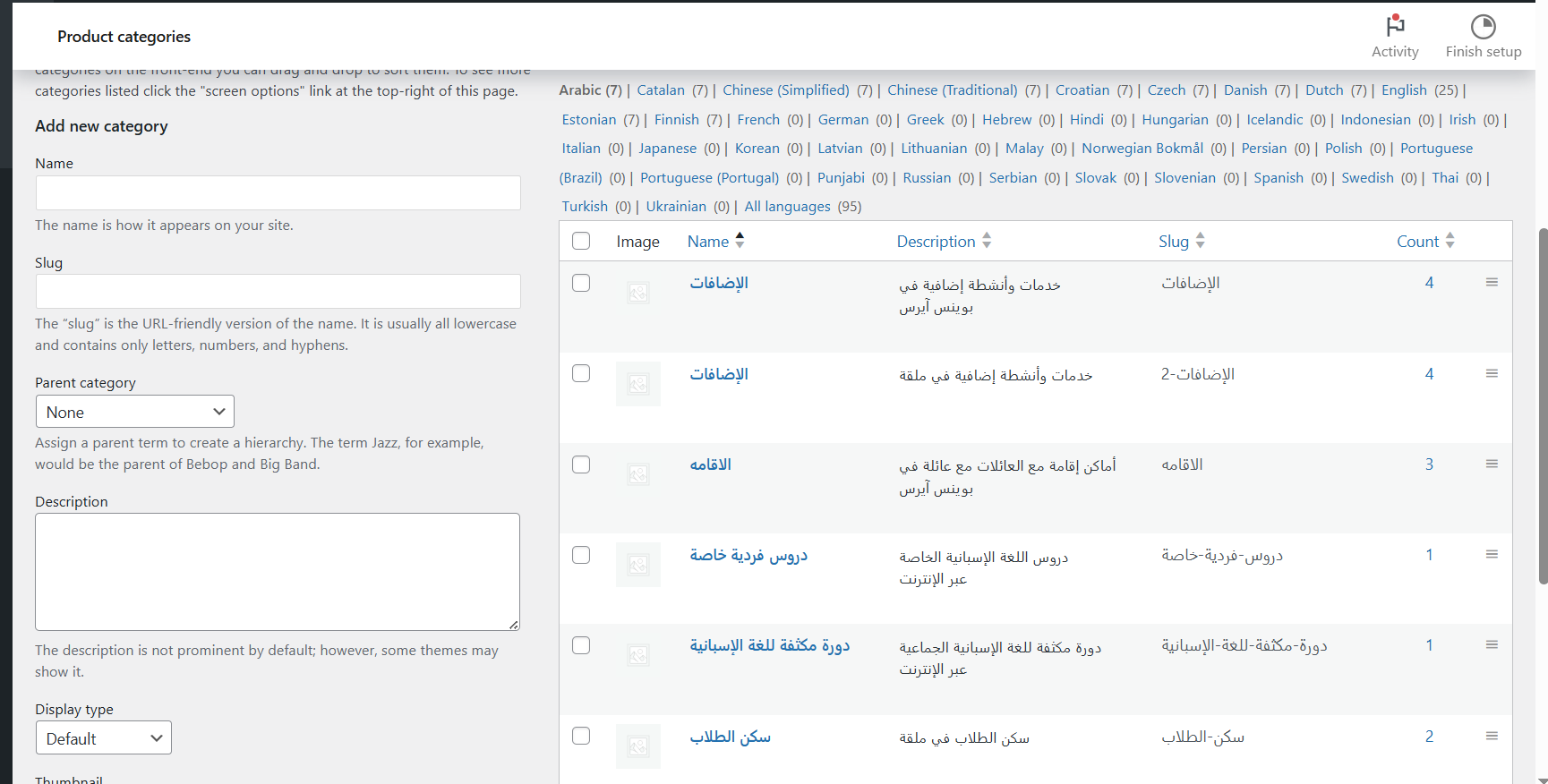
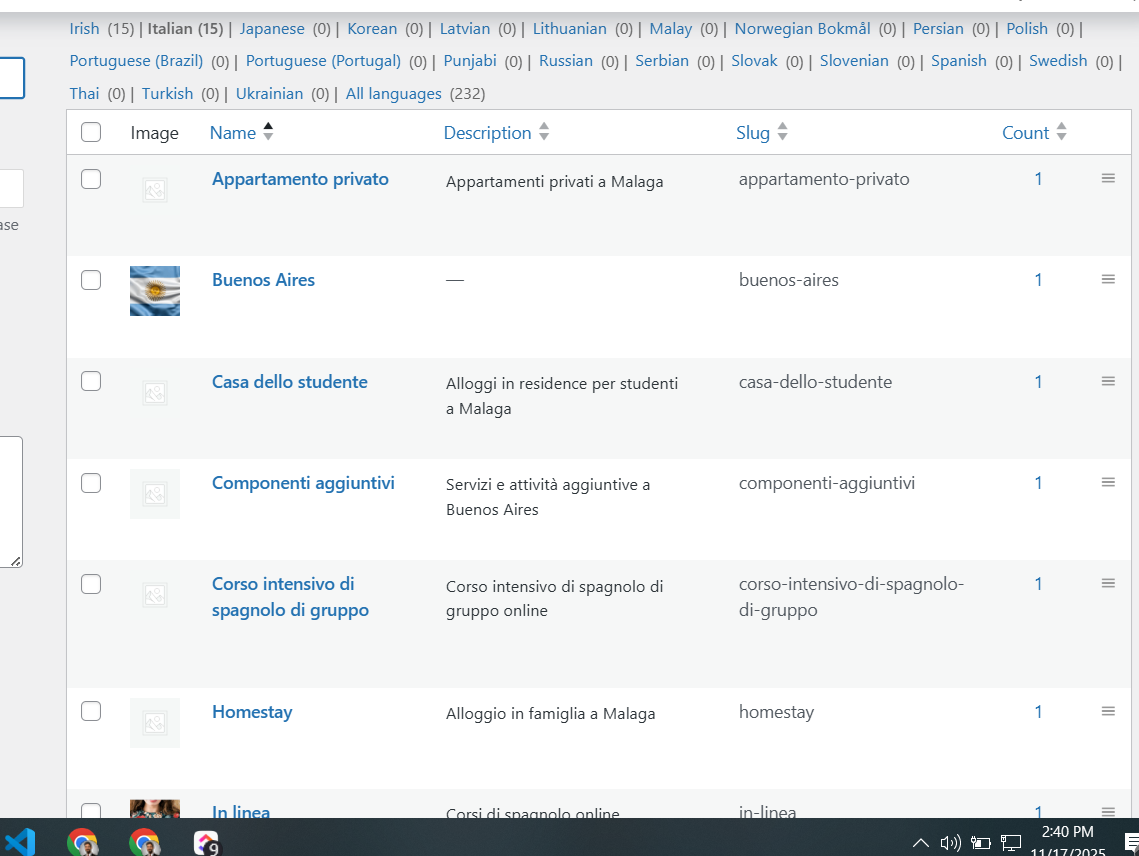
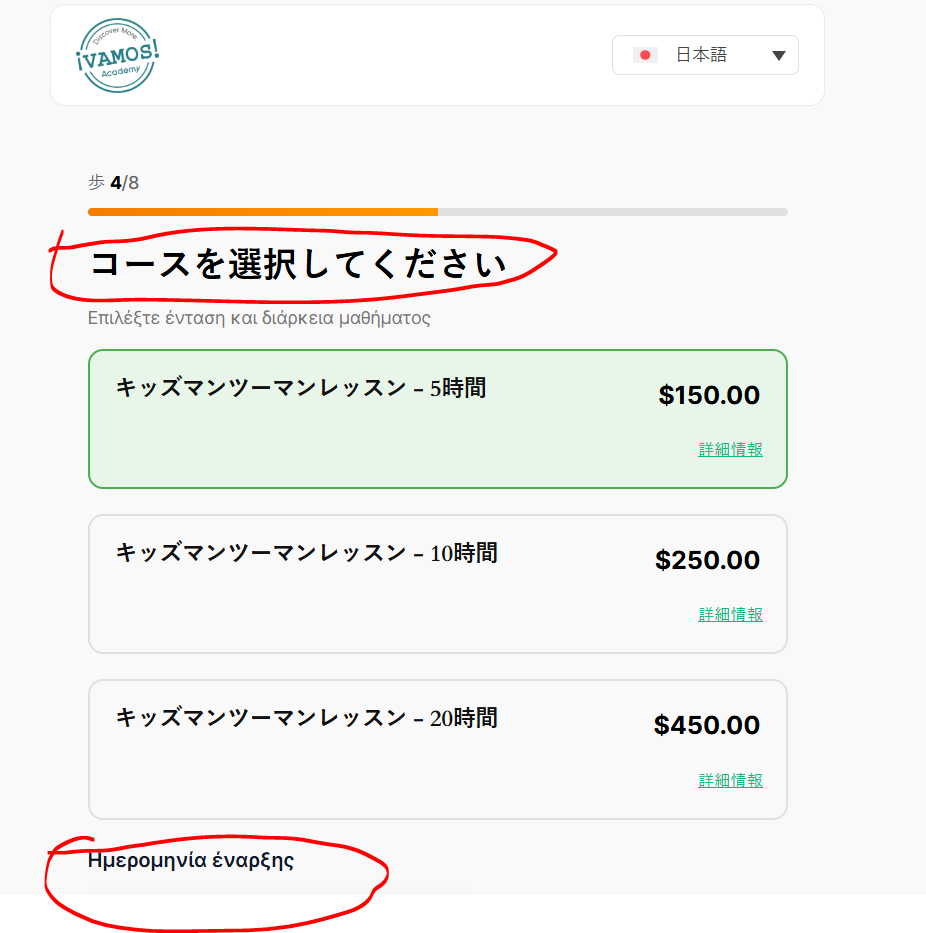
You are trying to translate WooCommerce categories using WPML and encountering issues with malformed category translations when using automatic translation or the 'Copy to all languages' option. After translation, all categories appear as top-level (parent) categories, and the hierarchy structure is lost. Additionally, the 'Synchronize product categories assignment in content' button doesn’t seem to automatically translate categories.
Solution:
To resolve this issue, we recommend the following steps:
1. Create a test product.
2. Add all the categories to this product.
3. Translate this product.
After completing these steps, you should see all the categories translated with the correct hierarchy. For more detailed guidance on translating all taxonomy terms at once, please check this guide.
Please note that this solution might be outdated or not applicable to your specific case. We highly recommend checking related known issues at https://wpml.org/known-issues/, verifying the version of the permanent fix, and confirming that you have installed the latest versions of themes and plugins. If the issue persists, please open a new support ticket at WPML support forum.
This is the technical support forum for WPML - the multilingual WordPress plugin.
Everyone can read, but only WPML clients can post here. WPML team is replying on the forum 6 days per week, 22 hours per day.
This topic contains 28 replies, has 0 voices.
Last updated by 5 months, 3 weeks ago.
Assisted by: Osama Mersal.