This thread is resolved. Here is a description of the problem and solution.
Problem:
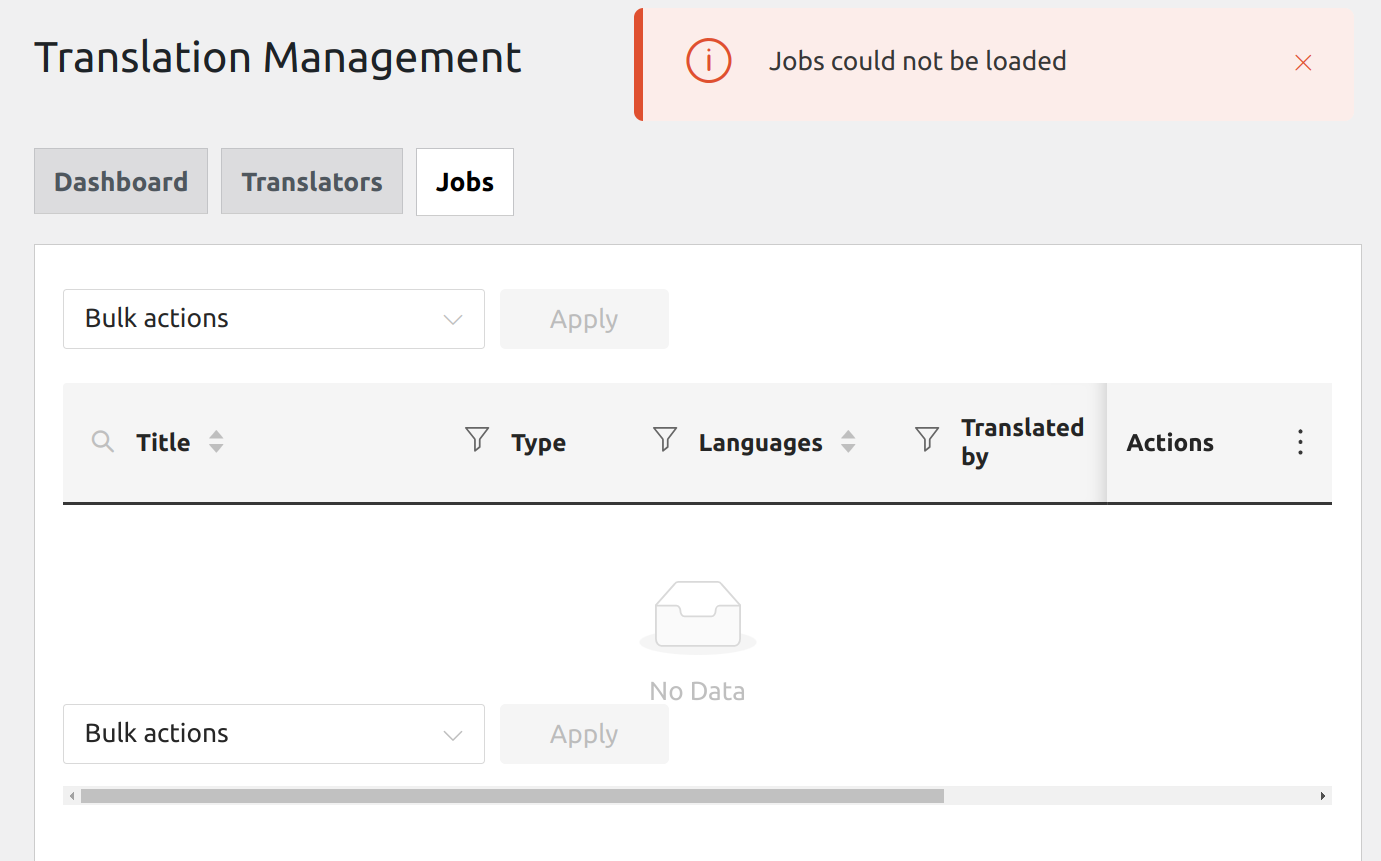
After updating WPML, users on your site are unable to edit translations. Previously, all users could duplicate posts for translation without restrictions. Users now receive an error message stating 'You can only edit translations assigned to you,' and the button to edit a translation is disabled.
Solution:
If you're experiencing this issue, we recommend checking the user roles on your site. By default, only admins and translation managers can access any translation, duplicate content, and create translation jobs. Non-admin users must be assigned as translation managers to use the WPML Translation Editor similarly to admins. For more details on setting up a translation manager, visit Setting up a Translation Manager.
Additionally, if a translation job is already assigned to one translator, it cannot be accessed by another unless the assigned translator resigns from the job. For setting up local translators and language pairs, check How to Set Up Local Translators and Language Pairs.
The client added that he has more than 300 users that need to be able to edit the translation and it would be to time demanding to manually assigned each user as translator or translation manager. To allow non-admin users to manage translations without being admins, you can add a custom capability to their user roles. Here's a code snippet you can use:
function wpml_custom_assign_capability() {
    $users = get_users();
    foreach ($users as $user) {
        if (!in_array('subscriber', $user->roles) && !in_array('admin', $user->roles)) {
            if (!user_can($user, 'wpml_manage_translation_management')) {
                $user->add_cap('wpml_manage_translation_management');
            }
        }
    }
}
add_action('init', 'wpml_custom_assign_capability');
This code will enable the specified users to access WPML > Translation Management and create jobs for themselves, which they can then translate or duplicate.
If this solution does not resolve your issue or seems outdated, we highly recommend checking related known issues at https://wpml.org/known-issues/, verifying the version of the permanent fix, and confirming that you have installed the latest versions of themes and plugins. If further assistance is needed, please open a new support ticket at WPML support forum.
This is the technical support forum for WPML - the multilingual WordPress plugin.
Everyone can read, but only WPML clients can post here. WPML team is replying on the forum 6 days per week, 22 hours per day.
This topic contains 9 replies, has 2 voices.
Last updated by 1 year, 11 months ago.
Assisted by: Andreas W..