[Resolved] Website URL changed and can't find migration code
This thread is resolved. Here is a description of the problem and solution.
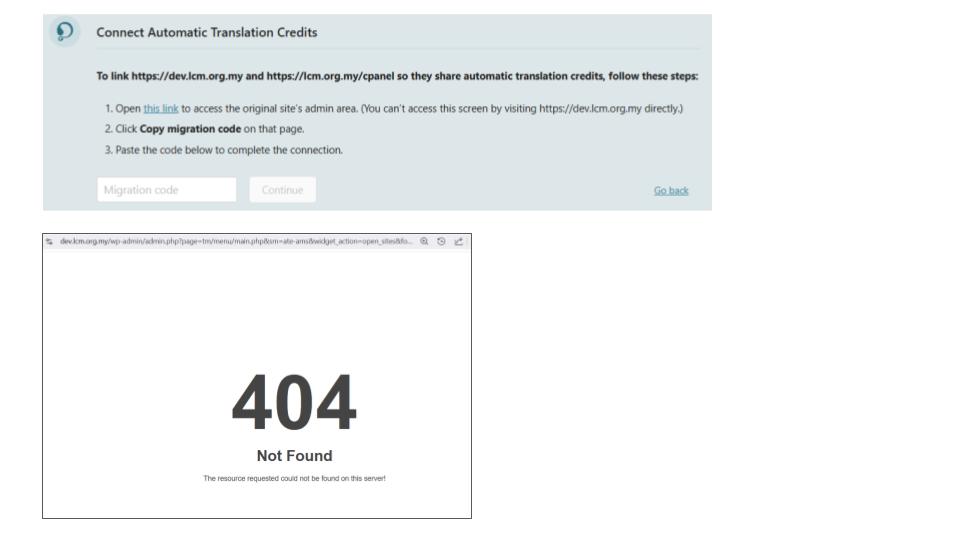
Problem: The client changed their website URL from https://dev.lcm.org.my to https://lcm.org.my and forgot to copy the migration code, resulting in a 404 error when trying to access the old URL. Solution: We resolved the issue on the client's site and restored 208 credits to their WPML.org account. Here are the steps we recommend if you're experiencing a similar issue: 1. Log in to your site and navigate to Dashboard >> Plugins >> Add new >> Commercial tab. 2. Click on the Get a key for this site link: https://wpml.org/account/sites/?add=https://lcm.org.my 3. This will generate a Key for your site. You can also assign the credits using that popup. Confirm the assigned credits from WPML >> Translation Dashboard > Translation Tools. 4. Copy the key, paste it into the input box, and press the Register button.
If this solution does not apply to your case, or if it seems outdated, we highly recommend checking related known issues at https://wpml.org/known-issues/, verifying the version of the permanent fix, and confirming that you have installed the latest versions of themes and plugins. If you still need assistance, please open a new support ticket at WPML support forum.
This is the technical support forum for WPML - the multilingual WordPress plugin.
Everyone can read, but only WPML clients can post here. WPML team is replying on the forum 6 days per week, 22 hours per day.
I changed the URL from hidden link to hidden link and forgot to copy the migration code. Unable to access the old URL to get the code, it says Error 404
Thank you for contacting WPML Support. The migration code is only required if you want to share the existing translation credits from the old domain to the new one.
If the dev site is no longer accessible, you have two options:
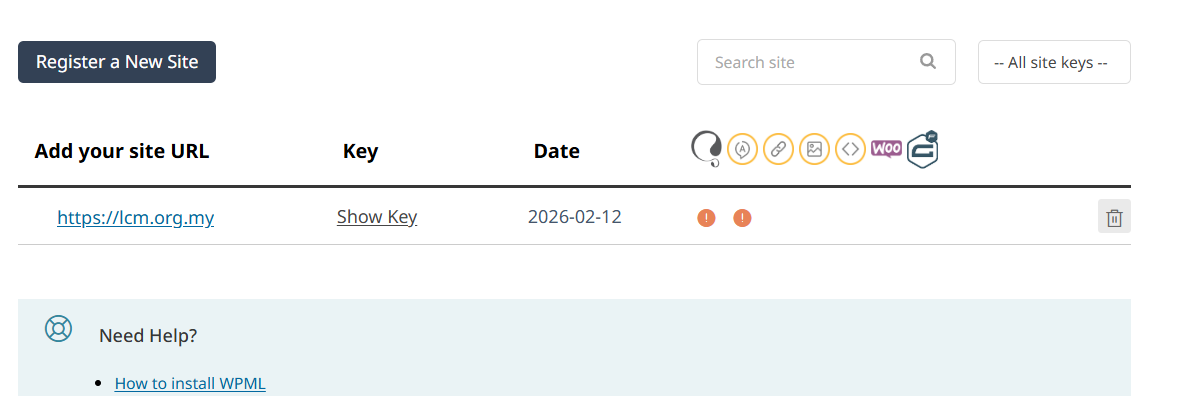
1. Delete the dev.lcm.org.my site from your WPML.org account (https://wpml.org/account/sites/) and the assigned credits will automatically return to your WPML.org balance.
2. Alternatively, I can manually move the 208 credits back to your WPML.org account for you.
Once the credits are back in your account, you can register lcm.org.my and assign the credits to the live site.
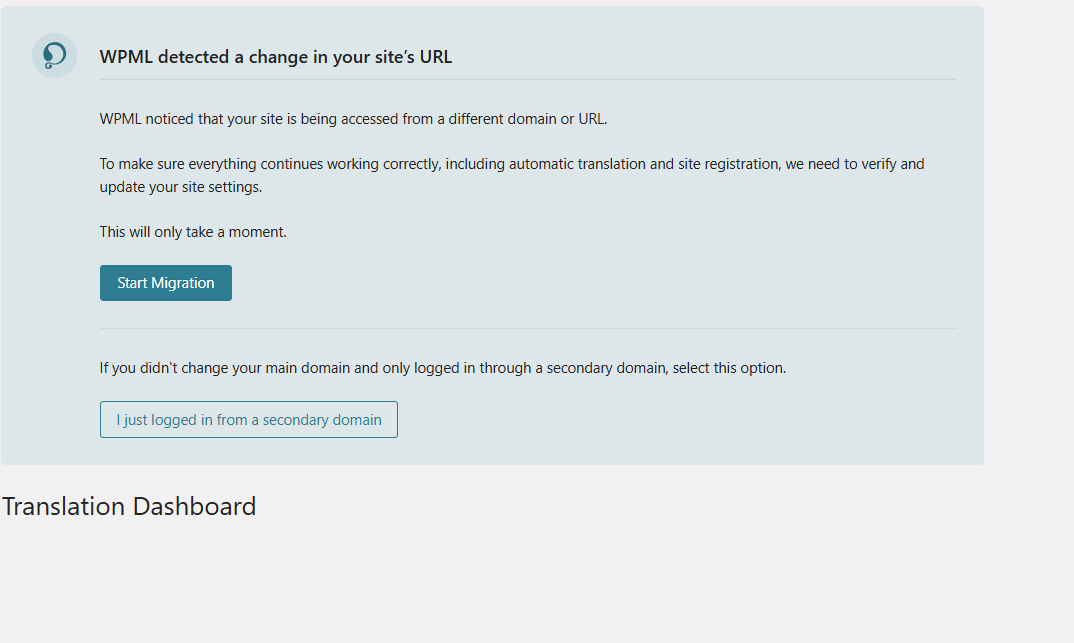
I have deleted the dev.lcm.org.my site from WPML.org as per step 1 but I'm still seeing the message box asking to start the migration, and I cannot see the translation that needs to be done.
The old website has been removed. I have no access to the old website. I am unable to obtain the migration code. I have deleted the old website URL in WPML. But the Migration Wizard is still there. I cannot proceed with translation.
To take a closer look at this issue, please provide temporary access (WP-Admin and FTP Login info) to your site (preferably staging site), so that I can look into your setup and debug the issue.
Your next answer will be private, meaning only you and I can access it.
=== Please backup your database and website ===
✙ I would need your permission to deactivate and reactivate Plugins and the Theme and to change configurations on the site. This is also a reason the backup is essential.
I will need to get back to you on the access info as early as the week of 23 February. Please do not close this ticket just yet. Thank you for your patience.
We can keep the ticket open for up to two weeks, so that works perfectly. Just send the access details when you’re ready, and we’ll continue from there.
Thanks for providing the login details. I fixed the issue on your site and returned the 208 credits to your WPML.org account. You should be able to assign those credits to your live site after registering it.
Here will be the steps:
1. Login to your site and go to the Dashboard >> Plugins >> Add new > Commercial tab and click the Get a key for this site link: https://wpml.org/account/sites/?add=https://lcm.org.my
2. It will generate the Key for your site and you can also assign the credits using that popup, you may confirm the assigned credits from WPML >> Translation Dashboard > Translation Tools.
3. Copy the key, and paste it back into the input box, and press the Register button.