Home›Support›English Support›[Resolved] Split: some products were translated successfully but not displayed correctly on the front end
[Resolved] Split: some products were translated successfully but not displayed correctly on the front end
This thread is resolved. Here is a description of the problem and solution.
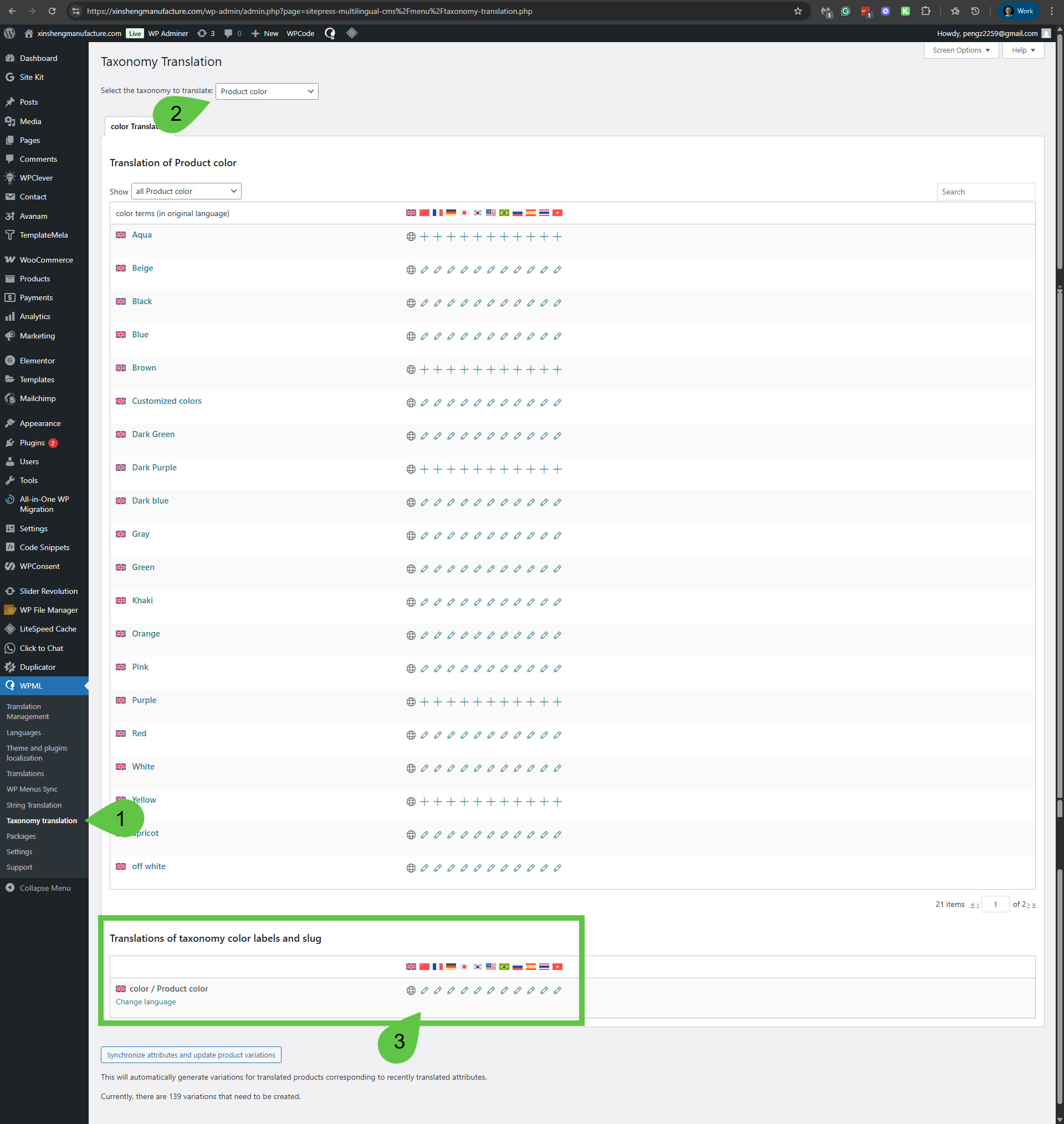
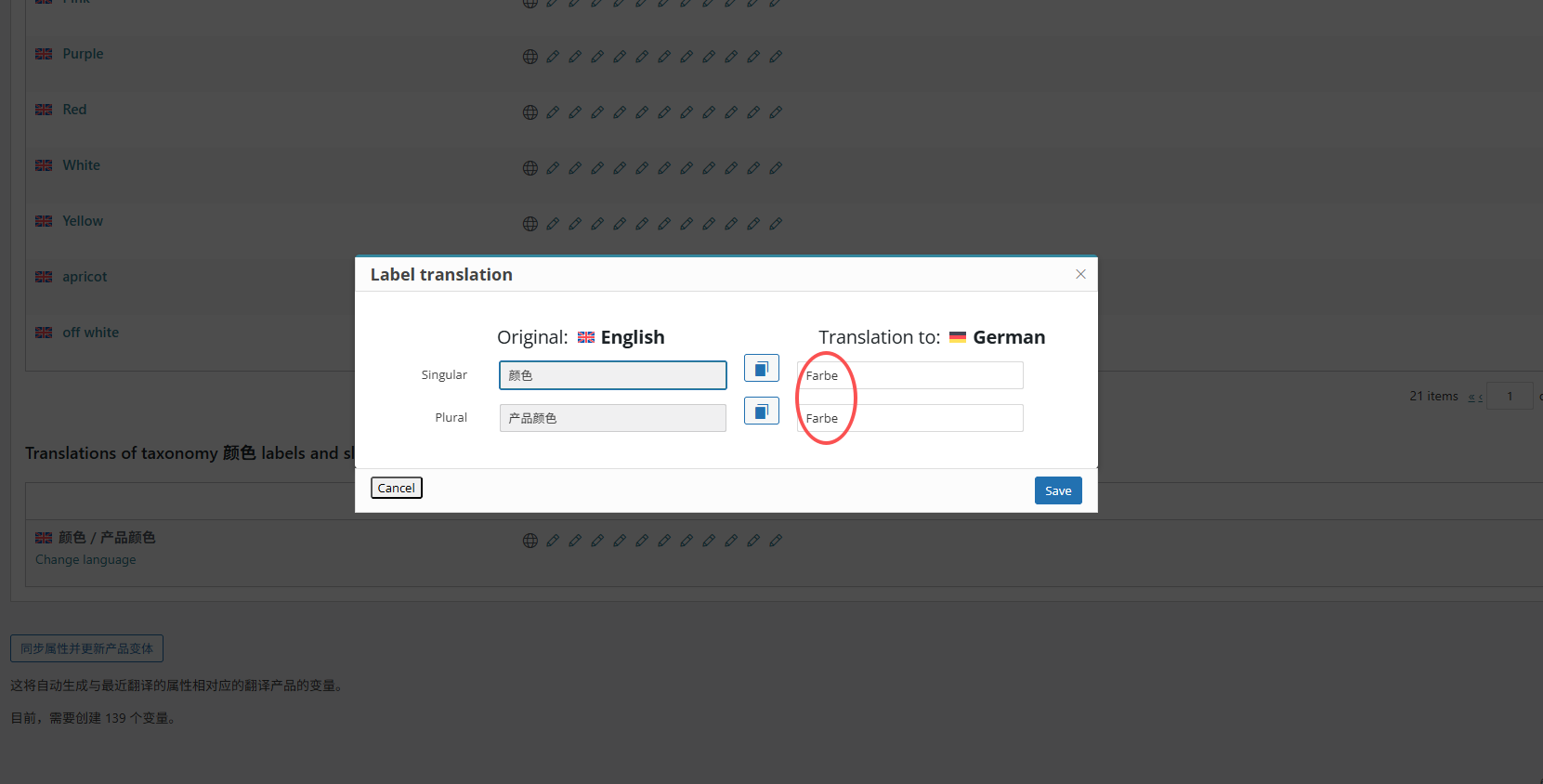
Problem: The "color" on the single product page could not be translated correctly. Solution: To resolve the issue with the translation of the "color" on the single product page, please follow these steps: 1. Navigate to WPML -> Taxonomy Translation. 2. Select 'Product color'. 3. Scroll down to the Translations of taxonomy color labels and slug section. 4. Translate the name 'color' into each language.
If this solution does not resolve your issue or seems outdated, we recommend checking related known issues at https://wpml.org/known-issues/, verifying the version of the permanent fix, and confirming that you have installed the latest versions of themes and plugins. If the problem persists, please open a new support ticket at WPML support forum for further assistance.
This is the technical support forum for WPML - the multilingual WordPress plugin.
Everyone can read, but only WPML clients can post here. WPML team is replying on the forum 6 days per week, 22 hours per day.
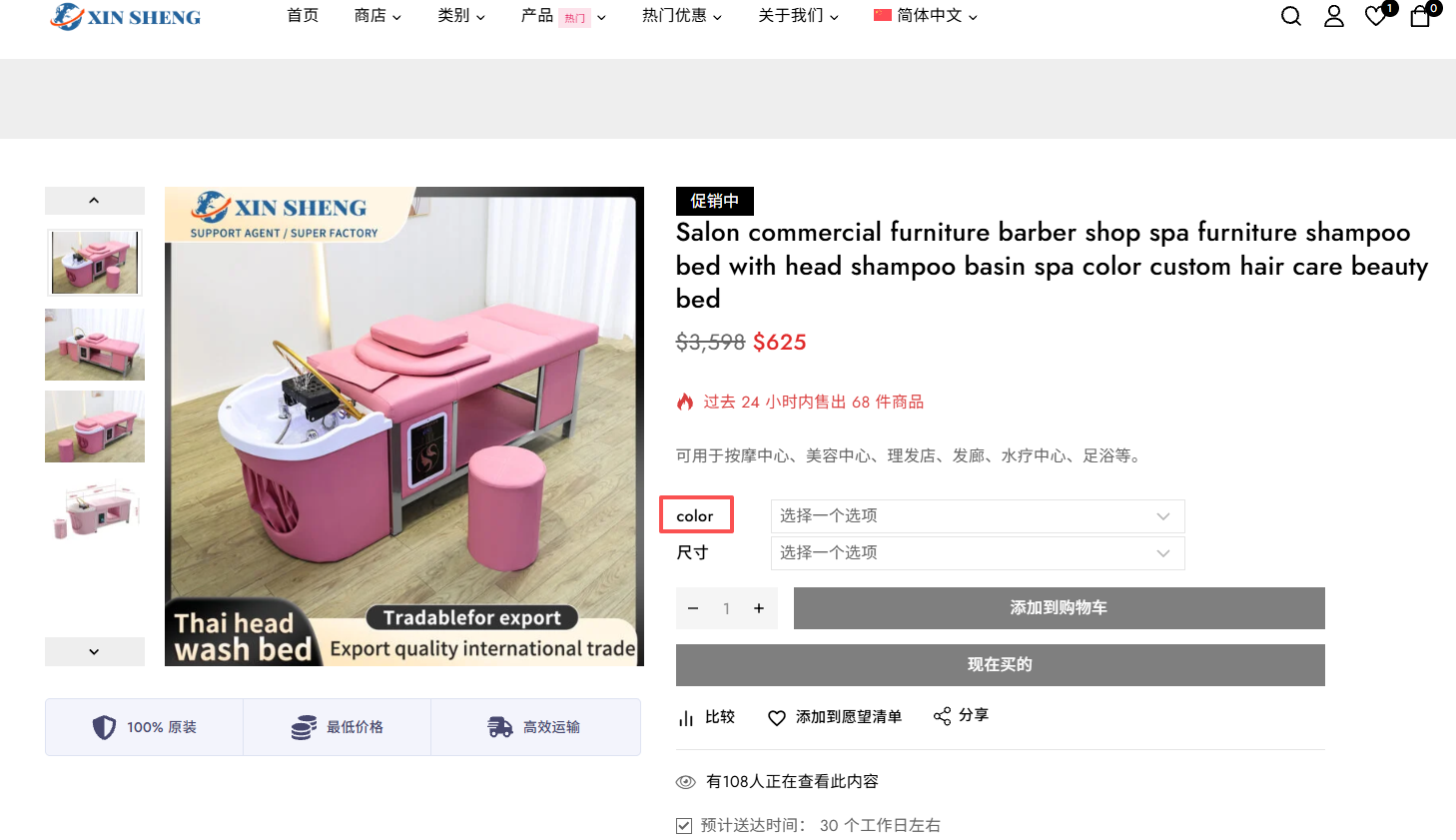
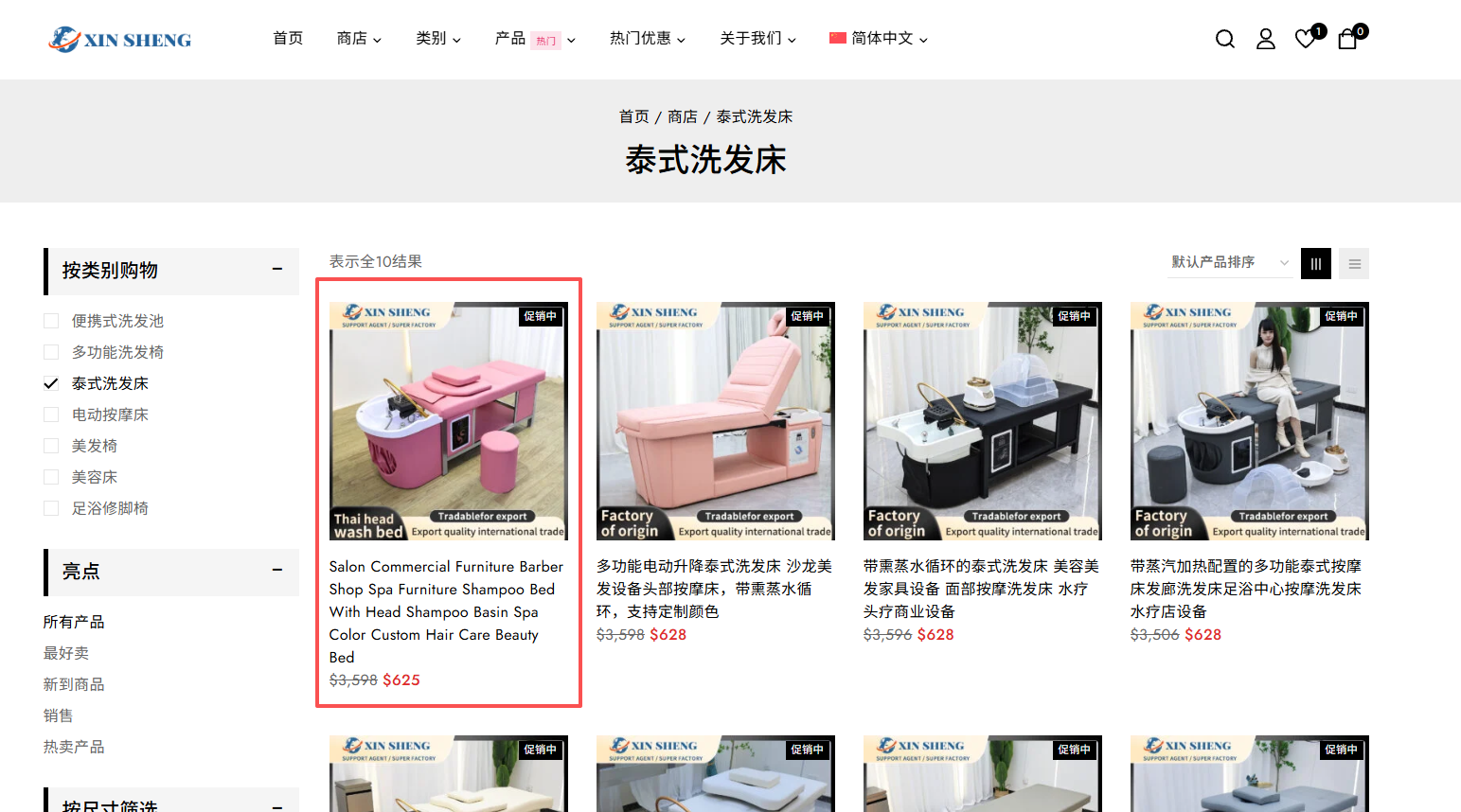
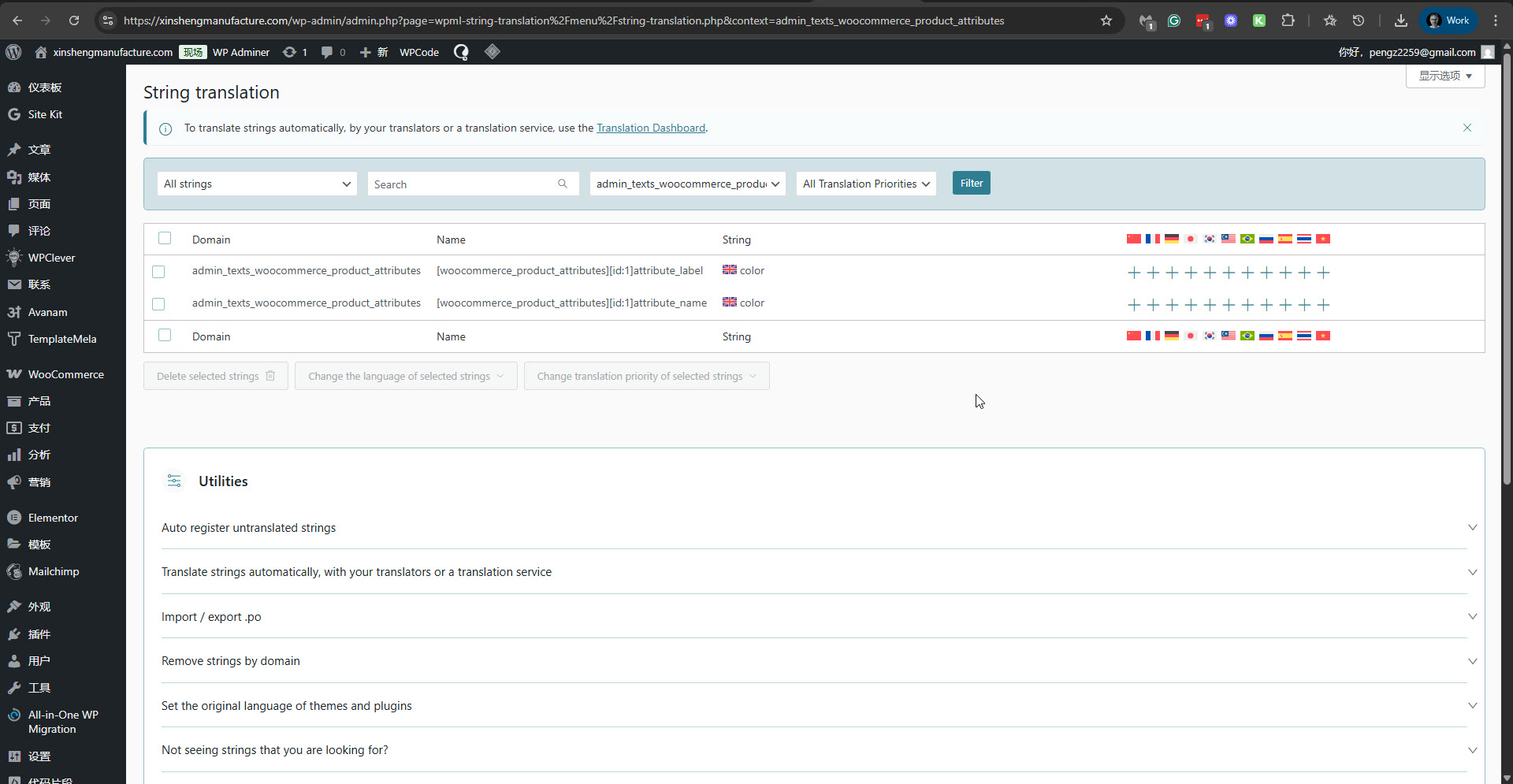
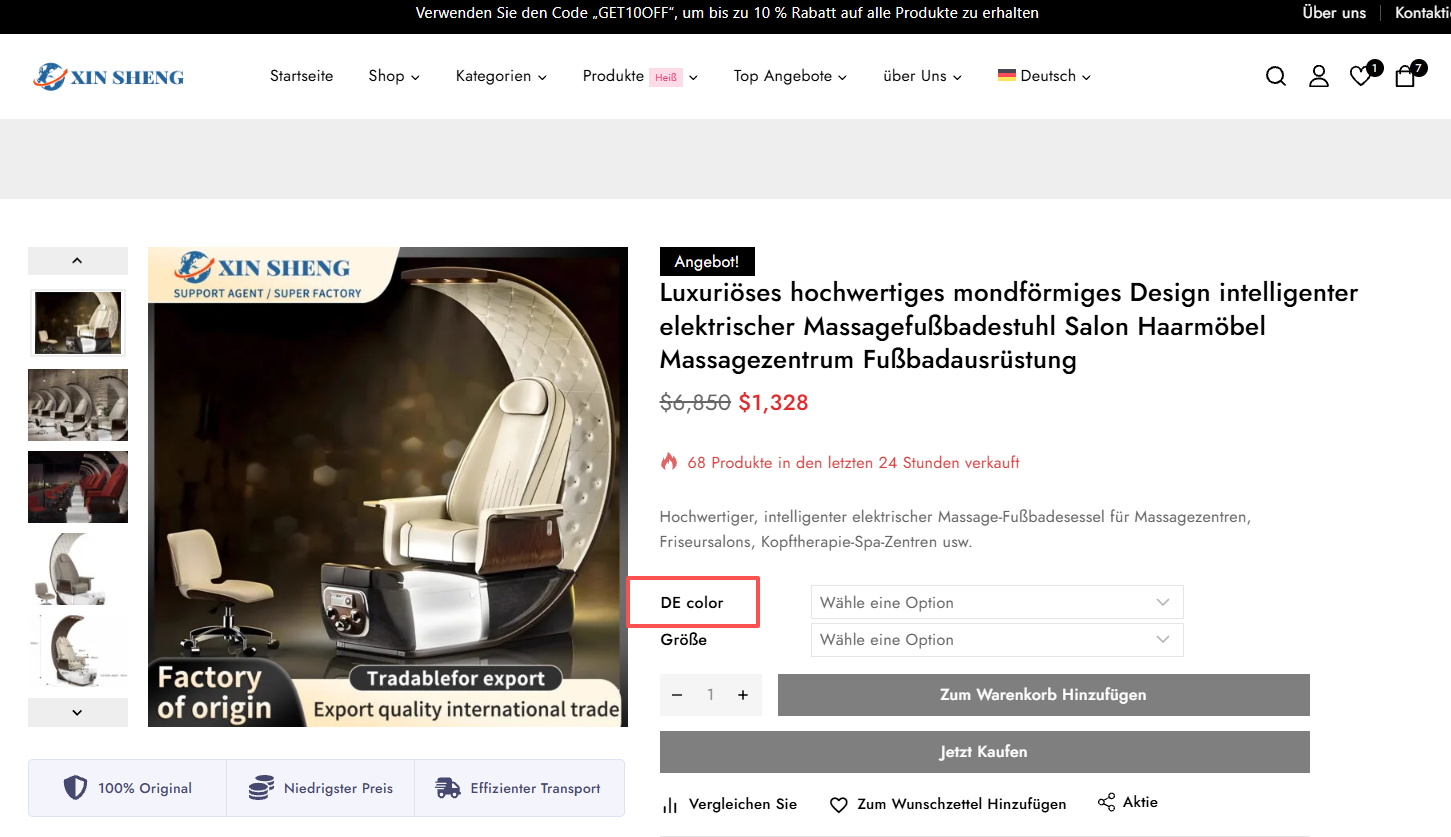
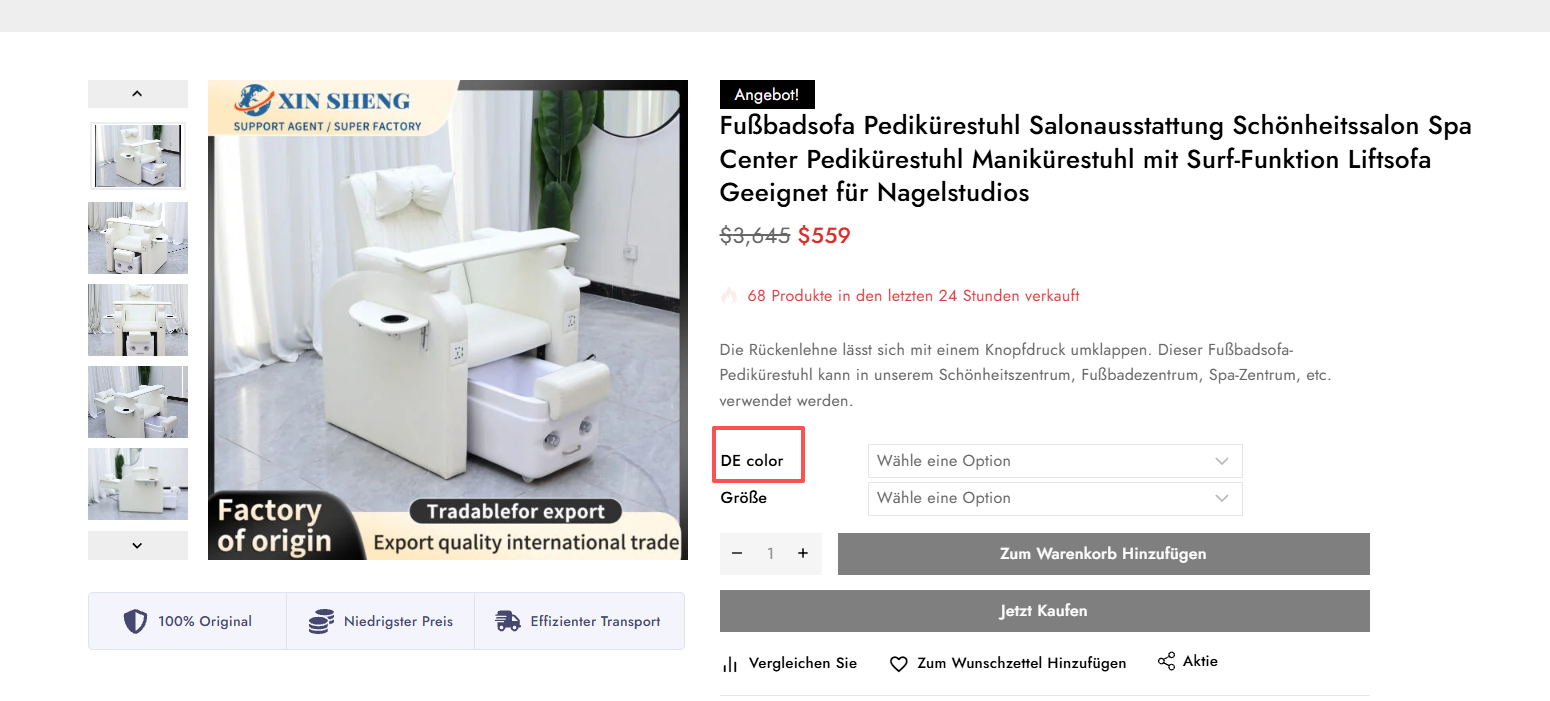
I translated all the products, but some products were translated successfully but not displayed correctly on the front end. Also, the "color" on the single product page could not be translated correctly.
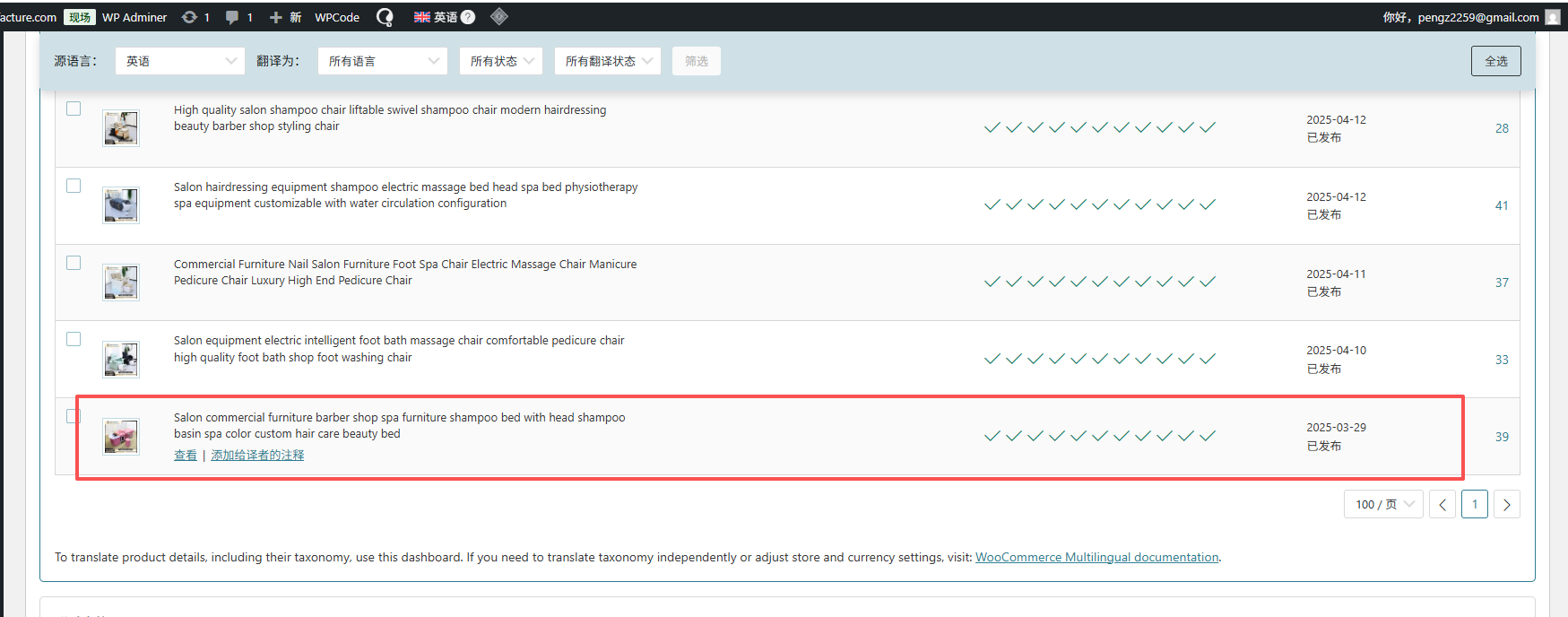
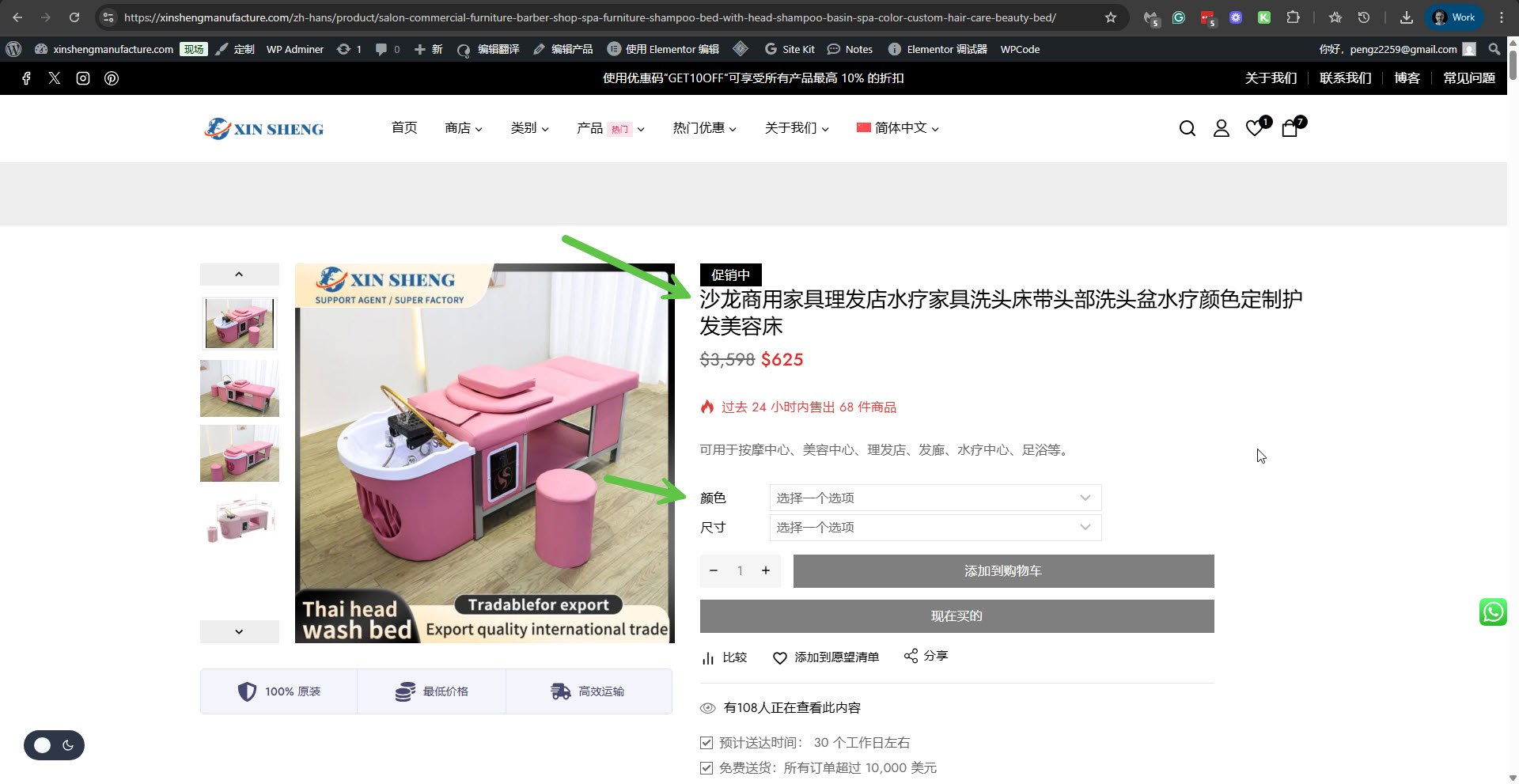
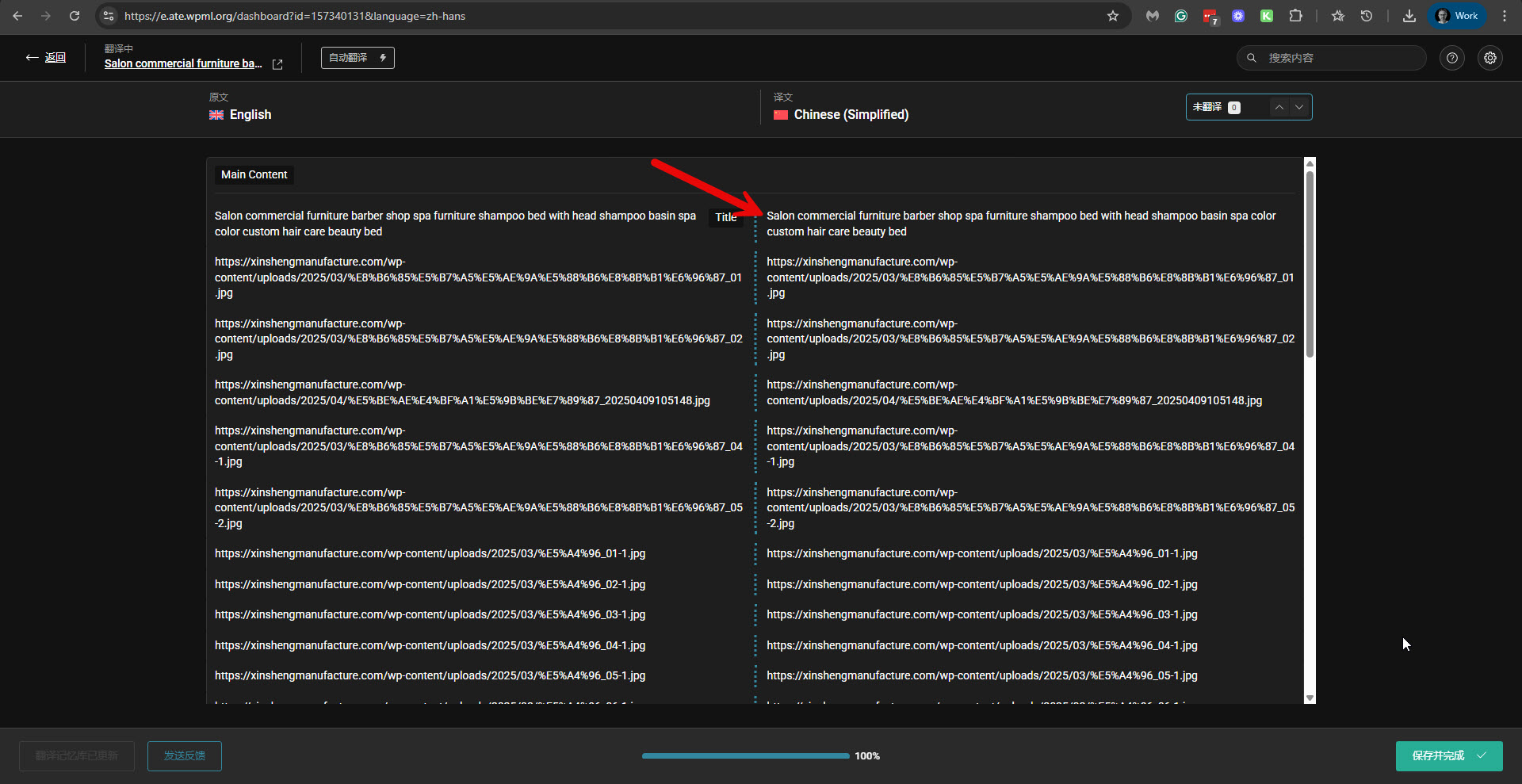
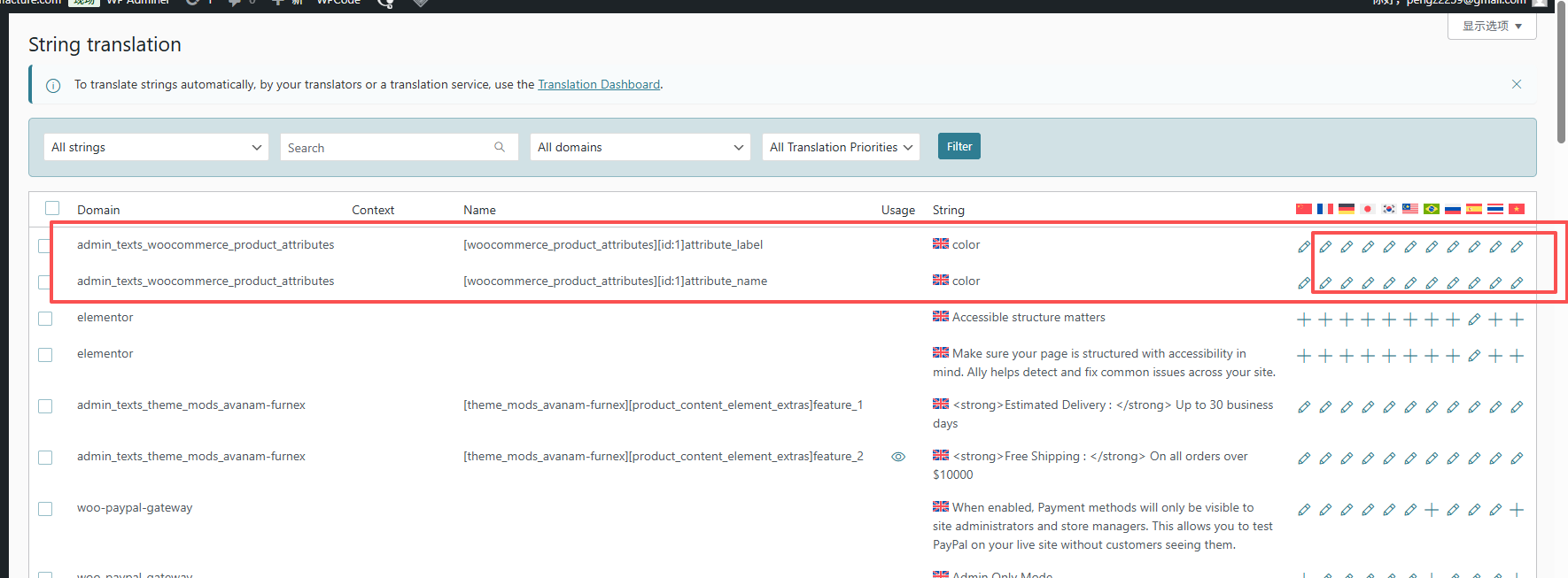
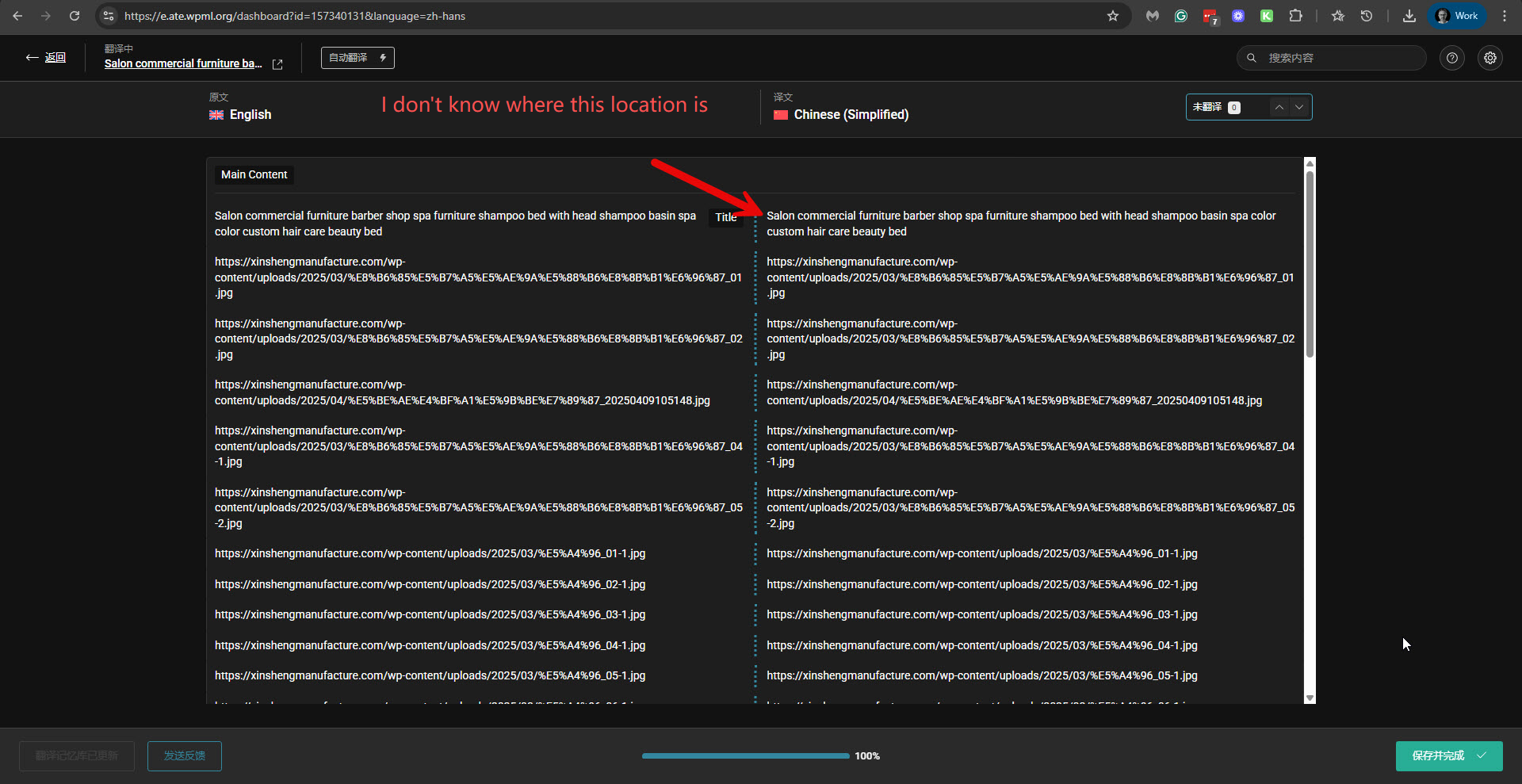
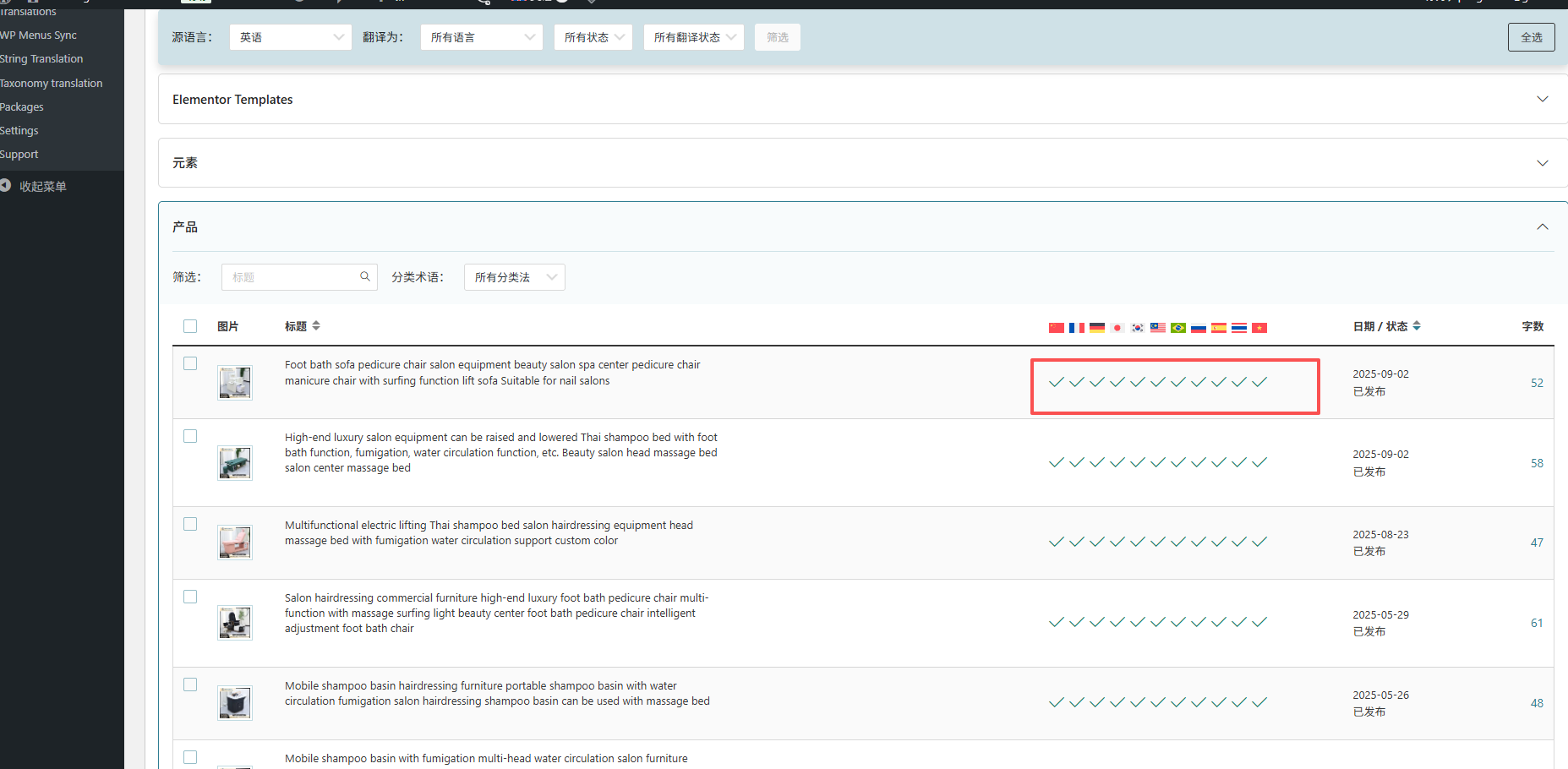
In the Advanced Translation Editor, I could see that this hidden link">product is not fully translated into Chinese. So I completed its translation. Then I could also find "color" in the admin strings section and translated it in Strings Translation. Now the product is translated. Please see the attached screenshots.
Could you please confirm that this issue is now resolved?
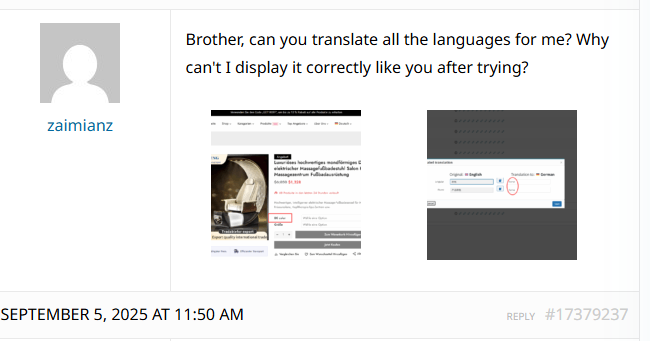
Yes, I saw that "Chinese" has been successfully translated. I tried to translate other languages, but it still cannot be displayed correctly when opened in the front-end browser. Where is the location of this advanced translator? How can I find its location?
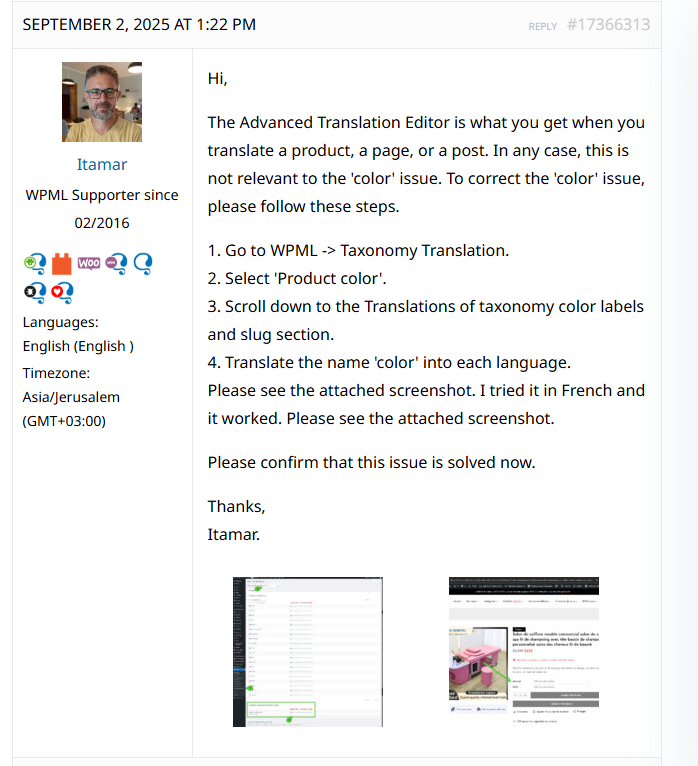
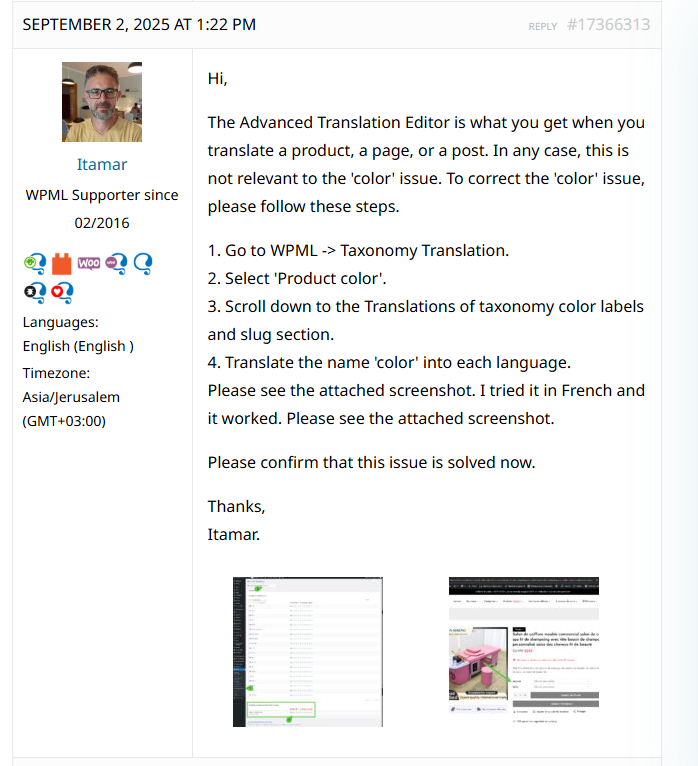
The Advanced Translation Editor is what you get when you translate a product, a page, or a post. In any case, this is not relevant to the 'color' issue. To correct the 'color' issue, please follow these steps.
1. Go to WPML -> Taxonomy Translation.
2. Select 'Product color'.
3. Scroll down to the Translations of taxonomy color labels and slug section.
4. Translate the name 'color' into each language.
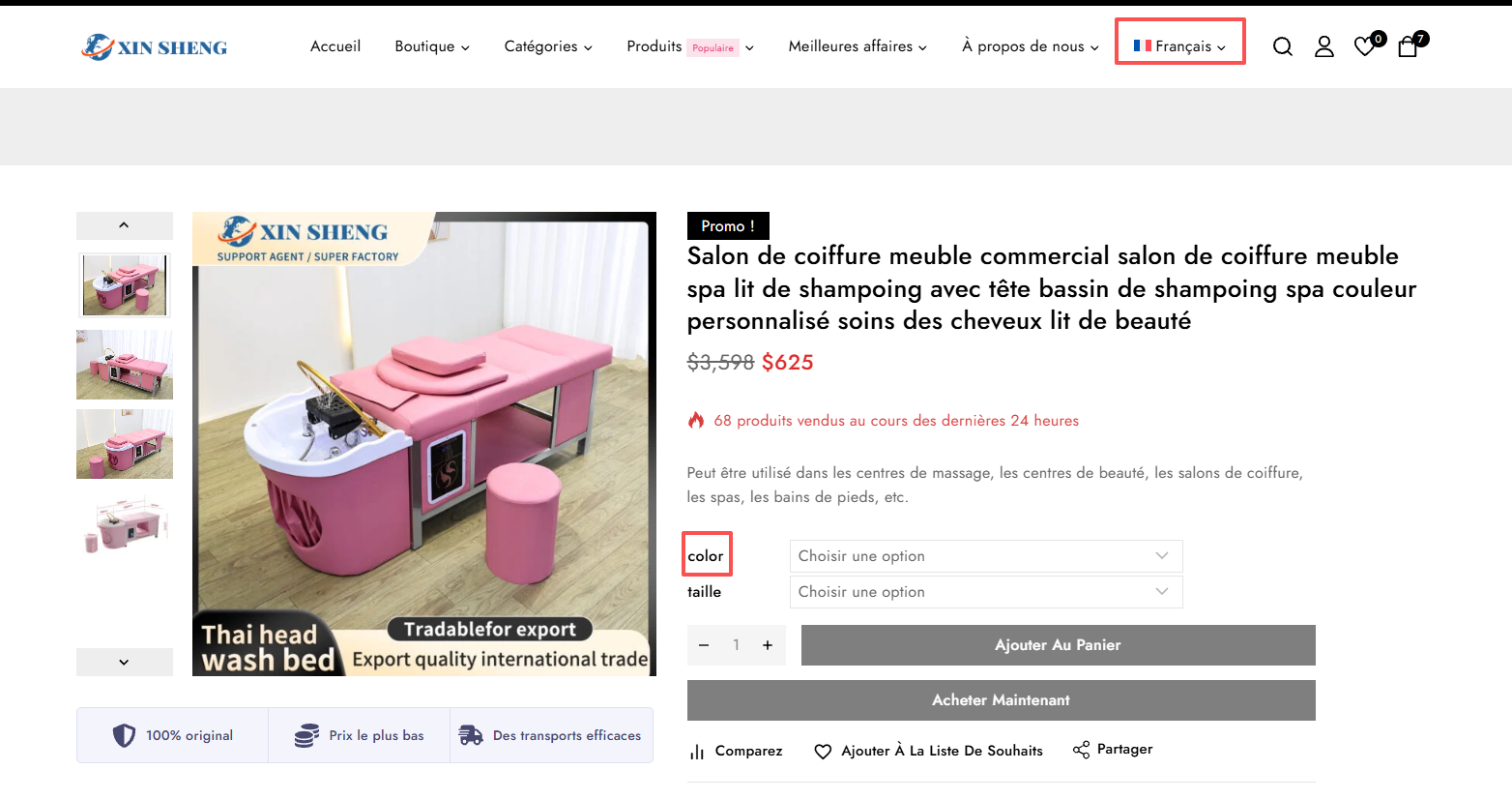
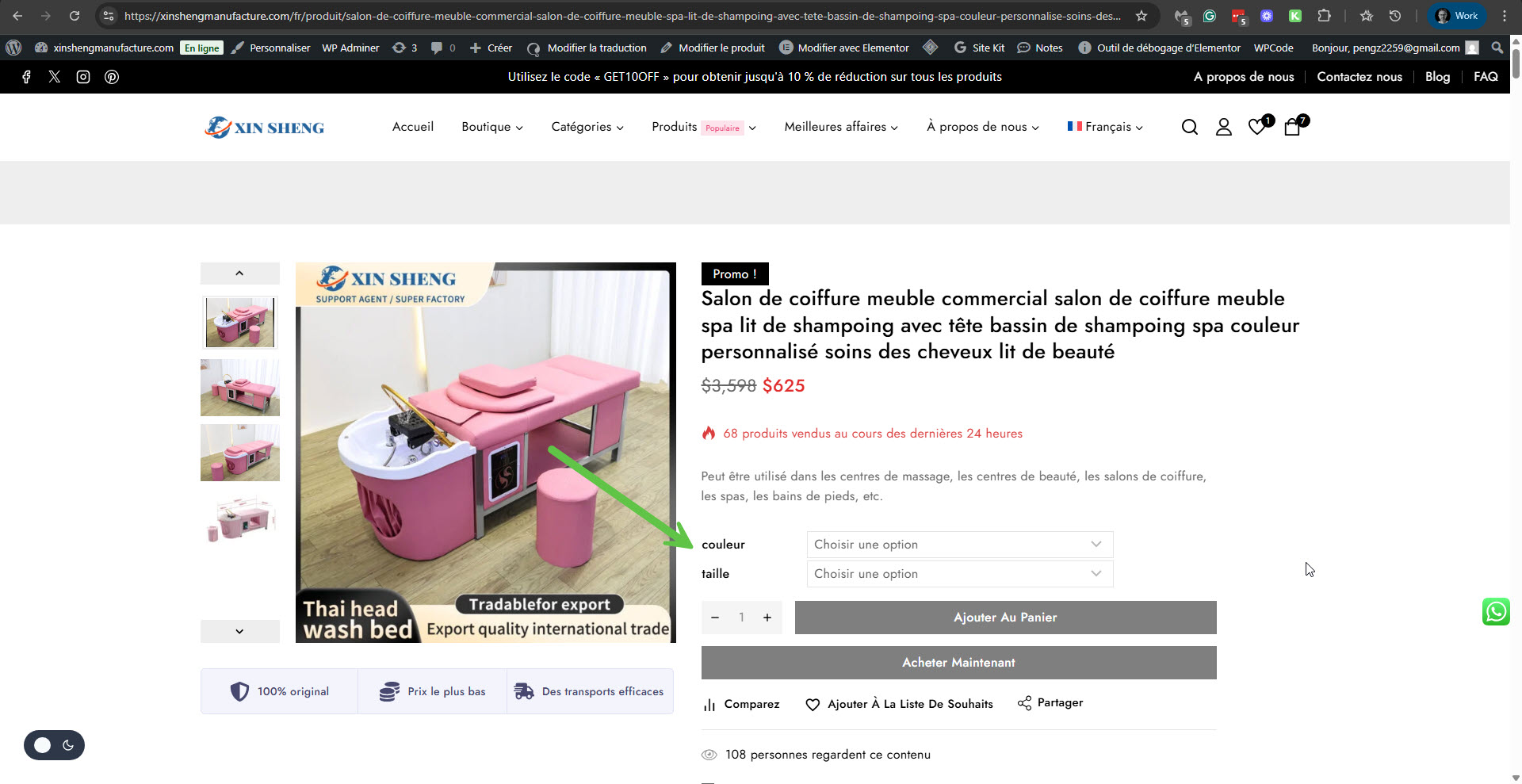
Please see the attached screenshot. I tried it in French and it worked. Please see the attached screenshot.
Hello,
My name is Carlos, and I will continue working on this ticket while my colleague Itamar is on vacation.
Unfortunately, we can't translate the content for you because it falls outside of the scope of our support service. If you have any specific doubts, we are happy to clarify them for you.
I recommend you consider whether the automatic translation helps you save time and energy translating the content, therefore avoiding this problem in the first place: https://wpml.org/documentation/automatic-translation/
You can see that Itamar has helped me solve the problem, but when I follow Itamar's method, the front end cannot be displayed correctly, so I need to know why this happens. If you don't know the reason, I will continue to wait for Itamar to answer my question.
Please follow these steps:
- Take a product as a reference
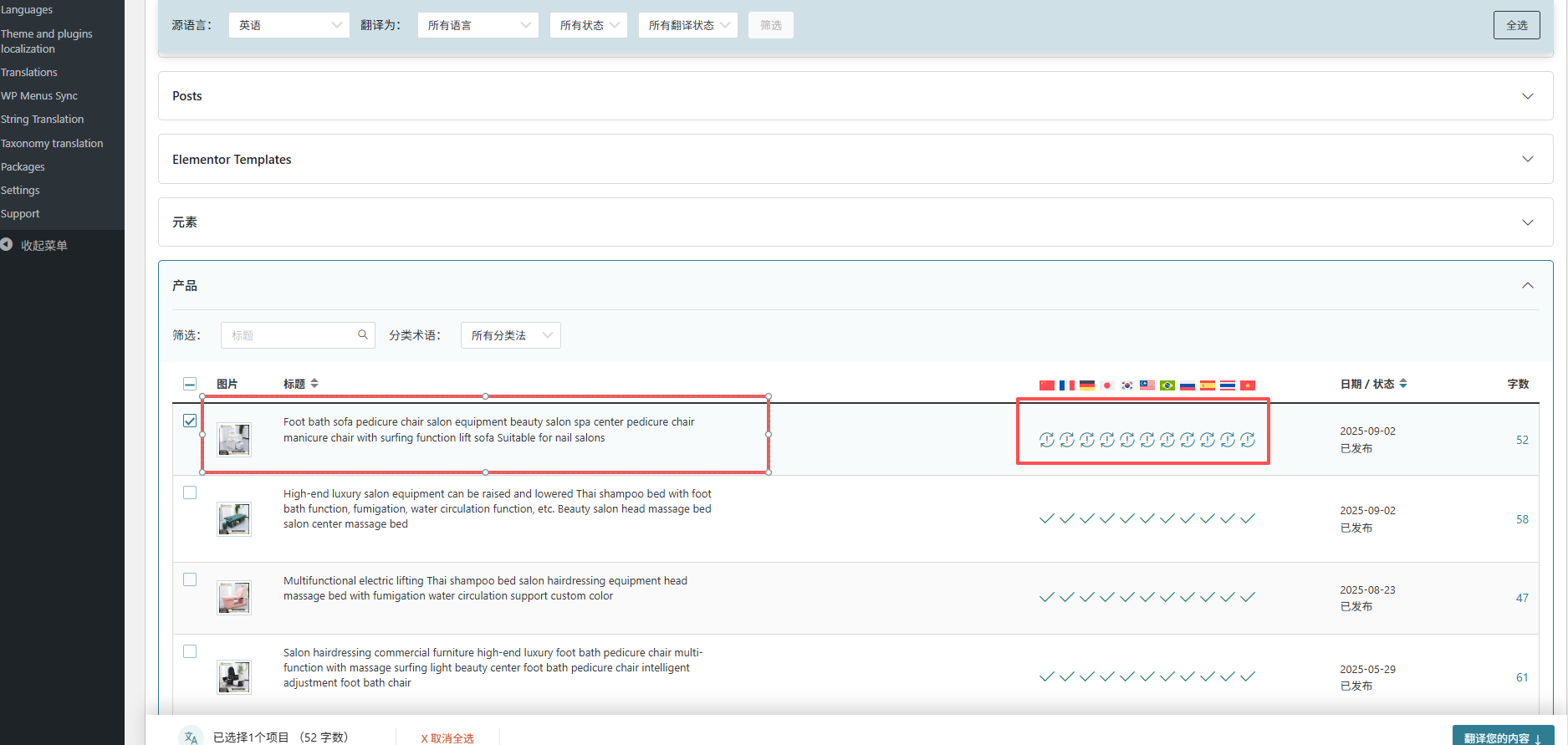
- Edit the selected product in the original language -> Make a small change to the content -> Save the changes
- Go to WPML -> Translation Management -> Select the product and assign it to yourself for translation
- Go to WPML -> Translations -> Take the product and update the translation (make sure the translation is 100%)
- Double-check if the issue has disappeared
Can you tell me the results of the steps described above?
I followed your instructions, edited the product, modified some of the content, and updated the translation, but after refreshing, it still does not display correctly.
Could you please follow the solutions Itamar gave me and check them? I think Itamar's solution is correct, you can see that he helped me translate successfully before.
If you follow the steps Itamar described and you mentioned in your previous message, what is the result? Also, can you tell me why you aren't following these steps?
You can see that I have followed Itamar's instructions and the final result is not as Itamar showed. It can correctly display the translation result, so I left a message to Itamar again and asked him to help me check again what is the reason.
I fixed all the translations for "color" except Russian and Japanese.
Can you please confirm that besides Russian and Japanese, all the translations of "color" show correctly?