Background of the issue:
I want to start importing products into my multilingual and multicurrency website using WP All Import. I prefer not to use the transform rate; instead, I want to import products priced in EUR first, followed by another import for products priced in Swedish Krona (SEK).
Symptoms:
When I import the SEK products, the prices do not appear after the import.
Questions:
Aren't there supposed to be some meta attributes that need to be added for the other currencies during the import?
Do you have any documentation that explains how to import products in different currencies without using transform rates?
Languages: English (English )Spanish (Español )Italian (Italiano )
Timezone: Europe/Rome (GMT+01:00)
It depends on how you're importing the content but in general you need different files for each language. If you tell us what's the workflow you're using to import the files and if you're using particular plugins we might be able to guide you better.
To ensure the quickest and most accurate support, please provide your debug information so I can look at some of your configurations. We have an excellent article on how to locate it here: https://wpml.org/faq/provide-debug-information-faster-support/.
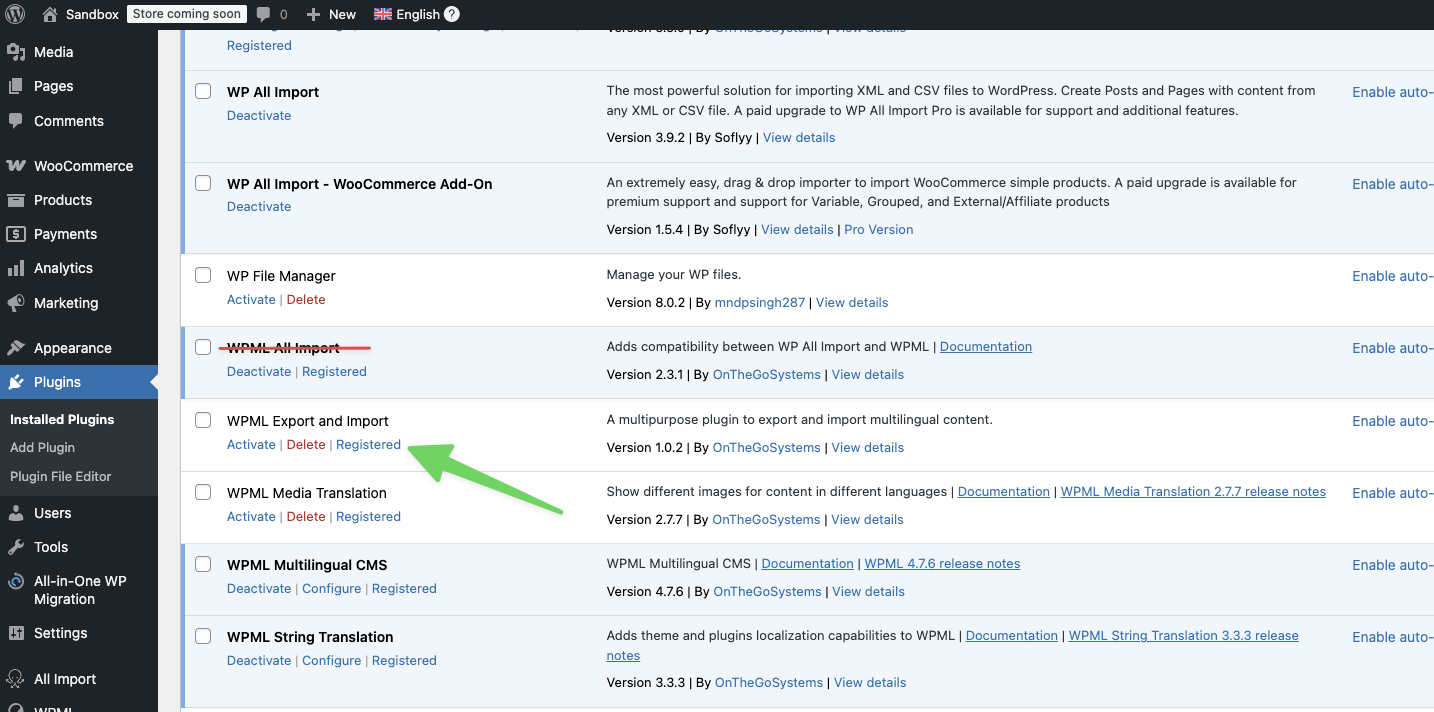
I am using the WPML Export and Import plugin together with WP All import. And I also have the WPML Woocommerce and Multilingual plugin installed.
My defaul currency is EUR and then i will need to have SEK, NOK and DKK but not using any transformrates.
Thanks for confirming and for the debug information.
Can you please try adding the regular price to the Swedish import price? Use the original product price.
If that does not work, to be able to investigate the problem, we need to replicate the issue on a clean installation.
I created a clean installation of WordPress, WPML, and all necessary WPML add-ons.
You can access the WordPress dashboard using the link below: hidden link
Kindly follow the steps below:
- Don't restore your site there.
- Install WP All Import WooCommerce add-on
- Try to replicate the issue with minimal steps.
- Then let me know the steps to see the problem and reproduce it.
So just to clarify, in the Swedish import, you want me to add
Regular Price: 500 (which is the original product price in EUR)
and also
Meta:_regular_price_sek = 2500 (which is the SEK price)
I started by importing the EUR template and followed all the necessary steps.
After the import was complete, I checked the products but couldn't see them. I deactivated and reactivated WPML, and then the products appeared under English. I had to do this for my test site as well.
Swedish Import:
I followed similar steps for the Swedish import but did not set the regular price.
Under WPML All Import, I selected Swedish and chose "Define parent import" under Automatic Record Matching to translate, then selected the ENG import.
I added the following custom fields:
I wanted to update you on my progress with the second option.
First, I completed the import for the English (ENG) version, and everything went smoothly. I can see the product listed correctly.
Next, I switched to the Swedish version and followed the same steps. However, this time I chose "Do not import" for the regular price and selected "Import from Meta data" for the other fields specific to Sweden.
Although the system indicated that the import was successful, I noticed that the products are not appearing under the Swedish category.
I performed these steps in the Sandbox environment you provided.
Best regards
Mirsad
The topic ‘[Closed] Multicurrency import but without transformrate’ is closed to new replies.