This thread is resolved. Here is a description of the problem and solution.
Problem:
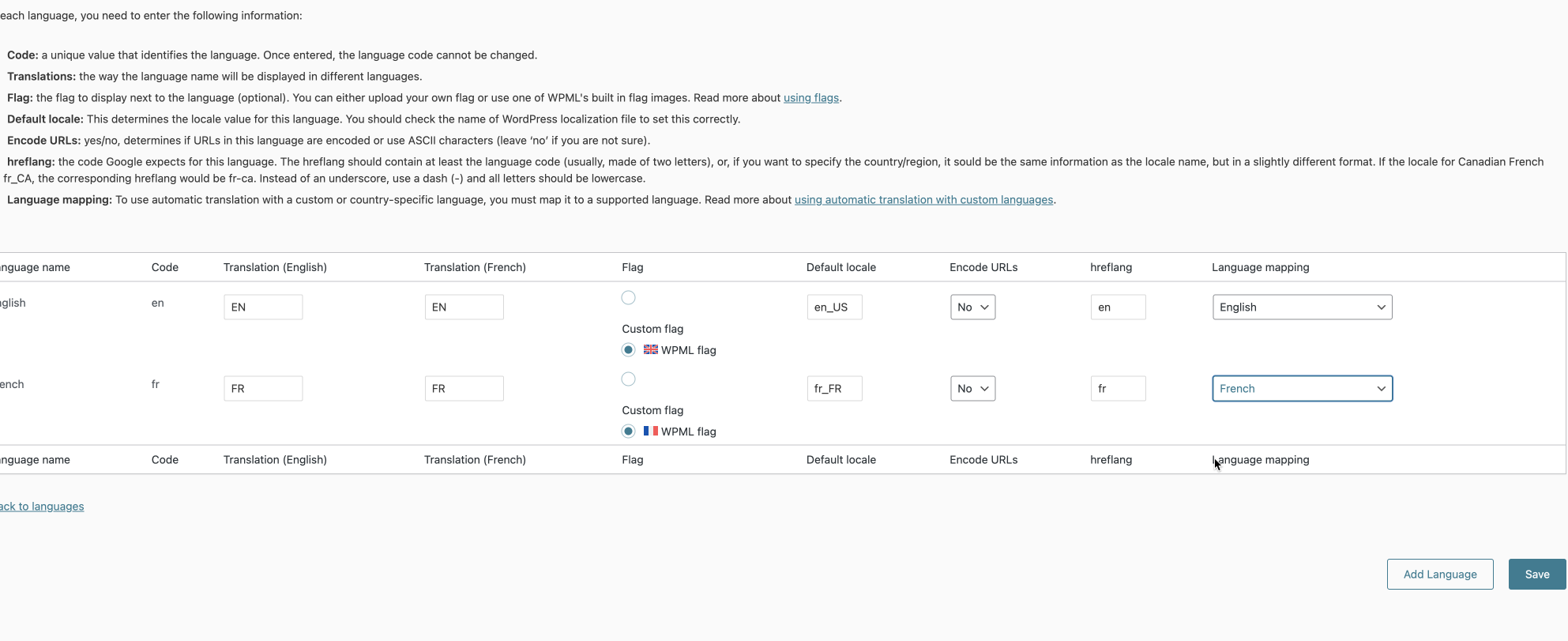
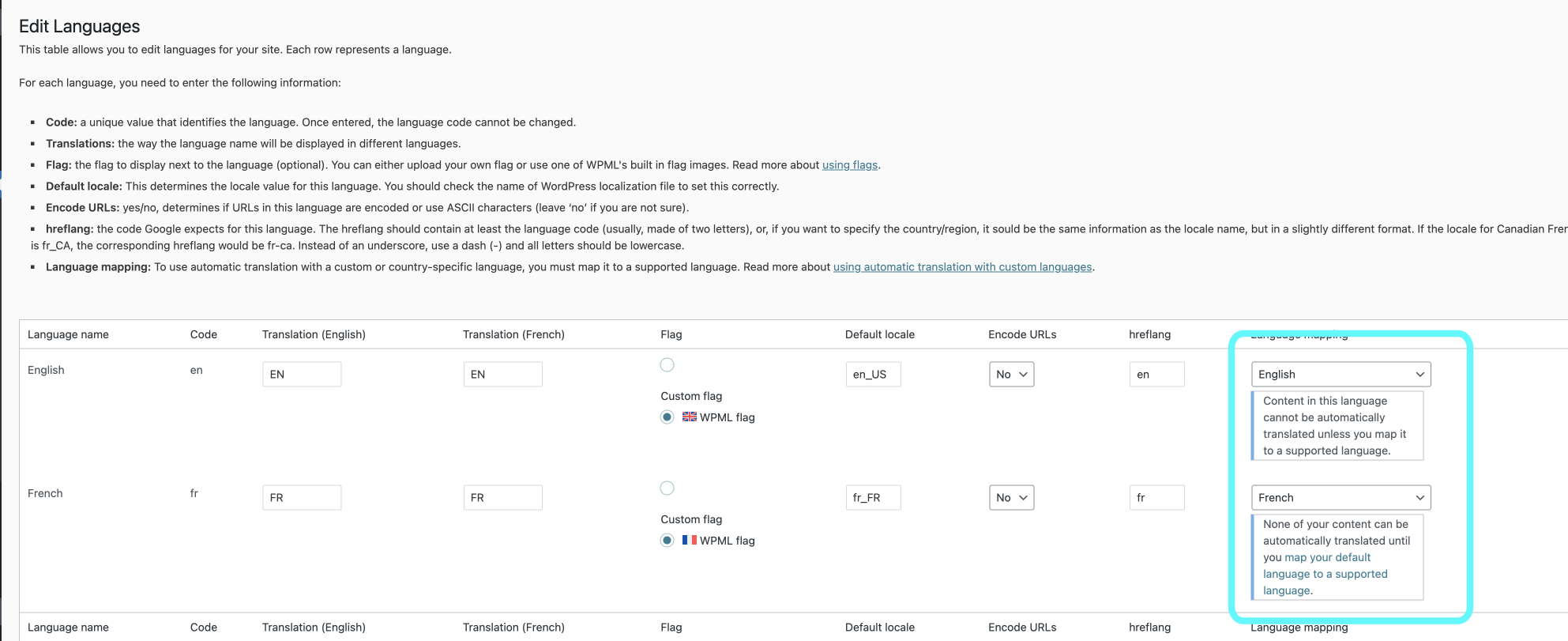
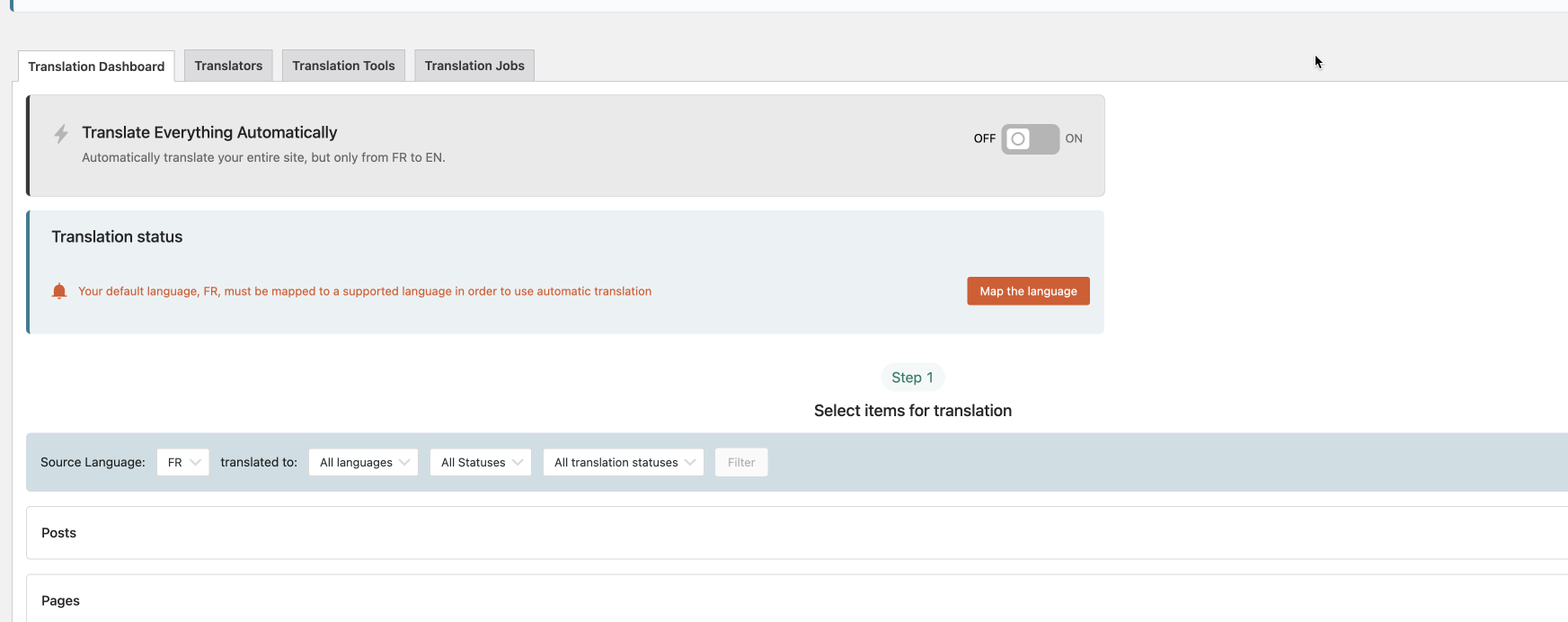
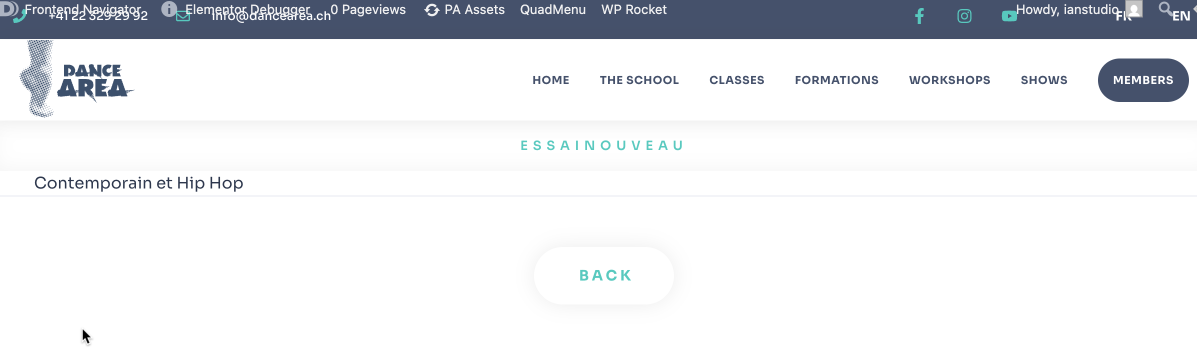
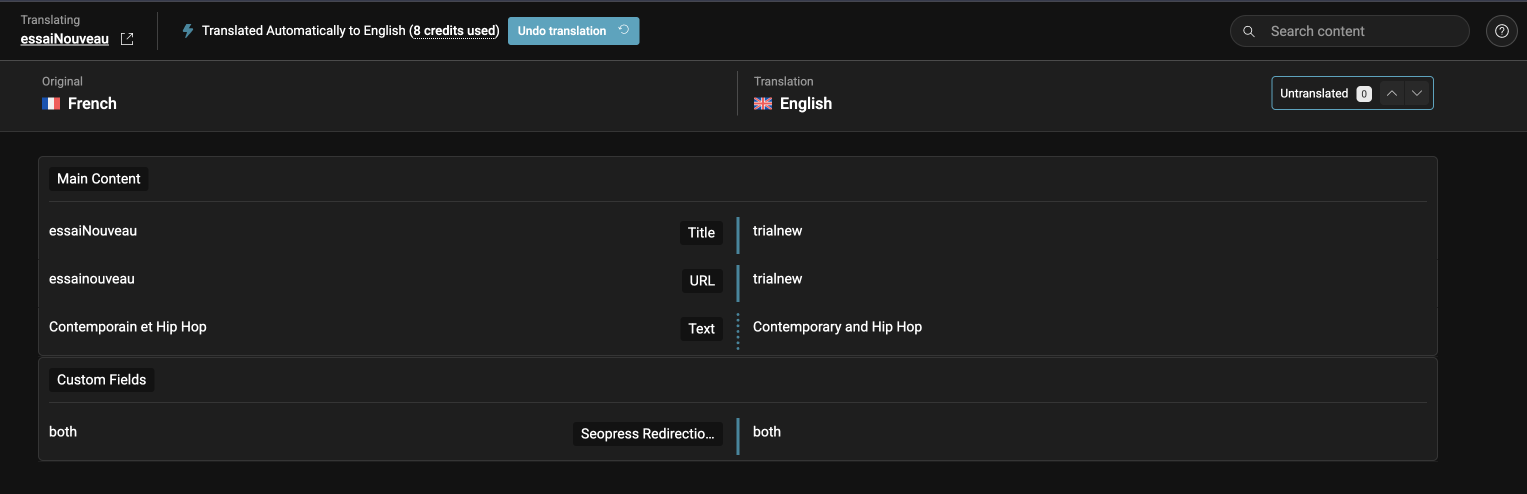
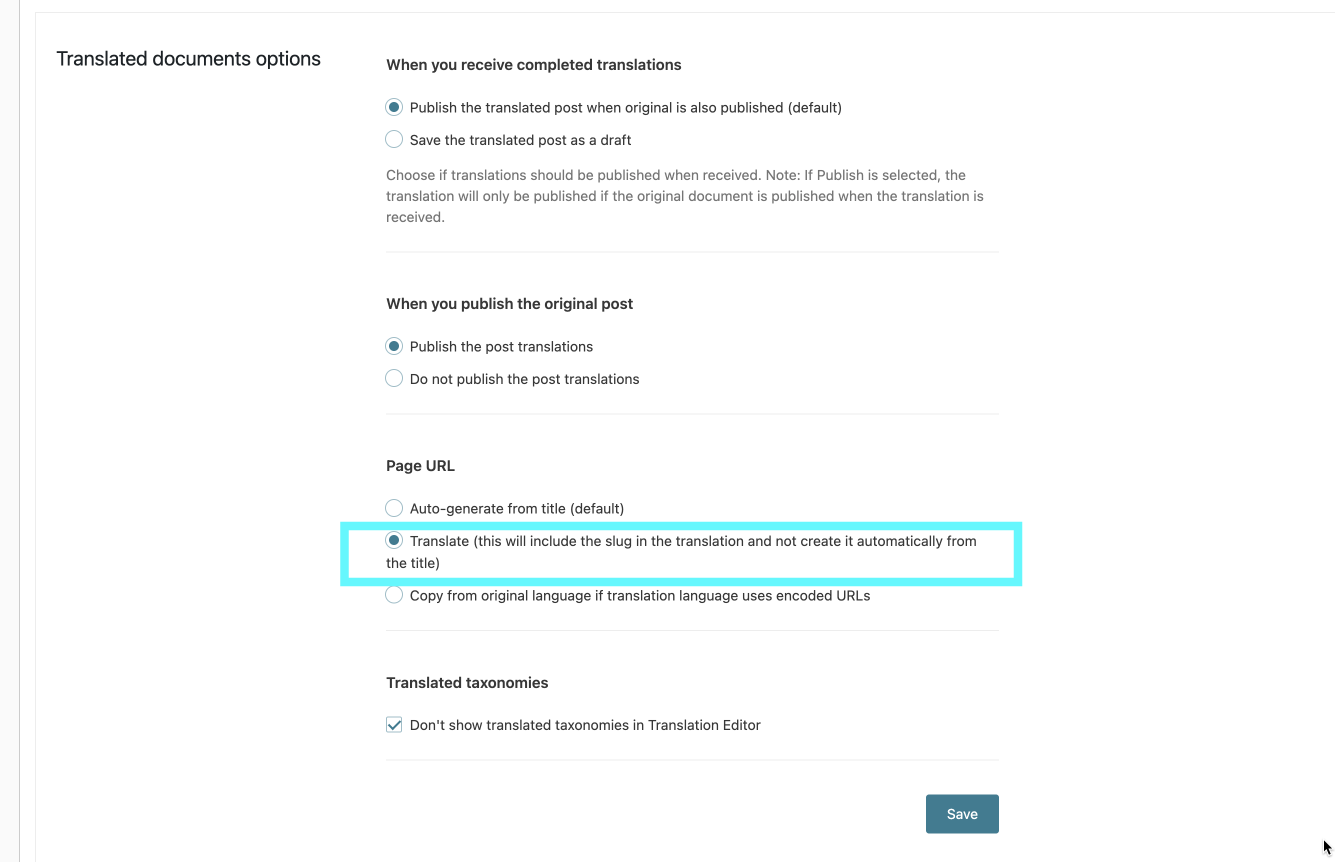
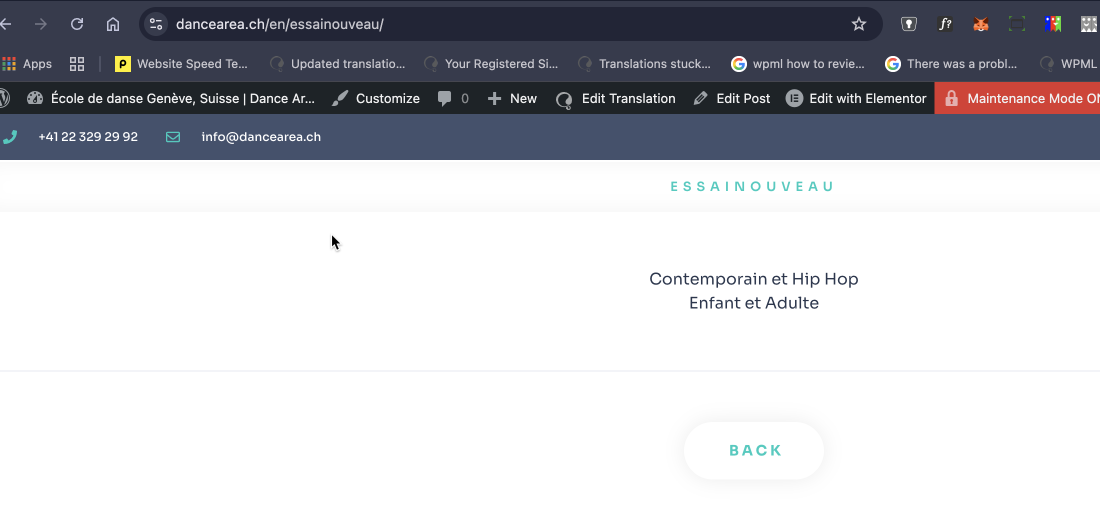
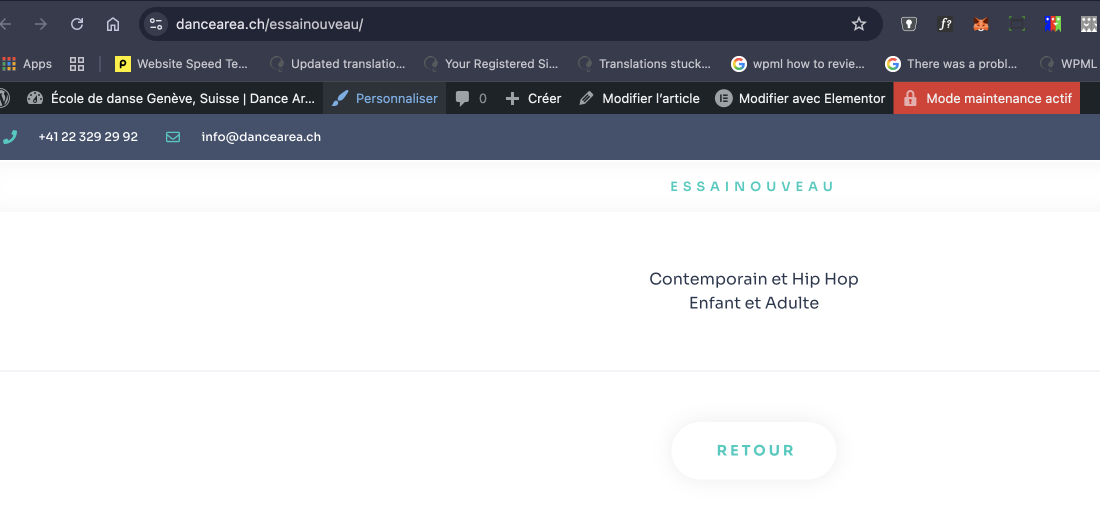
The client is experiencing issues with language mapping and alerts under Languages in WPML. Despite resetting and saving the settings, the alerts reappear upon page refresh. Additionally, there are discrepancies between the slug and title in the secondary language (EN) as displayed in the backend and what appears on the front end. The client also mentioned confusion regarding the assignment of translations in the WPML Classic Translation Editor versus the Advanced Translation Editor.
Solution:
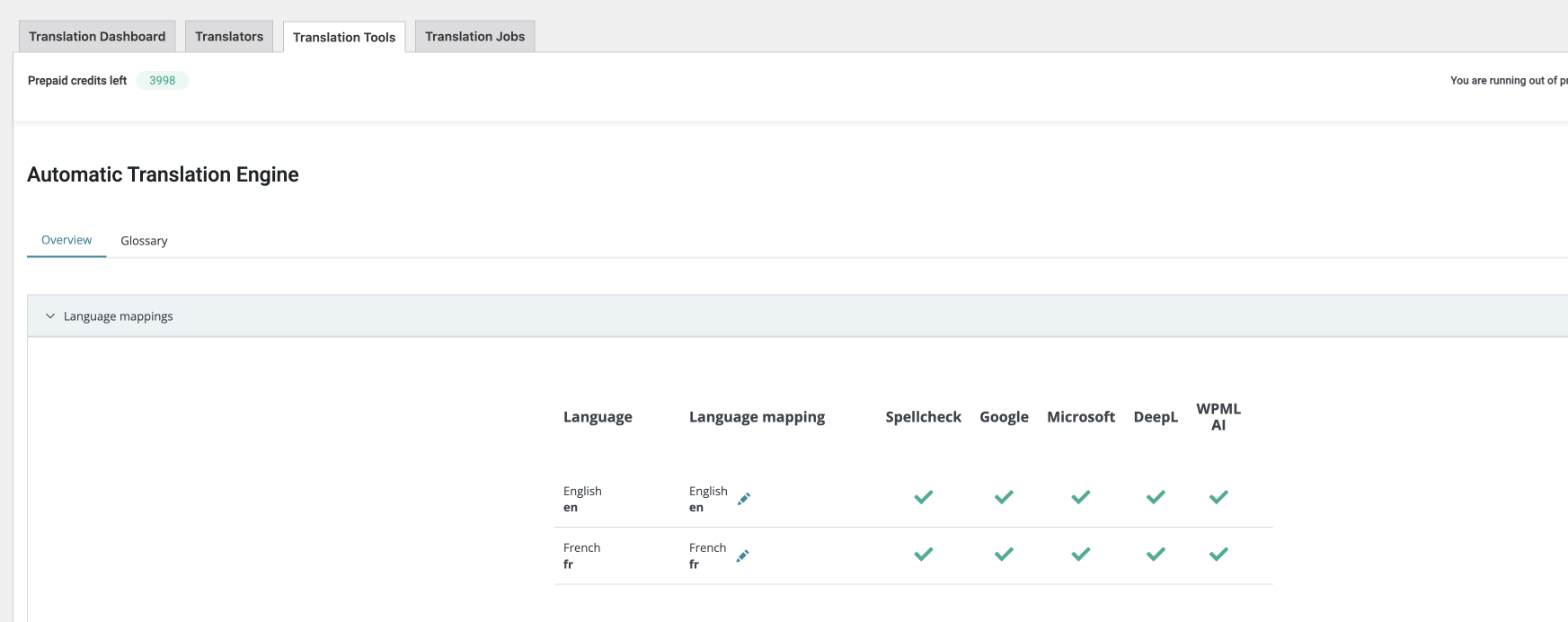
1. Ensure that the Translation Engine is enabled by navigating to WPML >> Settings >> Automatic Translation. For more details, refer to the documentation on how to change automatic translation engines.
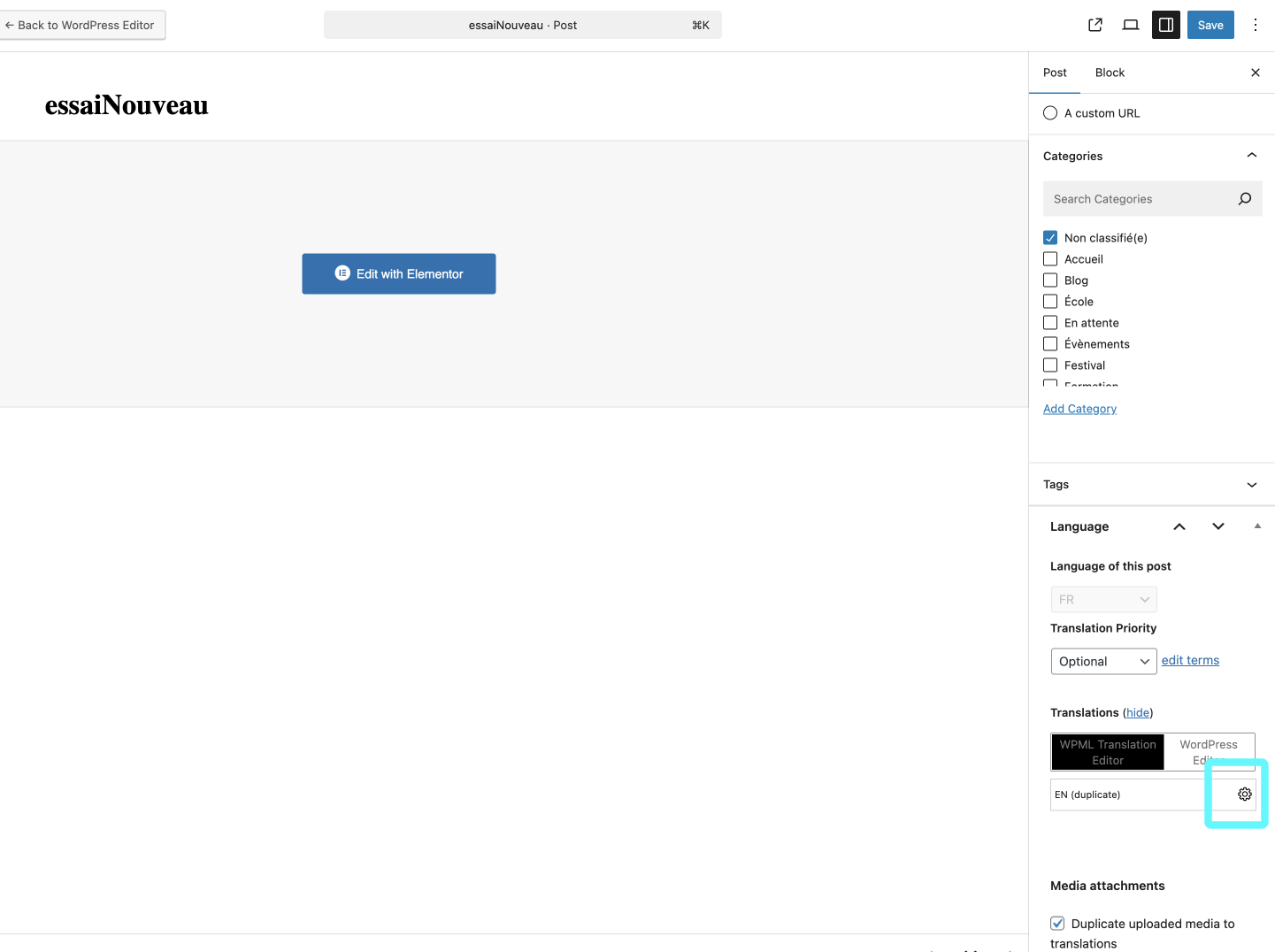
2. When using the Advanced Translation Editor, translations can be managed from the WPML Translation Management Dashboard. The wheel icon indicates that the translation is either still in progress or requires updates. For further guidance, see using WPML's Translation Dashboard.
3. Verify that the 'Back' button and other template elements are correctly set and translated. If issues persist, consider sharing a screencast to illustrate the problem.
If this solution does not resolve your issue, or if it seems outdated or irrelevant to your case, we highly recommend checking related known issues at https://wpml.org/known-issues/, verifying the version of the permanent fix, and confirming that you have installed the latest versions of themes and plugins. If further assistance is needed, please open a new support ticket.
This is the technical support forum for WPML - the multilingual WordPress plugin.
Everyone can read, but only WPML clients can post here. WPML team is replying on the forum 6 days per week, 22 hours per day.
This topic is split from https://wpml.org/forums/topic/updated-translations-not-showing-in-frontend/
This topic contains 6 replies, has 0 voices.
Last updated by 10 months, 2 weeks ago.
Assisted by: Bigul.