Skip to content Skip to sidebar

This is the technical support forum for WPML - the multilingual WordPress plugin.

Everyone can read, but only WPML clients can post here. WPML team is replying on the forum 6 days per week, 22 hours per day.

Sun Mon Tue Wed Thu Fri Sat
- 13:00 – 18:00 13:00 – 18:00 13:00 – 18:00 13:00 – 18:00 13:00 – 18:00 -
- 20:00 – 23:00 20:00 – 23:00 20:00 – 23:00 20:00 – 23:00 20:00 – 23:00 -

Supporter timezone: Asia/Singapore (GMT+08:00)

Tagged: 

This topic contains 40 replies, has 2 voices.

Last updated by Kor 1 year, 7 months ago.

Assisted by: Kor.

Author Posts
August 21, 2024 at 7:51 pm #16092147

philippO-6

So the theme developer made an update, which I already did and resaved the template several times, however, it's still not working. Already told the theme developer as well.

August 22, 2024 at 2:24 pm #16095343

Kor

Thank you for your response.

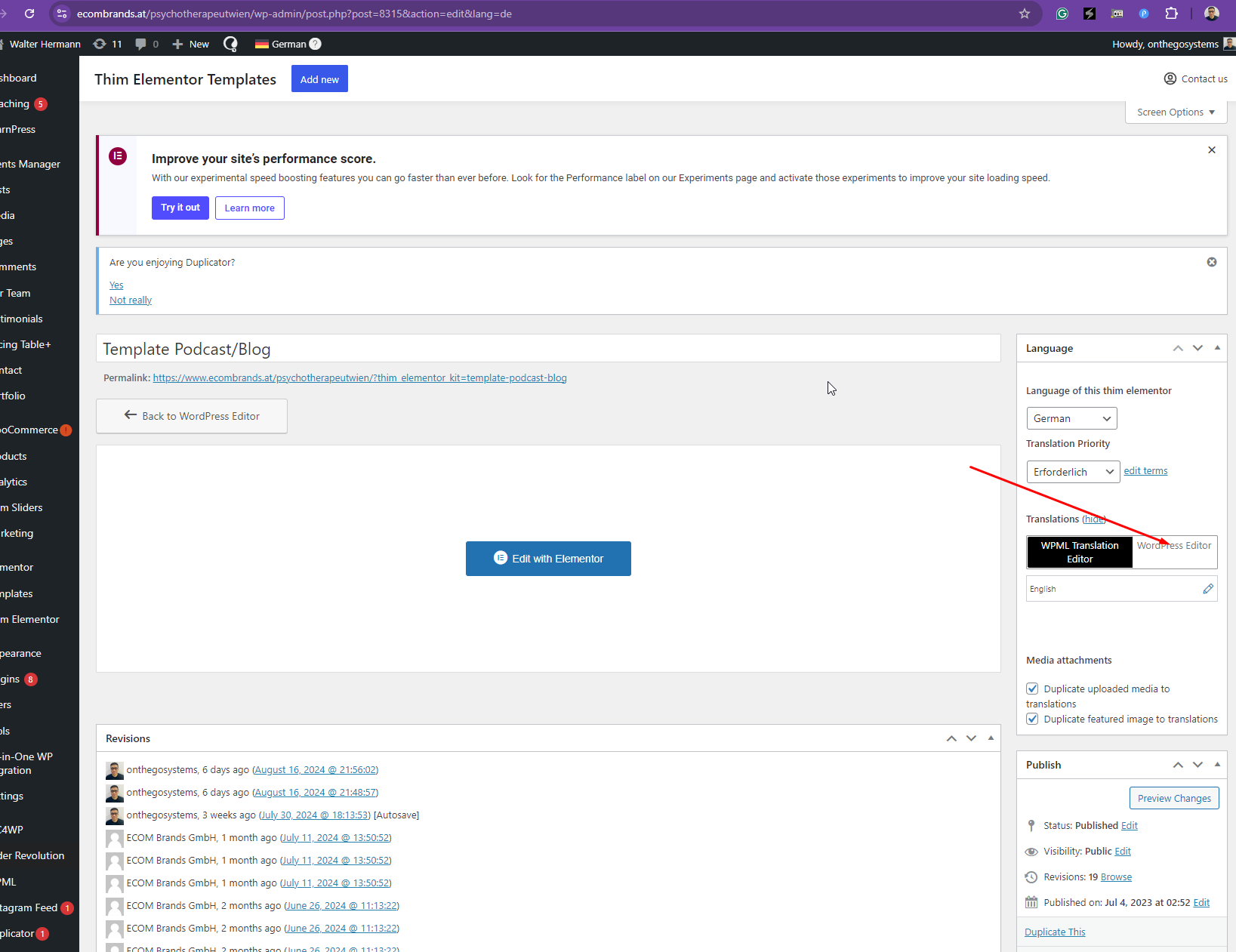
I've reviewed the changelog here: hidden link , and it seems that there hasn't been any update to address this template issue. It's unclear why this is not corrected, but since a fix isn't expected soon, I recommend using the "WordPress Editor" (Manual Translation) here hidden link to correct the page content for now (refer screenshot).

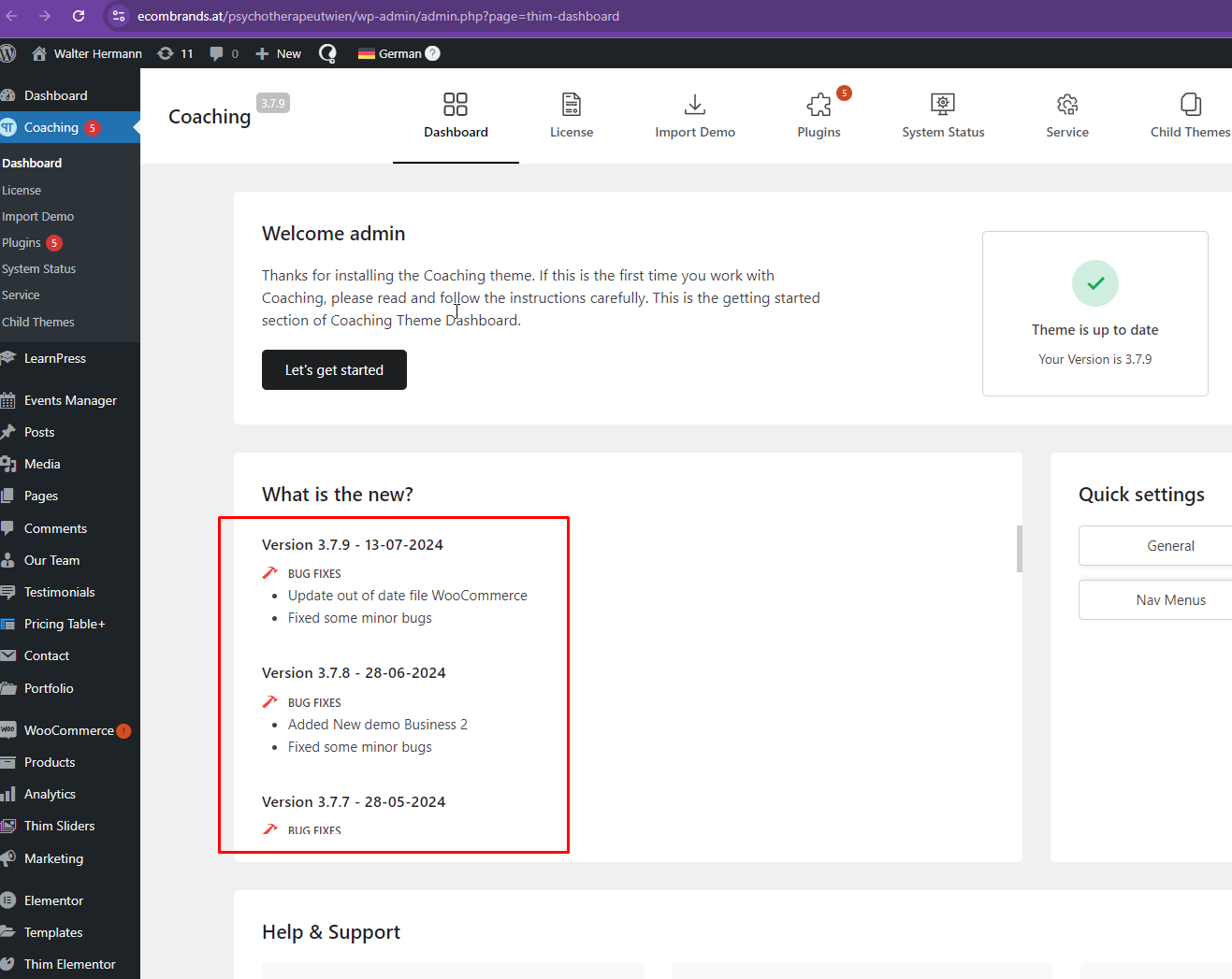
When you have the opportunity, please reach out to your theme author again and ask them to contact our compatibility team through this form: https://wpml.org/documentation/support/go-global-program/

Screenshot_63.png
Screenshot_64.png
August 23, 2024 at 3:00 pm #16098950

philippO-6

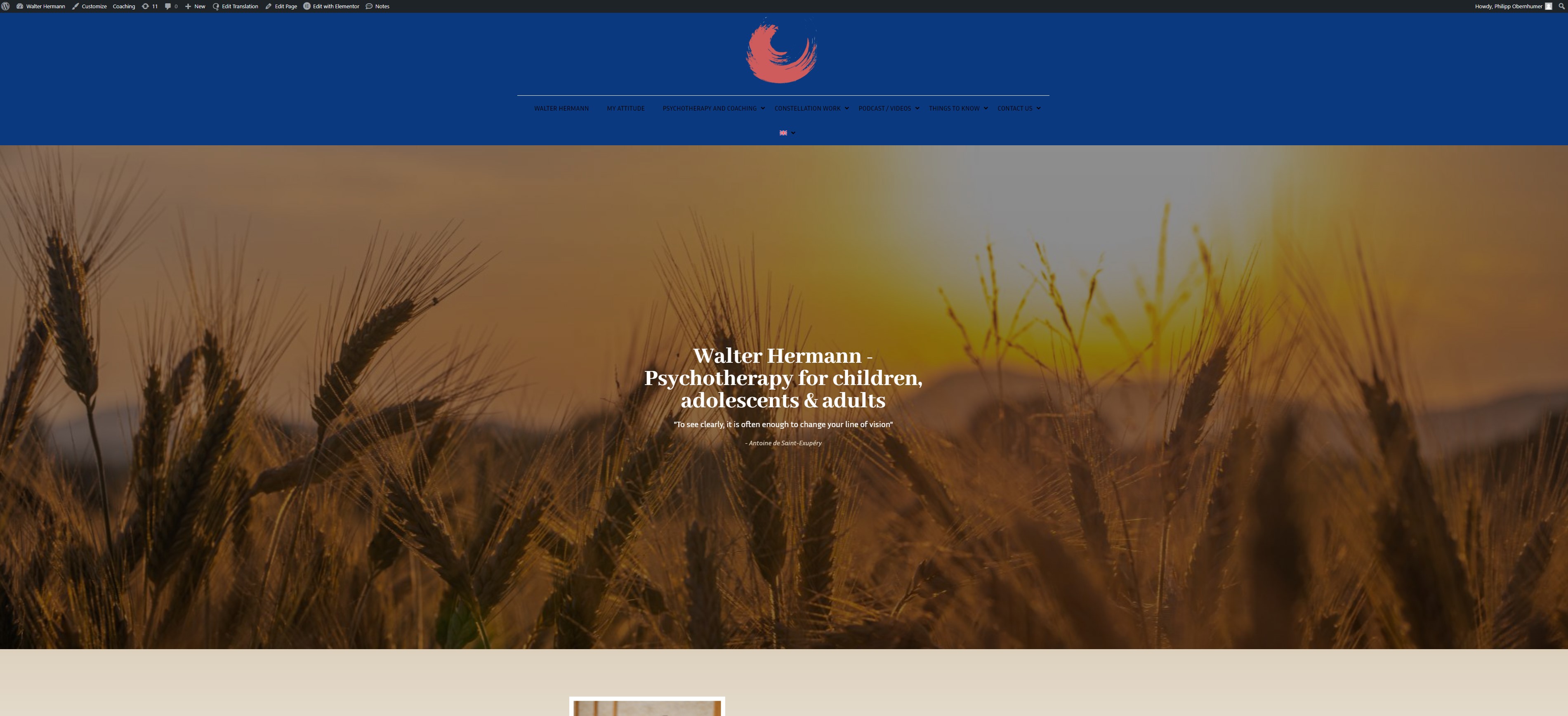
After I did what you said, there was a bug on the page. The thing is that the template is actually being translated, but the page does not recognize it or Idk what's wrong there. The theme developer needs to solve this.

Screenshot 2024-08-23 165615.jpg
August 23, 2024 at 3:12 pm #16099029

Kor

Thanks for your reply.

It looks like you're editing the template here hidden link . Should I take over so that I can show you how to manually edit the template and fix the header issue?

August 23, 2024 at 3:13 pm #16099031

philippO-6

that would be very helpful. Thank you!

August 23, 2024 at 3:35 pm #16099064

Kor

Looks like it's not working even if I used the "WordPress Editor" (manual edit). It just keeps using the German template on the English page. You'll need to contact your theme developer about this.

August 23, 2024 at 3:46 pm #16099091

philippO-6

ok yeah that's what I was assuming. It's a pain in the a**. Already contacted them again! Thank you for your assistance, really appreciate that!

August 28, 2024 at 4:26 pm #16116292

philippO-6

Hi,
sorry I've got one more question: I changed URLs on some buttons but on the english version it still links to the wrong URL. Can I change that manually somehow or is it supposed to be updated automatically. I looked in the manual but couldn't find anything where it's described.

Thanks!

August 28, 2024 at 6:17 pm #16116702

Kor

Thanks for your reply. Could you please tell me which button are you referring to? I need to check and see if it's caused by the template issue.

August 30, 2024 at 2:22 pm #16125259
philippO-6

On this page: hidden link
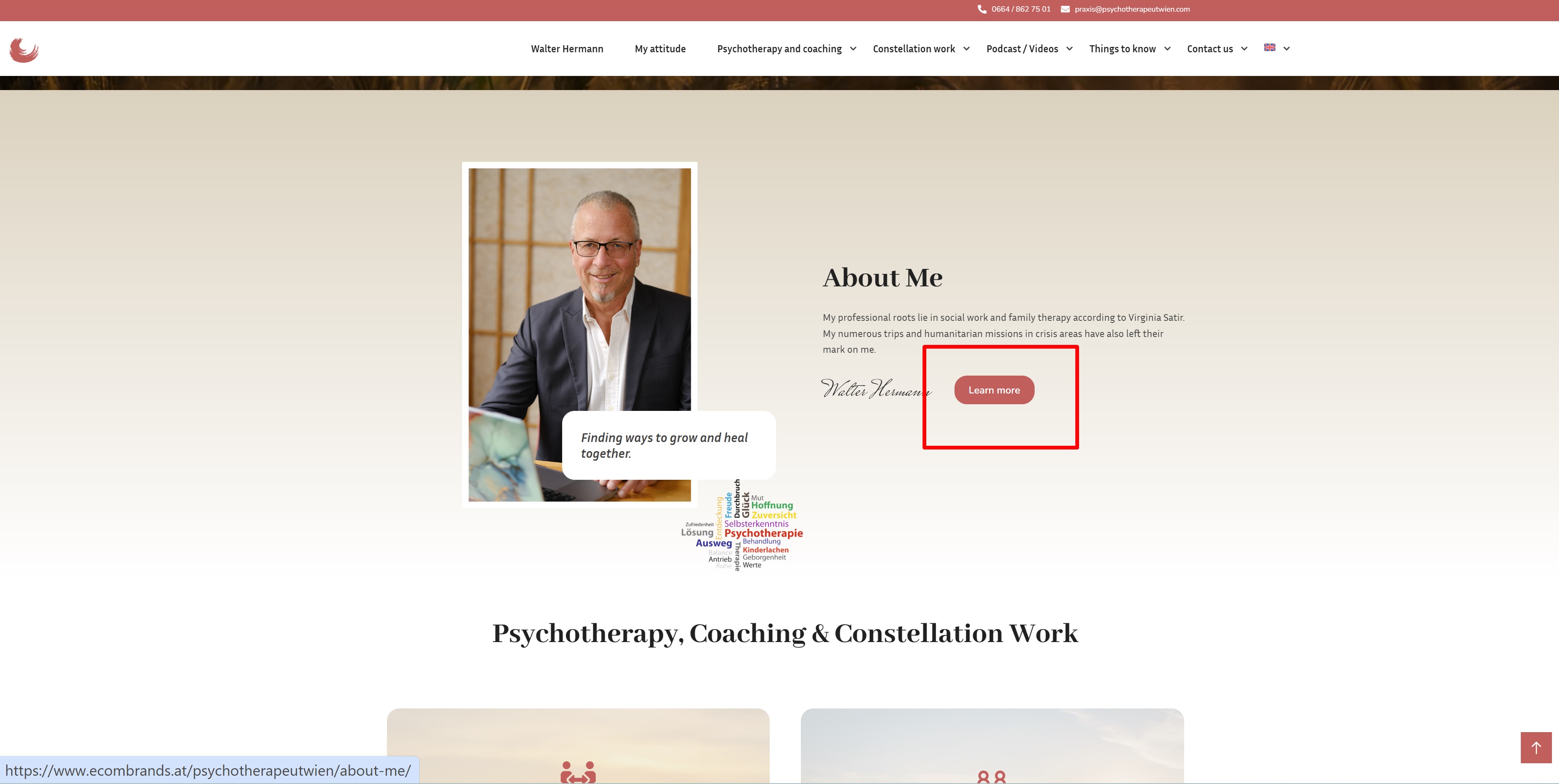
e.g. the button in the screenshot

New threads created by Kor and linked to this one are listed below:

https://wpml.org/forums/topic/incorrect-translated-button-link/

Screenshot_1.jpg
August 30, 2024 at 3:28 pm #16125696

Kor

Thanks for your reply. I've split the ticket here https://wpml.org/forums/topic/incorrect-translated-button-link/ so that we can follow up.

As for this ticket, we will wait for your theme author to solve the template translation issue.

The topic ‘[Closed] Content is not translated’ is closed to new replies.